Galleon 2026Download our mobile shopping application for faster and easy transaction.
Product ID:
1037615
Identifier:
B0GBVT26C1
Brand:
HP
Model:
HP
Shipping Weight:
5.99 lbs
Manufacturer:
HP
Shipping Dimension:
20.98 x 14.02 x 2.99 inches
₱37,901
₱37,526
+ ₱ 3,024
Shipping Cost from USA to Philippines inclusive of custom fees.
Cost too high? Check weight and dimension on product details and click "I think this is wrong?" link.
Get it between 2026-06-01 to 2026-06-08.
Additional 3 business days for provincial shipping.
- Price and Stocks may change without prior notice
- Packaging of actual item may differ from photo shown
Cash upon Pick-up - orders grand total must not exceed ₱5,000.00. Order will be pickup at Galleon's Office.
Cash on Delivery - orders grand total must not exceed of ₱10,000.00 and must not exceed ₱5,000.00 for provincial areas. See all payment methods
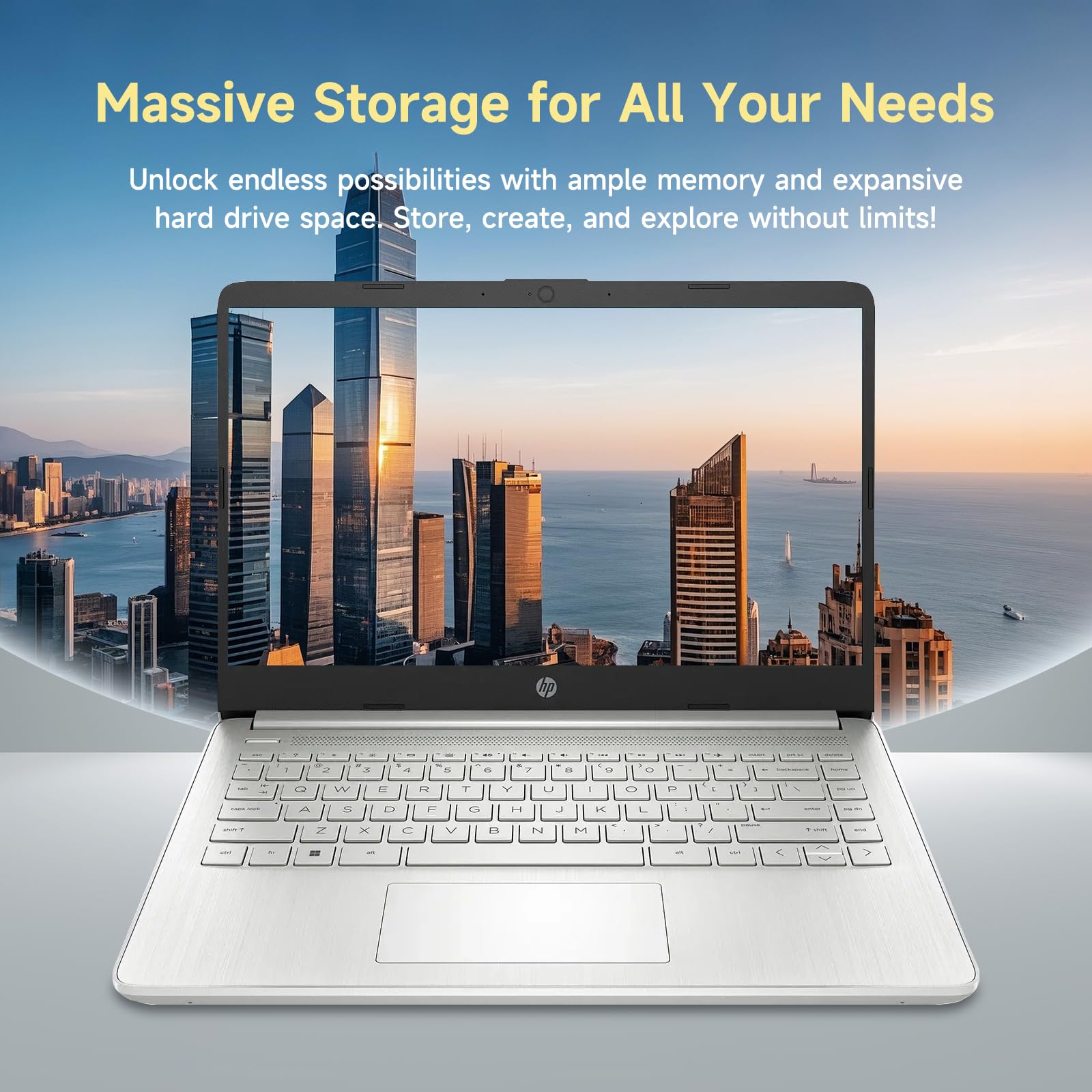
【Efficient 4-Core Processor】Power through your day with an Intel Celeron N150 processor (Beat i3 Turbo Boost), this HP laptop ensures faster performance and smoother operation for everyday tasks—easily managing 20+ browser tabs, HD video calls, video editing, and casual gaming without slowdowns.
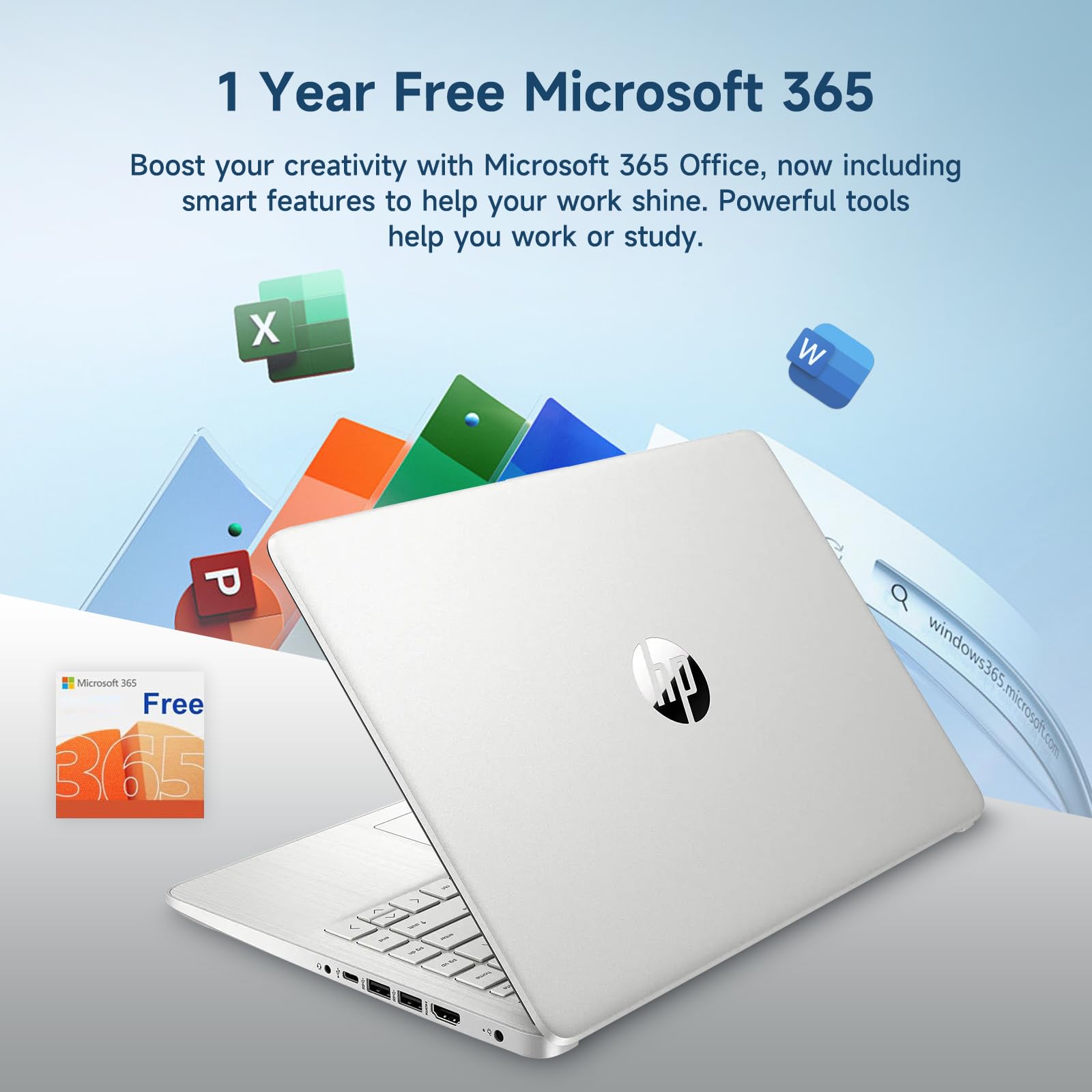
【 1-Year Office 365 & 128GB Expandable Storage】Boost your productivity with a 1-year Office 365 subscription, perfect for students and professionals creating documents and presentations. The 128GB UFS storage, expandable via SD card, offers ample space for all your files, making this student laptop a complete laptop for college students.
【Immersive & Portable】With a HD BrightView screen (1366x768) , this HP 14-inch laptop offers an immersive viewing experience, showcasing stunning contrast and razor-sharp details, while its anti-glare coating helps reduce eye strain. Perfect for business professionals, college students, and gamers—all packed in a sleek, lightweight design.
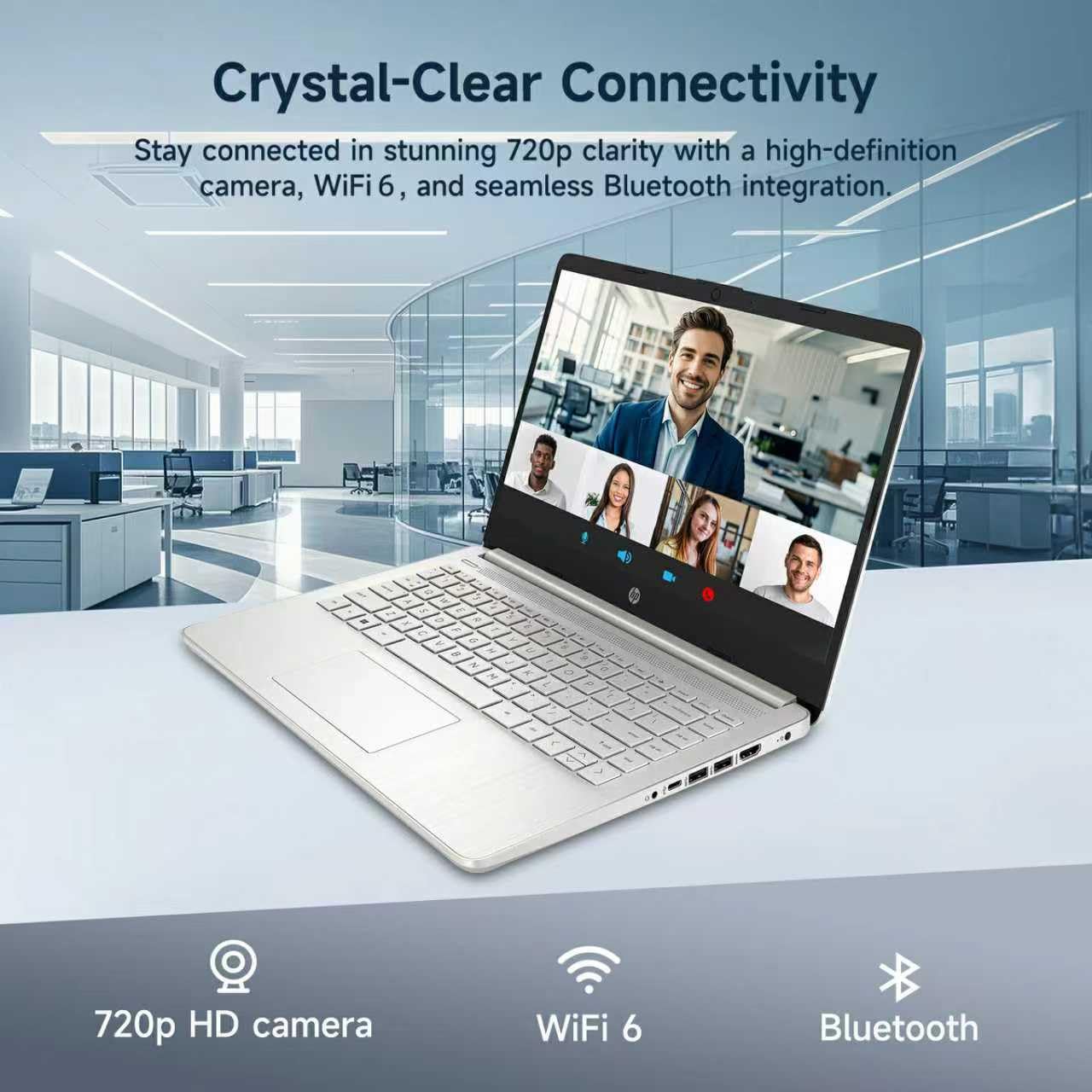
【Humanized Design】Equipped with a premium WiFi 6 for blazing-fast internet and 1-Year Microsoft 365 Copilot AI, users benefit from this notebook intelligently assists with tasks, boosts productivity, and streamlines workflows, making it a reliable choice for office computer laptops, college laptops and gaming laptops alike.
Windows 11 Home in S mode (You may switch to regular windows 11: Press "Start button" bottom left of the screen; Select "Settings" icon above "power" icon;Select Update & Security and Activation, then Go to Store; Select "Get" option under "Switch out of S mode"; Hit Install.)
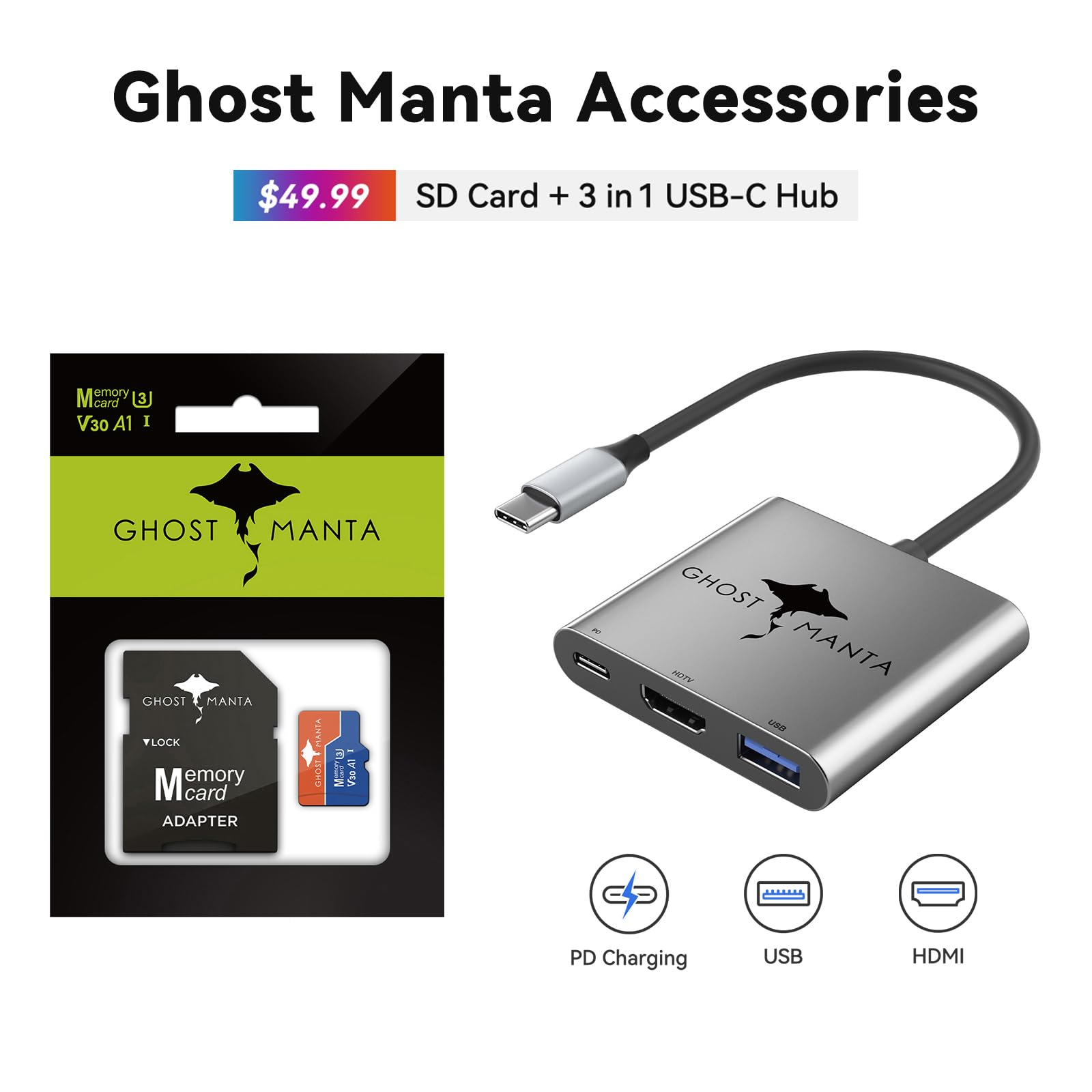
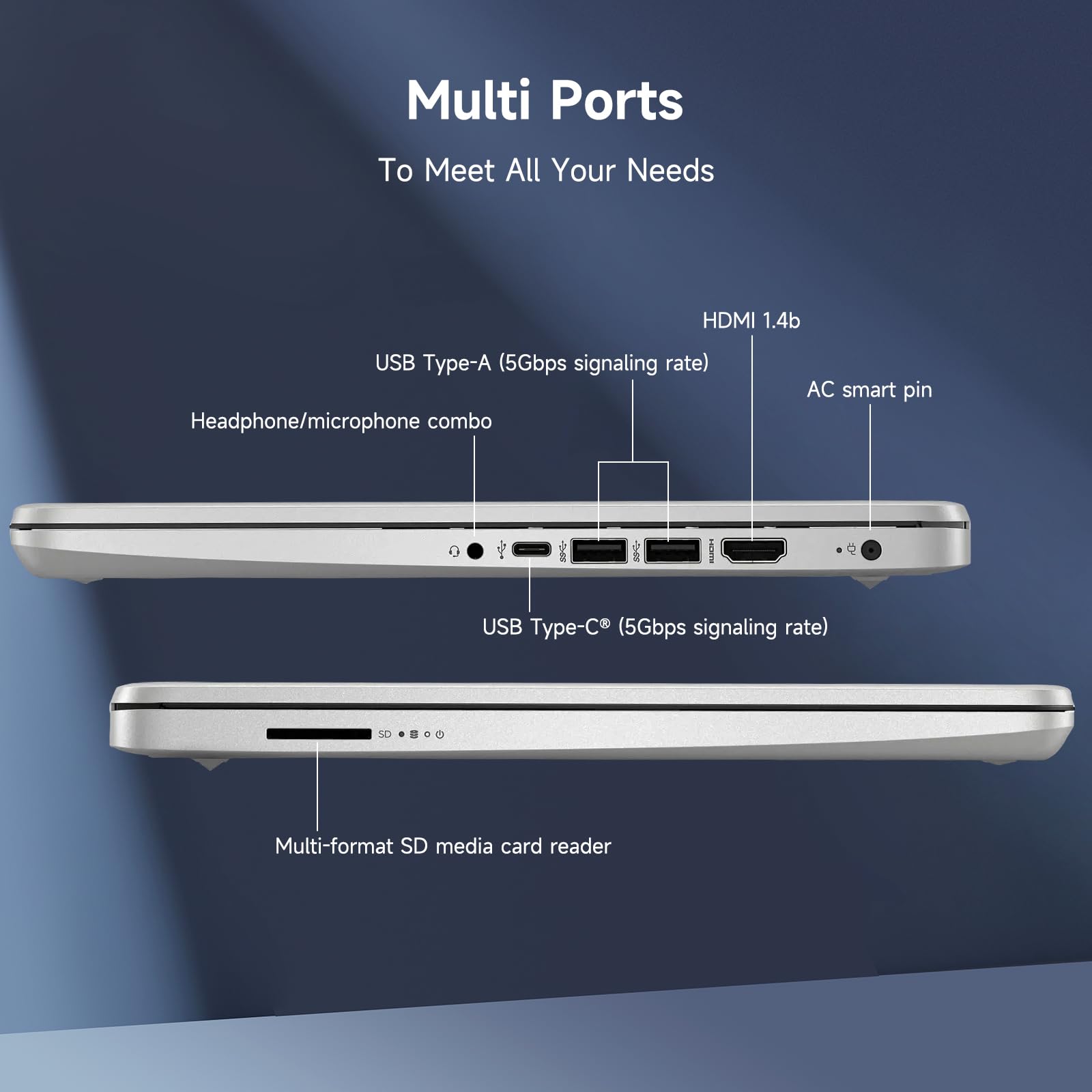
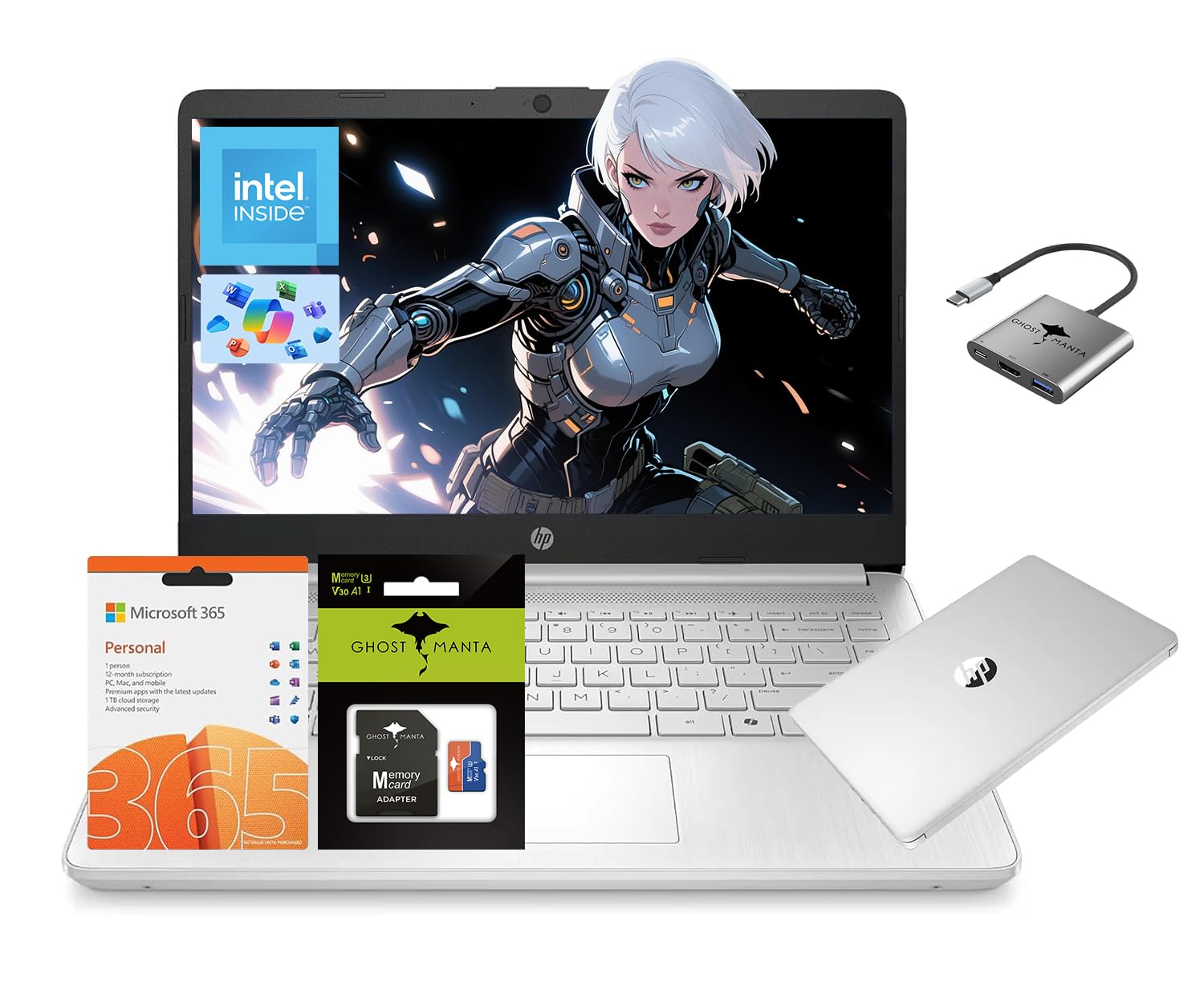
Microprocessor: Intel Processor N150 (4 Cores, up to 3.6 GHz) Memory:Upgraded to 16GB DDR4 RAM Video Graphics: Intel UHD Graphics Wireless Connectivity: Wi-Fi 6 and Bluetooth 5 combo External Ports: 1 x SuperSpeed USB Type-C 3.0 2 x SuperSpeed USB Type-A 3.0 Minimum Dimensions(W x D x H): 12.76 x 8.86 x 0.71 inches Weight: 3.24 LB Power Supply type: 45 W AC power adapter Battery Life Mixed Usage: Up to 11 hours Webcam: HP Wide Vision 720p HD camera with camera shutter and integrated dual array digital microphones Activate 1 Year MS office 365 Activate pre-installed Office: 1.Launch any Office app > 2.Start your activation by signing in with your Microsoft account(Create a account if you don't have one yet) > 3.Click "Activative Office" > 4.Sign in your account and follow the next prompts. > 5.Complete Step 1,2 and 3 > 6.Click on Refresh once Office is ready > 7.Open a document and accept the license agreement. Switching out of S mode in Windows 11 1. On your PC running Windows 11 in S mode, open Settings > System > Activation. 2. In the Switch to Windows 11 Pro section, select Go to the Store. (If you also see an "Upgrade your edition of Windows" section, be careful not to click the "Go to the Store" link that appears there.) 3. On the Switch out of S mode (or similar) page that appears in the Microsoft Store, select the Get button. After you see a confirmation message on the page, you'll be able to install apps from outside of the Microsoft Store. Accessories: 128GB Ghost Manta SD Card + 3in1 Type C Hub

Buy products not available in the Philippines.