Galleon 2026Download our mobile shopping application for faster and easy transaction.
Product ID:
872637
Identifier:
B08YWTJY4F
Brand:
thinkcar
Model:
Thinkcar Thinkdiag Diagnostic Scanner
Shipping Weight:
0.26 lbs
Manufacturer:
Thinkcar
Shipping Dimension:
4.65 x 3.03 x 1.54 inches
₱9,706
₱7,832
+ ₱ 252
Shipping Cost from USA to Philippines inclusive of custom fees.
Cost too high? Check weight and dimension on product details and click "I think this is wrong?" link.
Get it between 2026-05-24 to 2026-05-31.
Additional 3 business days for provincial shipping.
- Price and Stocks may change without prior notice
- Packaging of actual item may differ from photo shown
Cash upon Pick-up - orders grand total must not exceed ₱5,000.00. Order will be pickup at Galleon's Office.
Cash on Delivery - orders grand total must not exceed of ₱10,000.00 and must not exceed ₱5,000.00 for provincial areas. See all payment methods
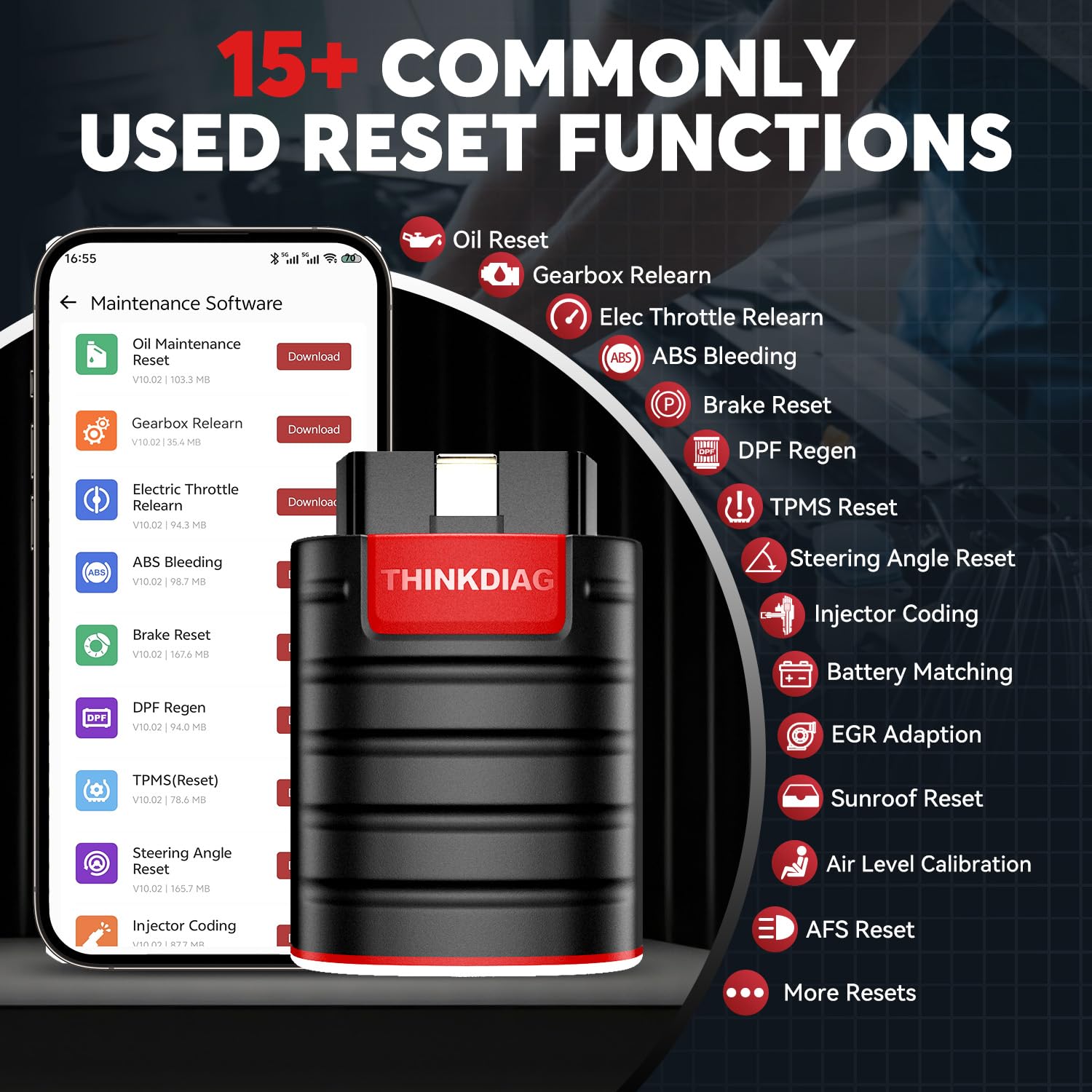
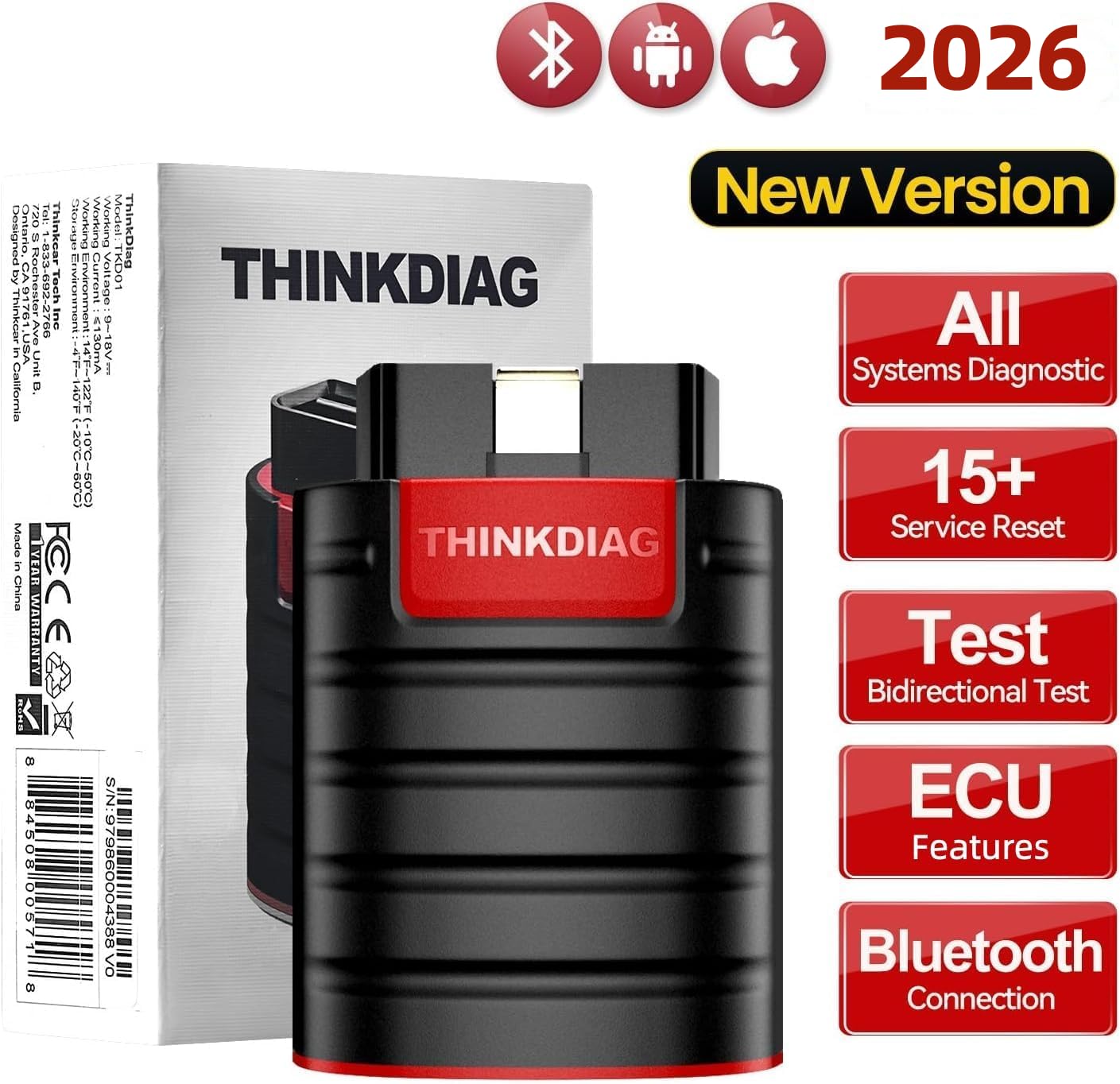
【15+ Advanced Reset & Calibration Functions】The Thinkdiag scanner provides 15+ professional maintenance functions, including:✔ Oil Reset | ✔ ABS Bleeding | ✔ Injector Coding | ✔ SAS Reset✔ TPMS Reset | ✔ BMS Reset | ✔ Transmission Adaptation | ✔ AFS Reset | ✔ Sunroof Calibration | ✔ Brake Reset | ✔ Suspension Relearn | ✔ Electronic Throttle Relearn | ✔ Seat Calibration | + More reset/relearn/calibrate/adaptive functions under automotive full systems diagnostic menu. Ideal professional OBDII scanner for mechanics and DIY enthusiasts, Thinkdiag delivers factory level diagnostics with adaptive relearn capabilities for precise vehicle servicing.
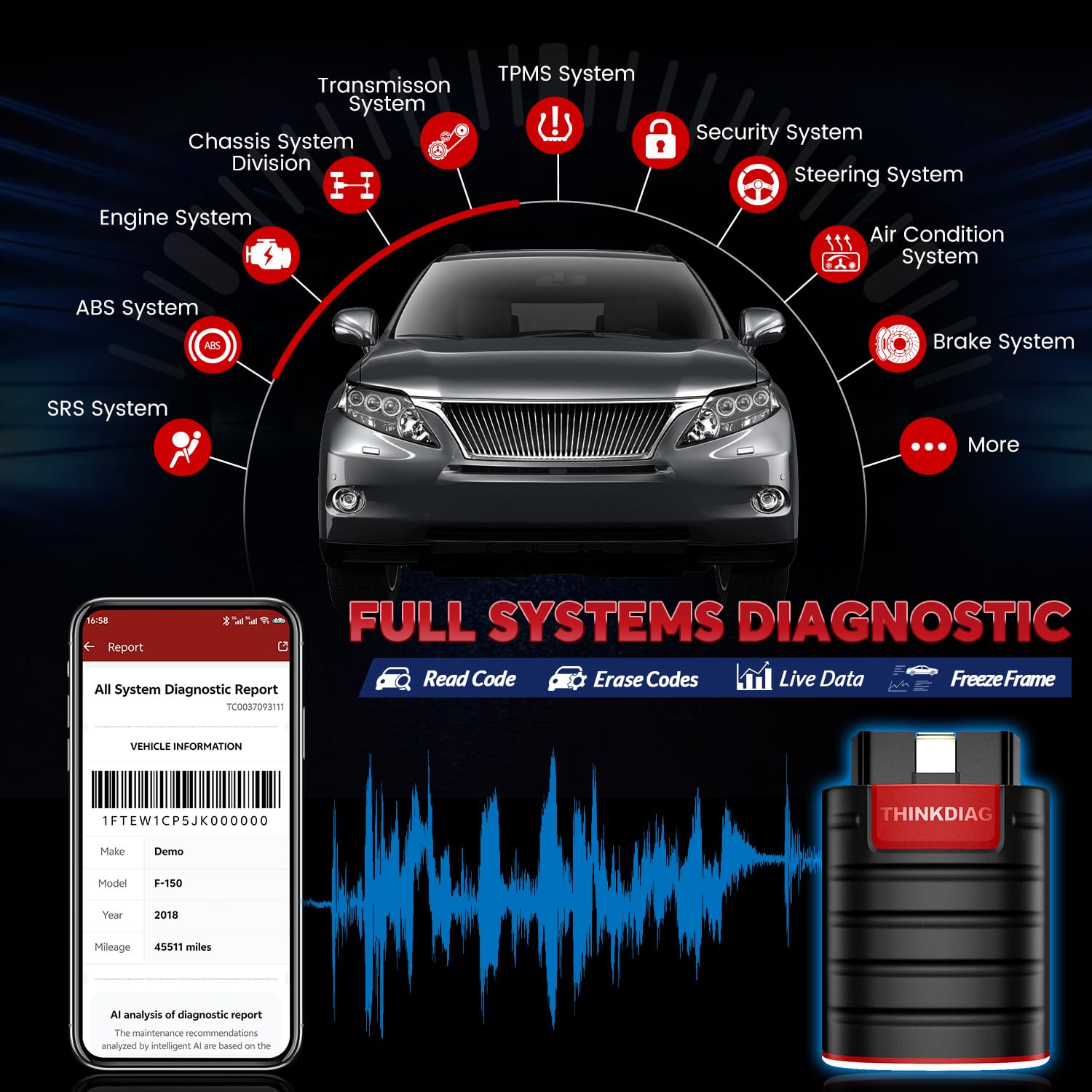
【Full-System Diagnostics OBD2 Scanner Bluetooth】 Thinkdiag OBD2 Scanner supports all Systems diagnostic function, it can read/clear DTCs, read live data, read control module information, actuation tests and maintenance functions for ECM, BCM, SRS, TCM, BMS, TPMS, SAS, A/C system etc... It works with most car models after 1996, cover more than 120+ car brands. All car make and reset software come with 1 year update without any charge, much valuable and powerful than other scanners in the market.
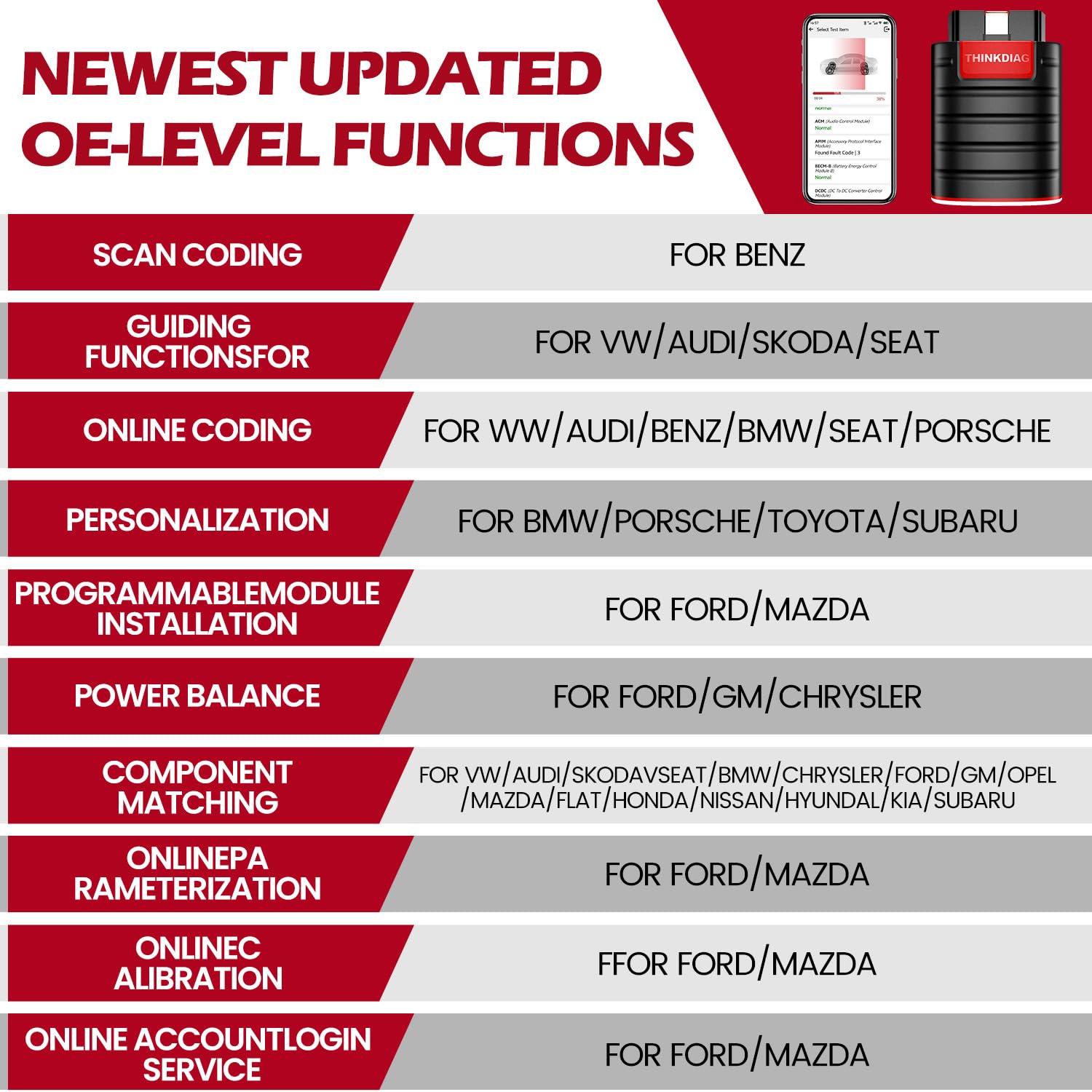
【 Potential Feature Activation】Thinkdiag diagnose obd2 scanner bluetooth allows you to match the replaced components with ECU, activate potential functions for BMW, for GM, for Benz etc. Adjust some annoying features, adapt vehicle's settings to improve performance. No matter you are private owner or professional technician, Thinkdiag is a powerful and handy scanner in your repair tool list. Potential features activate is not suitable for every car models, please check with us before purchse.
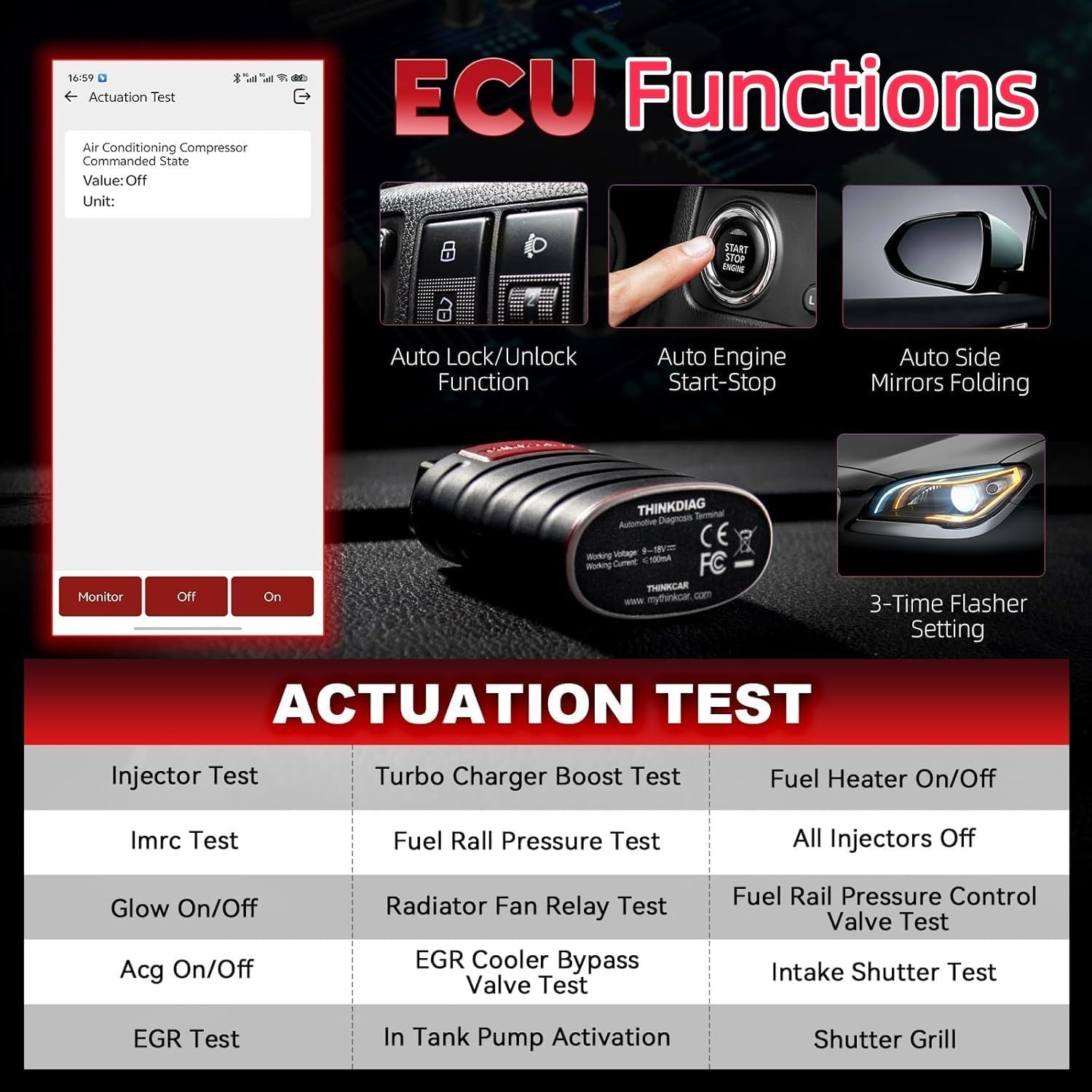
【Bidirectional Test/Active Test】 Thinkdiag car code reader actuates solenoids and actuators for active testing, send commands to systems/components to test their real-time working status, without using manual vehicle controls which saves much diagnostic time and effort to identify malfunction causes. You can check windows, doors, mirrors, sunroof, fans, fuel pump and other parts working status by actuation test function.
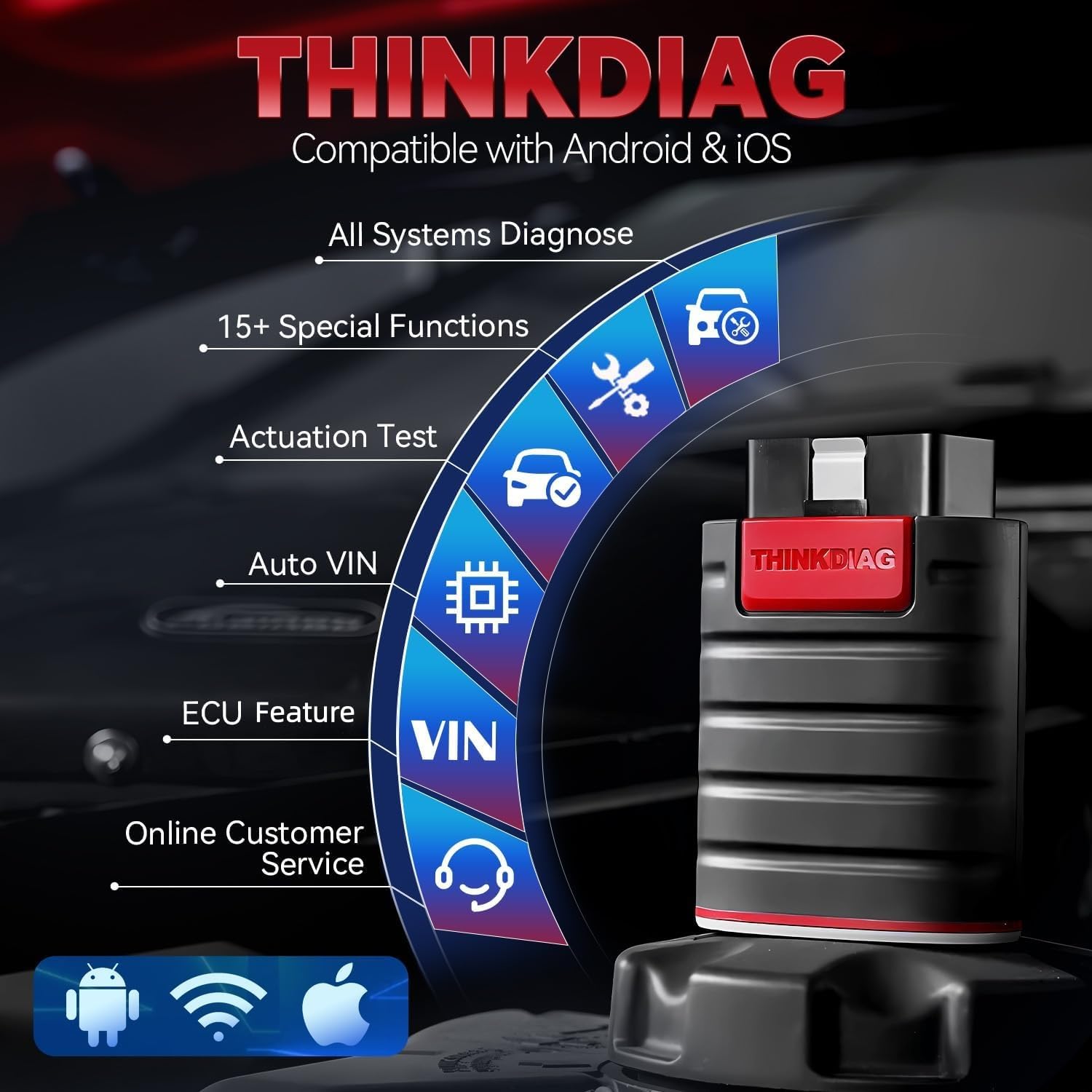
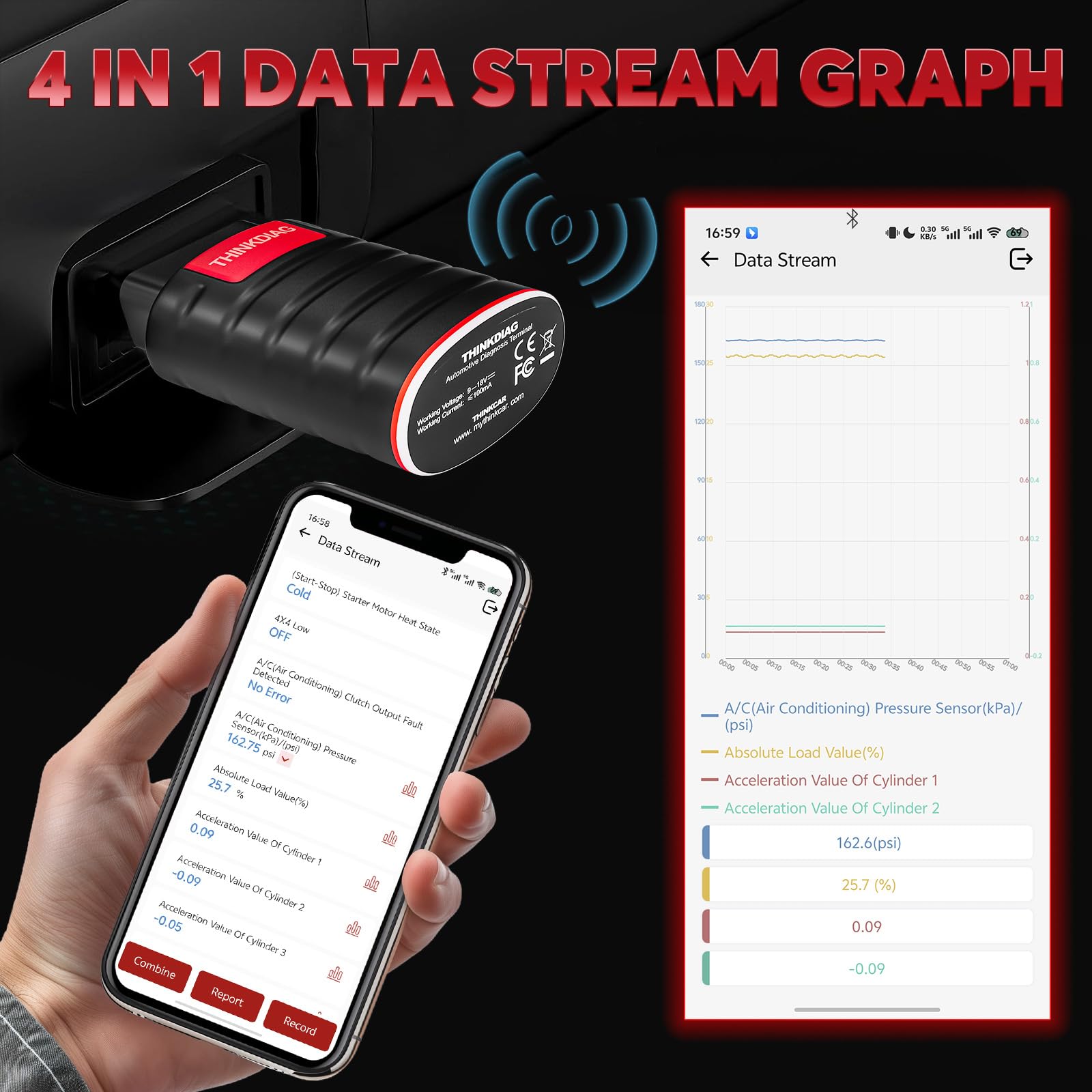
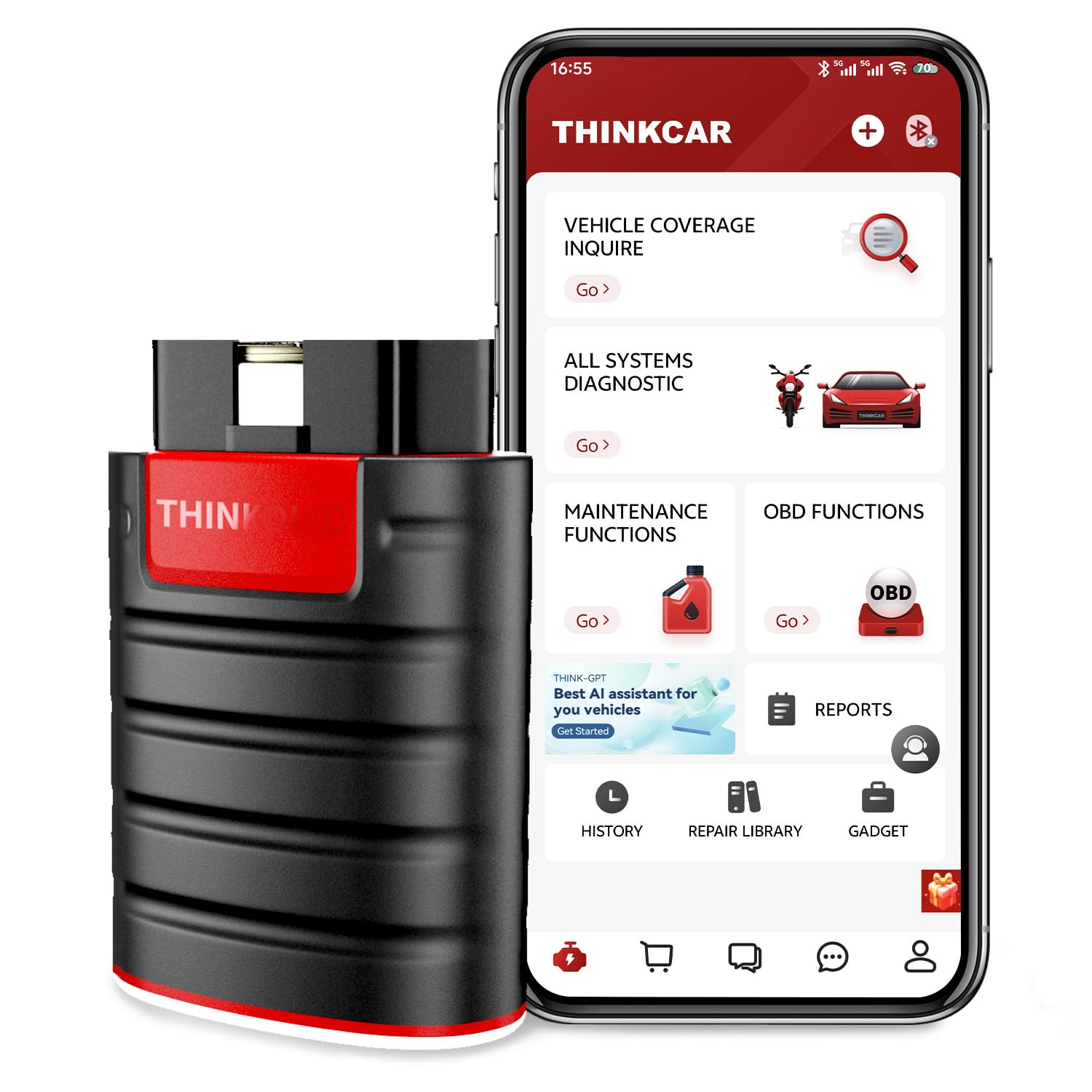
【Intelligent Diagnostic Tool with Auto-VIN】Thinkdiag Bluetooth OBD2 scanner makes your smart phone device become a professional vehicle diagnostic tool, it compatible with Android and iOS system. Auto-VIN function supports the Thinkdiag identifies the most car models automatically, if autovin failed, you can choose car info manually. Full system Vehicle health report will be automatically created after diagnosis, report can be shared. Live Data Stream combined 4-in-1 Graphing+Data Record better for monitoring vehicle performance and analyze the abnormal parameter.
【FCA AutoAuth Compatibility】Register with Auto-Auth to enable Thinkdiag to communicate with the FCA SGW Authentication System and bypass the SGM, so as to perform diagnostics and bidirectionals without using a bypass cable. But currently using this function needs to be paid For FCA account, you can choose to use it or not. Or you can use 12+8 bypass adapter cable to diagnose, this feature locates in thinkdiag app profile named FCA diagnostic.
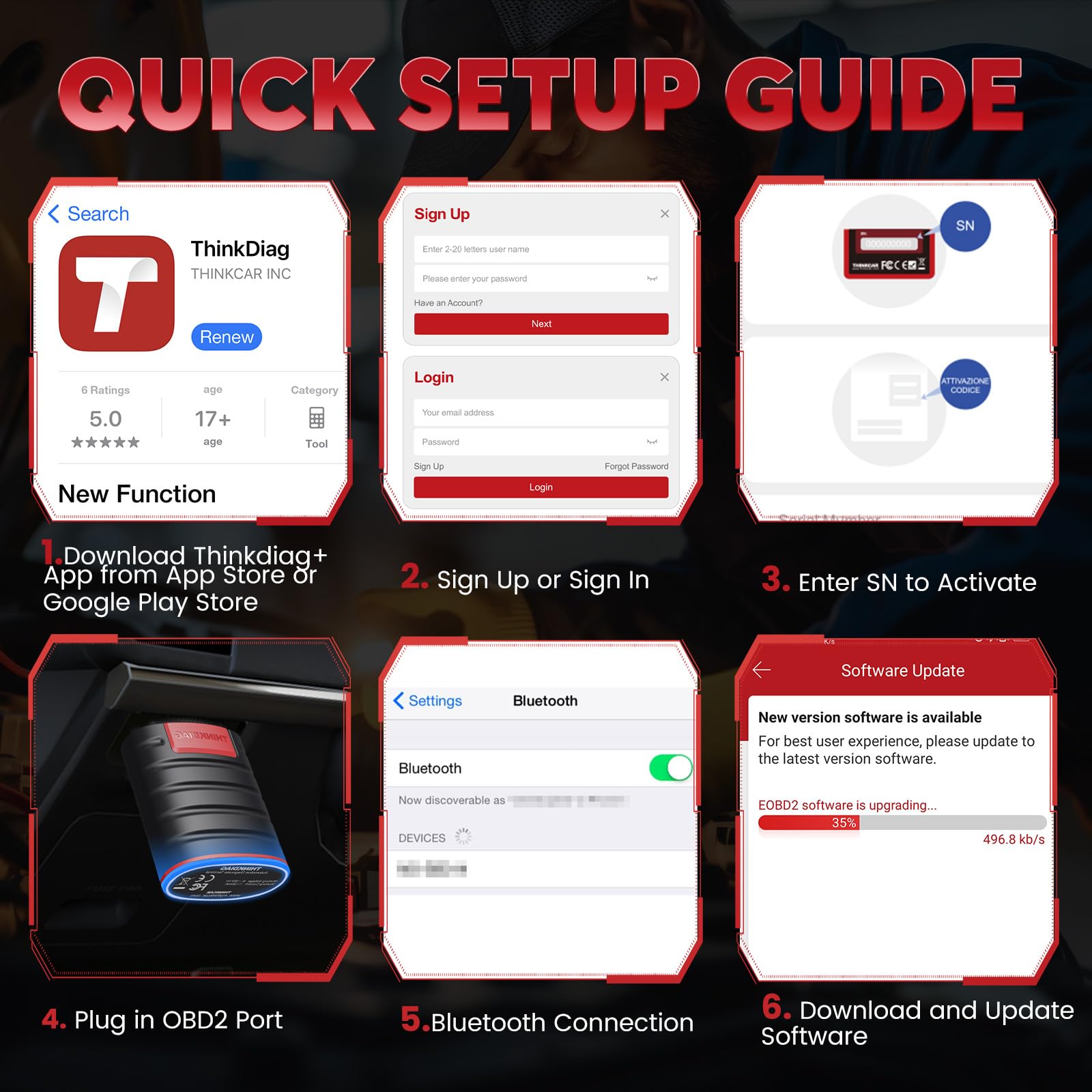
【 Activation & Subscription】You need to activate Thinkdiag Scanner to use the full software and functions for one year update. Download Thinkdiag+ APP---Register User Account With Your Mailaddress---Login Account---Activation---Enter Serial Number And Activation Code. Issue? Clear app cache & relogin or contact buyer to get prompt support. More details please refer to thinkdiag+ app store or contact seller to get help.
【Before You Buy】Check vehicle compatibility at thinkcar website or you can message us on amazon or send emails to us with your car info brand/year/model. Recommended: Used on Android/iOS smartphones, required to download thinkdiag+ app to use (Tablets may have compatible issues). Our customer service mailbox is listed on store front page, if you have any issues please reach us at any time, we will offer prompt help. Once the device can't be registered please contact us with device SN to get new activation code. Bluetooth connection please keep cell phone bluetooth function opened, Thinkdiag plug in OBD2 port please make sure ignition on, thinkdiag light on means ready to work.

Buy products not available in the Philippines.