Galleon 2026Download our mobile shopping application for faster and easy transaction.
Product ID:
146399
Identifier:
B0FFMQ48RV
Brand:
ONE XPLAYER
Model:
ONE XPLAYER G1
Shipping Weight:
3.85 lbs
Manufacturer:
ONEXPLAEYR
Shipping Dimension:
10 x 7.72 x 4.09 inches
₱183,608
₱150,722
+ ₱ 2,016
Shipping Cost from USA to Philippines inclusive of custom fees.
Cost too high? Check weight and dimension on product details and click "I think this is wrong?" link.
Get it between 2026-05-14 to 2026-05-21.
Additional 3 business days for provincial shipping.
- Price and Stocks may change without prior notice
- Packaging of actual item may differ from photo shown
Cash upon Pick-up - orders grand total must not exceed ₱5,000.00. Order will be pickup at Galleon's Office.
Cash on Delivery - orders grand total must not exceed of ₱10,000.00 and must not exceed ₱5,000.00 for provincial areas. See all payment methods
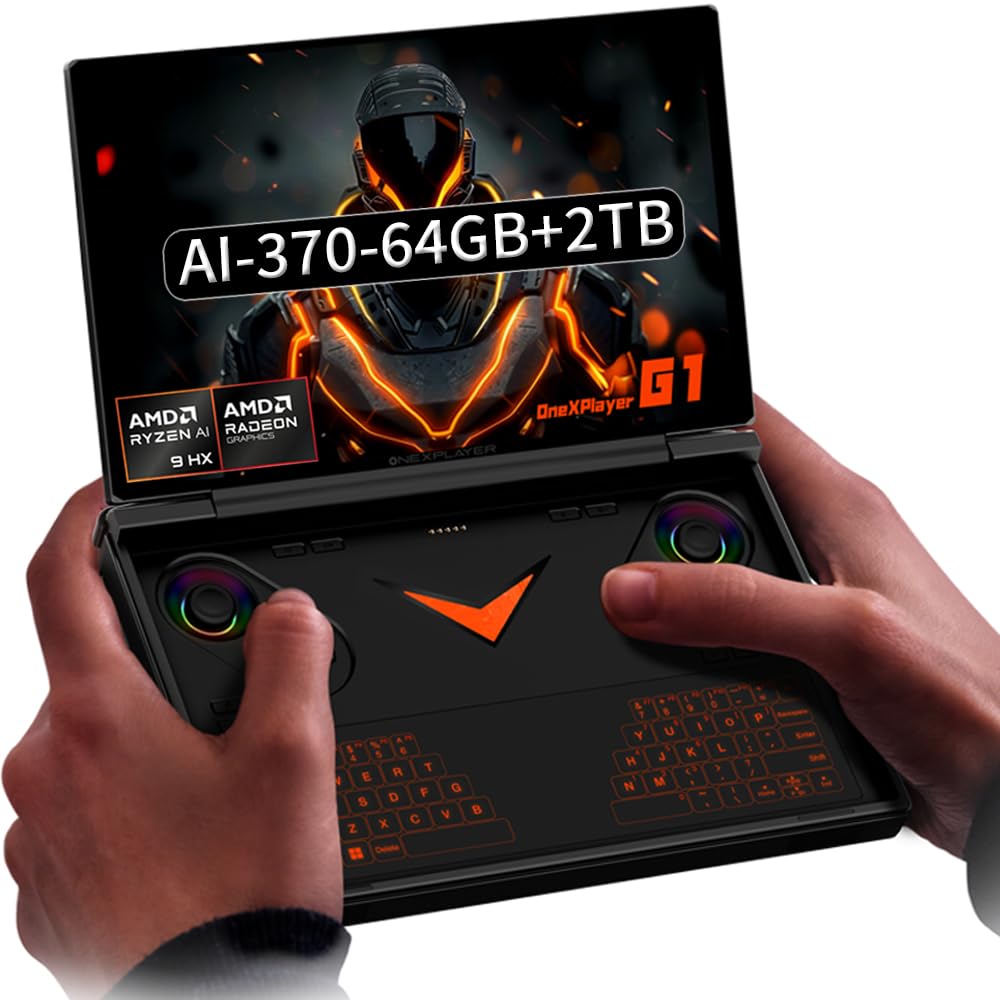
ONEXPLAYER G1 's CPU & GPU : AMD Ryzen A1 9 HX-370 processor, 12 Cores/24 Threads. Base Frequency 2 GHz Max Turbo Frequency Up to 5.1 Ghz Graphics: AMD Radeon 890M RNDA3 Graphics card. graphics framework 12 graphics cores / 2900 MHz graphics Frequency.
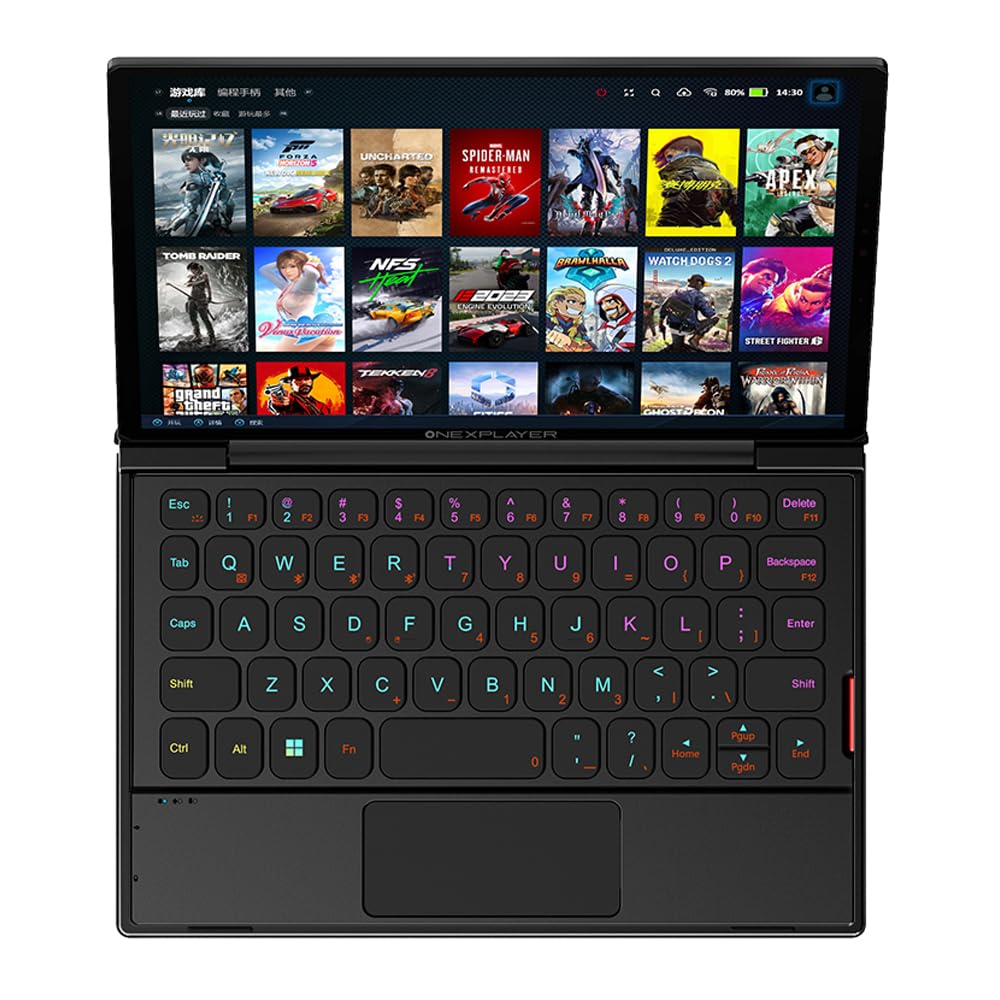
ONEXPLAYER G1's Screen: 8.8 Inches LTPS screen,97% DCI-P3, 500 Nits, 16:10 Ratio, 343 ppi pixel density,2560x1600 Resolution,Refresh Rate 144Hz. 178 degree super-large viewing angle, support 10-points touch, and bring a clear and exquisite game quality experience
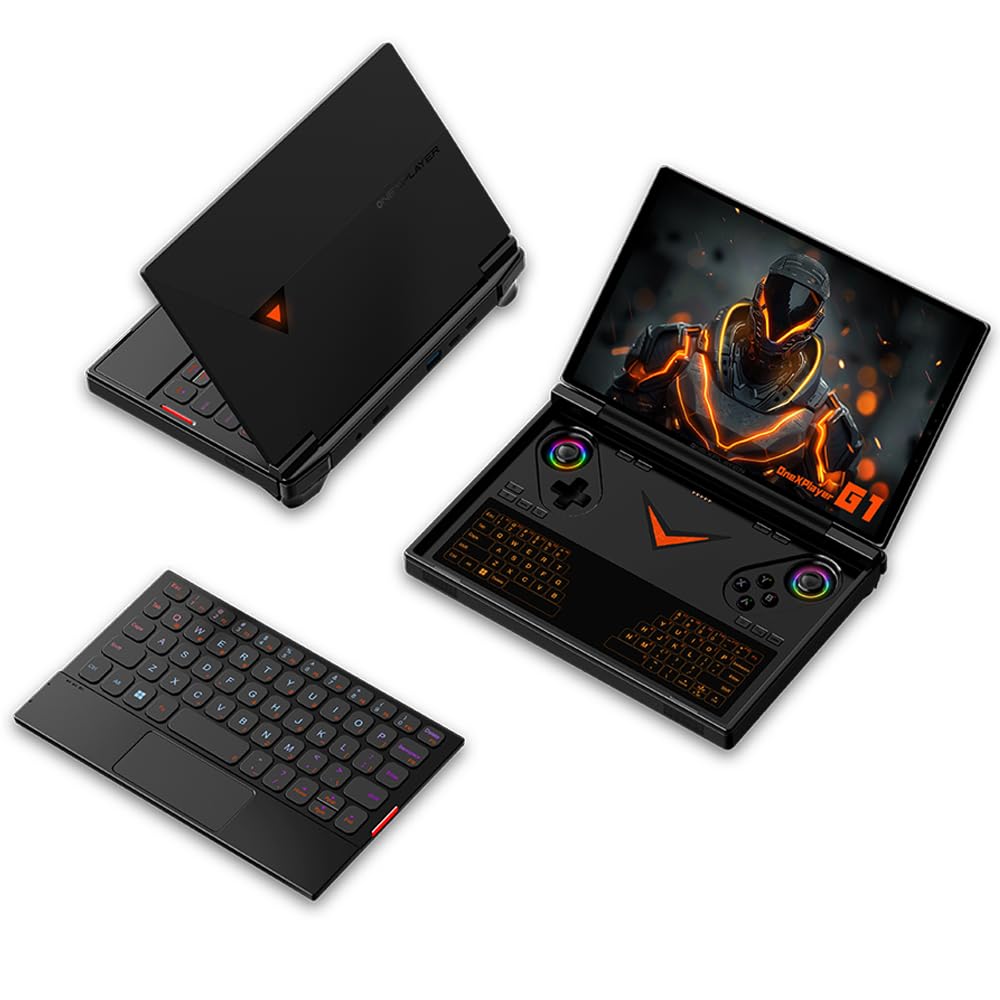
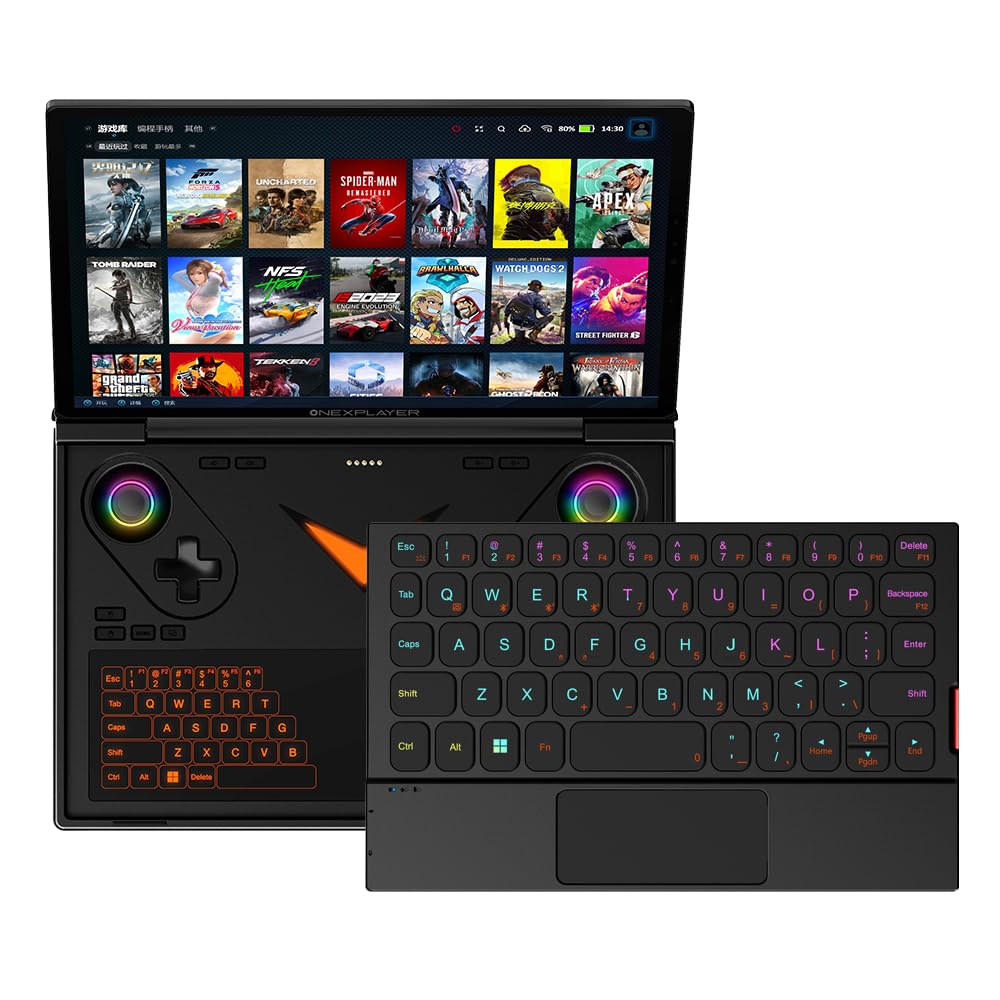
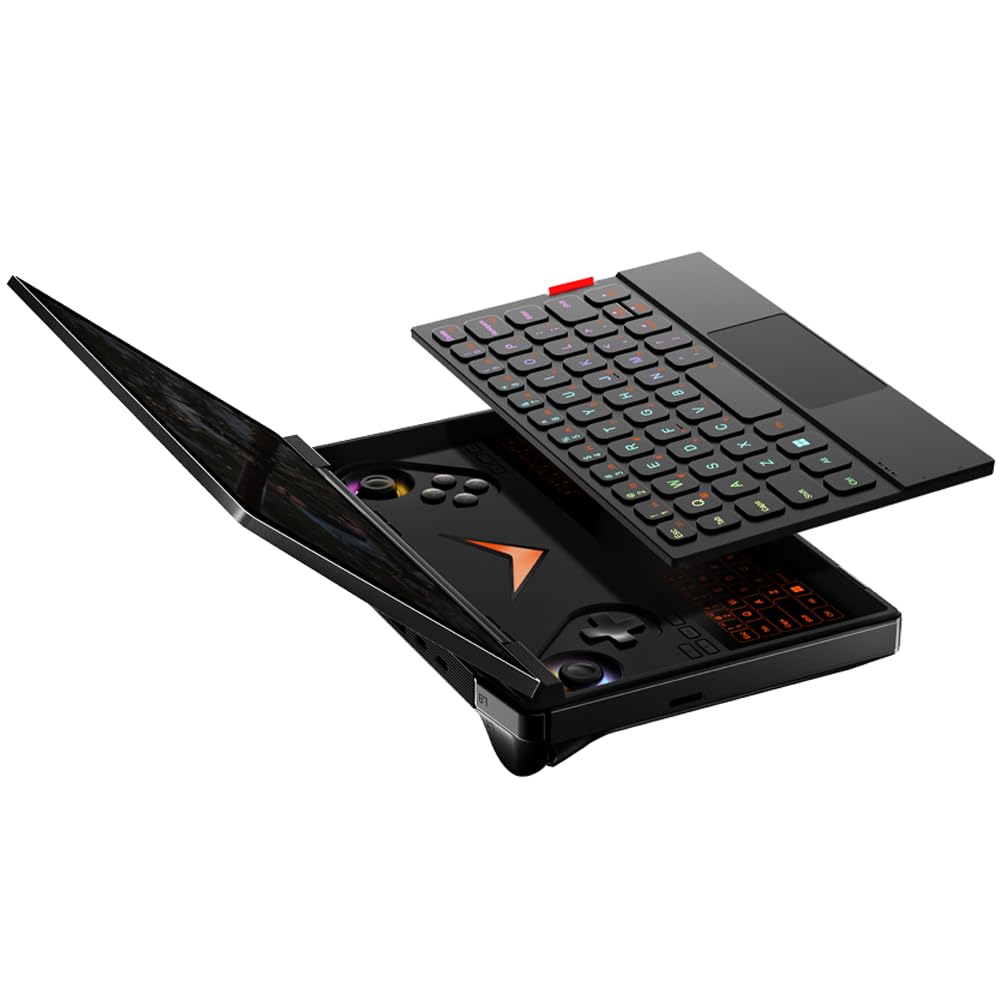
ONEXPLAYER G1's Two Keyboards: 1. A Built-in All-IN-ONE RGB Touch Keyboard (switch trackpads with one click) 2.A Standard RGB Backlight WASD Magnetic Bluetooth keyboard.The G1 is only 899 grams,and is small enough to pack into a handbag, easy play your favourite games on the go!
ONEXPLAYER G1 has a 13500 mAh 51.975WH large capacity battery and 65W GAN PD Fast charger,which can be quickly replenished in case of emergency,so that you don't fall behind at the critical moment of the game.
ONEXPLAYER G1's Factory reset: Here's the instruction of a simply re- installation to resolve software/driver issues: 1, Long press power button for 2-3 seconds to boot your laptop. Press Home+ (volume+ ) when you see power led on.Then you can enter the BIOS pages. 2, Choose the "UEFI OS" Firmware on the boot Override of page "Save & Exit". 3, Touch the "recovery" Icon on the screen when you log in the WIN PE system and then wait for the automatic reinstallation process,all problem resolved

Buy products not available in the Philippines.