Galleon 2026Download our mobile shopping application for faster and easy transaction.
₱4,635
₱2,900
+ ₱ 150
Shipping Cost from USA to Philippines inclusive of custom fees.
Cost too high? Check weight and dimension on product details and click "I think this is wrong?" link.
Get it between 2026-05-13 to 2026-05-20.
Additional 3 business days for provincial shipping.
- Price and Stocks may change without prior notice
- Packaging of actual item may differ from photo shown
Cash upon Pick-up - orders grand total must not exceed ₱5,000.00. Order will be pickup at Galleon's Office.
Cash on Delivery - orders grand total must not exceed of ₱10,000.00 and must not exceed ₱5,000.00 for provincial areas. See all payment methods
Product ID:
449493
Identifier:
B0FQ5RB3YX
Brand:
Selore&S-Global
Model:
SEUC0425
Shipping Weight:
0.22 lbs
Manufacturer:
Selore&S-Global
Shipping Dimension:
7.95 x 2.56 x 0.75 inches
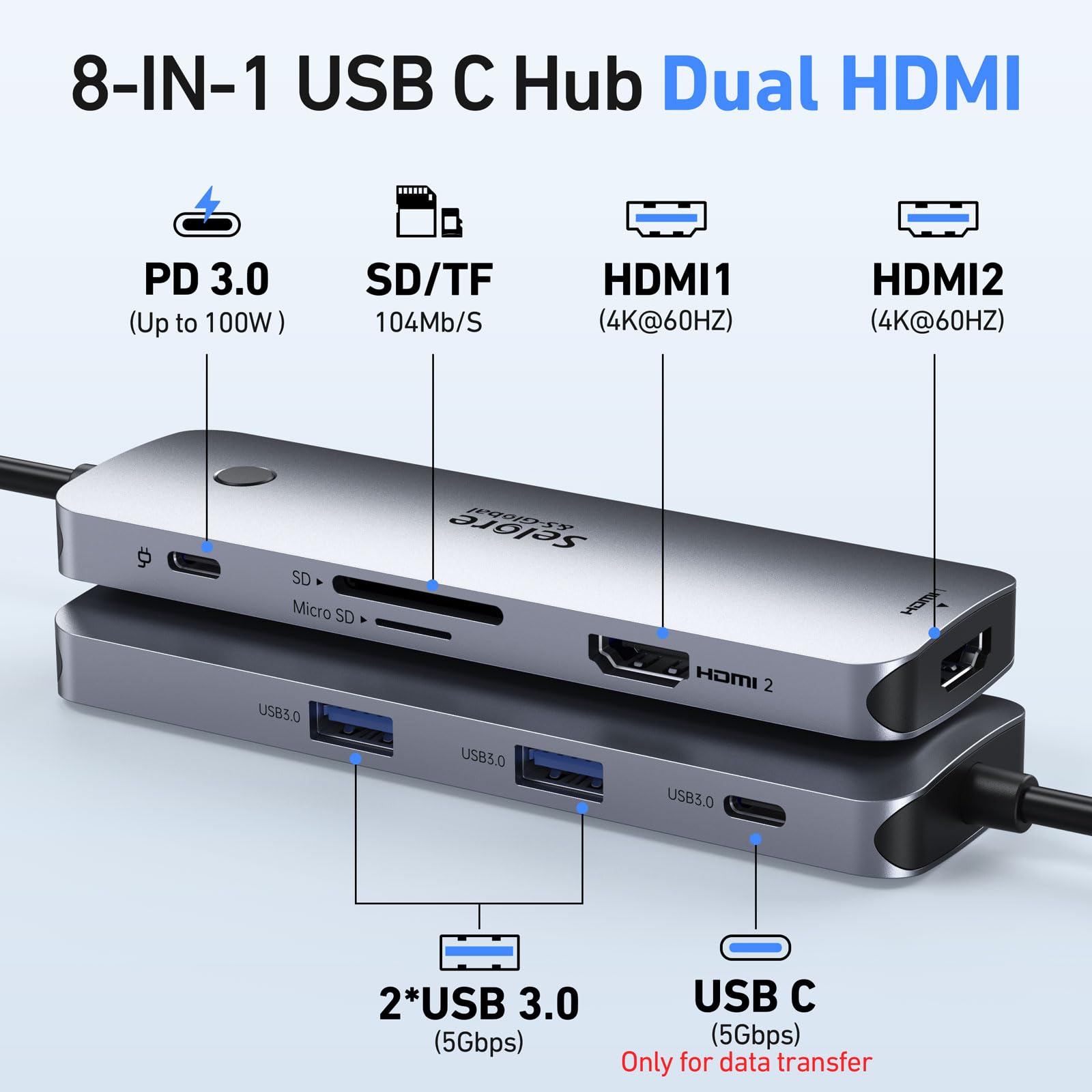
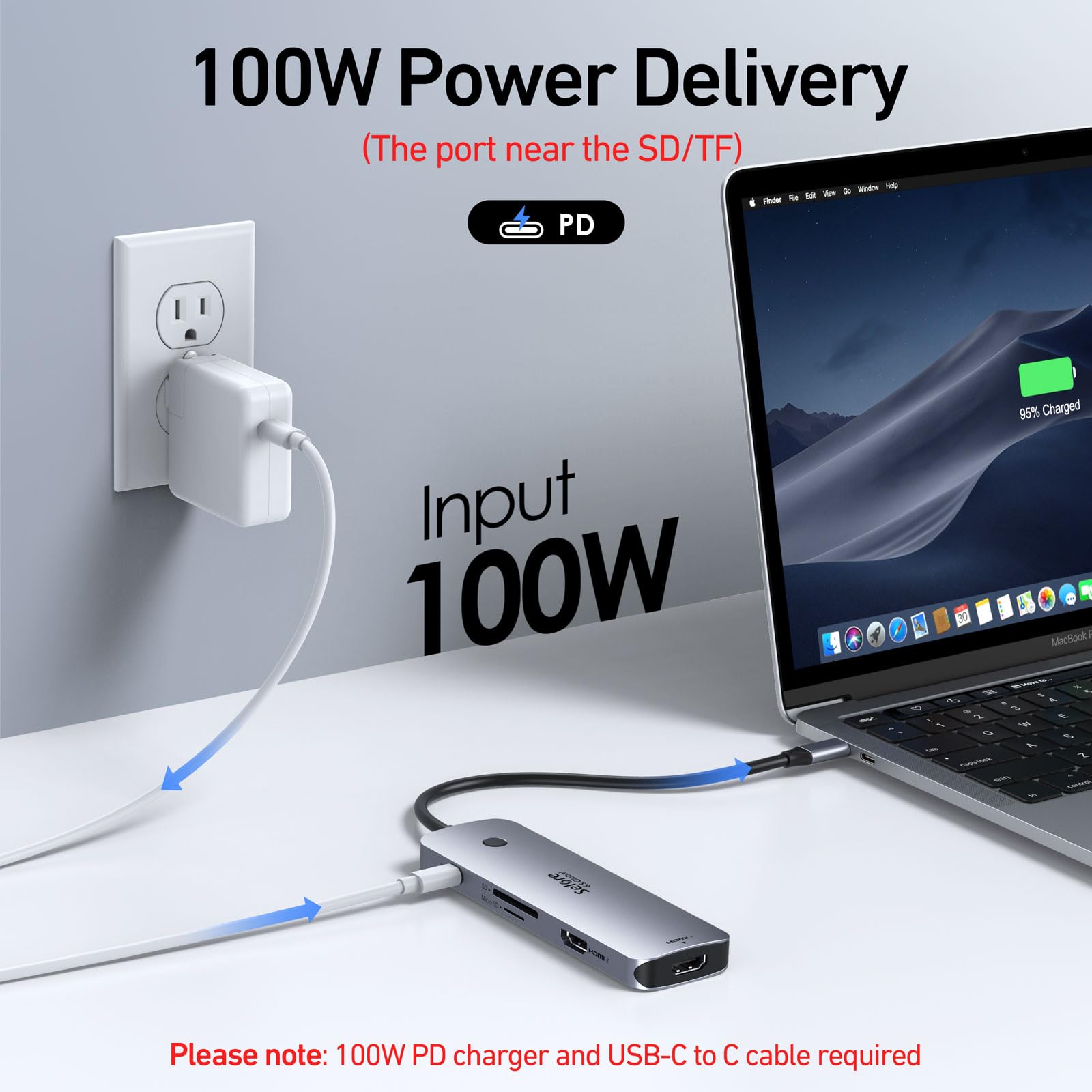
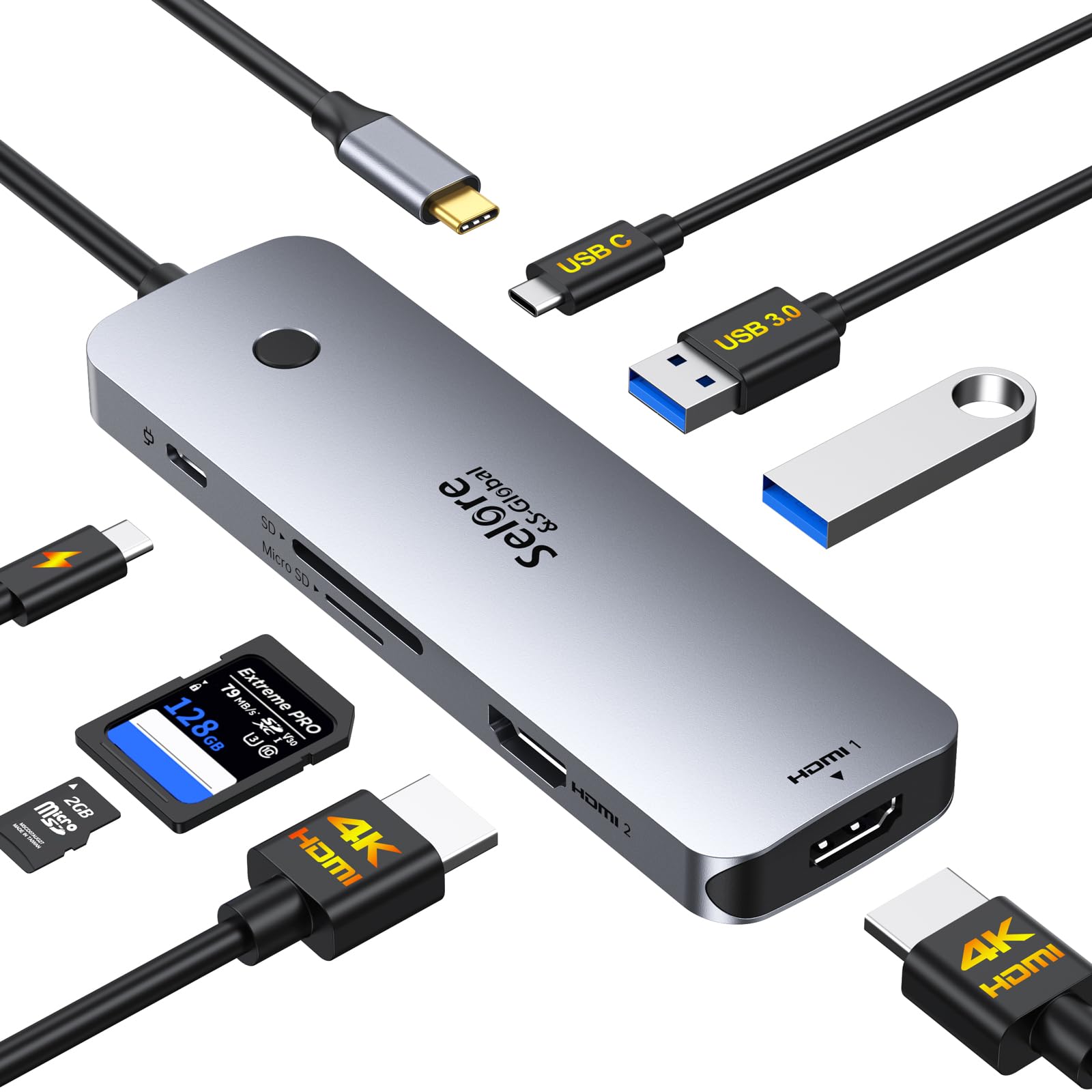
【8 in 1 USB C Docking Station Dual Monitor】This Selore laptop docking station includes 2 HDMI(4K@60Hz), 2 USB-A Ports(5Gbps), USB-C Port(5Gbps), 100W PD charging, and SD/MicroSD slots (104Mbps). 📍Note: Docking stations require a Thunderbolt or full-featured USB-C port
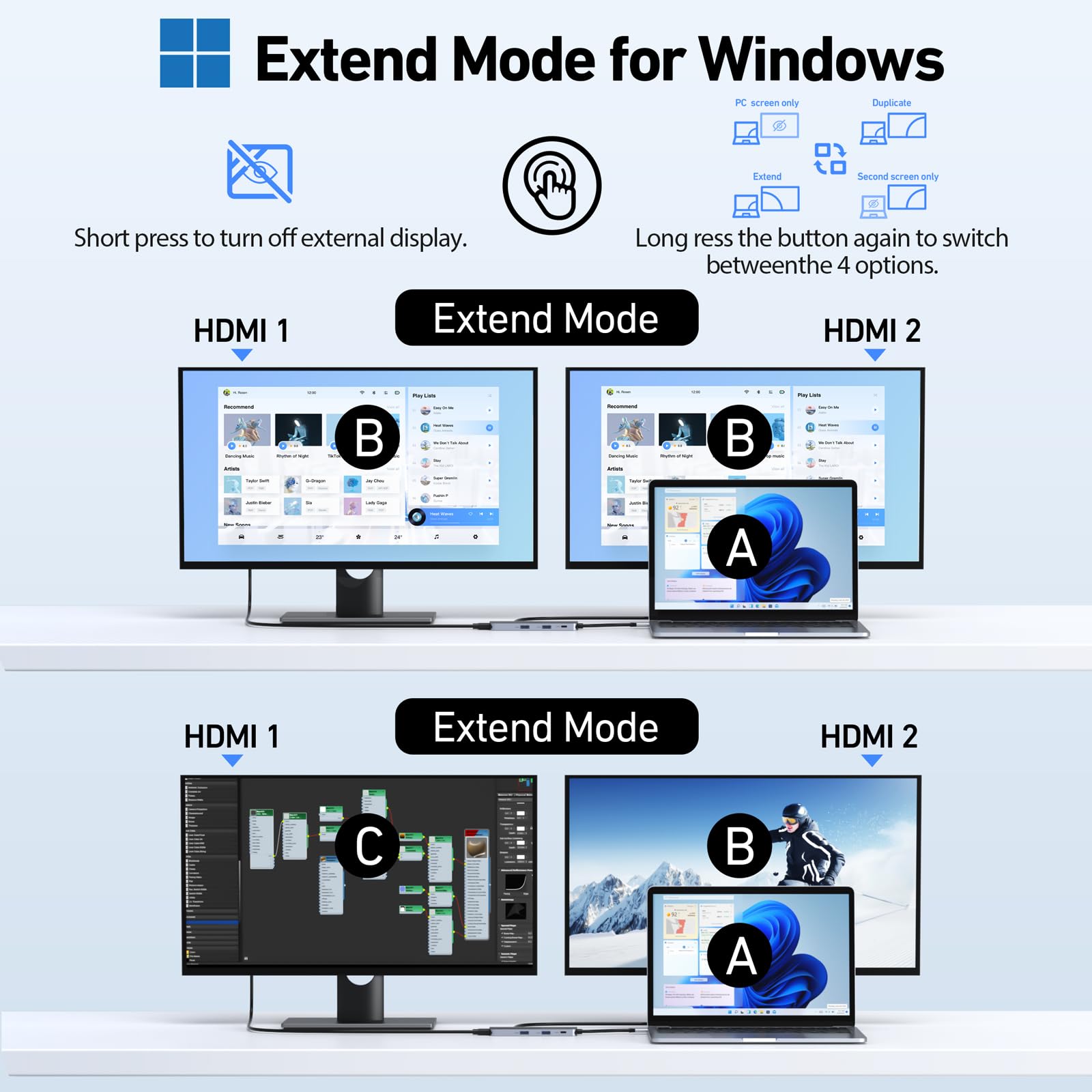
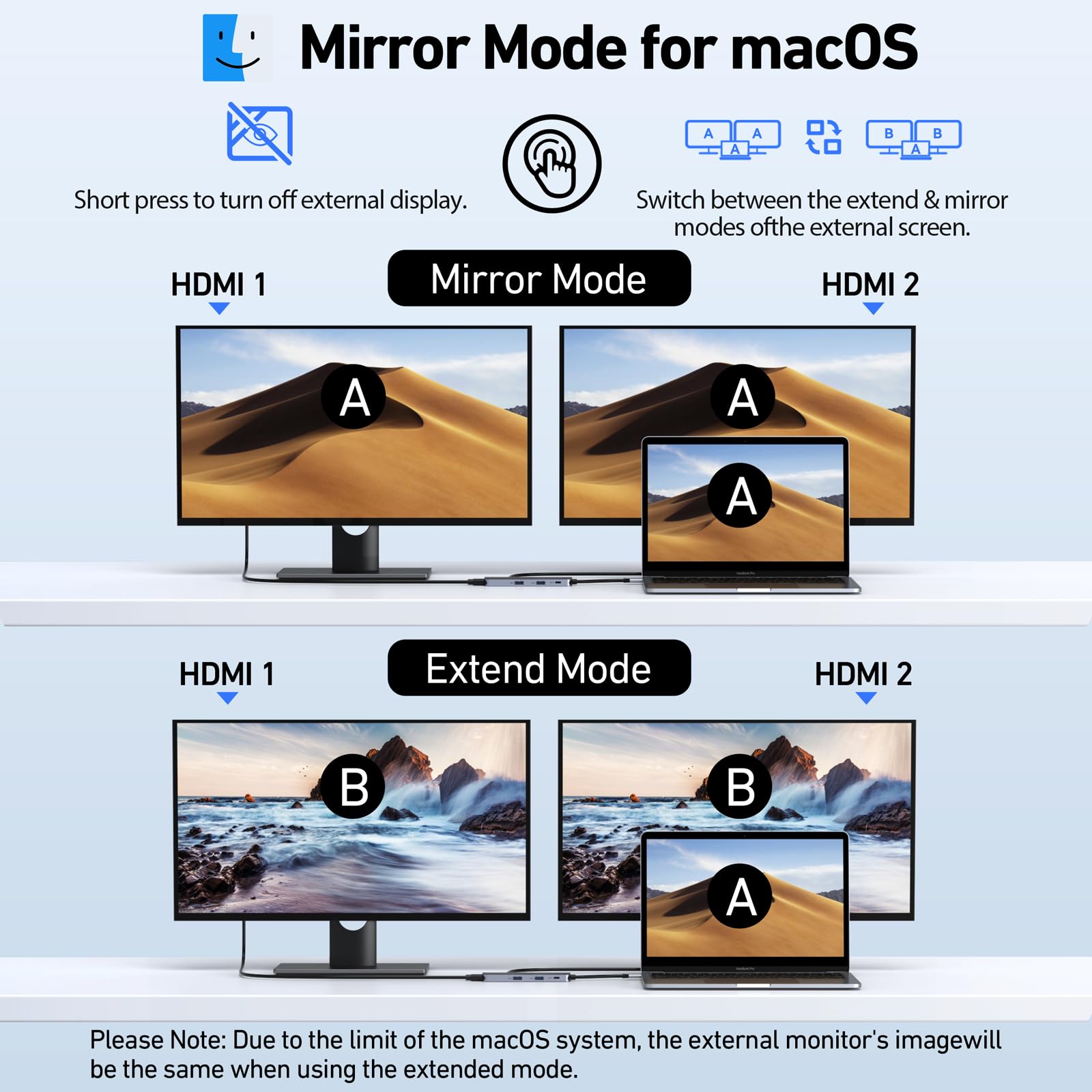
【Stunning Dual 4K@60Hz Display】This USB-C docking station supports dual monitors via 2 HDMI ports with 4K@60Hz resolution, making screen extension or mirroring easy. 📍Note: macOS only supports one external monitor in Extend mode
【One-Touch Control for Display Modes & Privacy】This dedicated button simplifies your workflow. Effortlessly toggle between Mirror and Extend modes with a long press, or instantly black out your monitor for privacy with a short press.
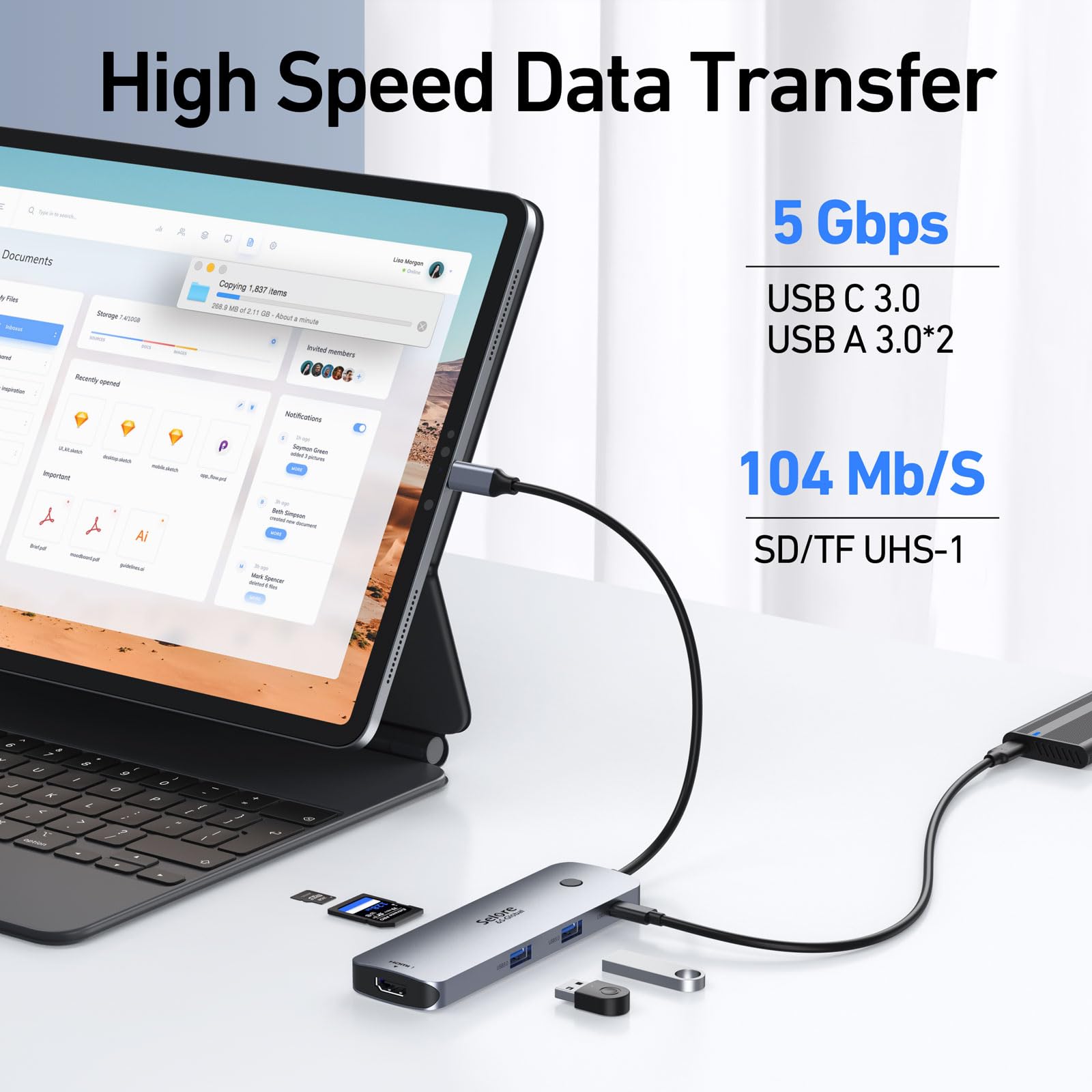
【Fast Speed USB C Dock】1USB C port(5Gbps), 2 USB A ports(5Gbps). and SD/TF card reader(up to 104Mbps), reliable file transfers and copy photos and videos from your cameras, and quickly share your beautiful moments
【Universal Compatibility】Ideal for laptops with a fully functional USB-C port. This dock provides a single-cable solution for charging your device, connecting to multiple monitors, and accessing all your peripherals. 📍Note: For MacBook users, the dock supports extending to one additional display
【Pre-Use Setup Guide】 For initial use, a one-time system authorization is required. Windows users should navigate to Settings > Bluetooth & devices to enable external devices, then reconnect the dock. Mac users need to grant permission in System Settings > Privacy & Security > Accessories by setting the dock to "Always Allow"
【What You Get】Selore 8-in-1 USB-C Hub Dual Display, welcome guide, 18-month warranty, and our friendly customer service

Buy products not available in the Philippines.