Galleon 2026Download our mobile shopping application for faster and easy transaction.

Product ID:
1540911
Identifier:
0996539328
Brand:
Bizfound, LLC
Model:
Shipping Weight:
1.58 lbs
Manufacturer:
Bizfound, LLC
Shipping Dimension:
10.04 x 7.95 x 0.87 inches
₱6,701
₱5,529
+ ₱ 882
Shipping Cost from USA to Philippines inclusive of custom fees.
Cost too high? Check weight and dimension on product details and click "I think this is wrong?" link.
Get it between 2026-04-29 to 2026-05-06.
Additional 3 business days for provincial shipping.
- Price and Stocks may change without prior notice
- Packaging of actual item may differ from photo shown
Cash upon Pick-up - orders grand total must not exceed ₱5,000.00. Order will be pickup at Galleon's Office.
Cash on Delivery - orders grand total must not exceed of ₱10,000.00 and must not exceed ₱5,000.00 for provincial areas. See all payment methods
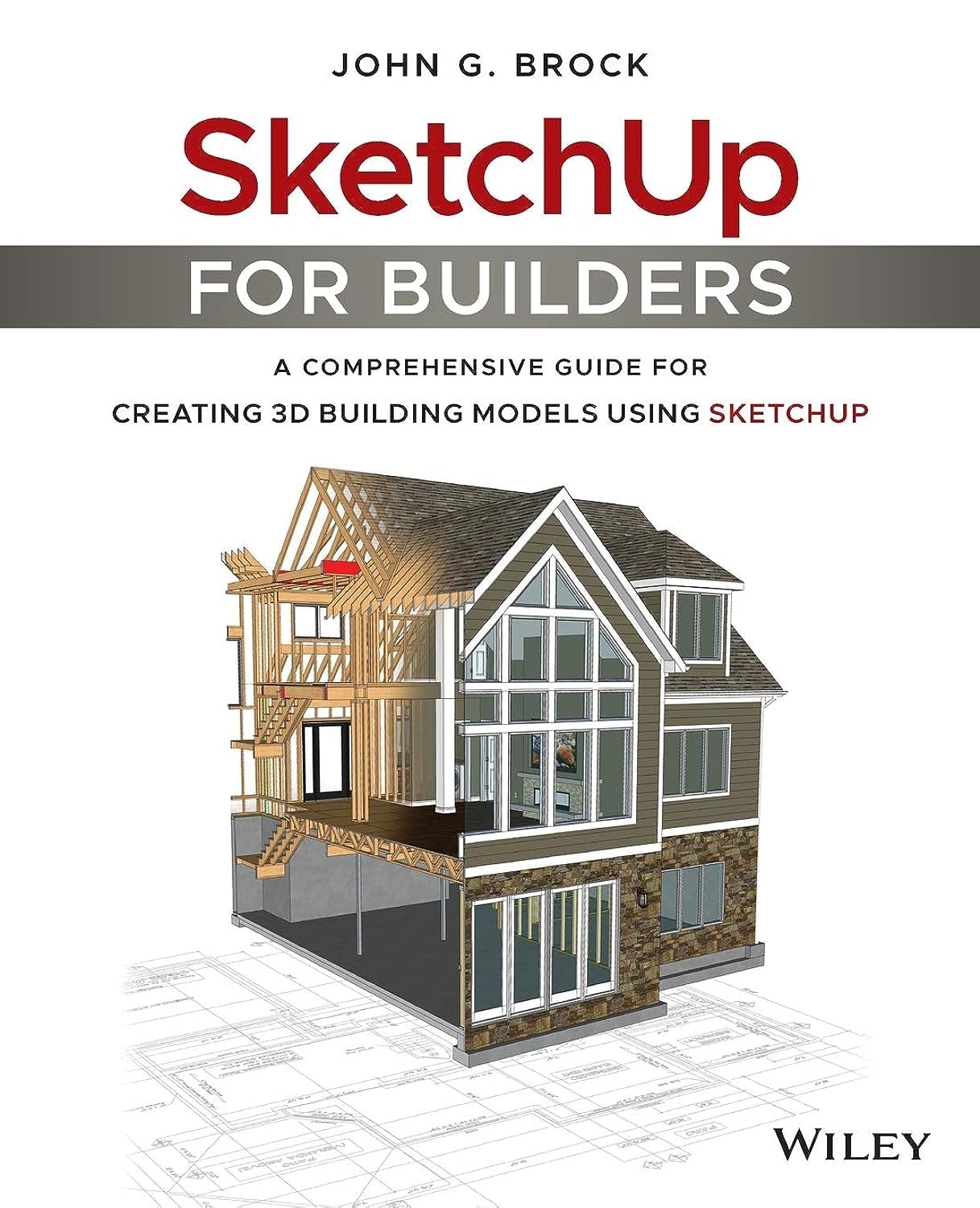
(Written for SketchUp Pro 2016. This book is still very relevant to use with SketchUp Pro 2017 and 2018, but you can improve your workflow by using the new Section tool features and the Table tool in LayOut for creating schedules.) Design in SketchUp Document in LayOut Learn how to use SketchUp and LayOut to design and document any architectural project from concept to completion. This step-by-step workflow shows you how to create a 3D terrain model of your existing site, then walks you through modeling the building and producing documents throughout each design phase. Use the Sandbox tools to create and modify 3D terrain to build an existing site model and a proposed site model. Organize your model into multiple files to increase speed, performance, and enable better scene & section plane management. Learn how to use multiple viewports in LayOut to illustrate your section cuts clearly, while taking advantage of colorful textures applied to the model. Define the level of detail required in your model to enable you to make fast changes throughout each phase of design. Learn how to use SketchUp and LayOut templates to improve your workflow. A complete sample project is included with this book to help you explore a real project and see how it is organized. In addition, an entire set of template files are included for you to customize for your own use.


Buy products not available in the Philippines.


