Galleon 2026Download our mobile shopping application for faster and easy transaction.

₱890
₱799
+ ₱ 150
Shipping Cost from USA to Philippines inclusive of custom fees.
Cost too high? Check weight and dimension on product details and click "I think this is wrong?" link.
Get it between 2026-04-19 to 2026-04-26.
Additional 3 business days for provincial shipping.
- Price and Stocks may change without prior notice
- Packaging of actual item may differ from photo shown
Cash upon Pick-up - orders grand total must not exceed ₱5,000.00. Order will be pickup at Galleon's Office.
Cash on Delivery - orders grand total must not exceed of ₱10,000.00 and must not exceed ₱5,000.00 for provincial areas. See all payment methods
Product ID:
1223890
Identifier:
B0D78WDQMZ
Brand:
Abysssea
Model:
USBC16
Shipping Weight:
0.02 lbs
Manufacturer:
Abysssea
Shipping Dimension:
5.55 x 4.02 x 0.51 inches
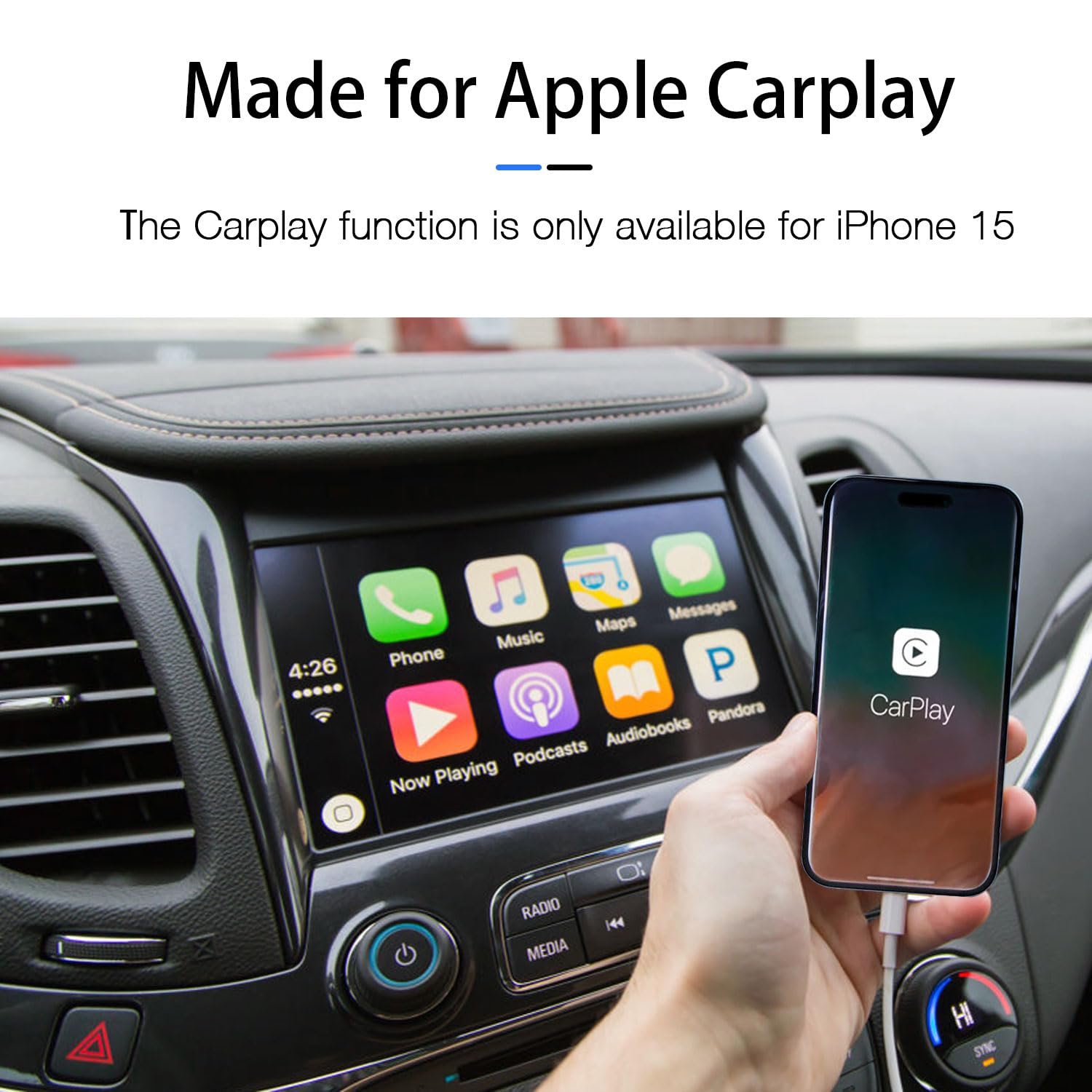
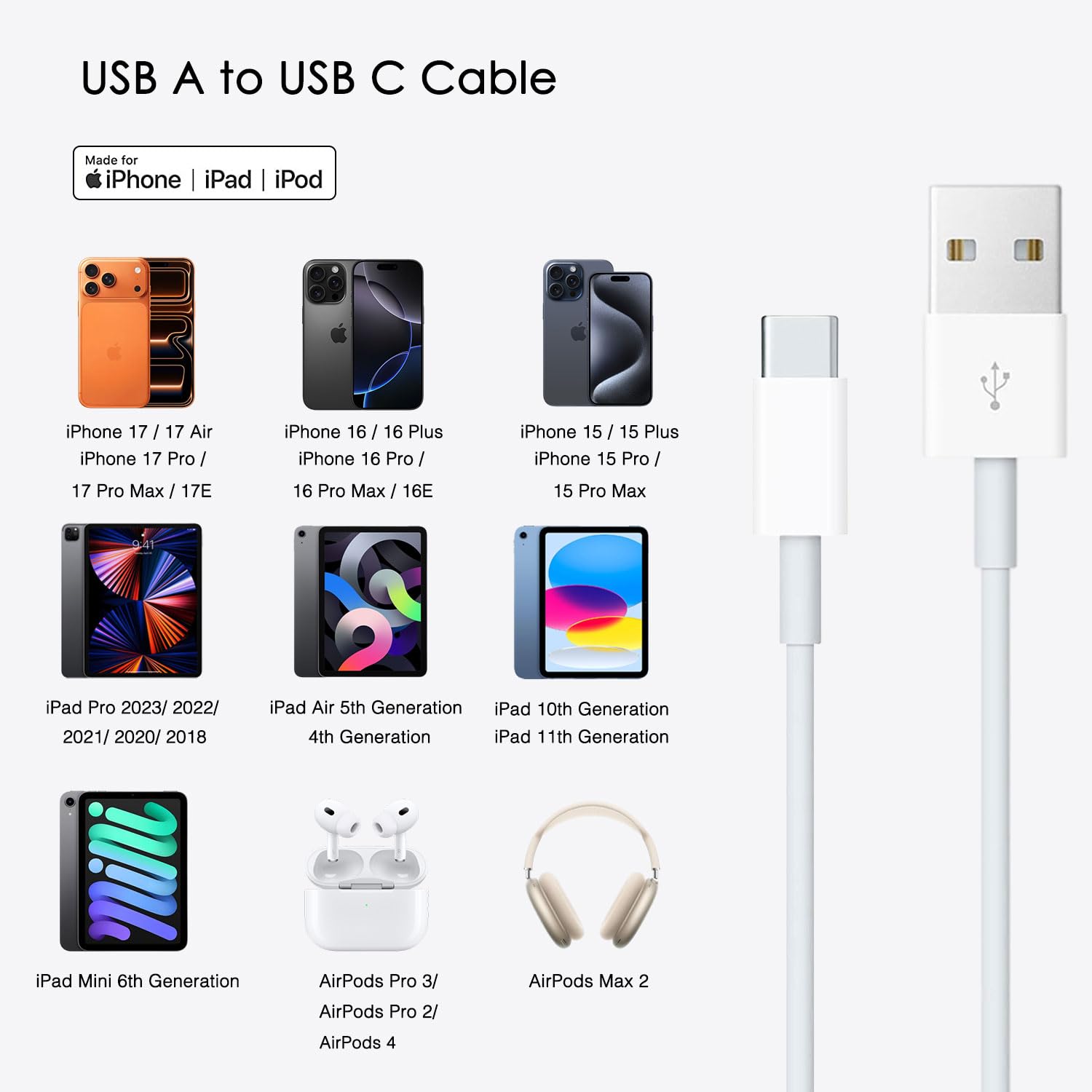
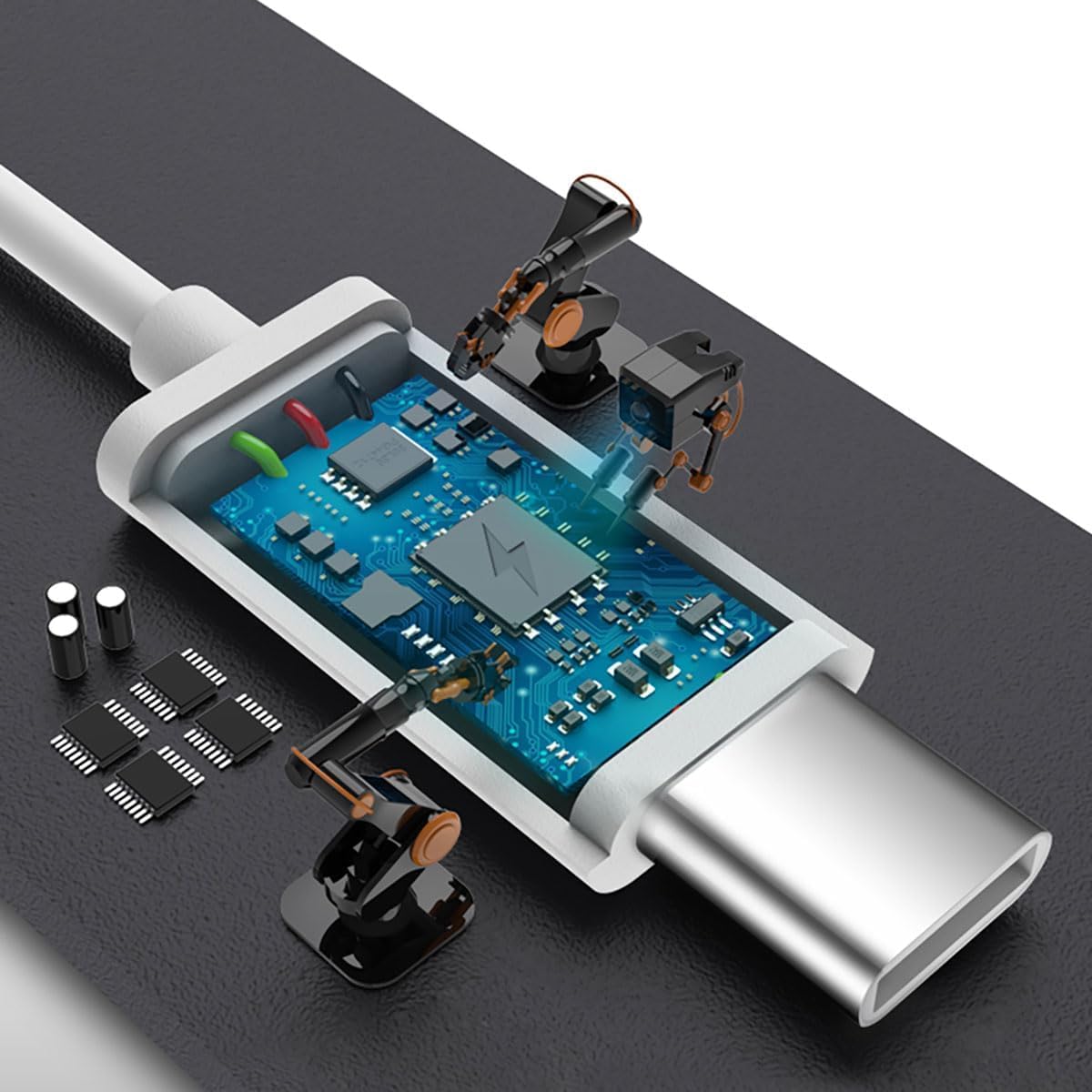
This USB A to C Cable, Compatible for: iPhone 15 All series, iPhone 16 All series, iPhone 17 All series, IPhone 16E (SE4), IPhone 17E (2026)
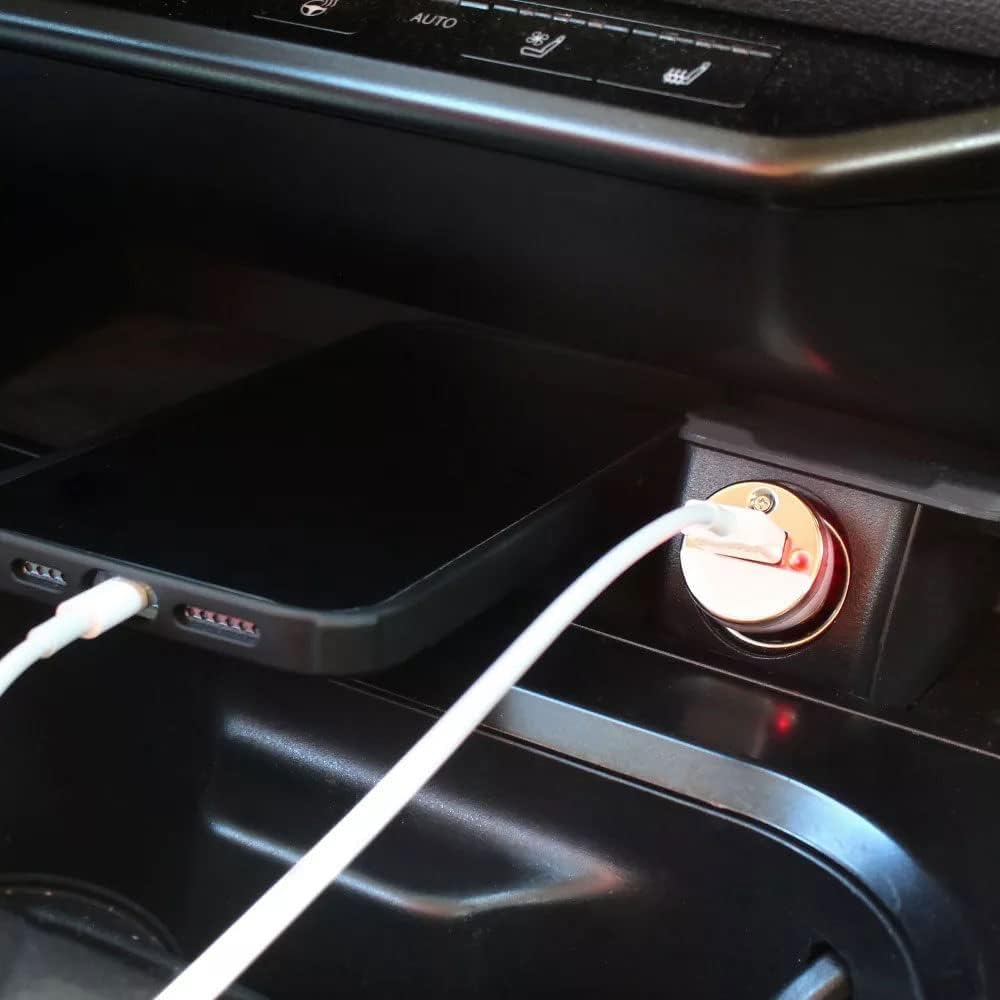
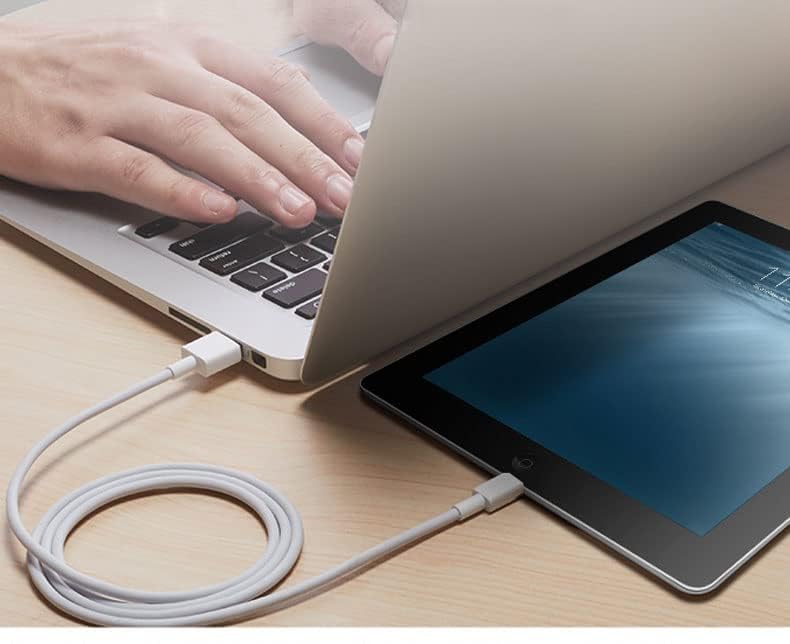
With USB Connector to your USB Cport for syncing and charging
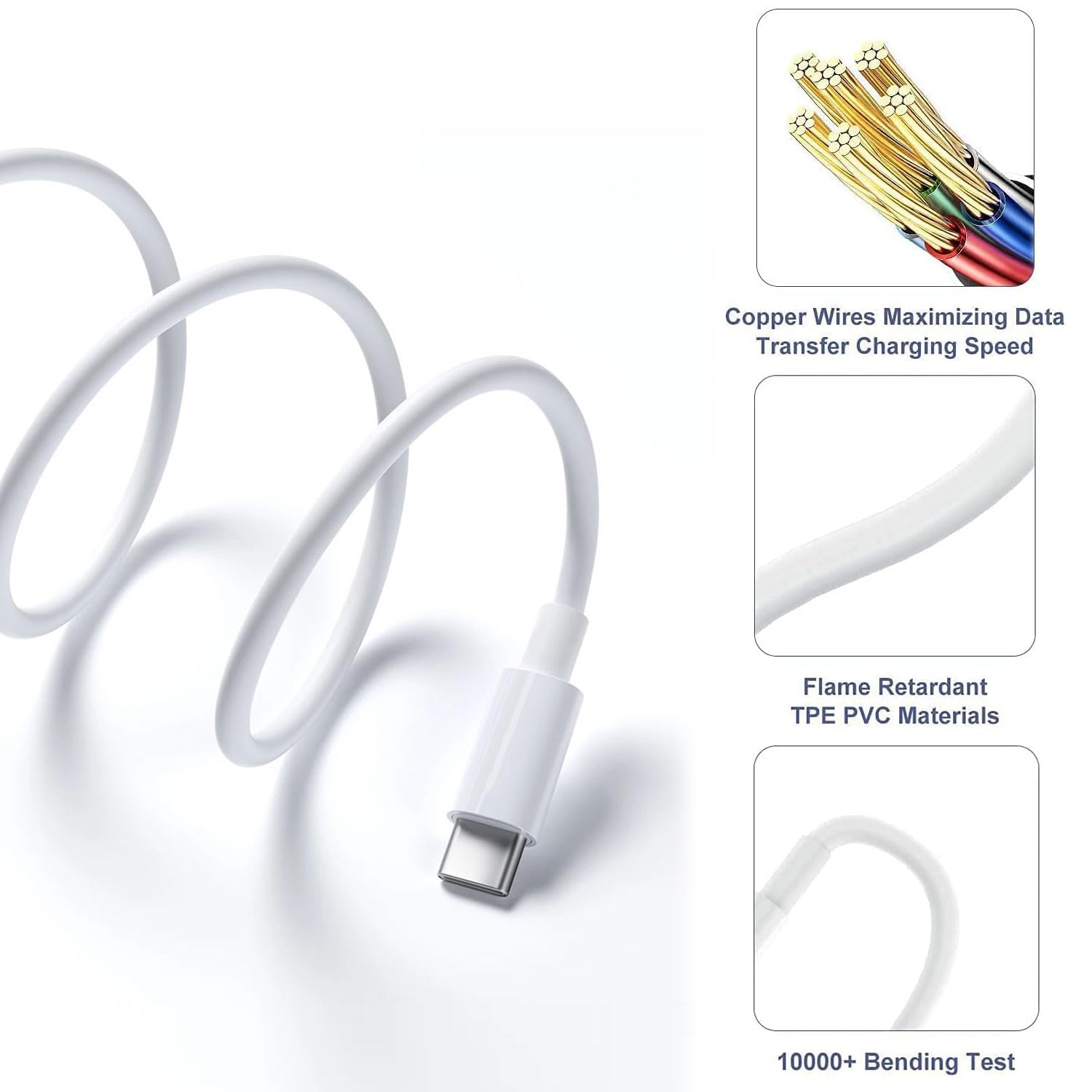
0.5 meter in length (1.5 ft)
Worry-free 1-year warranty, Friendly customer service
*Note: If you experience issues with CarPlay function, please try to reverse the USB C plug to try again. Feel free to contact us if any further problem. We will always be here to help
This is a cable specially designed for Car CarPlay. Compatible for: iPhone 15; √ iPhone 15 Plus; √ iPhone 15 Pro; √ iPhone 15 Pro Max; √ iPhone 16; √ iPhone 16 Plus; √ iPhone 16 Pro; √ iPhone 16 Pro Max; √ iPhone 16 E (SE4); √ iPhone 17; √ iPhone 17Air; √ iPhone 17 Pro; √ iPhone 17 Pro Max; √ iPhone 17E (2026); √ Compatible for: IPad Pro 2023/ 2022/ 2021/ 2020/ 2018; √ IPad Air 5th Gen/ 4th Gen; √ IPad 10th Gen; √ IPad Mini 6th Gen; √ AirPods pro 2 (2nd Generation)√ AirPods pro 3 (3rd Generation) 2025 Version√ AirPods 4; √ AirPods Max 2 (New 2024 Version-USB C Port)√ 0.5 meter in length (1.5ft). USB A to USB C Cable. With USB Connector to your USB Cport for syncing and charging. Worry-free 1-year warranty, lifetime technical support. Set up CarPlay 1. Start your car, then make sure that Siri is on. 2. Connect your iPhone to your car: · If your car supports CarPlay with a USB cable, plug your iPhone into the USB port in your car. The USB port might be labeled with a CarPlay icon or a smartphone icon. Be sure to use an USB C to USB cable. · If your car supports CarPlay both wirelessly and with a USB cable, plug your iPhone into the USB port in your car. An alert on your iPhone will offer to connect you wirelessly on your next drives. *Note: If you experience issues with CarPlay function, please try to reverse the USB C plug to try again. Feel free to contact us if any further problem. We will always be here to help.

Buy products not available in the Philippines.