Galleon 2026Download our mobile shopping application for faster and easy transaction.

₱2,890
₱1,632
+ ₱ 434
Shipping Cost from USA to Philippines inclusive of custom fees.
Cost too high? Check weight and dimension on product details and click "I think this is wrong?" link.
Get it between 2026-04-26 to 2026-05-03.
Additional 3 business days for provincial shipping.
- Price and Stocks may change without prior notice
- Packaging of actual item may differ from photo shown
Cash upon Pick-up - orders grand total must not exceed ₱5,000.00. Order will be pickup at Galleon's Office.
Cash on Delivery - orders grand total must not exceed of ₱10,000.00 and must not exceed ₱5,000.00 for provincial areas. See all payment methods
Product ID:
112291
Identifier:
B01MYUDDCV
Brand:
iNNEXT
Model:
iNNEXT-PurpleX2
Shipping Weight:
0.51 lbs
Manufacturer:
iNNEXT
Shipping Dimension:
6.3 x 5.91 x 1.22 inches
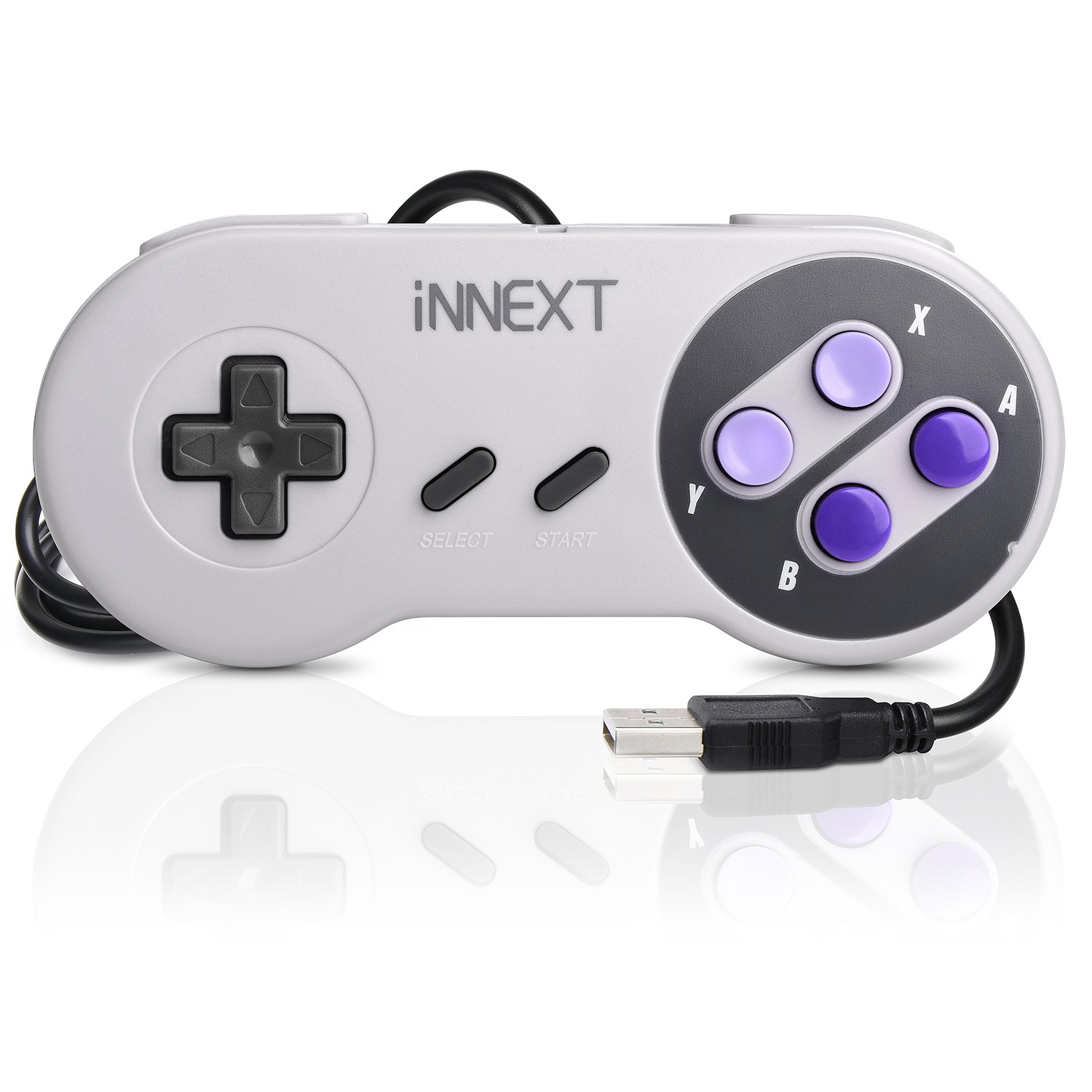
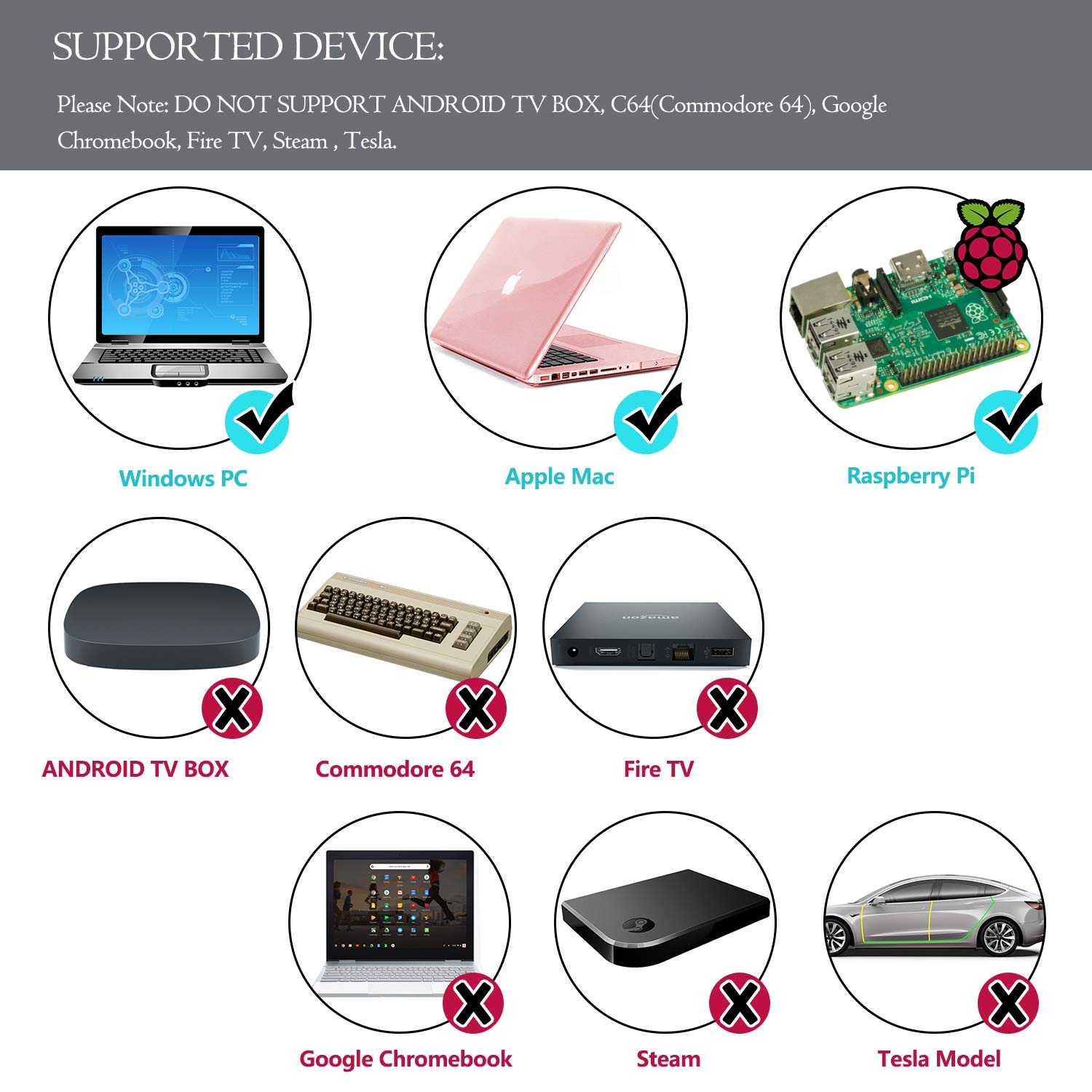
Customers Frequently Asked Questions: Q: 1. What can of application do I need to download to use this controller? A: No application needed. Plug it in and your PC or Respberry Pi will recognize it. Q: 2. Work with steam games on pc? A: No, not support steam games. Q: 3. Will this work for Tesla Atari games? A: If you're using an Atari emulator on PC or Mac, then it will. Q: 4. Can I use it to play online games? A: No, this controller not supports online games. Q: 5. Why my controller inputting both joystick and keyboard buttons? A: What emulator are you using? Difficulty on mapping the buttons depends on the emulator. We recommend using SNES9X on PC, OpenEmu on Mac, Retropie on Respberry Pi. Q: 6. After running a configuration through retroarch,when i connect the controller to my retropie/raspberry pi 2,the pi doesn't detect it.what's wrong? A: You can try powering down and booting back up with the controllers connected. or rebuild retropie. Q: 7. How long is the USB Cable? A: Cord is approx. 5 ft. Long. Q: 8. Can you configure the buttons to specific keys? I want to program buttons for shortcut commands like CTRL+Z, for example. A: This can be accomplished with 3rd party software that maps joystick buttons to keyboard controls such as Xpadder, AutoHotKey, or EventGhost. Tips: 1. Plug in the controller first before open the emulator or power on the raspberry pi, so your device could detect the controller easily. 2. SNES9X is perfect emulator for Windows PC. 3. If you couldn't configure input correctly, please contact us and tell us your device and emulator, we could help to solve it. Package : 2 x iNNEXT USB SNES Controllers

Buy products not available in the Philippines.