Galleon 2026Download our mobile shopping application for faster and easy transaction.
Product ID:
636805
Identifier:
B0DJVRVGS1
Brand:
Lian Li
Model:
PW24-1W-T
Shipping Weight:
0.69 lbs
Manufacturer:
LIAN LI
Shipping Dimension:
13.54 x 3.54 x 1.61 inches
₱6,830
₱6,565
+ ₱ 378
Shipping Cost from USA to Philippines inclusive of custom fees.
Cost too high? Check weight and dimension on product details and click "I think this is wrong?" link.
Get it between 2026-06-06 to 2026-06-13.
Additional 3 business days for provincial shipping.
- Price and Stocks may change without prior notice
- Packaging of actual item may differ from photo shown
Cash upon Pick-up - orders grand total must not exceed ₱5,000.00. Order will be pickup at Galleon's Office.
Cash on Delivery - orders grand total must not exceed of ₱10,000.00 and must not exceed ₱5,000.00 for provincial areas. See all payment methods
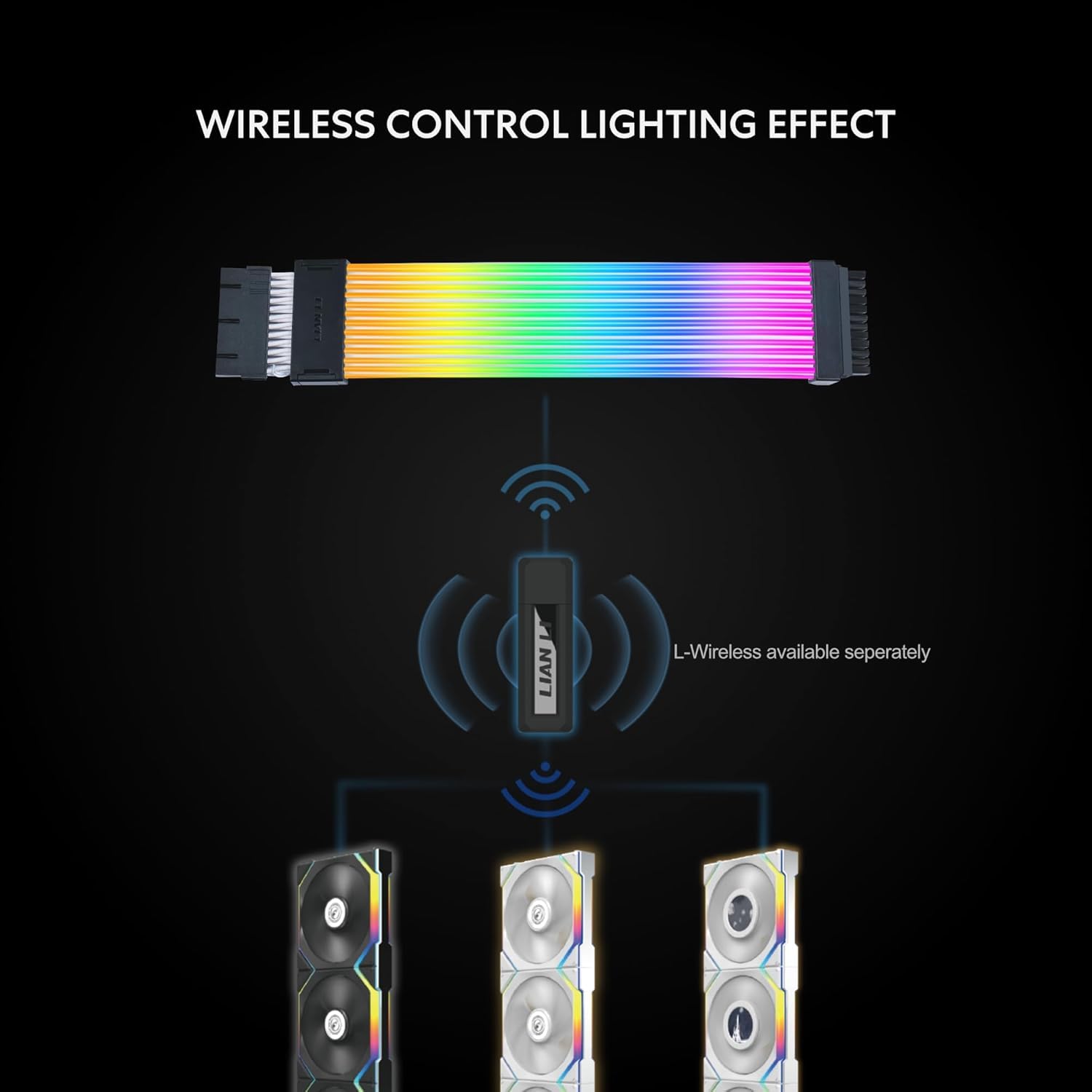
L-Wireless Controller: PW24-1W-T includes the L-Wireless Controller. The controller allows you to control Lian Li wireless fans, Hydroshift II, and other Lian Li devices. It is essential for operating the wireless Strimer and wireless fans, ensuring smooth and efficient performance for your system.
2.4 GHz Wireless Signal for RGB & Fan Control: Utilizes next-gen 2.4 GHz technology for seamless and reliable operation and highly customizable addressable RGB extension cable for PC lighting effects.
Quick Software Setup: The L-Connect 3 software provides the ability to set different fan speeds for each fan cluster to optimize different scenarios. Monitor the temperature and loading of your CPU and GPU, as well as the fan speed, instantly with built-in hardware monitor dashboards on the screen. The fan helps deliver more airflow and static pressure.
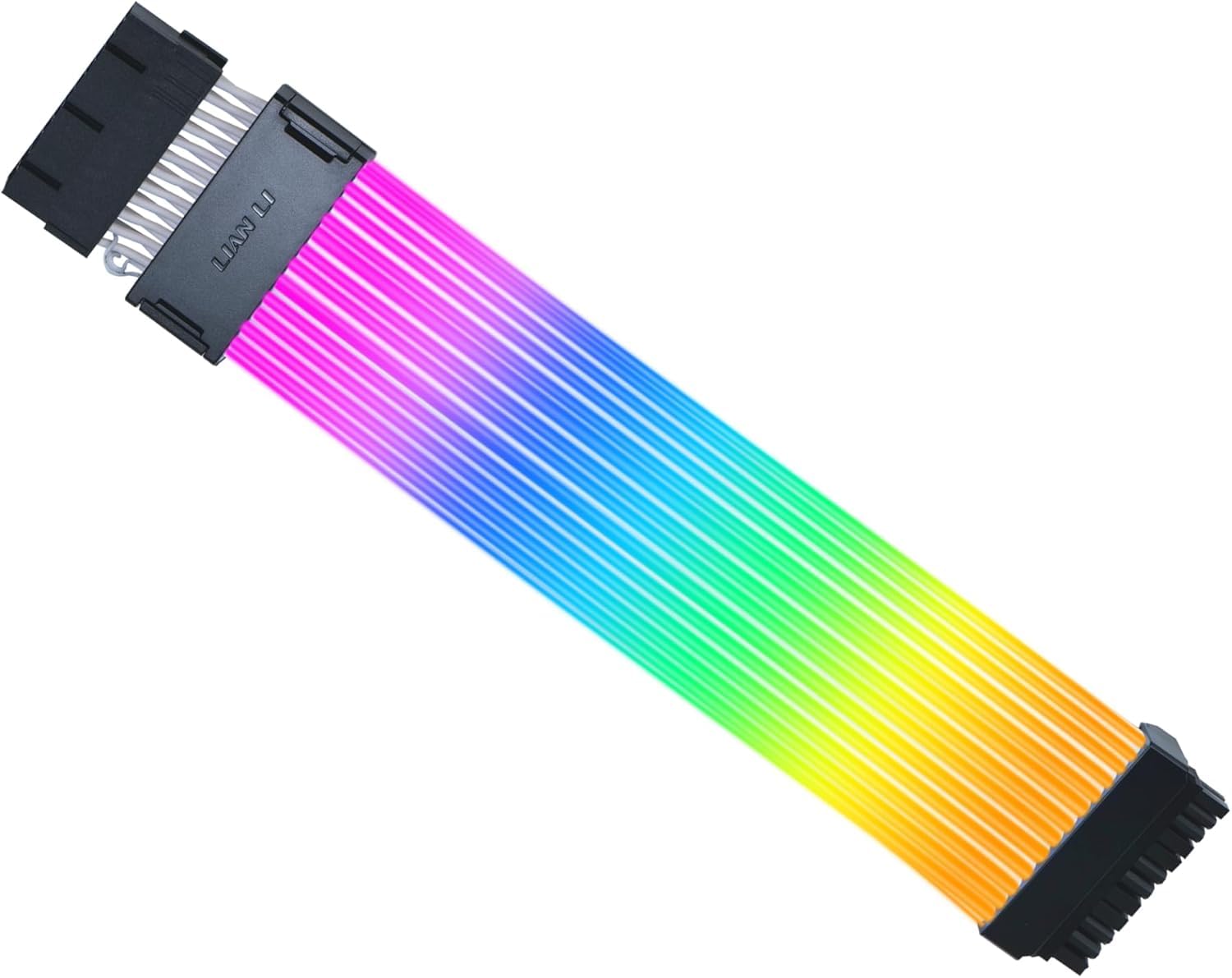
Improved Lighting Guide: The light strips now extend their coverage to the sides, creating a more immersive and visually striking effect.
Compatibility: Strimer Wireless 24-Pin is compatible with most motherboards. If the connector buckle and motherboard are misaligned, leading to an improper port connection, adjust the comb by removing it and reinstalling it slightly backward to ensure correct alignment.


Buy products not available in the Philippines.