Galleon 2026Download our mobile shopping application for faster and easy transaction.
Product ID:
1318868
Identifier:
1967625301
Brand:
Model:
Shipping Weight:
3.42 lbs
Manufacturer:
ASCENT, Center for Technical Knowledge
Shipping Dimension:
9.25 x 7.52 x 1.69 inches
₱9,586
+ ₱ 2,016
Shipping Cost from USA to Philippines inclusive of custom fees.
Cost too high? Check weight and dimension on product details and click "I think this is wrong?" link.
Get it between 2026-06-05 to 2026-06-12.
Additional 3 business days for provincial shipping.
- Price and Stocks may change without prior notice
- Packaging of actual item may differ from photo shown
Cash upon Pick-up - orders grand total must not exceed ₱5,000.00. Order will be pickup at Galleon's Office.
Cash on Delivery - orders grand total must not exceed of ₱10,000.00 and must not exceed ₱5,000.00 for provincial areas. See all payment methods
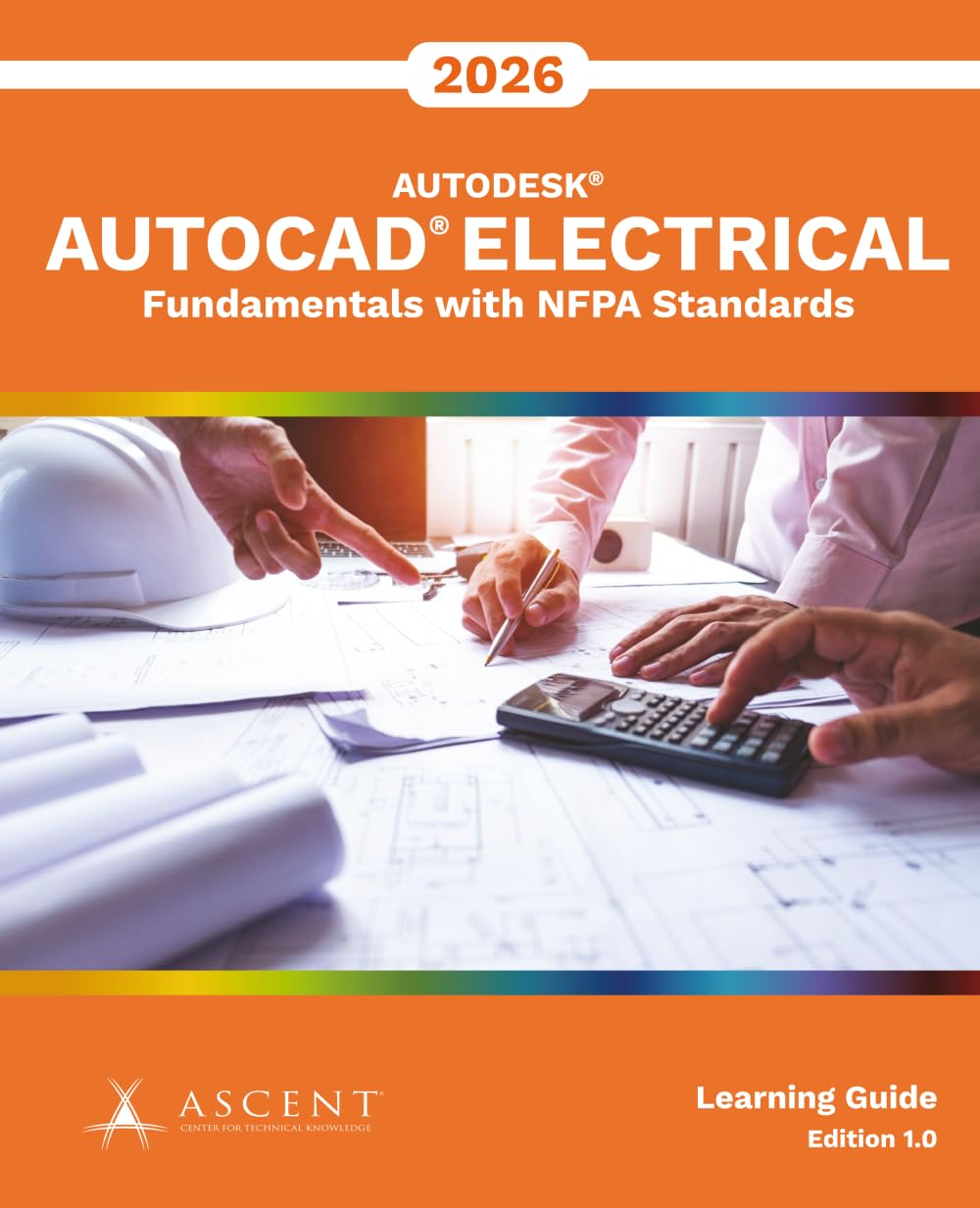
Please note: The print version of this guide is printed in black and white with images in grayscale. The AutoCAD® Electrical 2026: Fundamentals with NFPA Standards guide is designed for those using AutoCAD® Electrical 2026 with a Windows operating system. This guide is not designed for the AutoCAD for Mac software. The AutoCAD Electrical 2026: Fundamentals with NFPA Standards guide covers the indispensable core topics for working with the AutoCAD Electrical software. In this guide, you will learn how to use many of the powerful electrical drawing creation tools in the AutoCAD Electrical software. You will create schematic drawings (ladder logic and point to point), panel drawings, and PLC-I/O circuits using automated commands for symbol insertion, component tagging, wire numbering, and drawing modification. In addition, you are introduced to methods of customizing AutoCAD Electrical symbols, circuits, and databases. Other topics covered include titleblock linking, reporting tools, templates, and project files. Topics Covered Understanding project files Creating and editing schematic and panel drawings Working with PLC symbols Creating custom symbols Generating reports Prerequisites Access to the 2026.0 version of the software, to ensure compatibility with this guide. Future software updates that are released by Autodesk may include changes that are not reflected in this guide. The practices and files included with this guide might not be compatible with prior versions (e.g., 2025). A working knowledge of basic electrical design procedures and terminology.

Buy products not available in the Philippines.