Galleon 2026Download our mobile shopping application for faster and easy transaction.
Price of this item is not available.
Product ID:
436845
Identifier:
B07QHLRL1H
Brand:
LAPLINK
Model:
Shipping Weight:
0 lbs
Manufacturer:
Laplink Software, Inc.
Shipping Dimension:
0 x 0 x 0 inches
FAST AND EFFICIENT TRANSFER OPTIONS - Seamlessly move the entire personality of your old PC to your new PC with Laplink’s PCmover. Now includes Wi-Fi Direct for faster connections. One license allows unlimited transfer attempts from one source to one destination computer; additional licenses are required for more PCs.
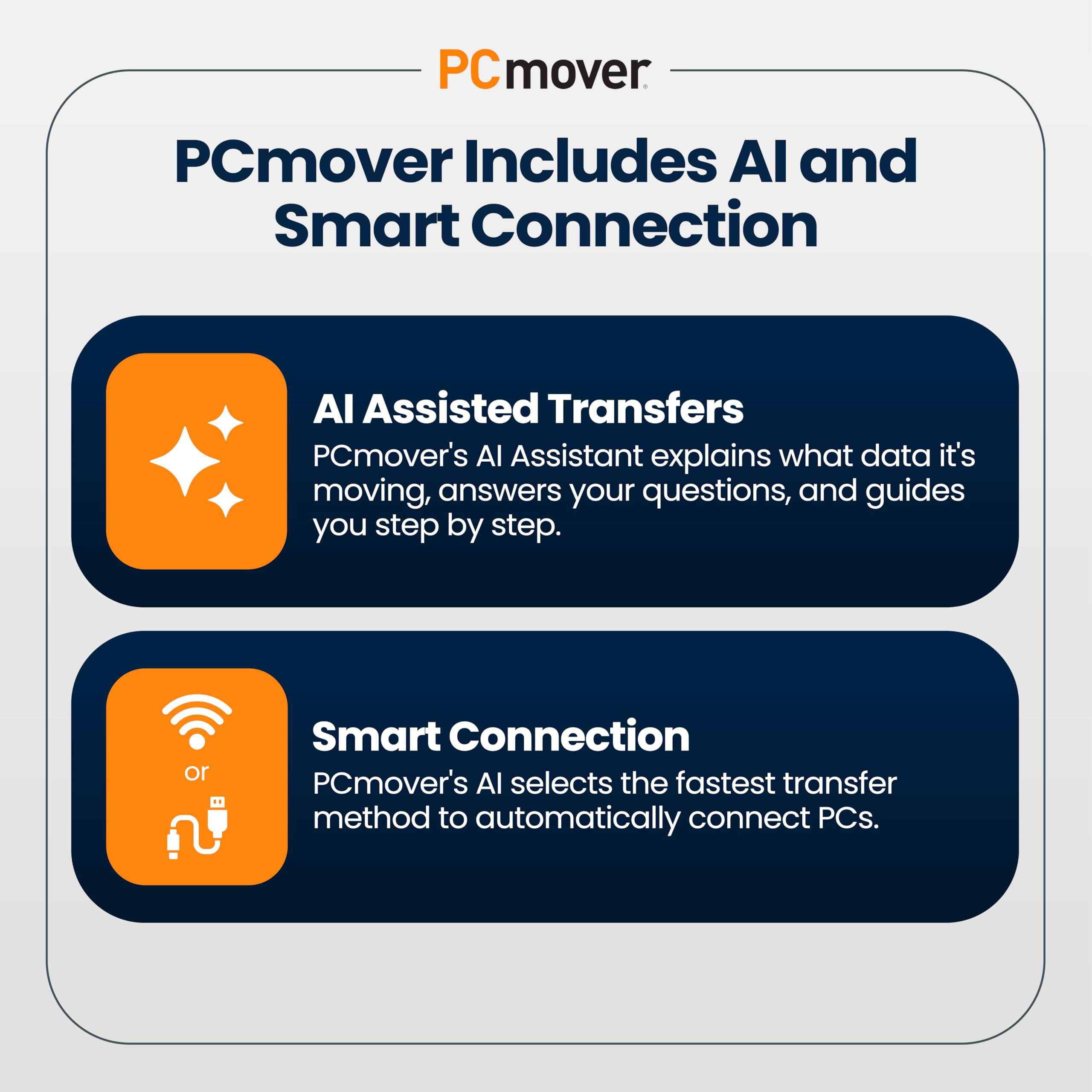
AI-ASSISTED TRANSFER INSIGHTS - PCmover’s AI Assistant generates a clear summary of transferable items, lets you ask questions, make adjustments, and recommends the best options for your migration. Enjoy a personalized, interactive setup experience that guides you step-by-step.
MAXIMUM PERFORMANCE AND RELIABILITY - Get speed and efficiency with PCmover’s optimized transfer methods, including new AI and Wi-Fi Direct to ensure the fastest, smoothest connection possible. Say goodbye to long wait times and start using your new PC right away.
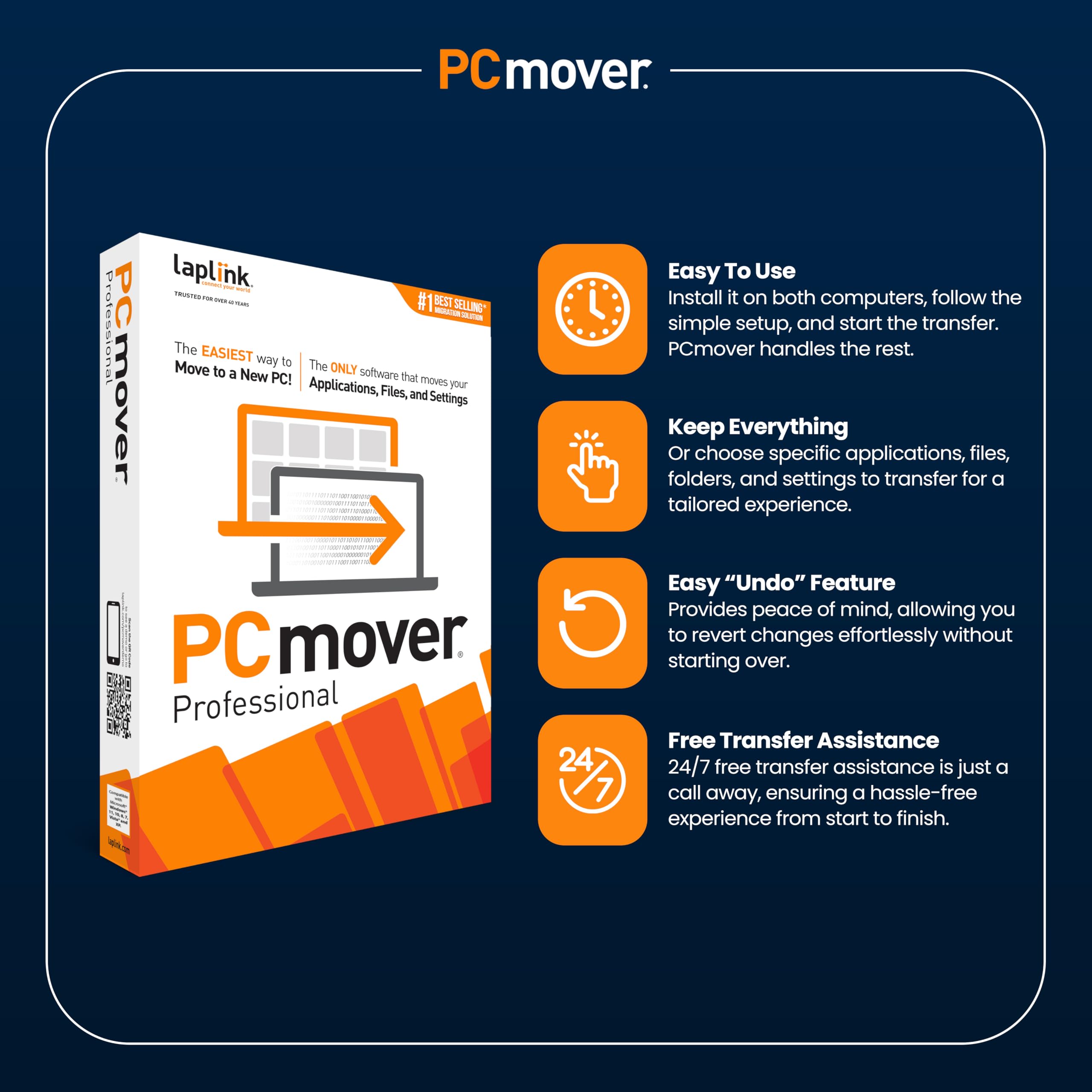
COMPLETE SELECTIVITY FOR CUSTOMIZED TRANSFERS - Enjoy full control with PCmover’s selectivity feature. Choose specific applications, files, folders, and settings to transfer for a tailored experience. With the option to "undo" changes, PCmover makes it easy to fine-tune your migration to fit your preferences.
SEAMLESS COMPATIBILITY ACROSS WINDOWS VERSIONS - Easily transfer data between Windows XP, Vista, 7, 8, 8.1, 10, and Windows 11. PCmover’s comprehensive compatibility ensures reliability across platforms, so your data arrives exactly as it should.
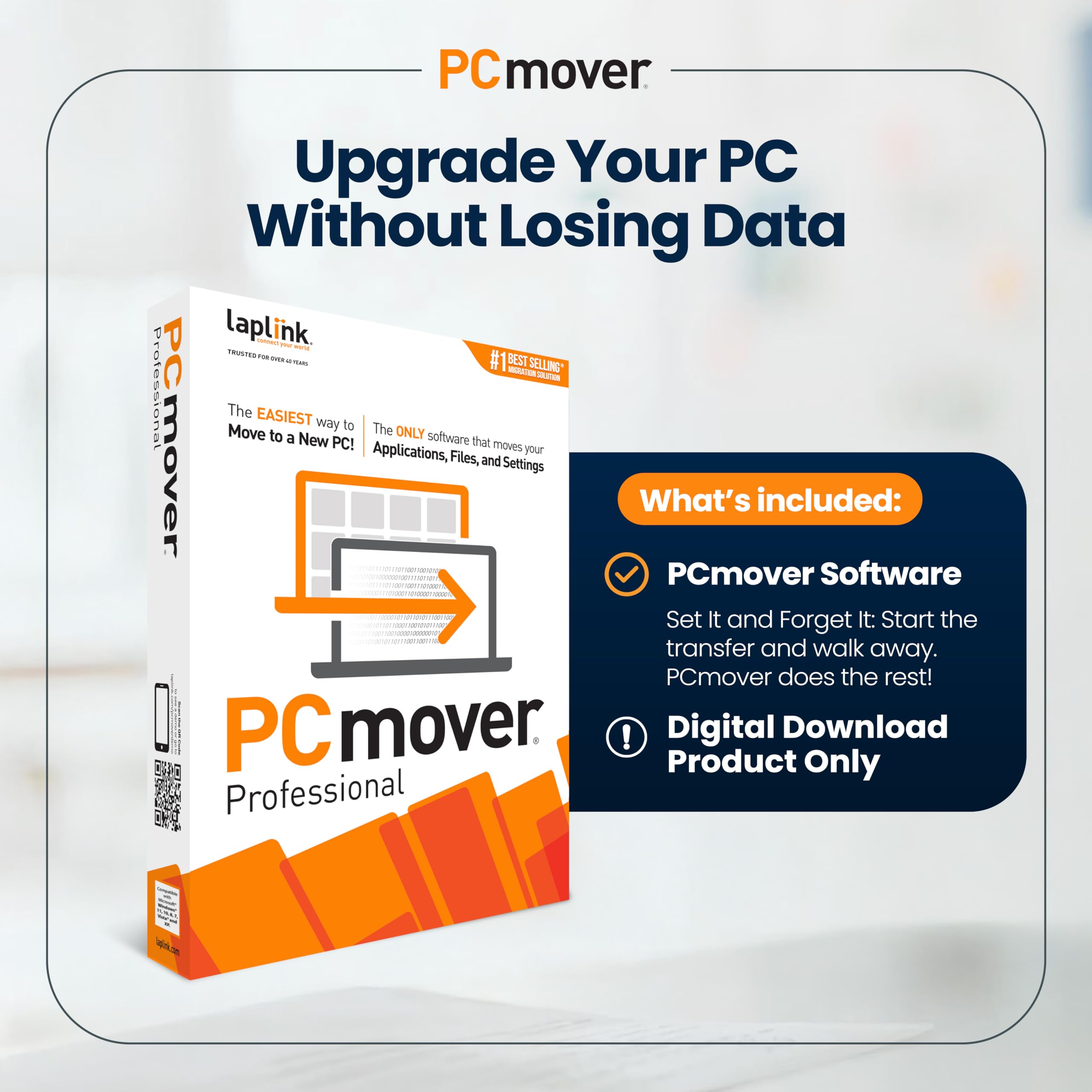
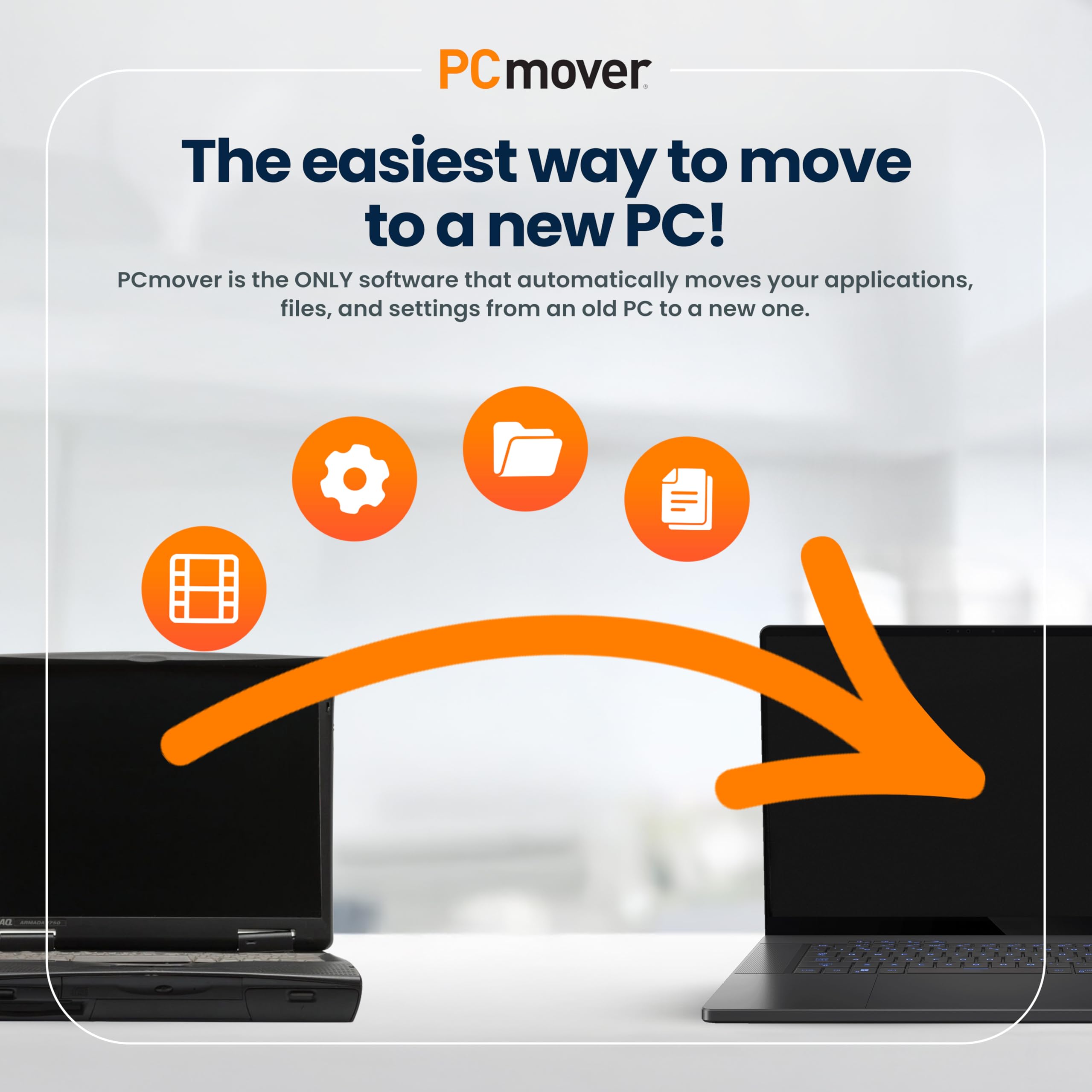
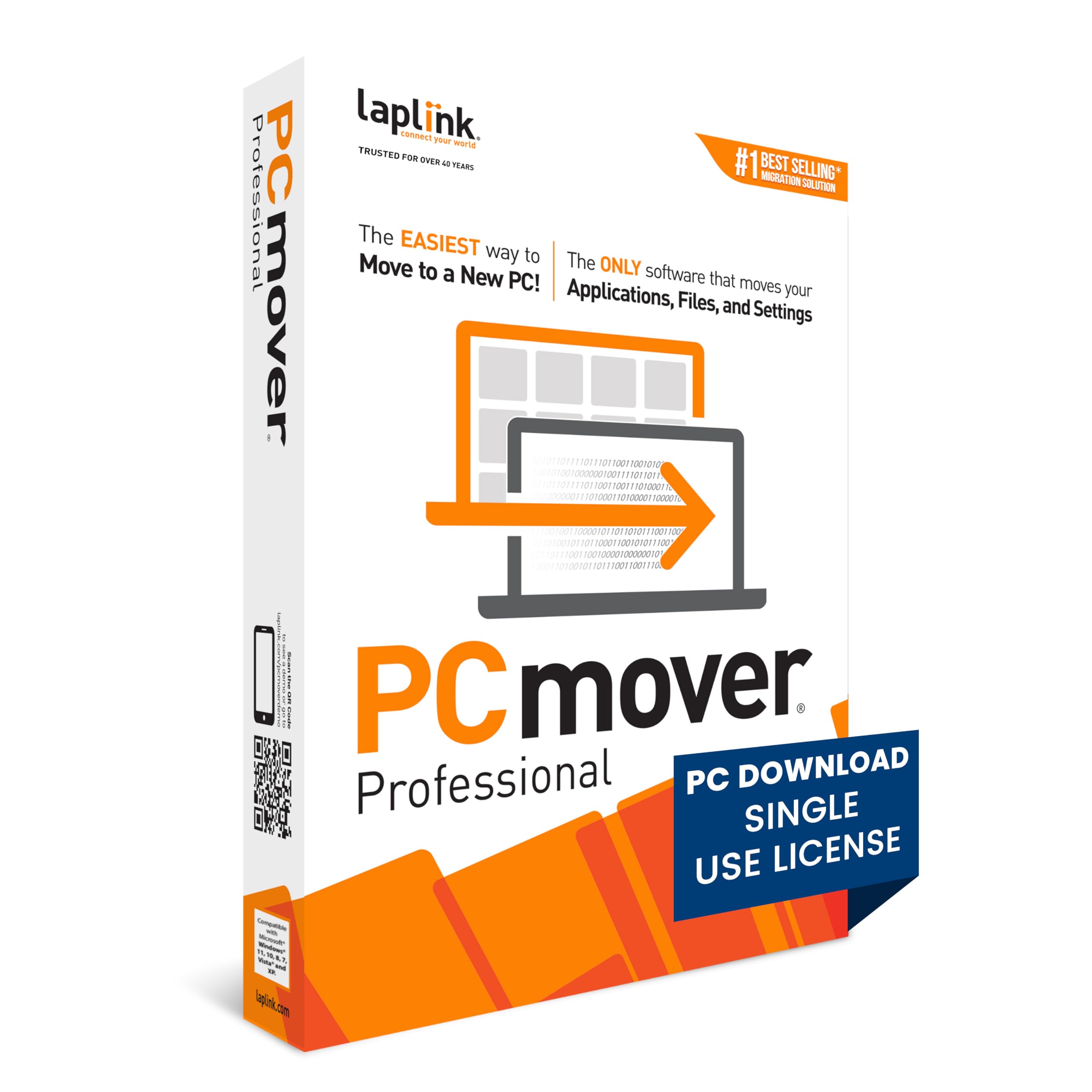
<p>PCmover Professional 11 is the ONLY software that automatically transfers applications, files, settings, and user profiles from an old PC to a new one! It’s the easiest way to move to a new PC without leaving anything behind, even when there are different versions of Windows on the old and new PC. Nothing is changed on the old PC and nothing is overwritten on the new PC.</p><p>To use PCmover, simply install it on both your old and new Windows computers, and follow the easy-to-use wizard. When the transfer is complete, your new PC will have the personality and functionality of your old one. Because most transferred applications are installed ready-to-use on the new PC, there’s usually no need to find old CDs or previously downloaded applications, serial numbers, or license codes.</p><p>Laplink’s PCmover is the best-selling migration solution and the ONLY one Microsoft recommends.</p><b>PCmover Professional 11 Key Features:</b><ul><li>Easy-to-Use – Install PCmover on both of your computers and follow the simple wizard to transfer everything you select to your new PC.</li><li>Set It and Forget It – You start the transfer and walk away. PCmover does the rest!</li><li>PCs Auto Connect – Discovers and connects PCs using the fastest method detected.</li><li>Optimized for Fastest Transfer – Provides maximum performance and time savings. You will quickly be using your new PC with everything ready to go.</li><li>Complete Selectivity – Automatically transfers all selected applications, files, folders, settings, and user profiles to your new PC.</li><li>USB 3.0 Support – Transfer data up to 5 Gbps with a Laplink SuperSpeed USB 3.0 cable (included in select PCmover Ultimate boxes or sold separately).</li><li>“Undo” Feature – Quickly reverse changes made to your new PC if you change your mind or want to re-do the transfer with different selections.</li><li>24/7 FREE Transfer Assistance - Simply set up your new PC with the help of a certified PC migration expert, over the phone

Buy products not available in the Philippines.