Galleon 2025Download our mobile shopping application for faster and easy transaction.
Product ID:
82018
Identifier:
B09HG2RV9X
Brand:
Model:
Shipping Weight:
1.59 lbs
Manufacturer:
Independently published
Shipping Dimension:
9.96 x 7.99 x 0.87 inches
₱2,587
+ ₱ 760
Shipping Cost from USA to Philippines inclusive of custom fees.
Cost too high? Check weight and dimension on product details and click "I think this is wrong?" link.
Get it between 2025-12-24 to 2025-12-31.
Additional 3 business days for provincial shipping.
- Price and Stocks may change without prior notice
- Packaging of actual item may differ from photo shown
Cash upon Pick-up - orders grand total must not exceed ₱5,000.00. Order will be pickup at Galleon's Office.
Cash on Delivery - orders grand total must not exceed of ₱10,000.00 and must not exceed ₱5,000.00 for provincial areas. See all payment methods
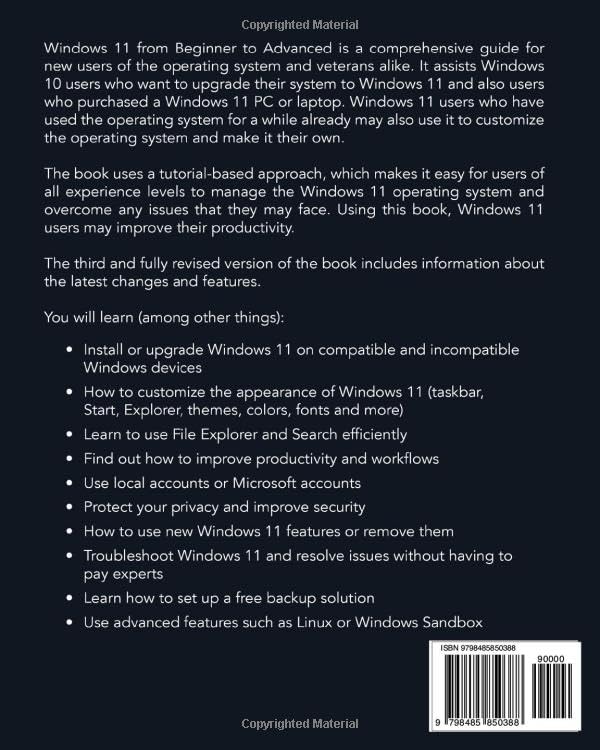
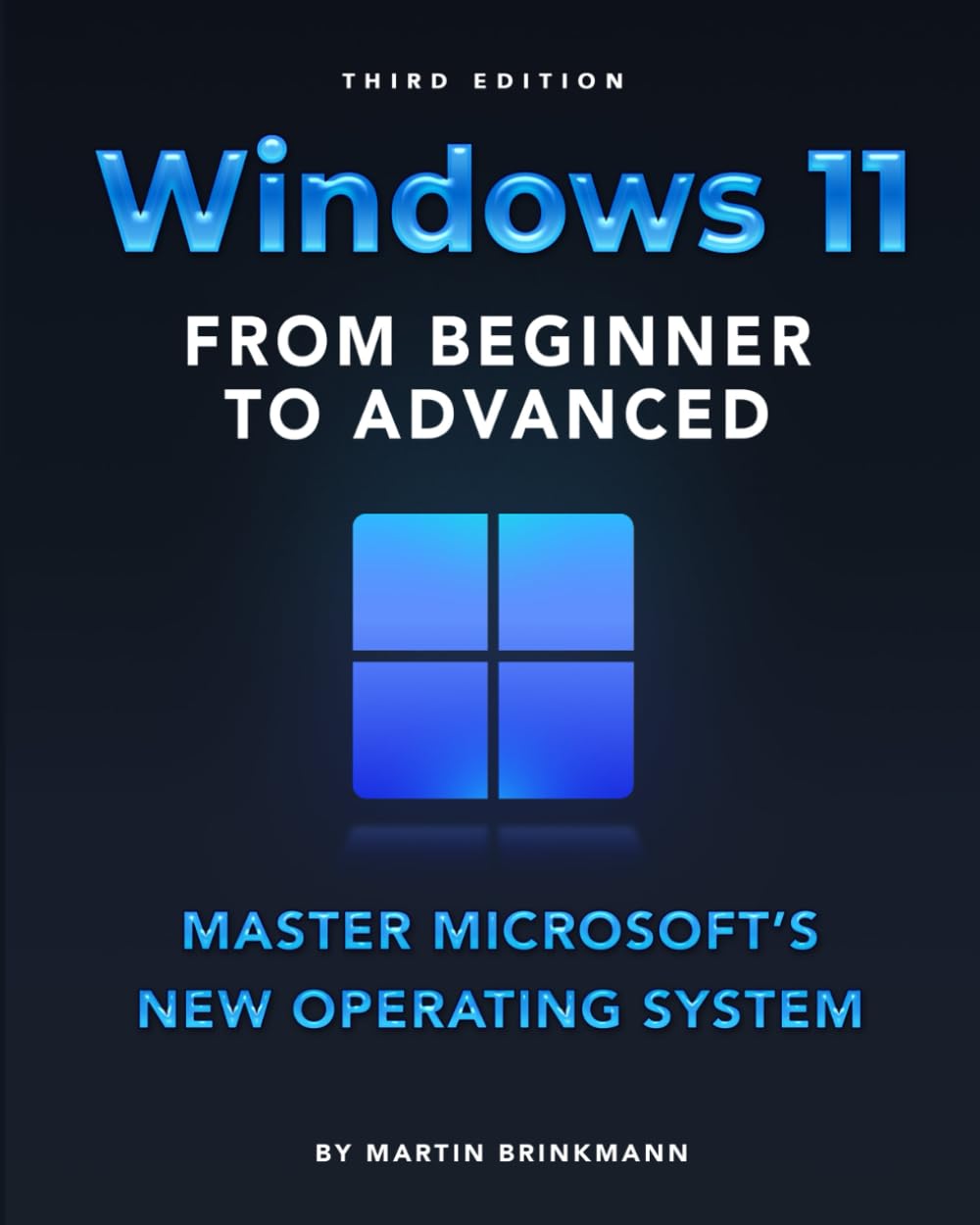
EDITION WITH UPDATED INDEX (April 2024) Windows 11 from Beginner to Advanced is a comprehensive guide for new users of the operating system and veterans alike. It assists users who have upgraded their devices from Windows 10 to Windows 11, and also users who purchased a new device that is powered by Windows 11. Windows 11 users who have used the operating system for a while already may also benefit from it, as it includes lots of tips and workflows to improve productivity. The book uses a tutorial-based approach, which makes it easy for users of all experience levels to manage the Windows 11 operating system and overcome any issues that they may face. Using this book, Windows 11 users may improve their productivity and resolve issues on their own that they run into. You learn how to master Windows 11, by personalizing the operating system to your needs and making sure that everything is set up efficiently and correctly. You will learn (among other things): How to customize the appearance of Windows 11 (taskbar, Start, Explorer, themes, colors, fonts and more) Use the Start Menu and Taskbar effectively. Pin your favorite programs for fast access. Learn to use File Explorer and Search efficiently. Find files quickly and configure search to be as effective as possible. Find out how to improve productivity and workflows. Use local accounts or Microsoft accounts. How to create accounts and manage them. Protect your privacy and improve security. Protect your devices from viruses and scams. Using new Windows 11 features. All major new features explained. Troubleshoot Windows 11 and resolve issues without having to pay experts Learn how to set up a free backup solution. Create a backup of your important data and Windows 11. Use advanced features such as Linux, Android or Windows Sandbox. Useful features, not only for advanced users. The book has been updated to reflect changes made to Windows 11 by Microsoft. The third edition covers all changes made before April 2024. Order Your Copy NOW and Start Enjoying the New Windows 11 TODAY!

Buy products not available in the Philippines.