Galleon 2026Download our mobile shopping application for faster and easy transaction.
Product ID:
96187
Identifier:
B07HKV5RLG
Brand:
Dell
Model:
SE2419Hx
Shipping Weight:
12.53 lbs
Manufacturer:
Dell Marketing USA, LP
Shipping Dimension:
24.25 x 15.91 x 5.28 inches
₱20,214
+ ₱ 6,552
Shipping Cost from USA to Philippines inclusive of custom fees.
Cost too high? Check weight and dimension on product details and click "I think this is wrong?" link.
Get it between 2026-06-07 to 2026-06-14.
Additional 3 business days for provincial shipping.
- Price and Stocks may change without prior notice
- Packaging of actual item may differ from photo shown
Cash upon Pick-up - orders grand total must not exceed ₱5,000.00. Order will be pickup at Galleon's Office.
Cash on Delivery - orders grand total must not exceed of ₱10,000.00 and must not exceed ₱5,000.00 for provincial areas. See all payment methods
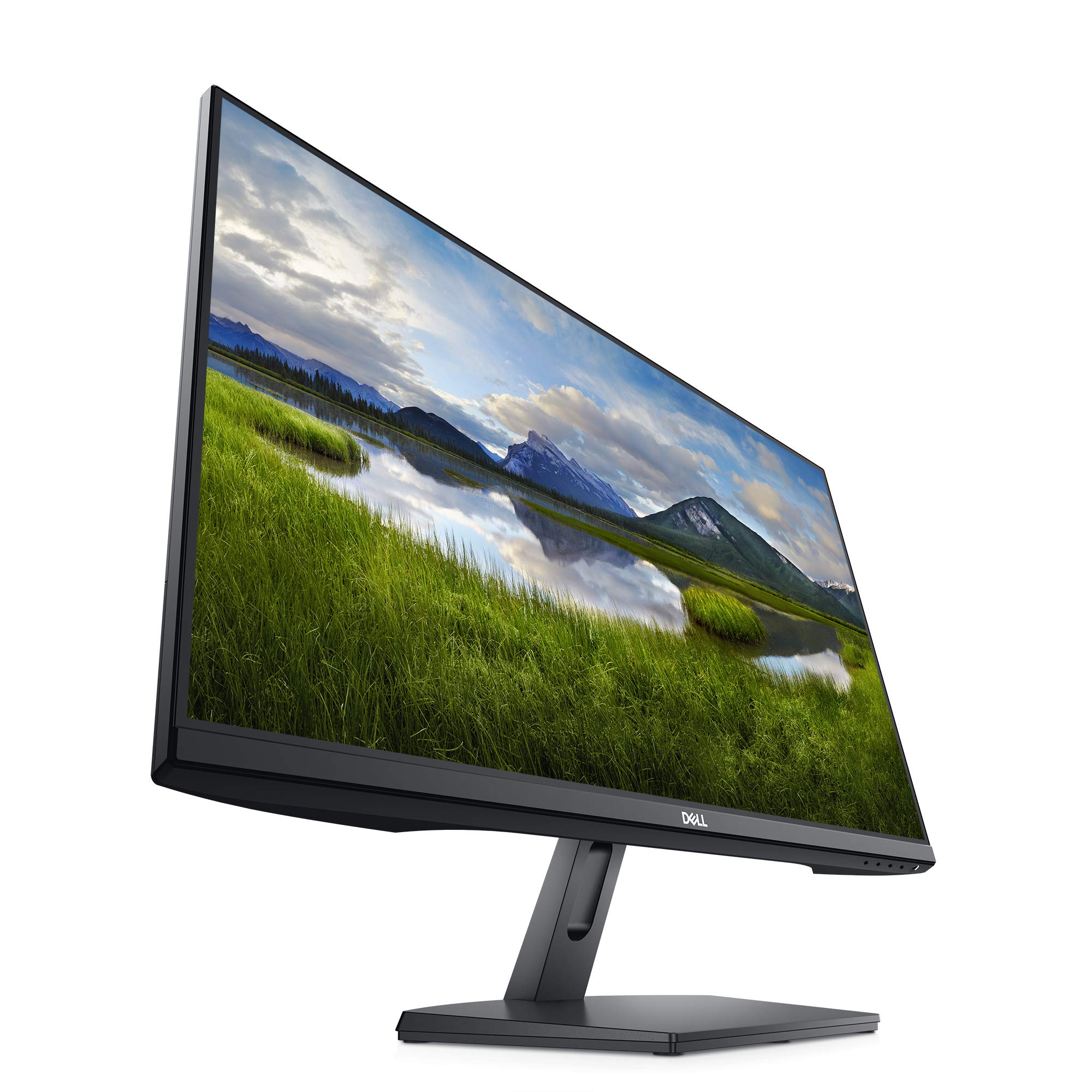
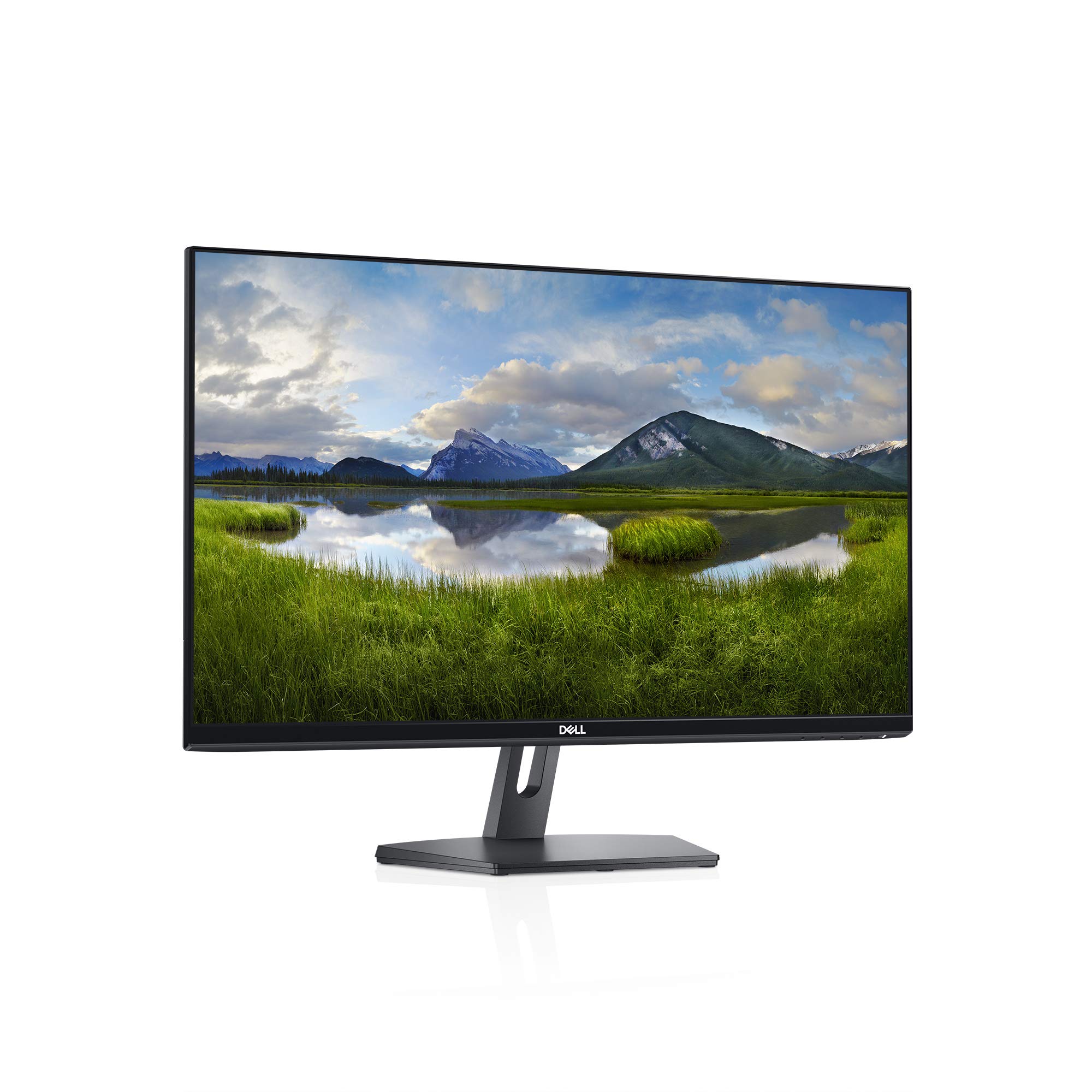
Thin bezel
1920 x 1080 at 60 hertz full HD maximum resolution
16:9 aspect ratio
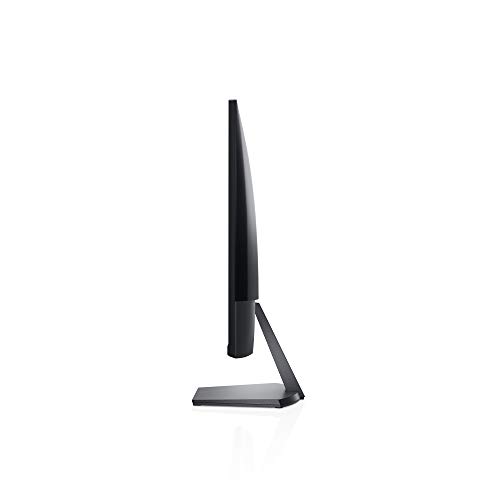
Compact base to maximize desk space. Display Position Adjustments: Not Available
1000:1 contrast ratio. Brightness: 250 Candela per square meter (TYP)
60 hertz
23.8 inch thin-bezel monitor with a compact base that maximizes desk space. Brilliant from every angle with a design that shines. In order to troubleshoot horizontal or vertical lines on a monitor, the following steps are recommended: 1. Reset the monitor to Factory Settings (Factory Reset). 2. Perform monitor self-test feature check and determine if these lines are also observed in self-test mode. 3. Check for bent or broken pins in the video cable connector. If found, test with another video cable and determine if issue is still present. 4. Last, run the built-in diagnostics. 5. If lines are observed after all of these steps and during the built-in diagnostics.

Buy products not available in the Philippines.