Galleon 2026Download our mobile shopping application for faster and easy transaction.
Price of this item is not available.
Product ID:
370701
Identifier:
B0FD77ZP5F
Brand:
TYUIHJGH
Model:
zhaodongliangl
Shipping Weight:
0 lbs
Manufacturer:
zhaodongliangl
Shipping Dimension:
0 x 0 x 0 inches
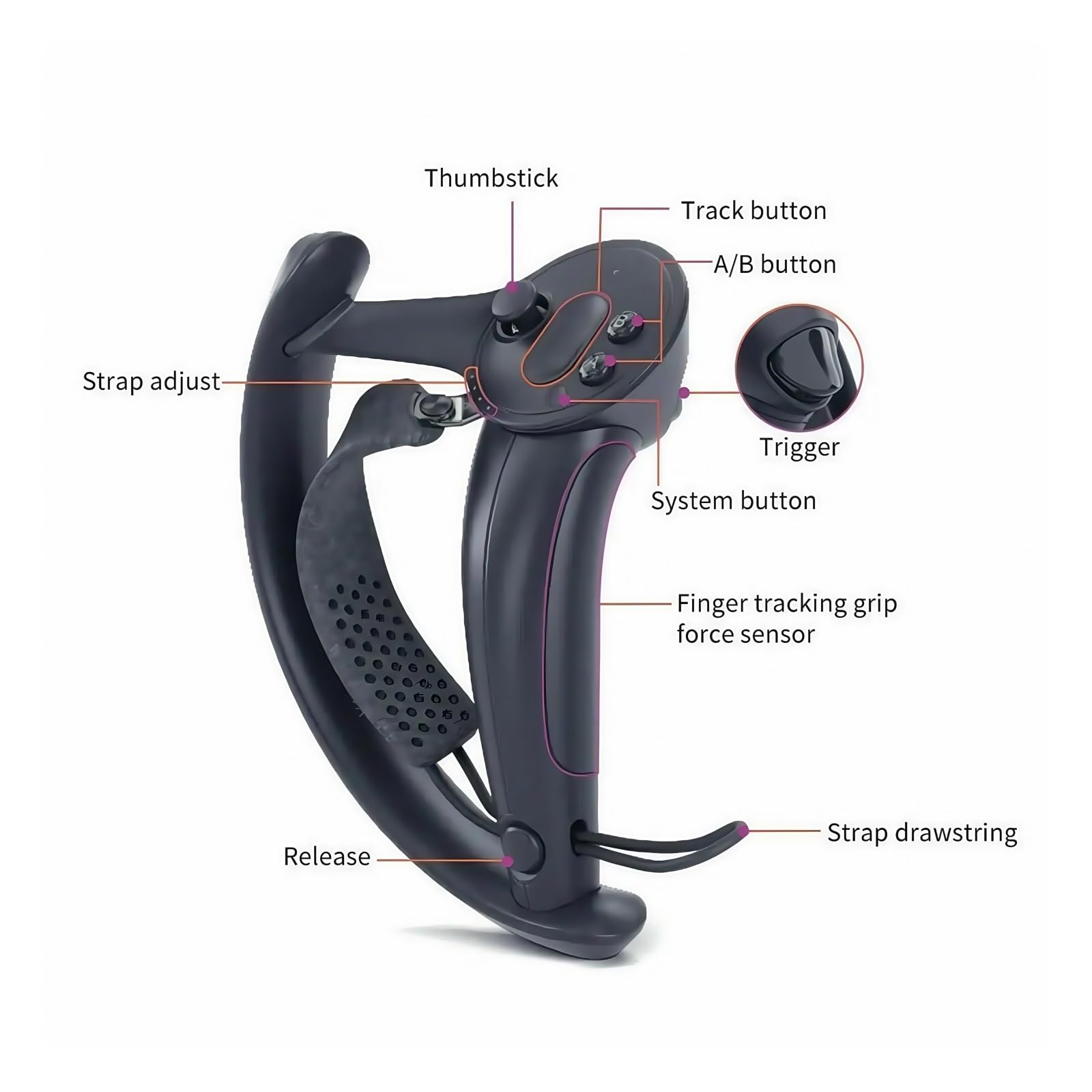
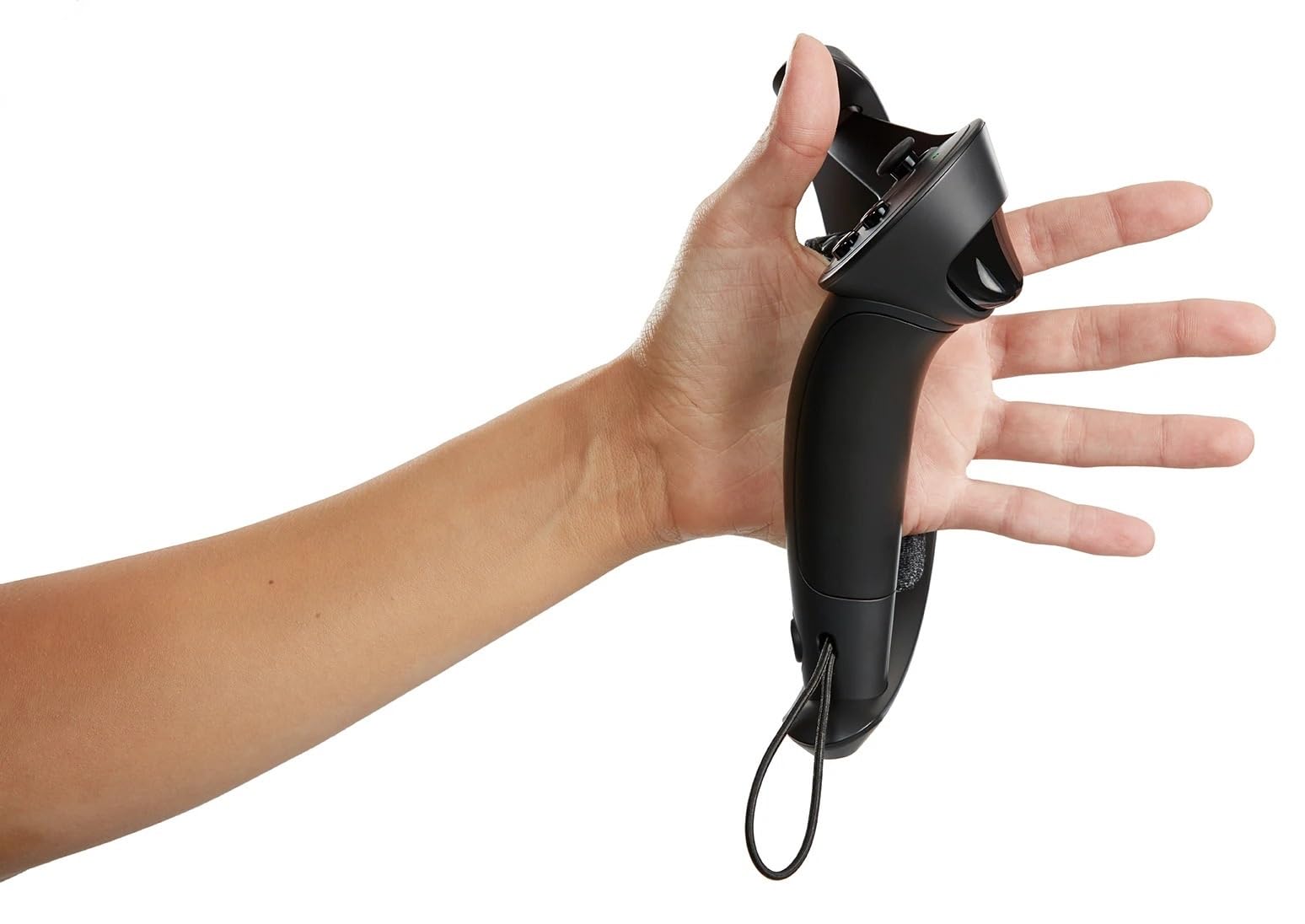
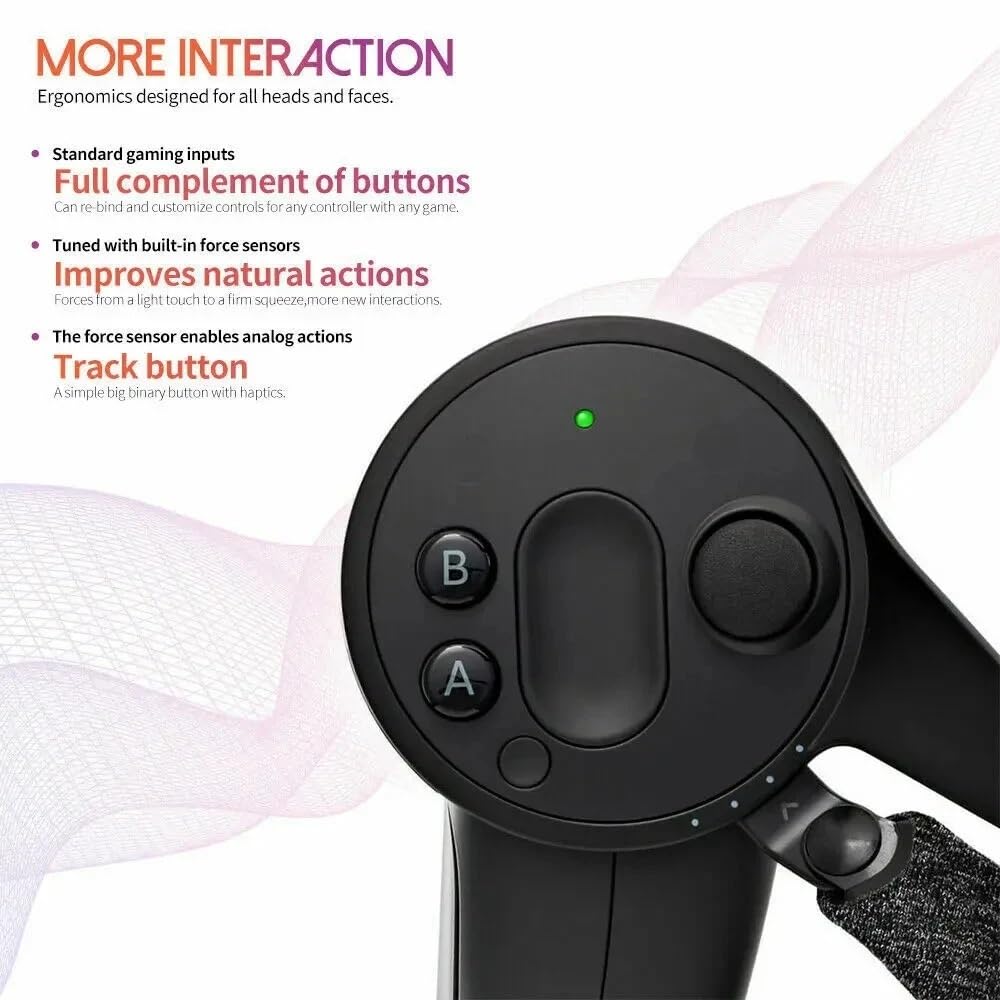
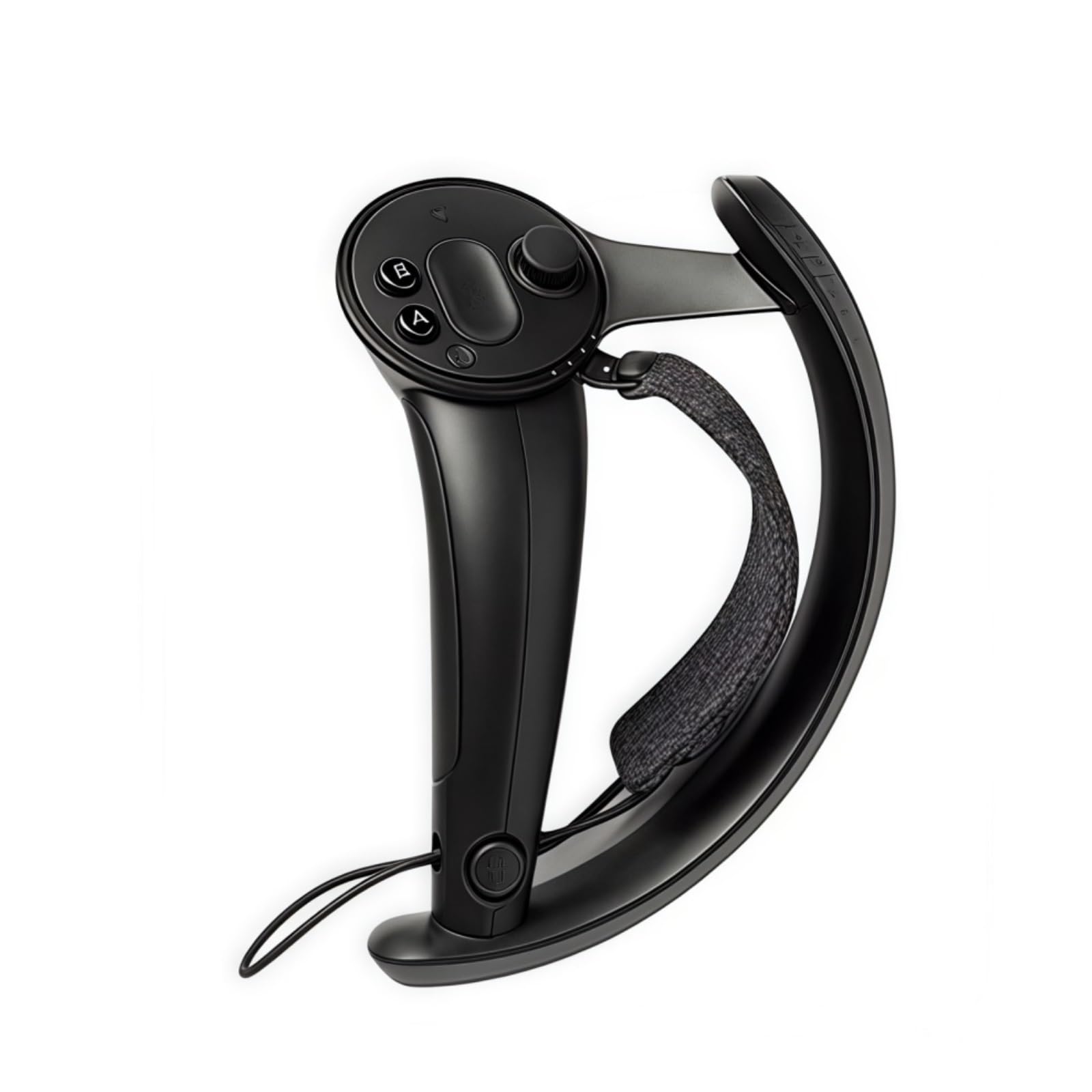
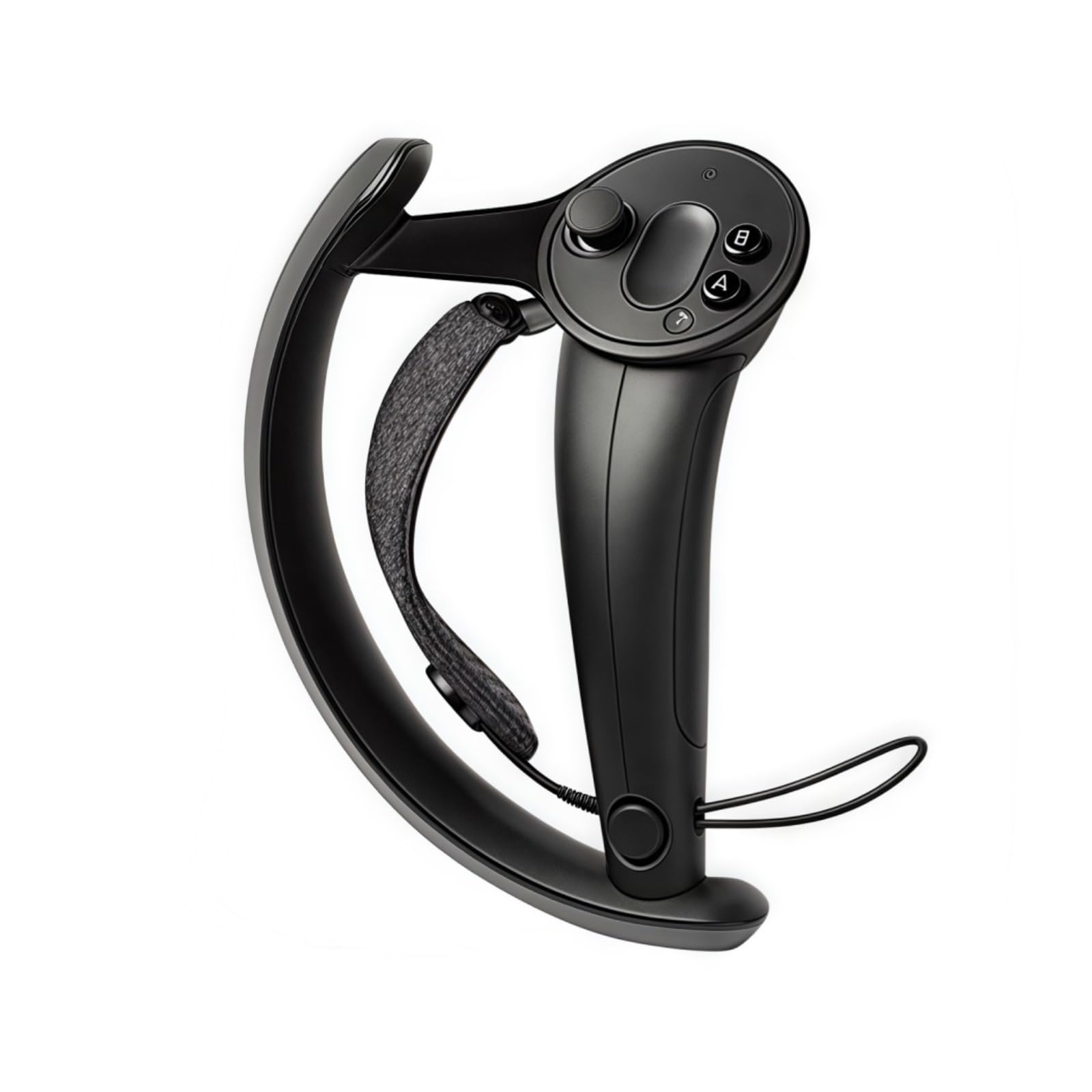
Compatible with Valve Index Controller Steamvr Game Controller, Compatible With HTC Vive/Vive Pro
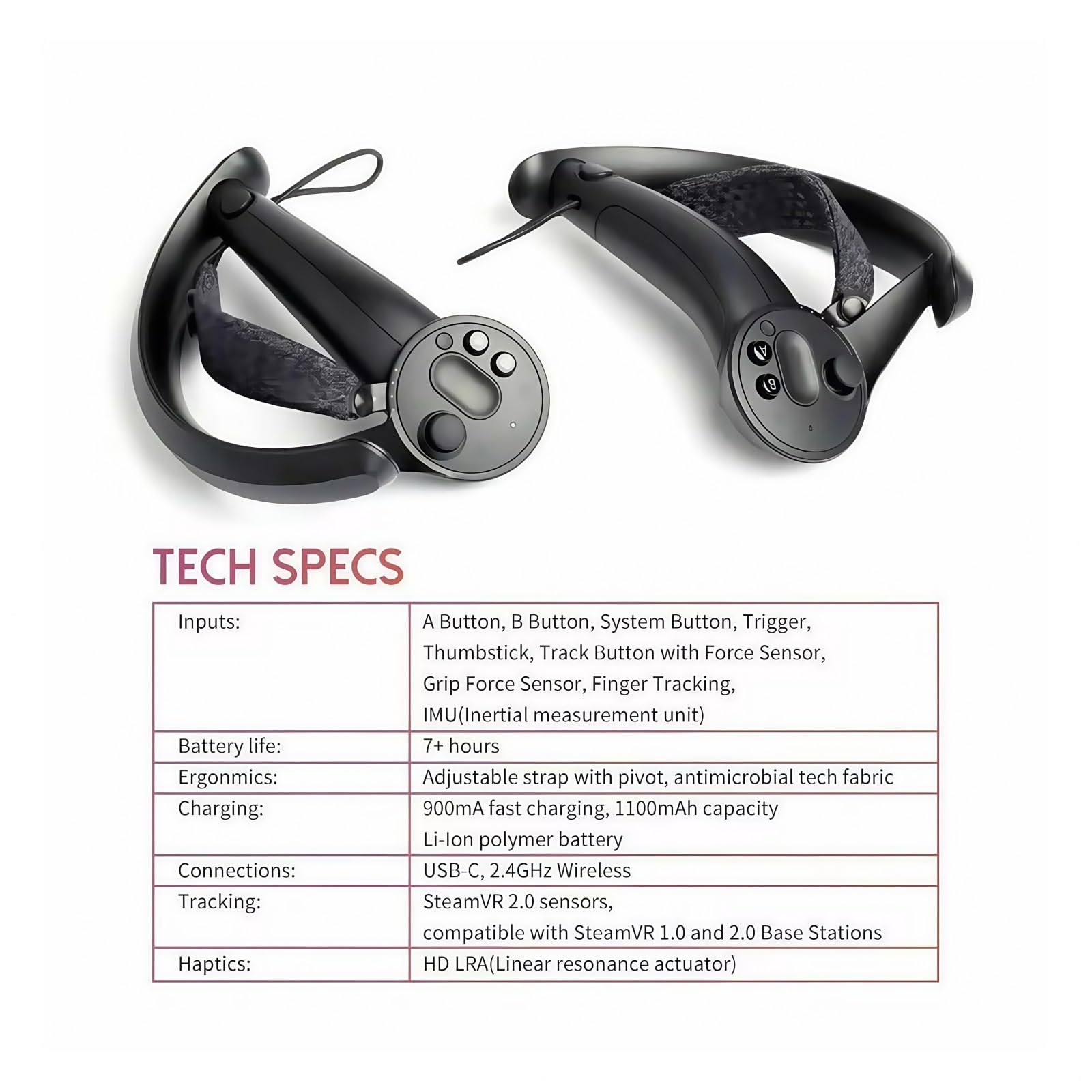
Battery life: over 7 hours、Connection: USB-C, 2.4GHz wireless
Charging: 900mA fast charging, 1100mAh capacity lithium polymer battery
Tracking: Compatible with Steam VR2.0 sensor、Touch: HD LRA (linear resonance actuator)
Compatible with Steam VR1.0 and 2.0 base stations
I preparation Ensure that SteamVR is installed and updated to the latest version. Fully charge the Index controller (or at least 50% or more) Connect the controller to the computer using an original USB-C data cable (or a reliable third-party cable). II Update firmware through SteamVR Connecting devices: Open SteamVR and ensure that the headset, base station, and controller are correctly recognized. If the controller is not automatically connected, long press the system button (the small circular button on the side of the controller) until the indicator light flashes. Check for updates: In the SteamVR panel, click on the menu button (3) in the upper right corner and select "Devices">"Update Device Firmware" If there is an available update, it will prompt 'IndexController firmware update'. Start updating: Follow the on-screen prompts and keep the controller connected until the update is complete. Do not disconnect the USB cable or turn off SteamVR during the update process. Complete verification 4 After the update, the controller may automatically restart. Check the SteamVR status panel to ensure that the controller displays "Normal" 0 III Manual forced update (applicable to abnormal situations) If automatic update fails: Go to SteamVR settings, select "Developer">"Device">"Manual firmware update". Select the Index controller and force a firmware rewrite.

Buy products not available in the Philippines.