Galleon 2026Download our mobile shopping application for faster and easy transaction.
Product ID:
1078539
Identifier:
B0CLTZHWLM
Brand:
VITURE
Model:
V1240
Shipping Weight:
0.15 lbs
Manufacturer:
VITURE
Shipping Dimension:
8.03 x 2.36 x 0.71 inches
₱5,458
+ ₱ 150
Shipping Cost from USA to Philippines inclusive of custom fees.
Cost too high? Check weight and dimension on product details and click "I think this is wrong?" link.
Get it between 2026-06-06 to 2026-06-13.
Additional 3 business days for provincial shipping.
- Price and Stocks may change without prior notice
- Packaging of actual item may differ from photo shown
Cash upon Pick-up - orders grand total must not exceed ₱5,000.00. Order will be pickup at Galleon's Office.
Cash on Delivery - orders grand total must not exceed of ₱10,000.00 and must not exceed ₱5,000.00 for provincial areas. See all payment methods
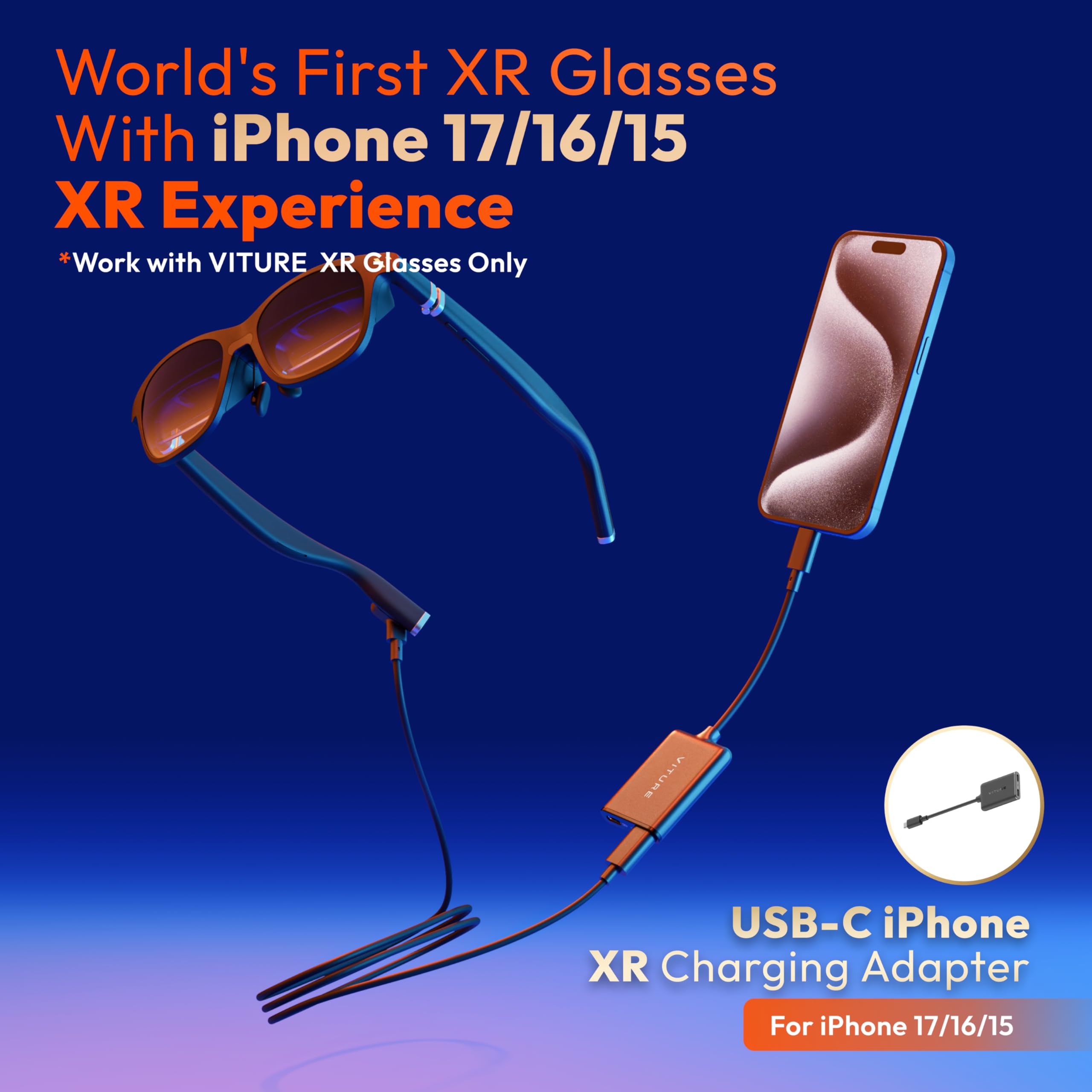
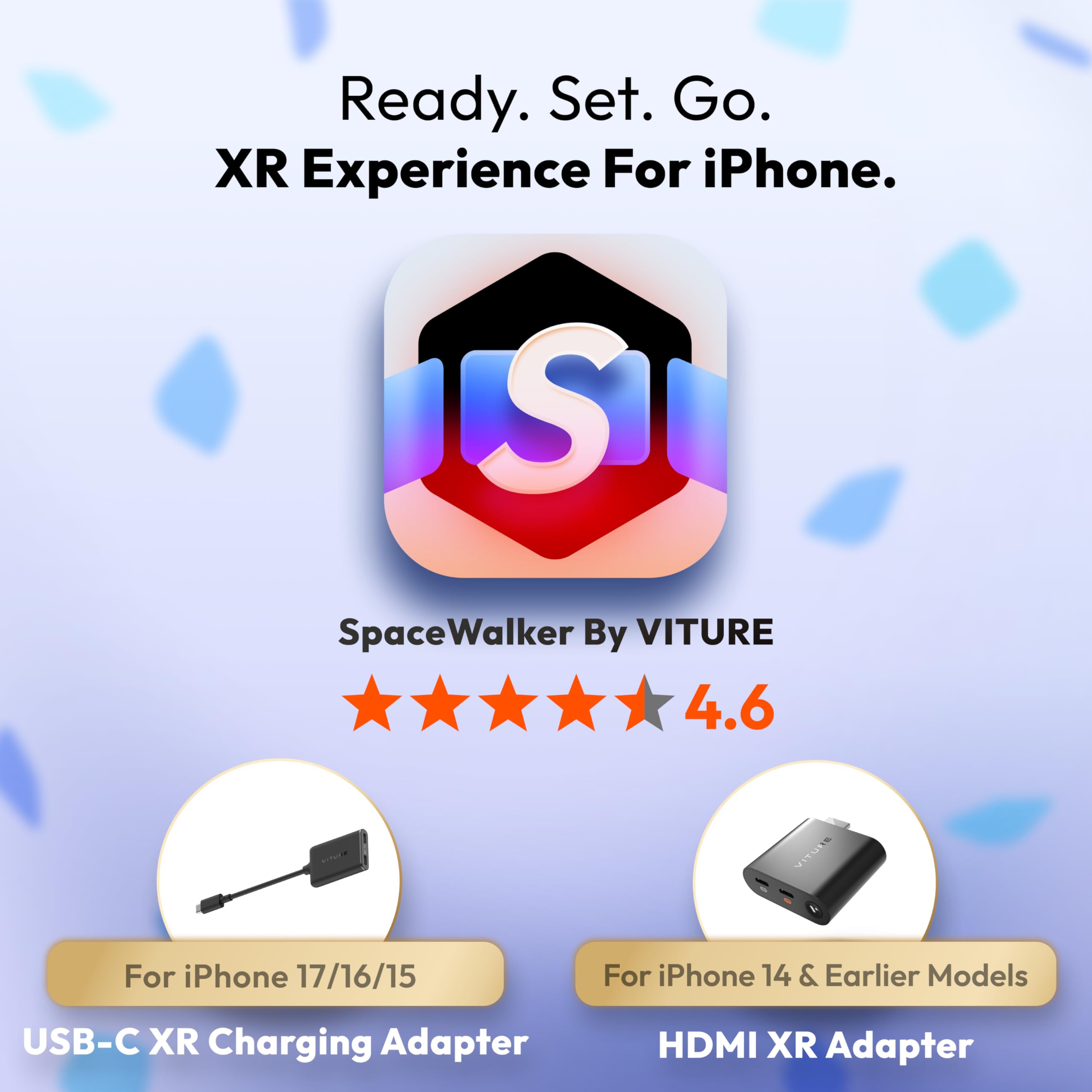
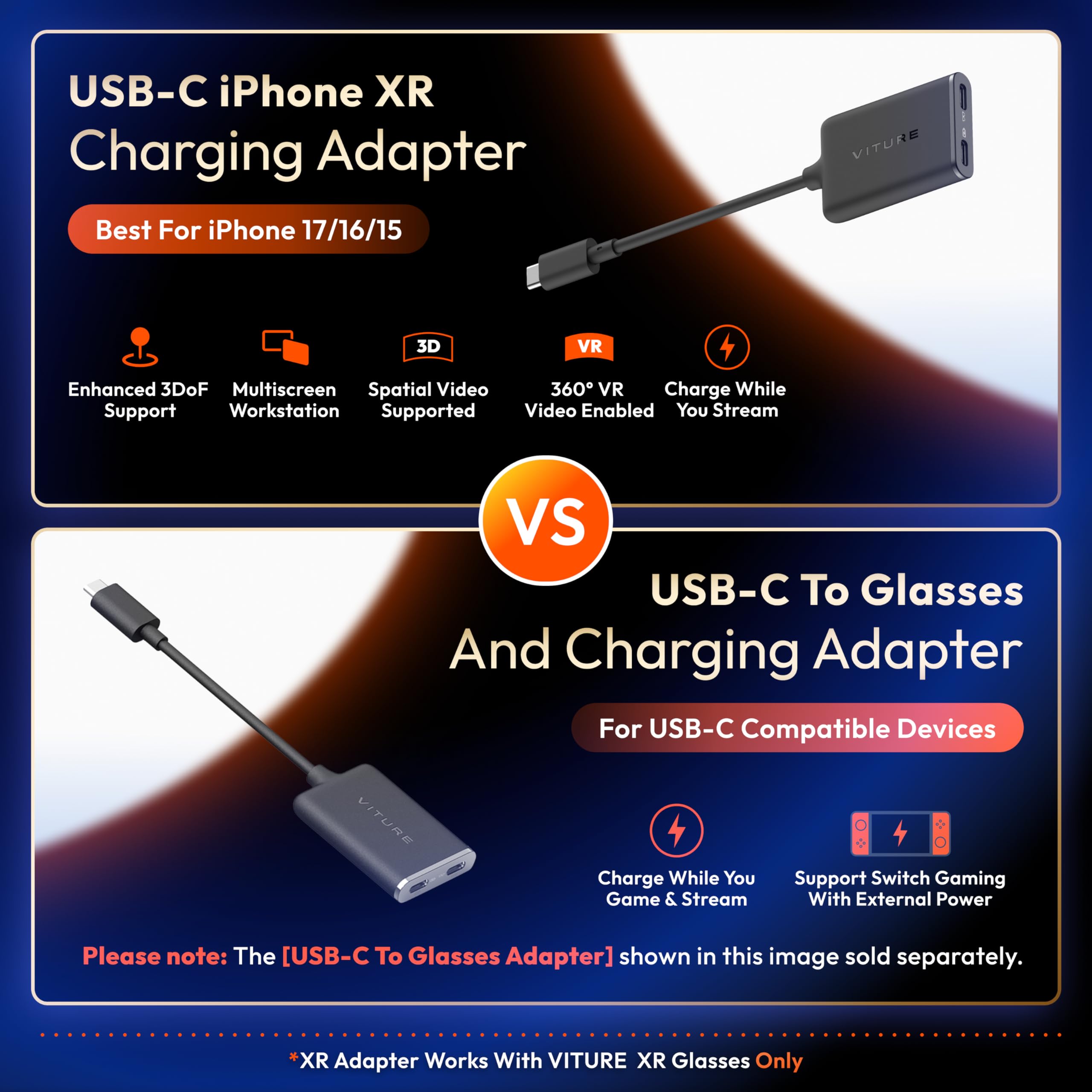
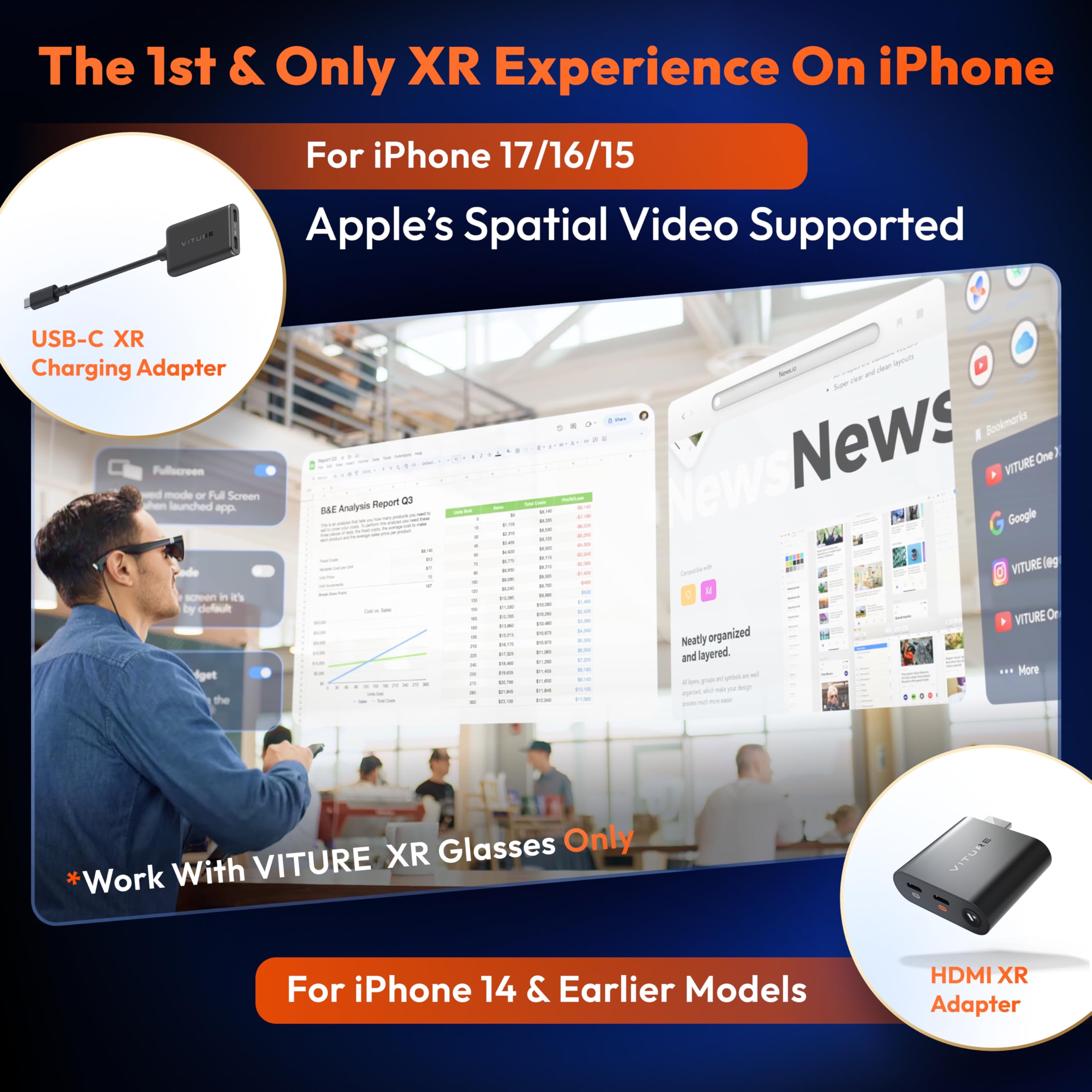
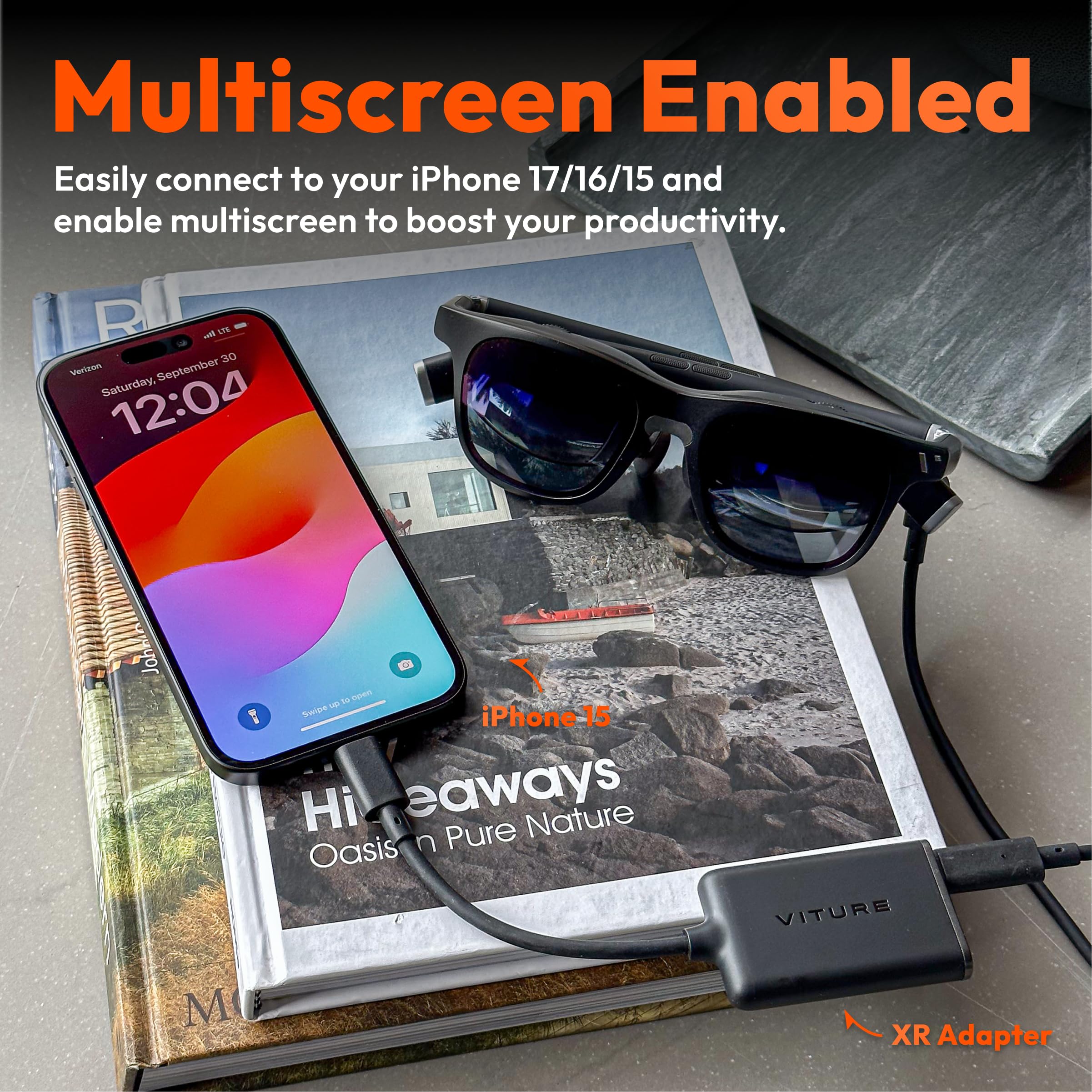
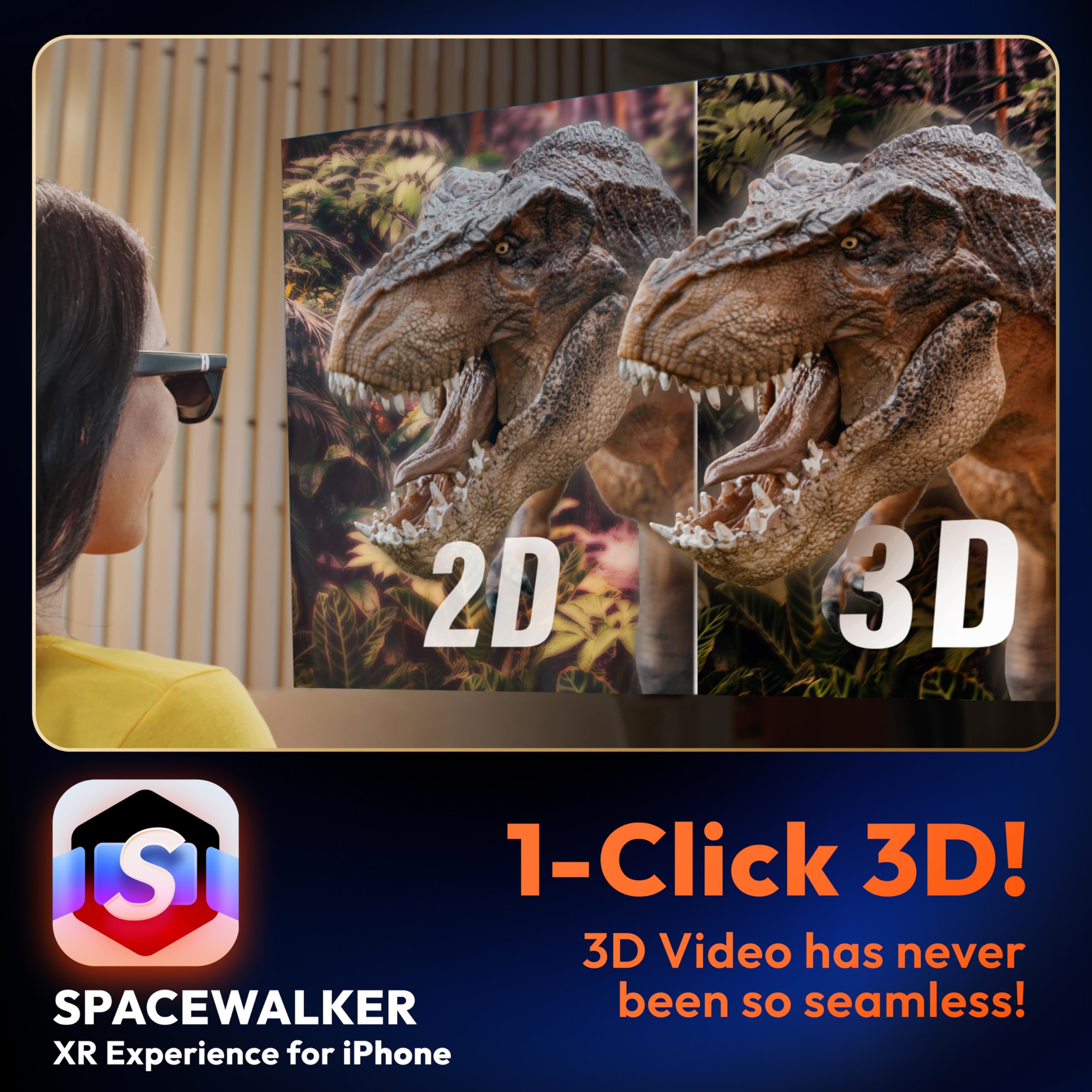
The First XR Adapter to Unlock Head-Tracking on iPhone: Enjoy 3DoF, Multiple Screens, 1-Click 3D, Seamless Spatial Audio, and More! (All features work within SpaceWalker, with 3DoF available in full-screen mode.)
Please Note For VITURE Luma Ultra Users, this adapter offers partial compatibility. Please review the feature breakdown below to set proper expectations. · Supports: Audio/Video Output, Charging Passthrough. · Not Yet Supported: Immersive Features (Head Tracking, 180°/360°/3D VR, 3DoF, OSD Menu Controls)
Charge & Play: Connect to power without disconnecting your XR glasses.
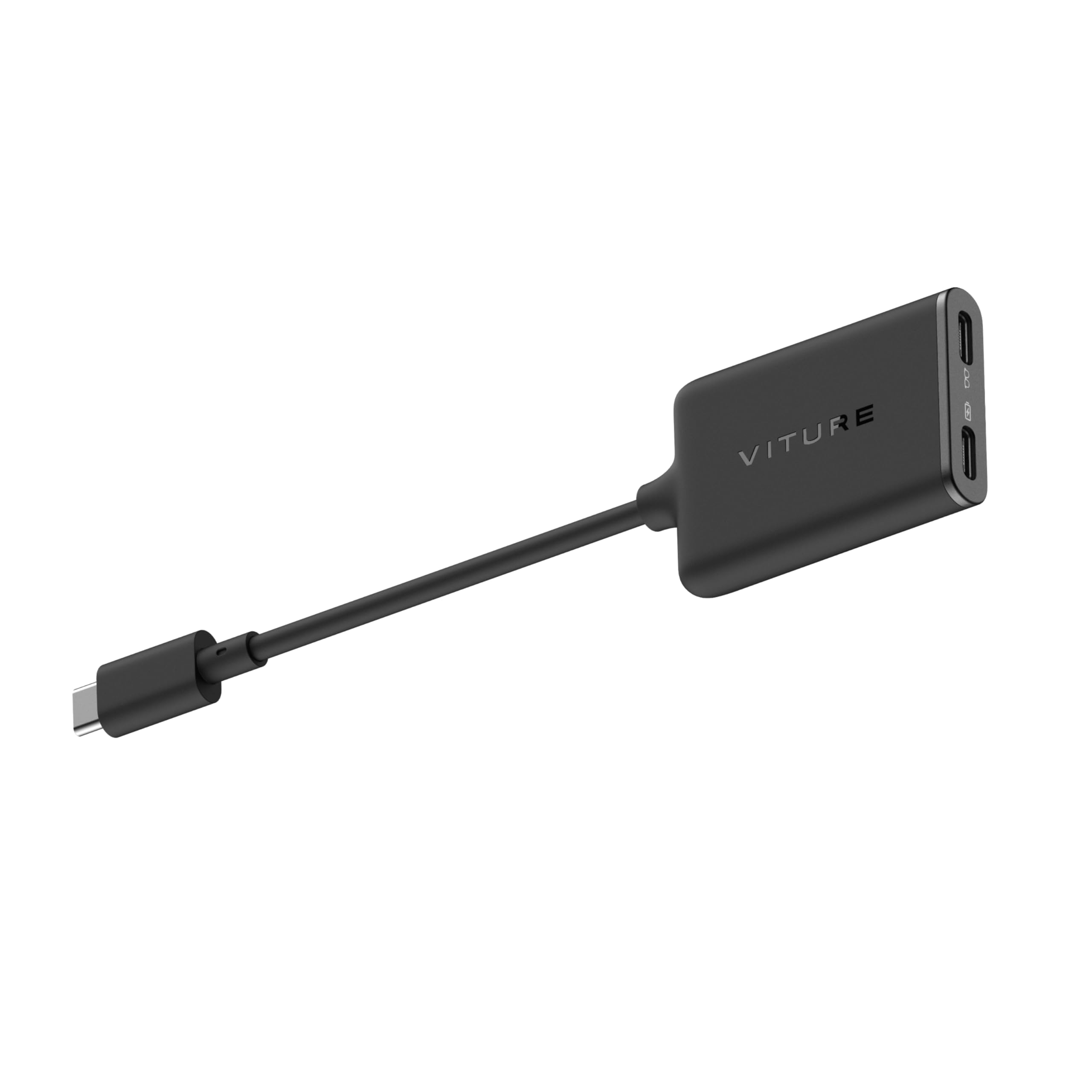
Clearly marked ports make connecting a breeze.
Usable with virtually any USB-C device.
Small, lightweight, and easy to carry
iPhone 16e & iPhone Air are not compatible with VITURE XR Glasses.
Please note that XR Glasses are not included with this accessory.
How To Update: 1.Connect the USB-C XR Charging Adapter and XR Glasses to your iPhone, then open SpaceWalker App. 2. Once connected, the app will automatically detect the firmware version of your adapter. If an update is available, an update prompt will appear. *Please note: during the update, disconnect the XR Glasses from the adapter and update the adapter only. 3.Tap Confirm to start the upgrade. The screen will display the update progress. The entire process takes approximately 1–2 minutes. Keep the connection stable and leave the app open on the upgrade page. 4.After the upgrade is complete, follow the on-screen instructions and unplug the adapter to finish the firmware update.

Buy products not available in the Philippines.