Galleon 2026Download our mobile shopping application for faster and easy transaction.

Product ID:
514098
Identifier:
B082YN3T7M
Brand:
PXN
Model:
Shipping Weight:
4.22 lbs
Manufacturer:
PXN
Shipping Dimension:
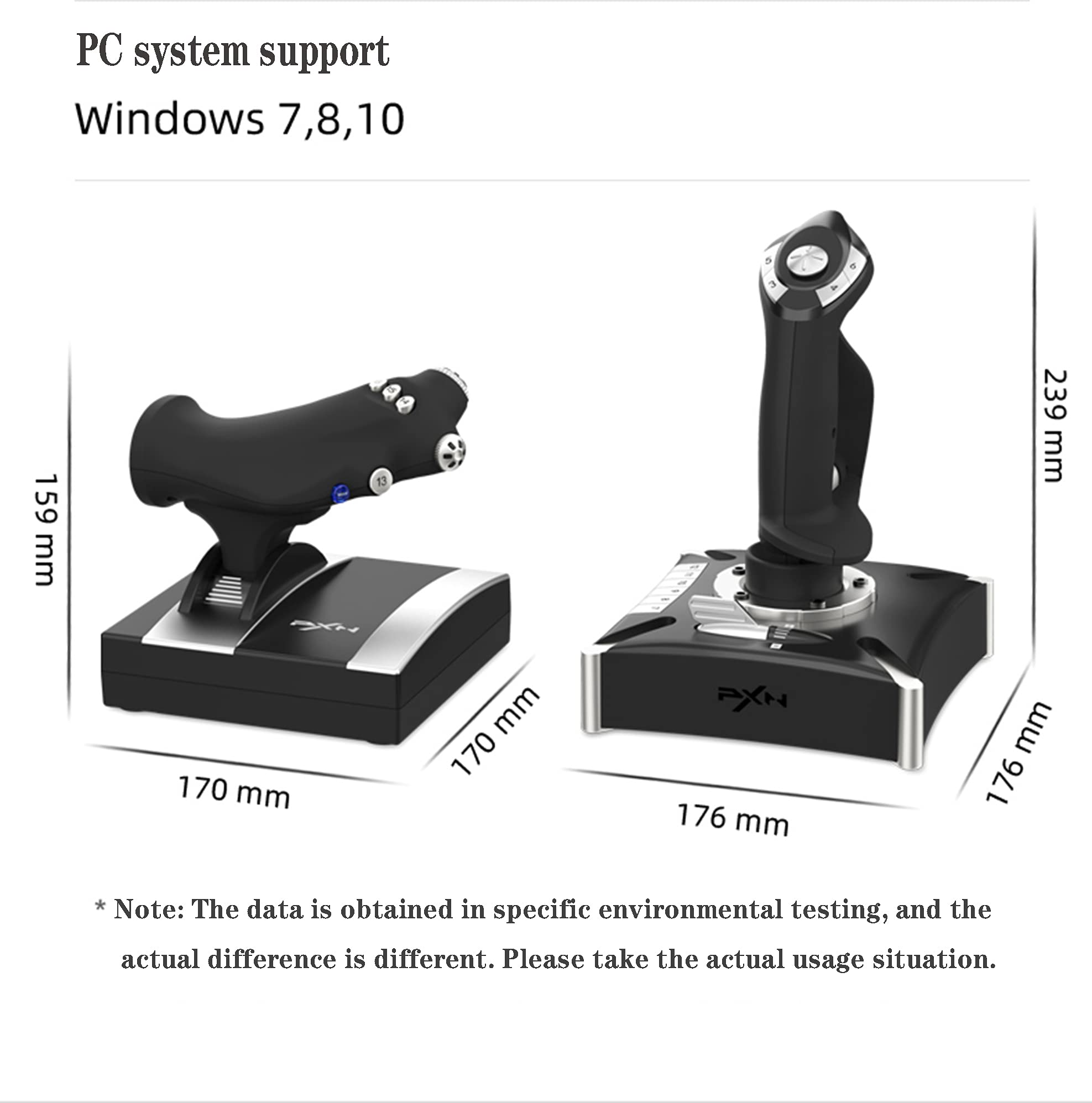
14.37 x 10.04 x 7.76 inches
₱11,438
₱10,525
+ ₱ 3,087
Shipping Cost from USA to Philippines inclusive of custom fees.
Cost too high? Check weight and dimension on product details and click "I think this is wrong?" link.
Get it between 2026-06-02 to 2026-06-09.
Additional 3 business days for provincial shipping.
- Price and Stocks may change without prior notice
- Packaging of actual item may differ from photo shown
Cash upon Pick-up - orders grand total must not exceed ₱5,000.00. Order will be pickup at Galleon's Office.
Cash on Delivery - orders grand total must not exceed of ₱10,000.00 and must not exceed ₱5,000.00 for provincial areas. See all payment methods
1.【PRECAUTIONS】:After connecting the computer USB, if the computer cannot recognize the PXN-2119 Pro, please download the PXN-2119 Pro driver. If the connection is successful but the buttons do not work, you need to enter the game settings page in the game and select the joystick mode. For the settings of "Microsoft Flight Simulator 2020", you can view the detailed setting steps in E-PXN Official Website - Service - Joystick Game button settings X-Plane 11.
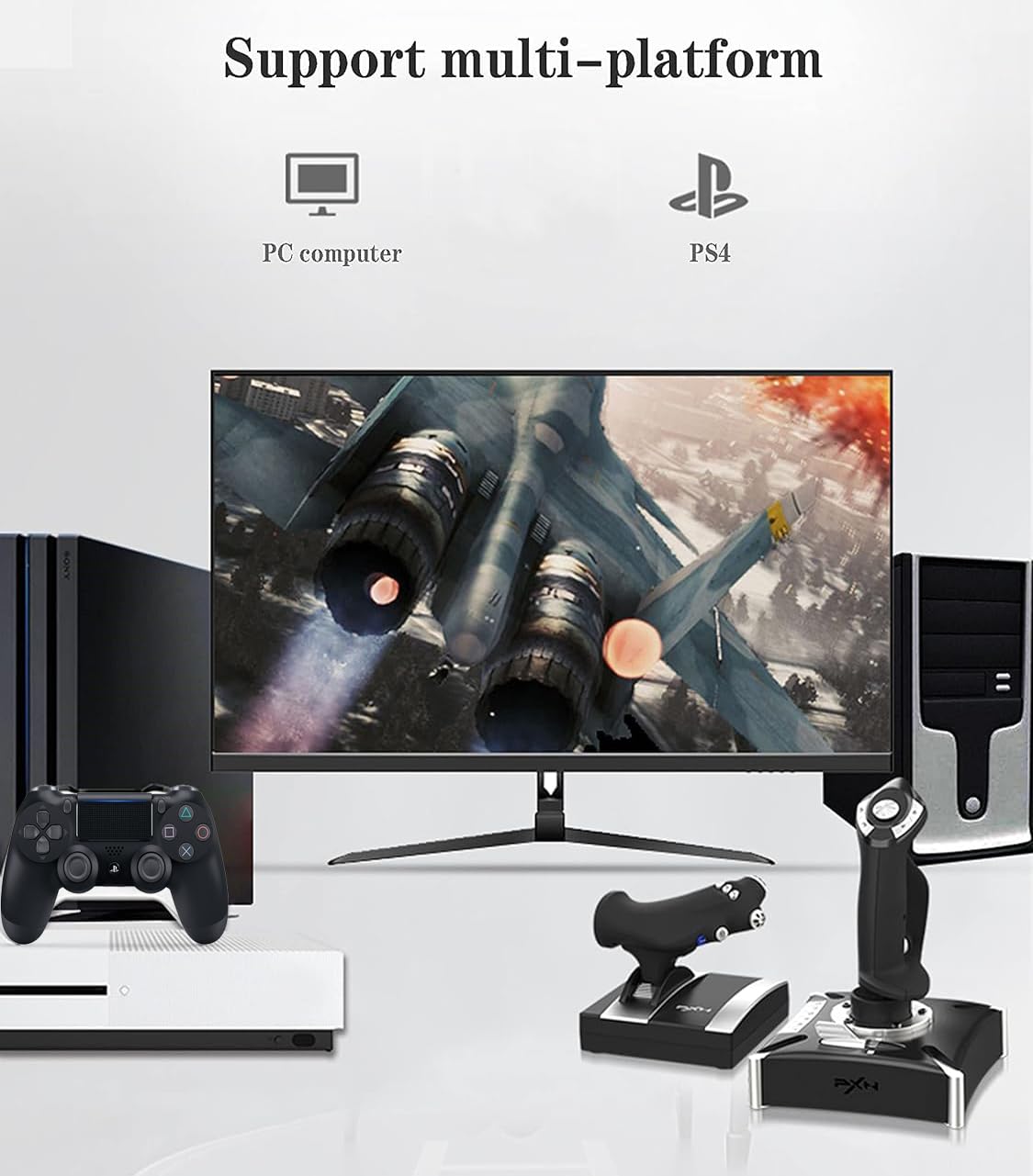
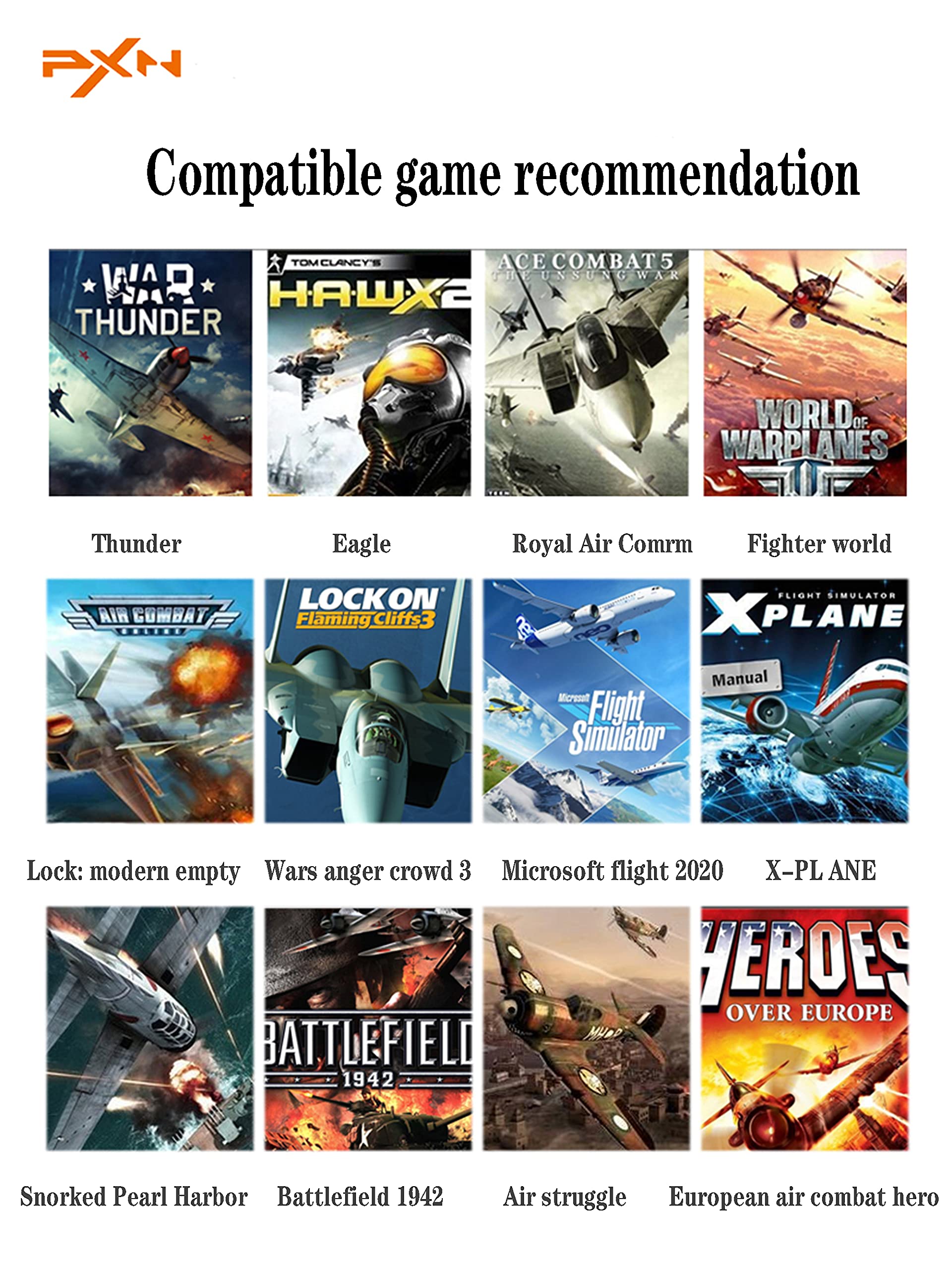
2. 【P4 Compatibility】2119Pro is Compatible only P4 for "Ace Combat-Unknown Territories" 2119PRO is Compatible only is suitable for "Microsoft Flight Simulator 2020" and "Ace Combat-Unknown Territories" , FOR PC Windos XP 7/8/10 such as for Microsoft Flight Simulator 2020,War Thunder, H.A.W.X.2, World of Warplanes, X-Plane, Air Combat, and more. 【NOTE:DOES NOT Support Mac Apple Devices / PS3/PS5)
3. 【PC Connection Method】Step 1 Launch PXN official website (e-pxn.com.cn) to download and install driver,details show below:Home--support--tools--find PXN joysitck software to download .step 2 Extract the downloaded driver,and install according to instruction.step 3 plug the PXN Flight joystick into pc usb port,computer will prompt new hardware and install automatically. step 4 then you can play game or conduct joystick settings in PXN Joystick
4. 【P4 Connection Method】P4 Step 1 Plug the throttle into joystick, then plug the P4 original controller into guidance port. (Original controller should be powered OFF) Step 2 Plug the joystick into P4 console USB port.turn on the host.Step 3 Press No.12 button on joystick launching game to play
5. 【XBOX ONE Connection Method】XBOX ONE Step 1 Plug the throttle into joystick, then plug the XBOX original controller into guidance port. (Original controller should be powered OFF) Step 2 Plug the joystick into XBOX console USB port.turn on the host Step 3 XBOX Press No.13 button on joystick launching game to play
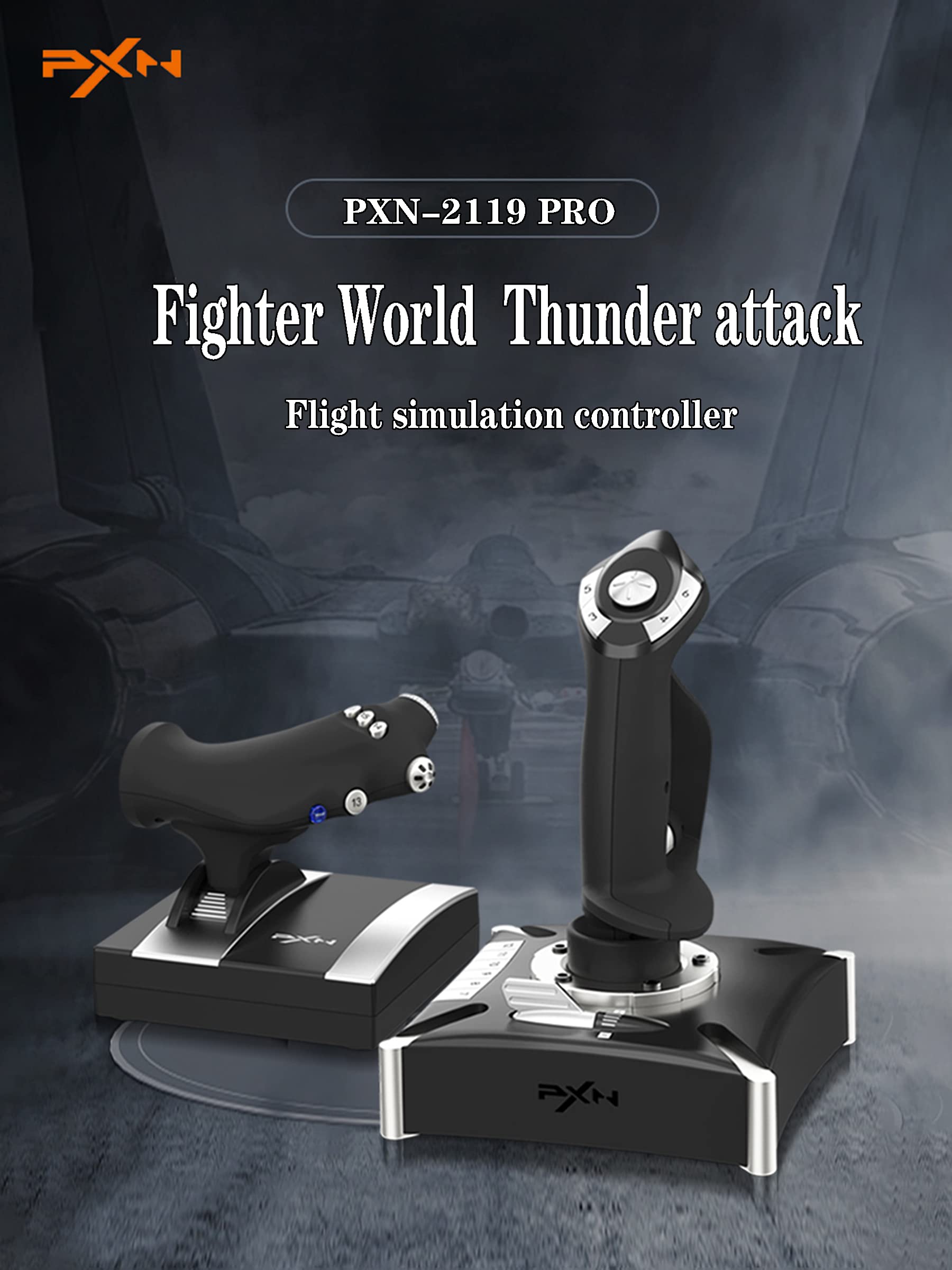
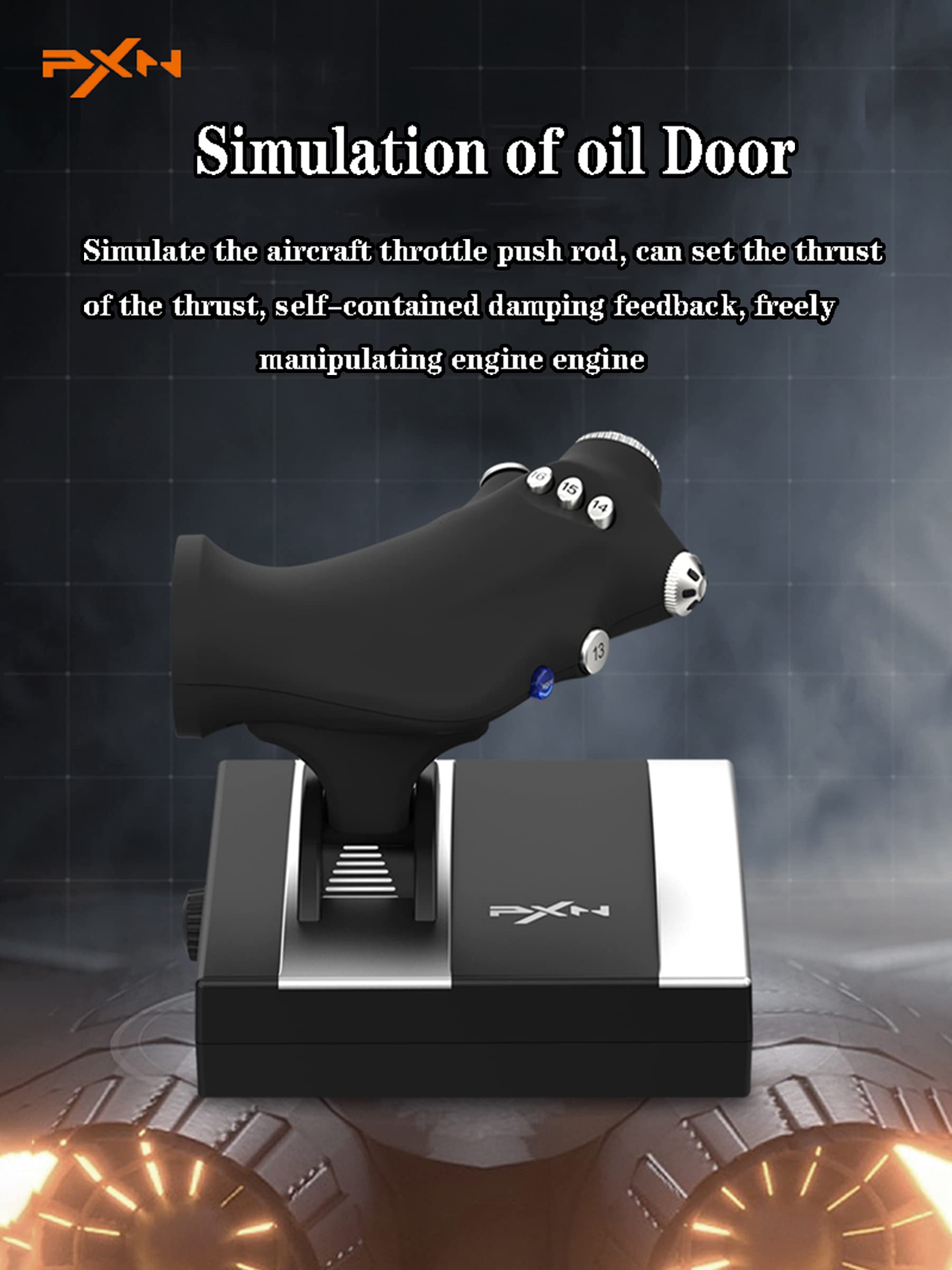
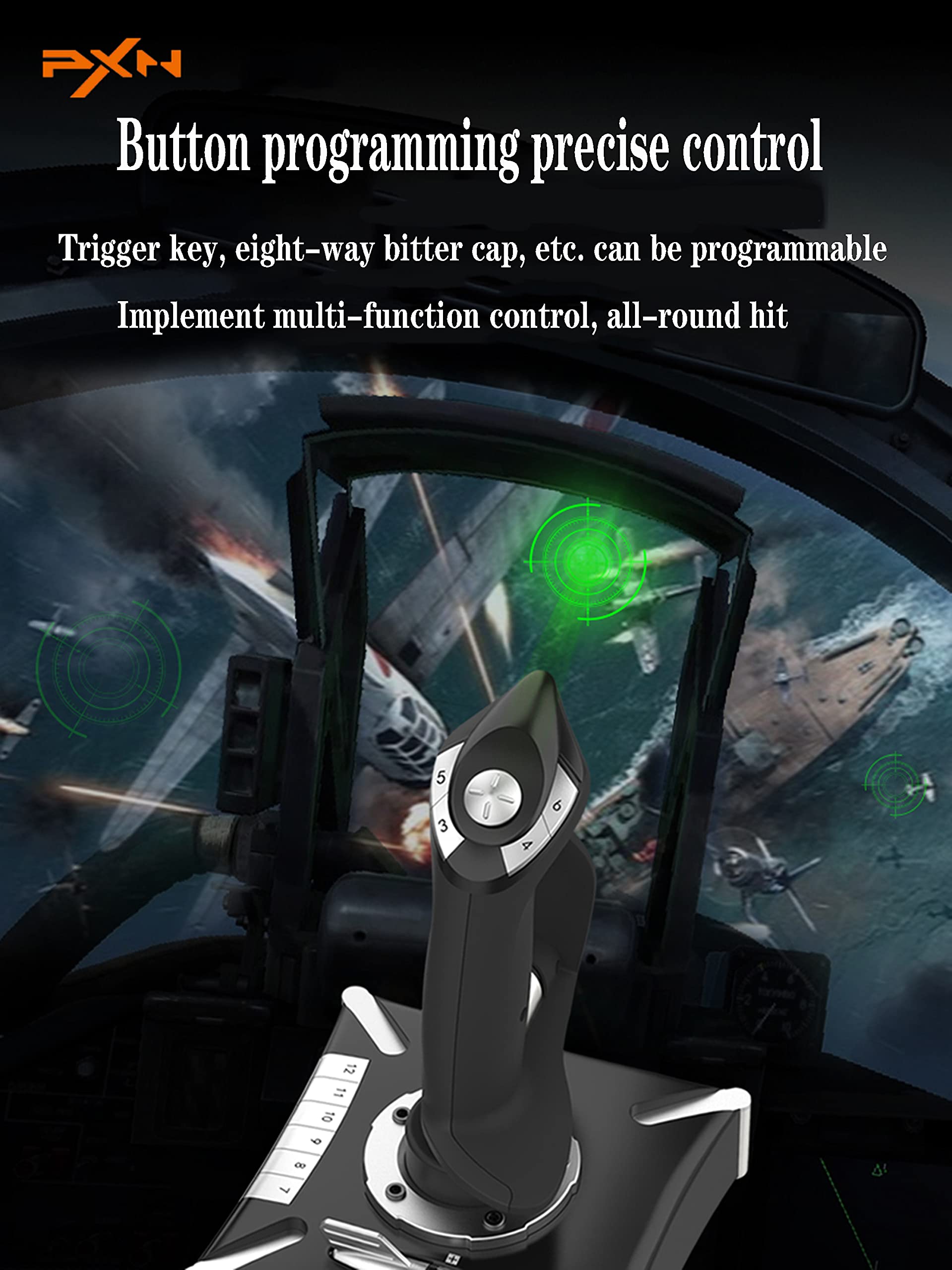
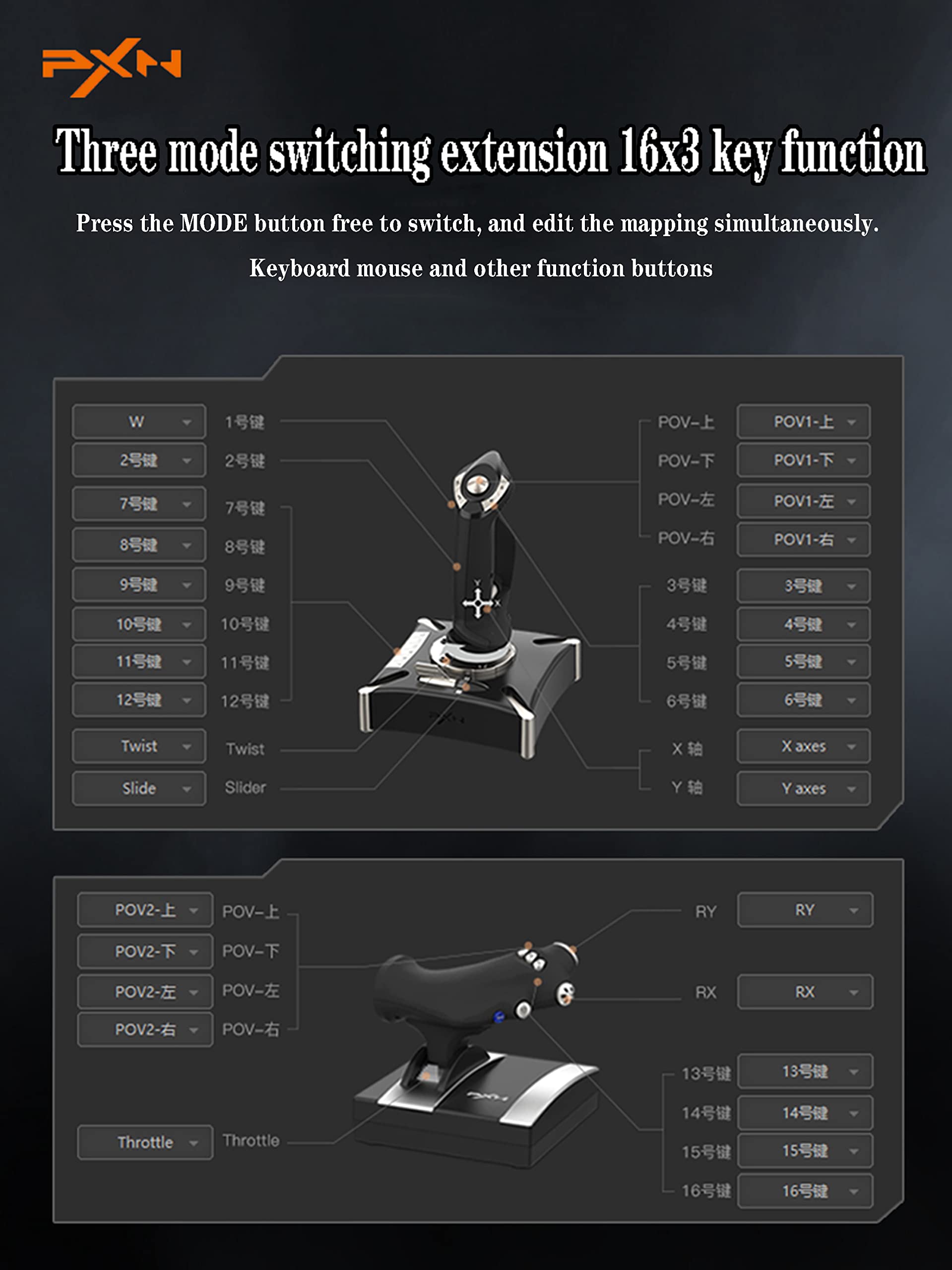
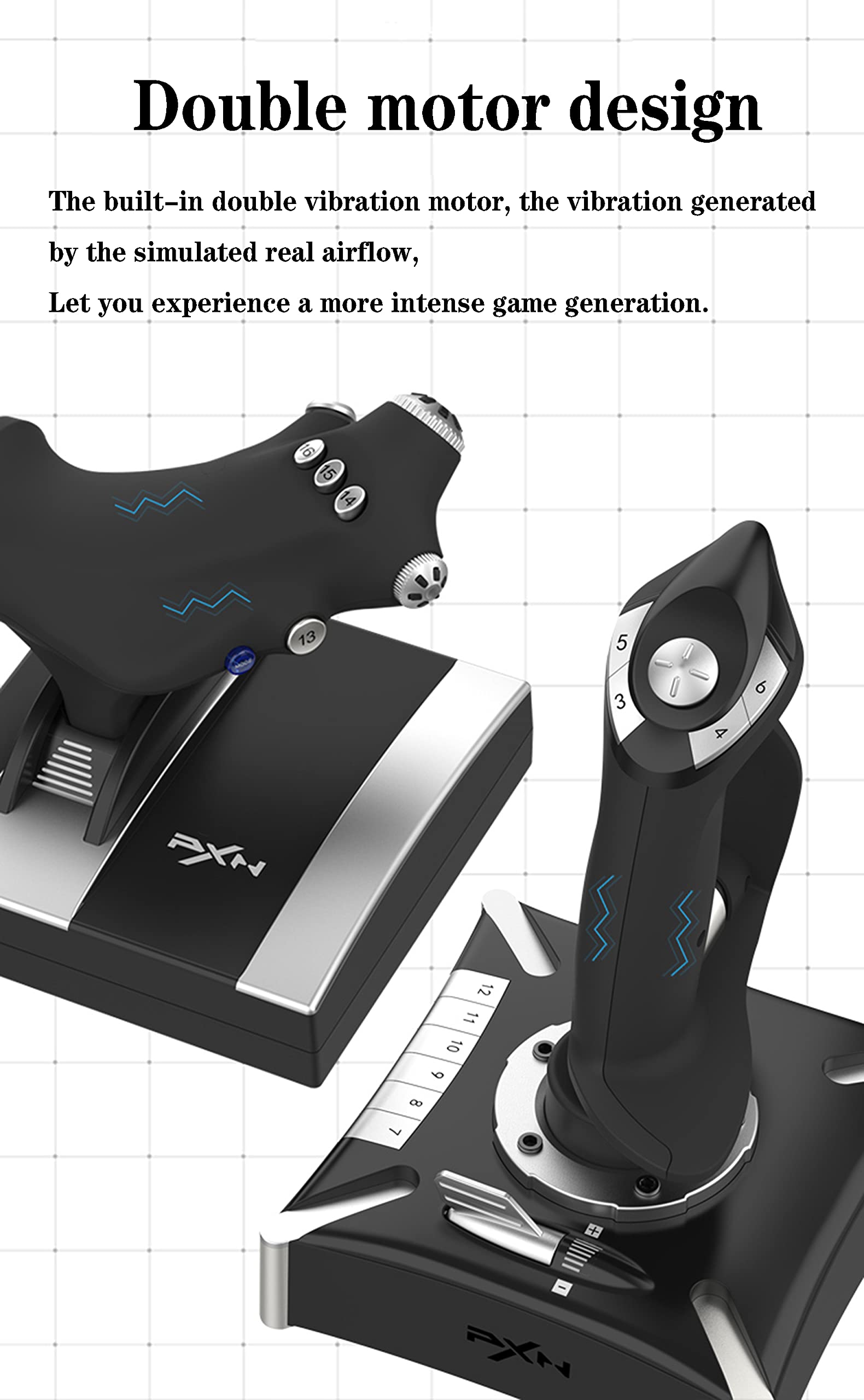
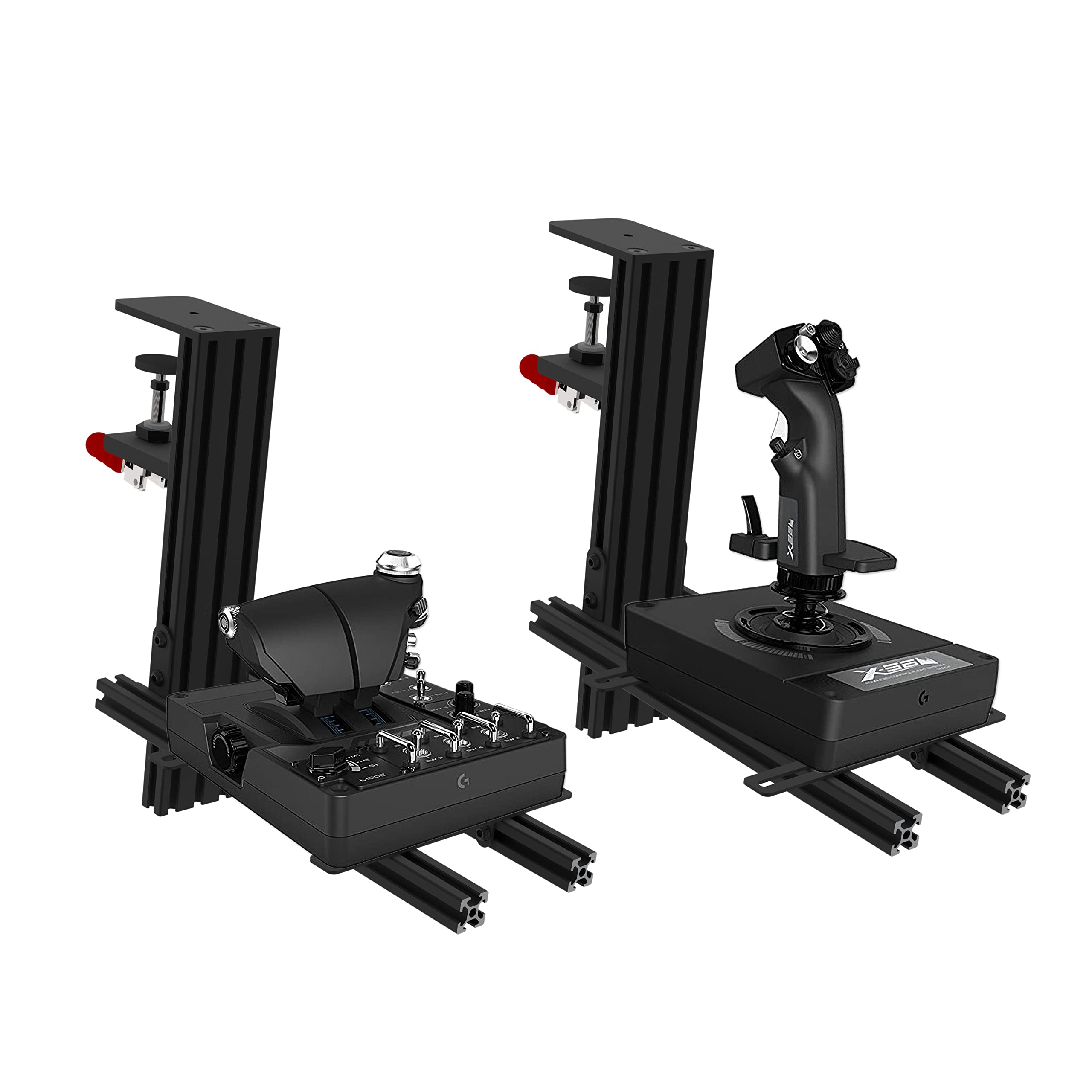
6. 【Product Features】 PXN-2119Pro Flight Joystick is composed of "rocker arm unit" and "throttle valve" ,Simulate the throttle rudder, simulate the throttle push rod of the aircraft, can set the throttle reasoning, come with a sense of damping feedback, and freely control the engine engine, Built-in dual vibration motors to simulate the vibration generated by real airflow, allowing you to experience a stronger sense of real game substitution.

Buy products not available in the Philippines.