Galleon 2026Download our mobile shopping application for faster and easy transaction.
₱1,283
+ ₱ 150
Shipping Cost from USA to Philippines inclusive of custom fees.
Cost too high? Check weight and dimension on product details and click "I think this is wrong?" link.
Get it between 2026-06-16 to 2026-06-23.
Additional 3 business days for provincial shipping.
- Price and Stocks may change without prior notice
- Packaging of actual item may differ from photo shown
Cash upon Pick-up - orders grand total must not exceed ₱5,000.00. Order will be pickup at Galleon's Office.
Cash on Delivery - orders grand total must not exceed of ₱10,000.00 and must not exceed ₱5,000.00 for provincial areas. See all payment methods
Product ID:
696321
Identifier:
B0CRVTJGMW
Brand:
SZSEVSIOT
Model:
2242T
Shipping Weight:
0.22 lbs
Manufacturer:
Seven Senses IOT
Shipping Dimension:
6.93 x 4.21 x 0.51 inches
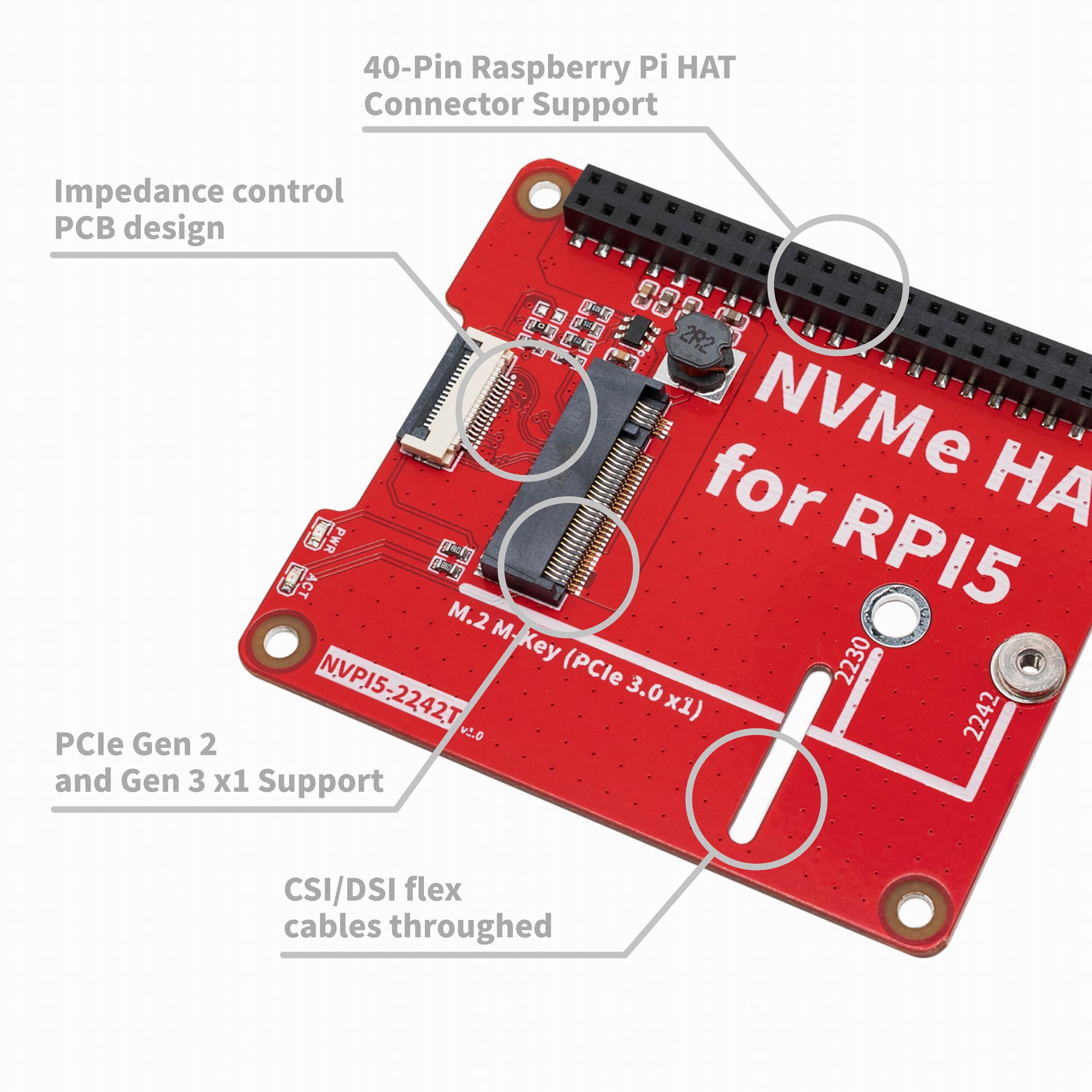
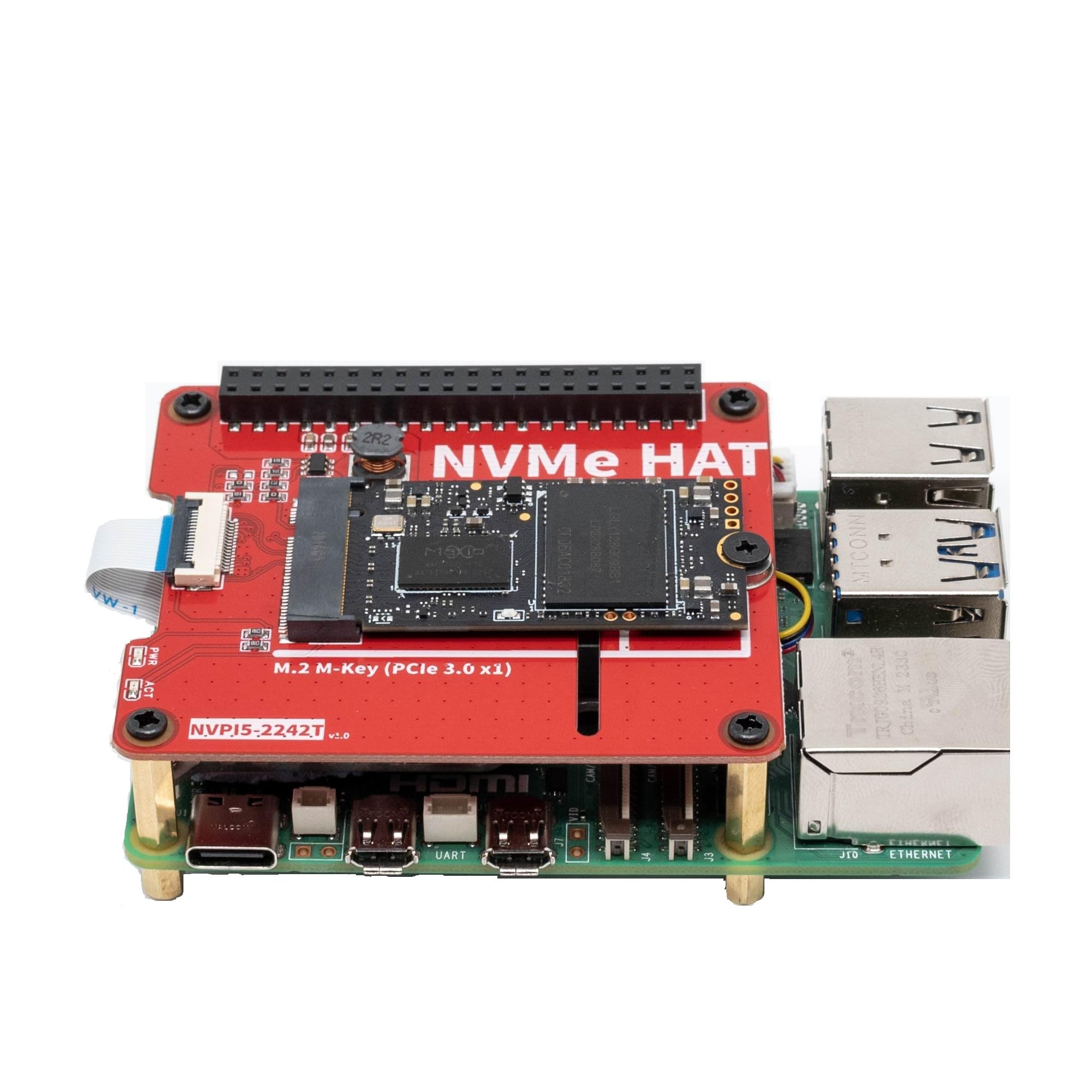
【Compatibility】Dedicated to the latest single-board computer the Raspberry Pi 5, compatible with Raspberry Pi 5 8GB / 4GB / 2GB / 1GB .
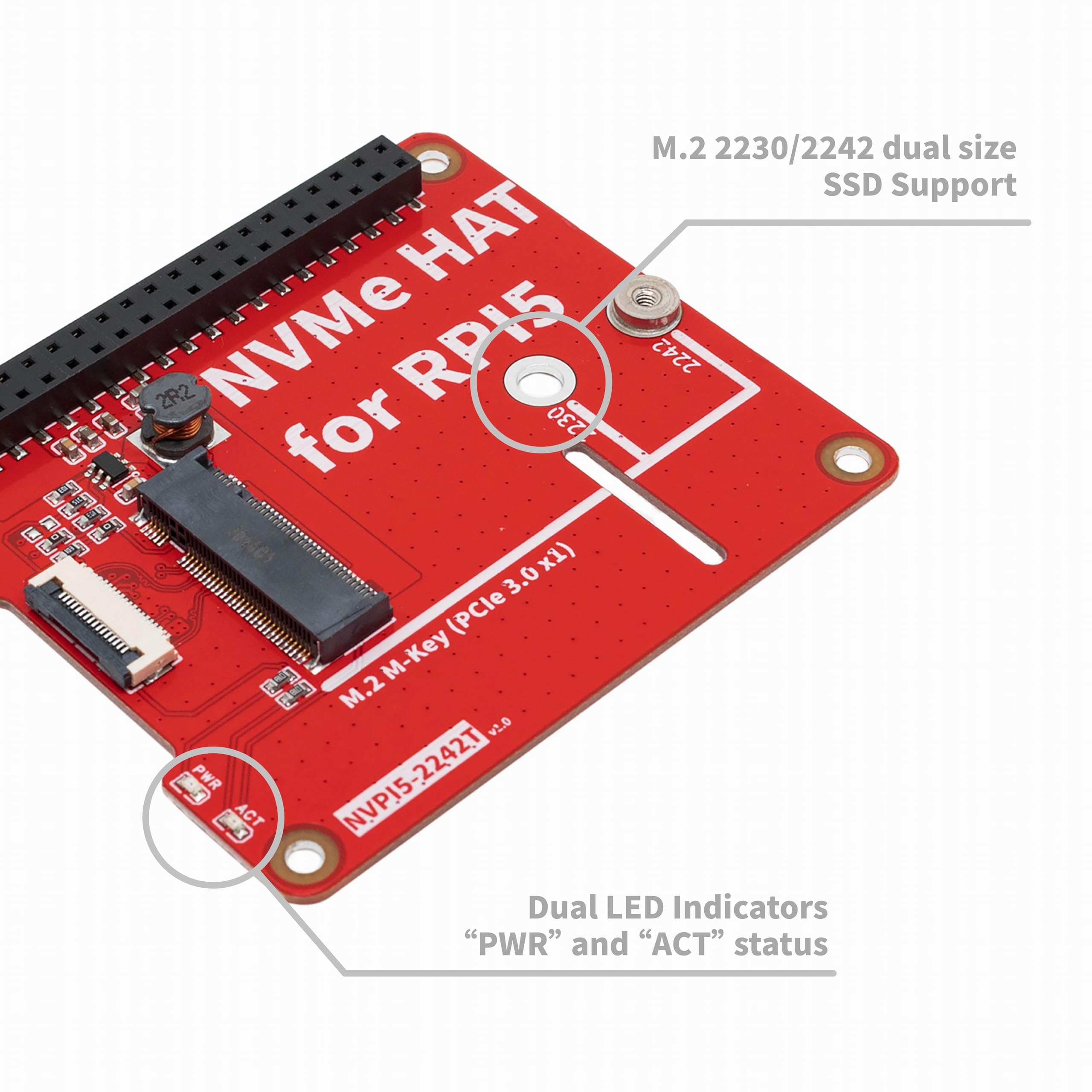
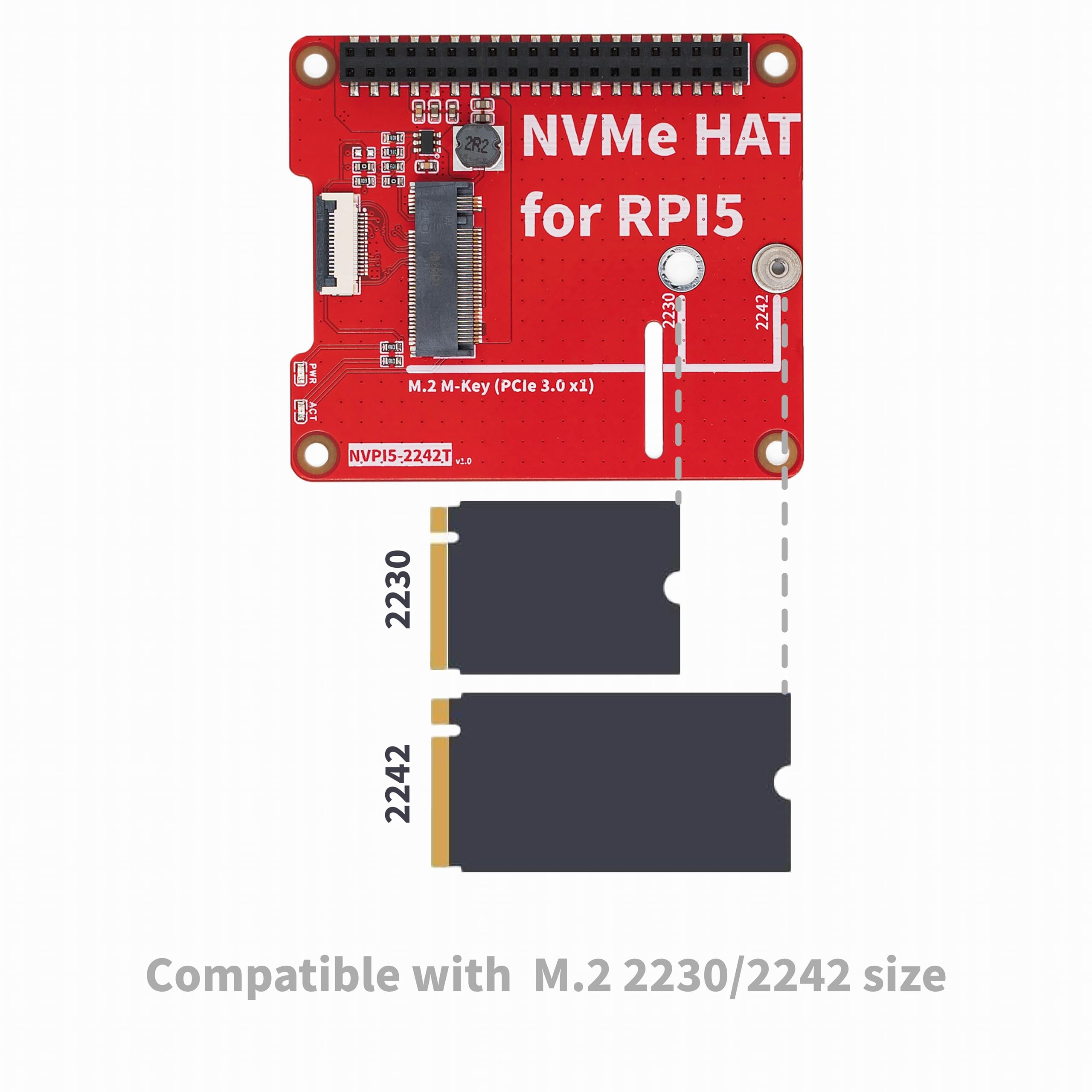
【Easy and Quick M.2 Disk Installation】Support M.2 KEY-M NVMe SSD 2230/2242 length , quick installation of M.2 disks in 2230 or 2242 format.
【Dual LED Indicators】Features 2 LED lights for power supply voltage (“PWR”) and M.2 disk activity (“ACT”).
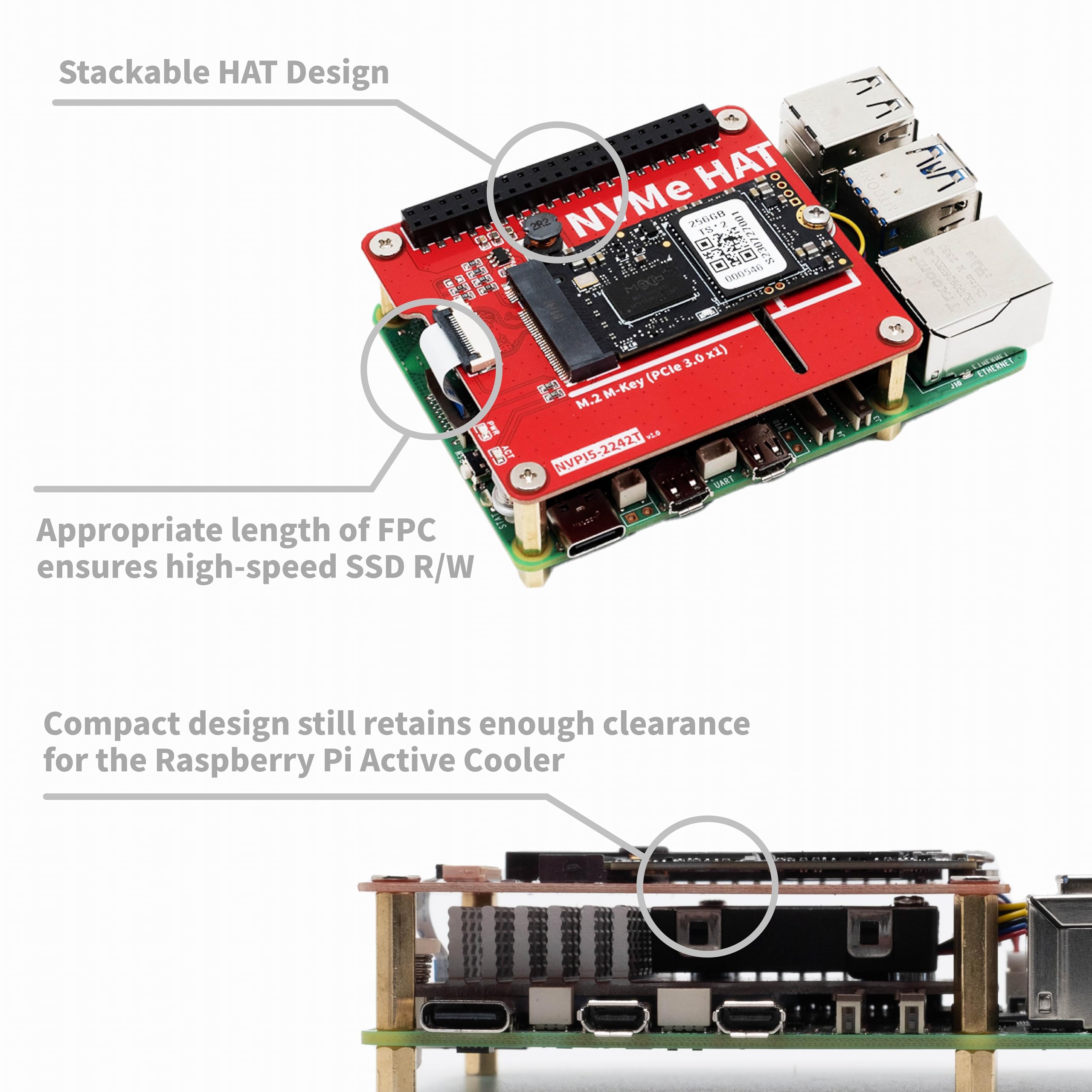
【Stackable Design】Supports the standard 40-pin Raspberry Pi HAT connector,allows for further connection of additional HAT boards in a stack.
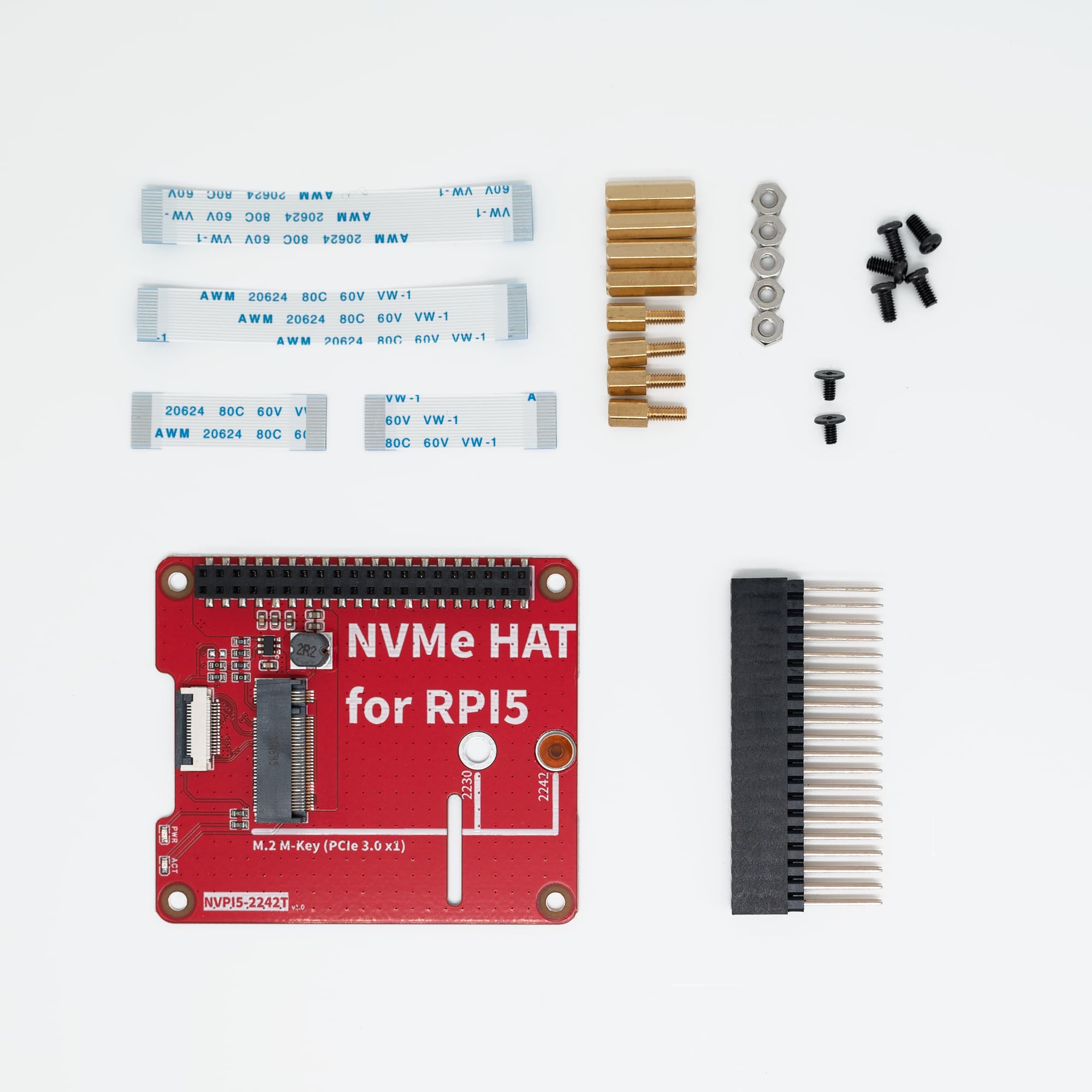
【Packing List】1 x NVPI5-2242T board,2 x PCIe FFC cable (30mm length),2 x PCIe FFC cable (60mm length),4 x M2.5x14mm F/F Spacers,4 x M2.5x6+6mm F/M Spacers,1x 40-pin male-female HAT connector,1x Screws Pack Accessories.
Features: Compatible with other HAT shield Support boot from the NVMe drive 30mm length Flat Flex Cable Supports installation of official active coolers Dual LED Indicators: “PWR” and “ACT” Supports 2230/2242 NVME M2 SSD only 40-Pin Raspberry Pi HAT Connector Support M.2 Standard-Compliant Power System Gettingstarted Firmware Make sure your Raspberry Pi 5 firmware is up to date with the 2023-12-06 or later version. Software update on the RPi OS should do this for you, but you canforce it by running sudorpi-eeprom-update in the Terminal. If you have updated your firmware and want to boot from the NVMe drive, you might have to get technical and run sudo rpi-eeprom-config --edit from the Terminal and change the BOOT_ORDER to be 0x416 instead of 0x41. To enable experimental and not-officially-supported PCIe 3 mode, add the follow lineto the [all] section at the end of your Raspberry Pi /boot/config.txt file like this: # Enable the PCIe external connector dtparam=pciex1 # Force Gen 3.0speeds dtparam=pciex1_gen=3 Bootingfrom NVMe If you want to boot from the NVMe drive follow these extra steps: Format the drive using Raspberry Pi Imager Shutdown Remove your microSD card Power back on Notes Always power off your RPi and disconnect the power supply before installing or uninstalling the NVPI5-2242T and NVPI5-2280B; NVPI5-2242T and NVPI5-2280B offers a general purpose PCIe x1 connection; We do not recommend WD Green SSDs at this time. Drives such as the SN350 are temperamental with the CM4 and RPi 5.


Buy products not available in the Philippines.