Galleon 2026Download our mobile shopping application for faster and easy transaction.

Product ID:
776921
Identifier:
B0DC59Q7L2
Brand:
Model:
Shipping Weight:
1.87 lbs
Manufacturer:
CADclass
Shipping Dimension:
10.91 x 8.54 x 0.87 inches
₱4,108
+ ₱ 1,008
Shipping Cost from USA to Philippines inclusive of custom fees.
Cost too high? Check weight and dimension on product details and click "I think this is wrong?" link.
Get it between 2026-06-06 to 2026-06-13.
Additional 3 business days for provincial shipping.
- Price and Stocks may change without prior notice
- Packaging of actual item may differ from photo shown
Cash upon Pick-up - orders grand total must not exceed ₱5,000.00. Order will be pickup at Galleon's Office.
Cash on Delivery - orders grand total must not exceed of ₱10,000.00 and must not exceed ₱5,000.00 for provincial areas. See all payment methods
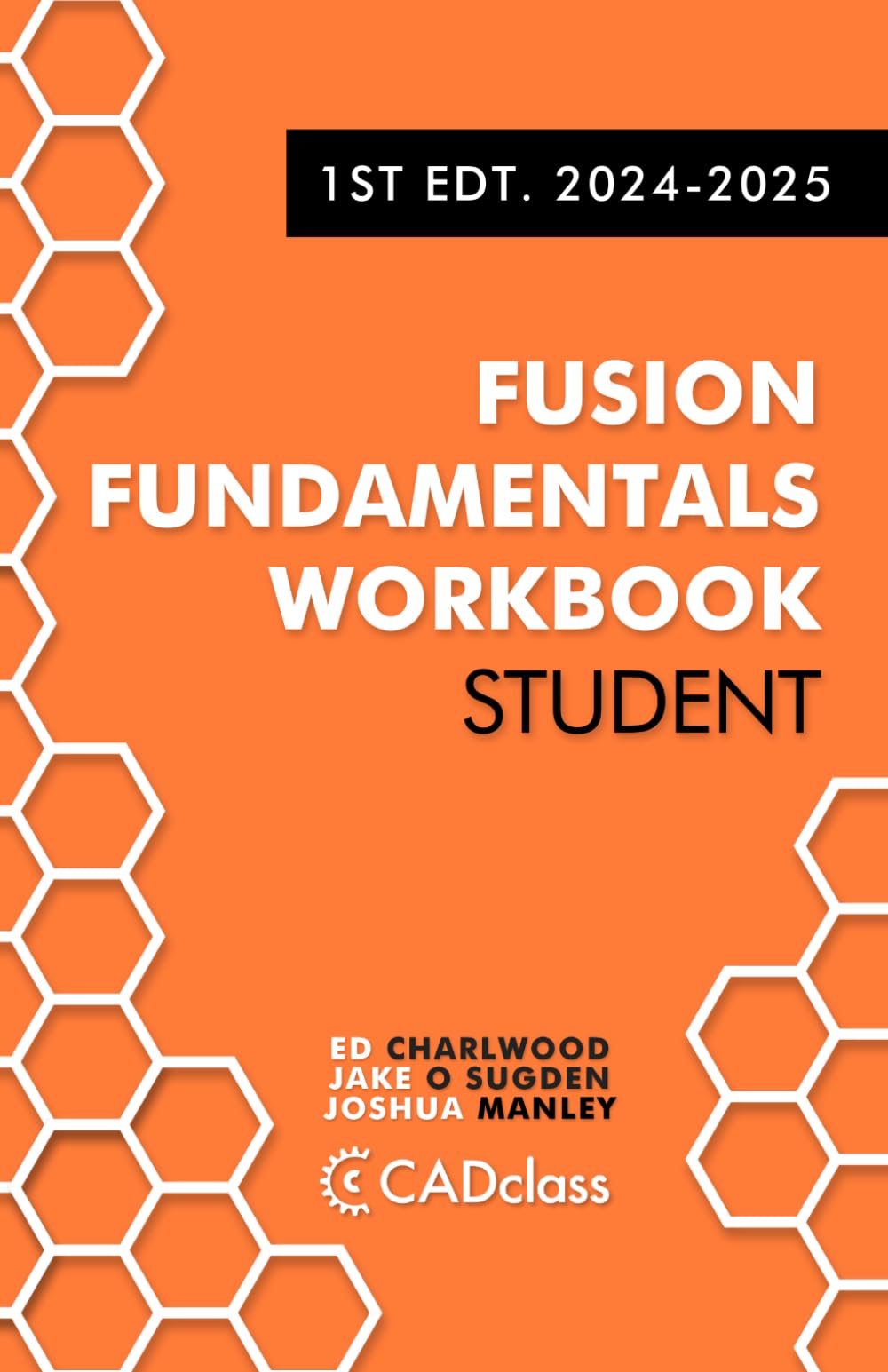
Are you ready to 3D model projects in Autodesk Fusion (formerly Fusion 360) and looking for the best place to start learning how? We’ve meticulously designed and tested 28 step-by-step tutorials to help beginners and those looking to level up their skillset a clear path towards mastery. By introducing a few new concepts and ideas precisely as needed, you will not get overwhelmed with too much information and can reliably improve. In addition, we’ve reimagined book learning by incorporating a private online discussion forum linked to each project where you can ask questions, get help from us and the community, and show off what you make. That way, if you get stuck, you’re not left Googling for hours to try and find a solution. We aim to help you bring your ideas and creativity to life by providing an easy-to-follow and enjoyable CAD modeling workbook. Even if you’ve purchased another Fusion 360 CAD book, you will still find value in working through our tutorials. Here’s a small sample of what you’ll learn: Navigating the interface Turning 2D sketches into 3D objects Mechanical Design Parametric Design Joints Assemblies Engineering Drawings Computer Aided Manufacturing (CAM) Rendering Exploded Diagrams Exploded Animations Motion Animation Exporting STLs for 3D printing Exporting GCode for Computer Numerical Controlled (CNC) Machining This book includes the following: Between 45 - 90 hours of step-by-step practice projects Support from the online community Chapter 1: Basics: Introduction to Autodesk Fusion The Basics Classic Donut Saturn V Rocket Finger Surfboard Tensegrity Tower Carabiner Chapter 2: Mechanical Design: The basics of design using manufacturing principles PLAY Brick GeocacheⓇ Hide Chapter 3: Parametric Design: How to customize your designs with dimensions and parameters Metric Bolt Prototype Drone Chapter 4: Assemblies: How to build your project with multiple parts Fire Piston 3DP Hot End Chapter 5: Joints: How to join parts for realistic movement Pizza Cutter Tesla Turbine Chapter 6: Motion Animation: How to give your entire model movement using motion animation Strandbeest Gear Train Robotic Hand Chapter 7: Appearances: How to give your 3D models color, texture, and other appearances American Football Phone case and stand Chapter 8: Rendering: How to make your parts look photo-realistic Edison Bulb - A.I. Villain Chapter 9: Engineering Drawings: How to make your own blueprints Drumsticks Space Prop Emitter Chapter 10: Exploded Diagrams: How to explode your project and rebuild them using exploded diagrams Japanese Pull Saw Machinist Hammer Chapter 11: CAM: How to manufacture your parts on a CNC machine with Computer-Aided Manufacturing Longboard Skateboard Electric Guitar Chapter 12: Full Arc: Bring everything you've learned together in a final project Space Prop Hilt


Buy products not available in the Philippines.


