Galleon 2026Download our mobile shopping application for faster and easy transaction.
₱9,362
₱6,622
+ ₱ 504
Shipping Cost from USA to Philippines inclusive of custom fees.
Cost too high? Check weight and dimension on product details and click "I think this is wrong?" link.
Get it between 2026-04-29 to 2026-05-06.
Additional 3 business days for provincial shipping.
- Price and Stocks may change without prior notice
- Packaging of actual item may differ from photo shown
Cash upon Pick-up - orders grand total must not exceed ₱5,000.00. Order will be pickup at Galleon's Office.
Cash on Delivery - orders grand total must not exceed of ₱10,000.00 and must not exceed ₱5,000.00 for provincial areas. See all payment methods
Product ID:
1543553
Identifier:
B0GD73FCHP
Brand:
xiskt
Model:
Shipping Weight:
0.82 lbs
Manufacturer:
xiskt
Shipping Dimension:
6.93 x 4.88 x 1.85 inches
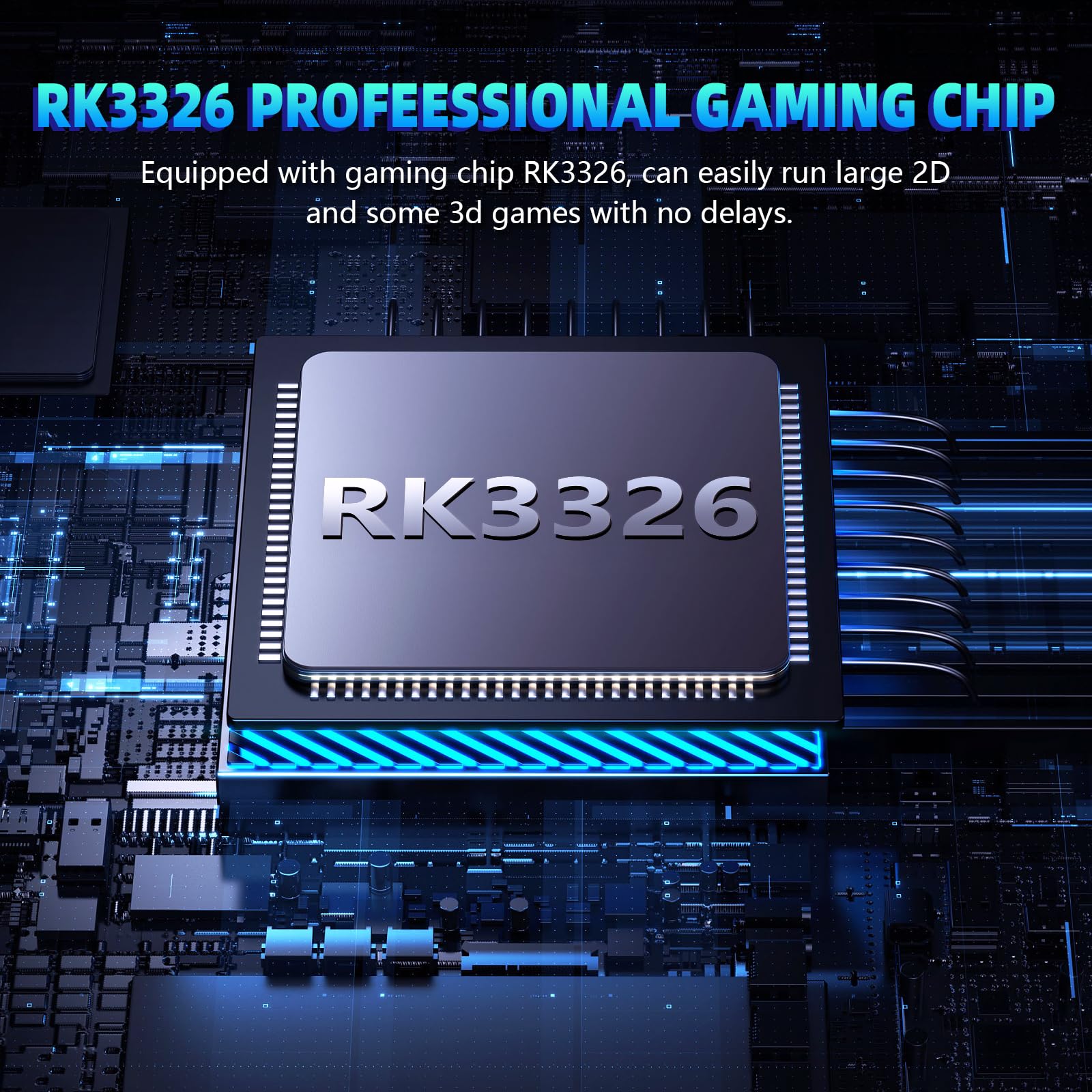
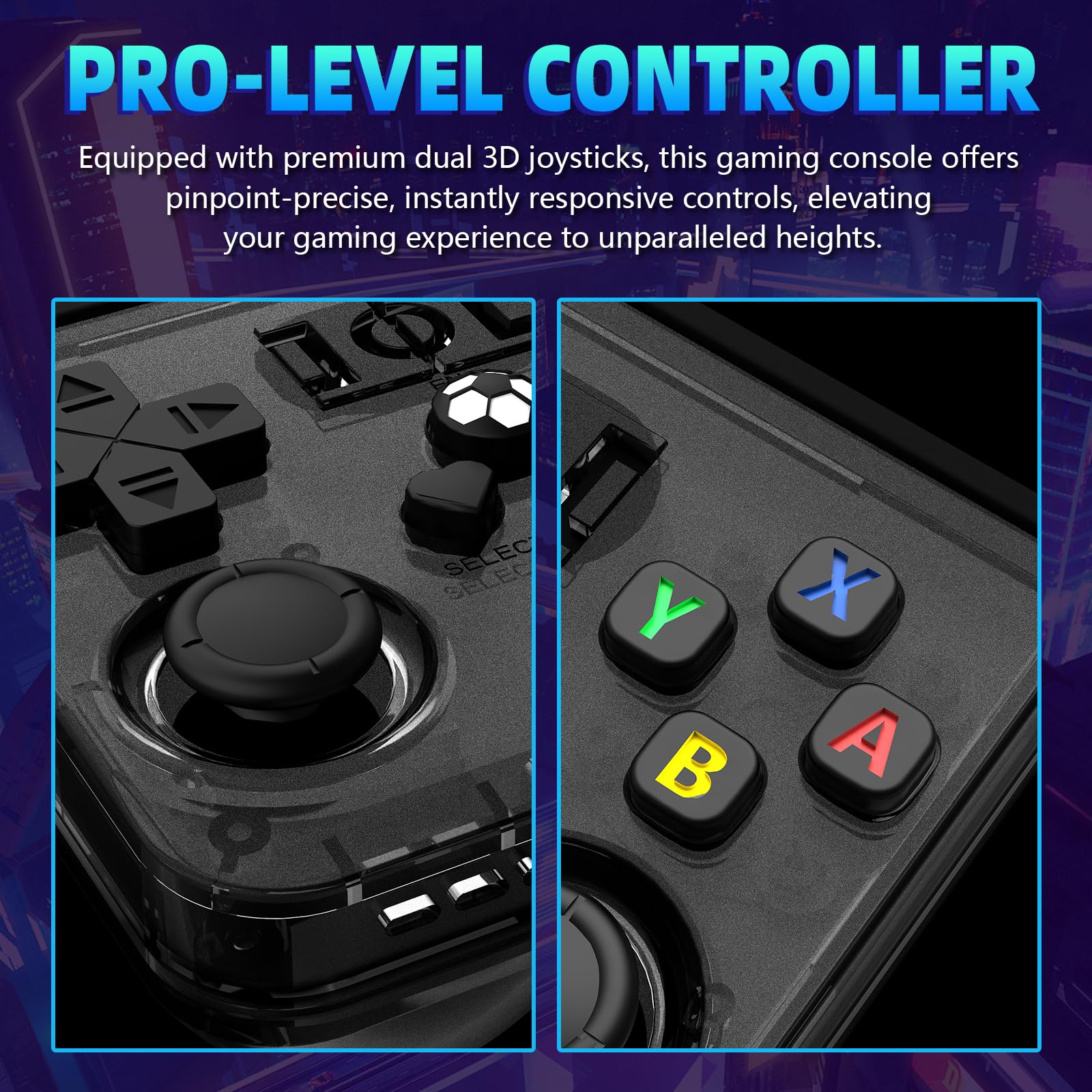
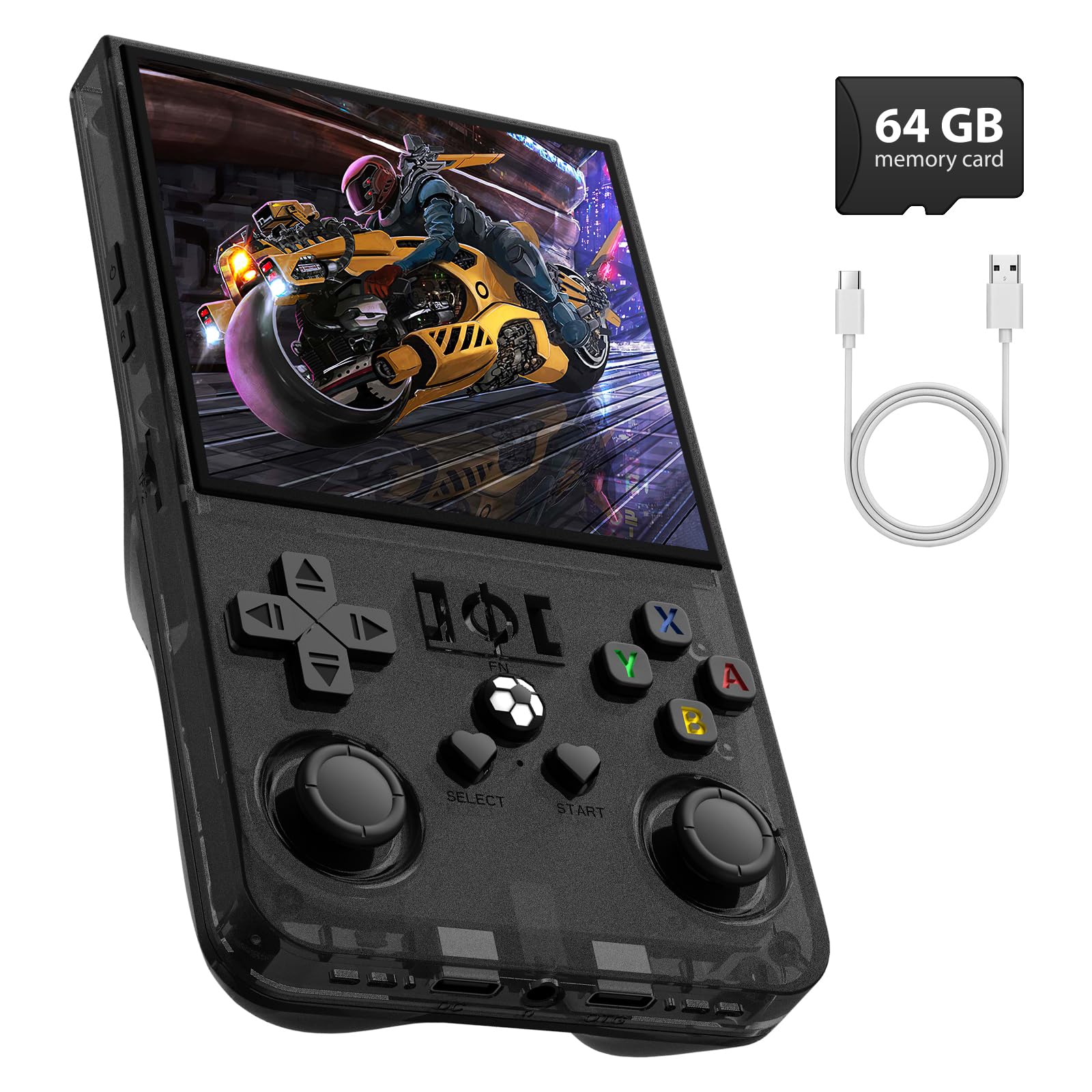
Preloaded Retro Games for Nostalgic Fun: The R36MAX retro handheld game console takes you back to gaming’s golden age with preloaded classic titles—covering everything from iconic platformers and timeless puzzles to classic RPGs and arcade racers.Hand held game console upgraded processor runs both 2D adventures and 3D classical video games smoothly, with zero lag even during fast-paced gameplay. This premium performance rivals modern retro setups, making handheld emulator a must-have for fans who want to relive memories or discover classic video games for the first time.
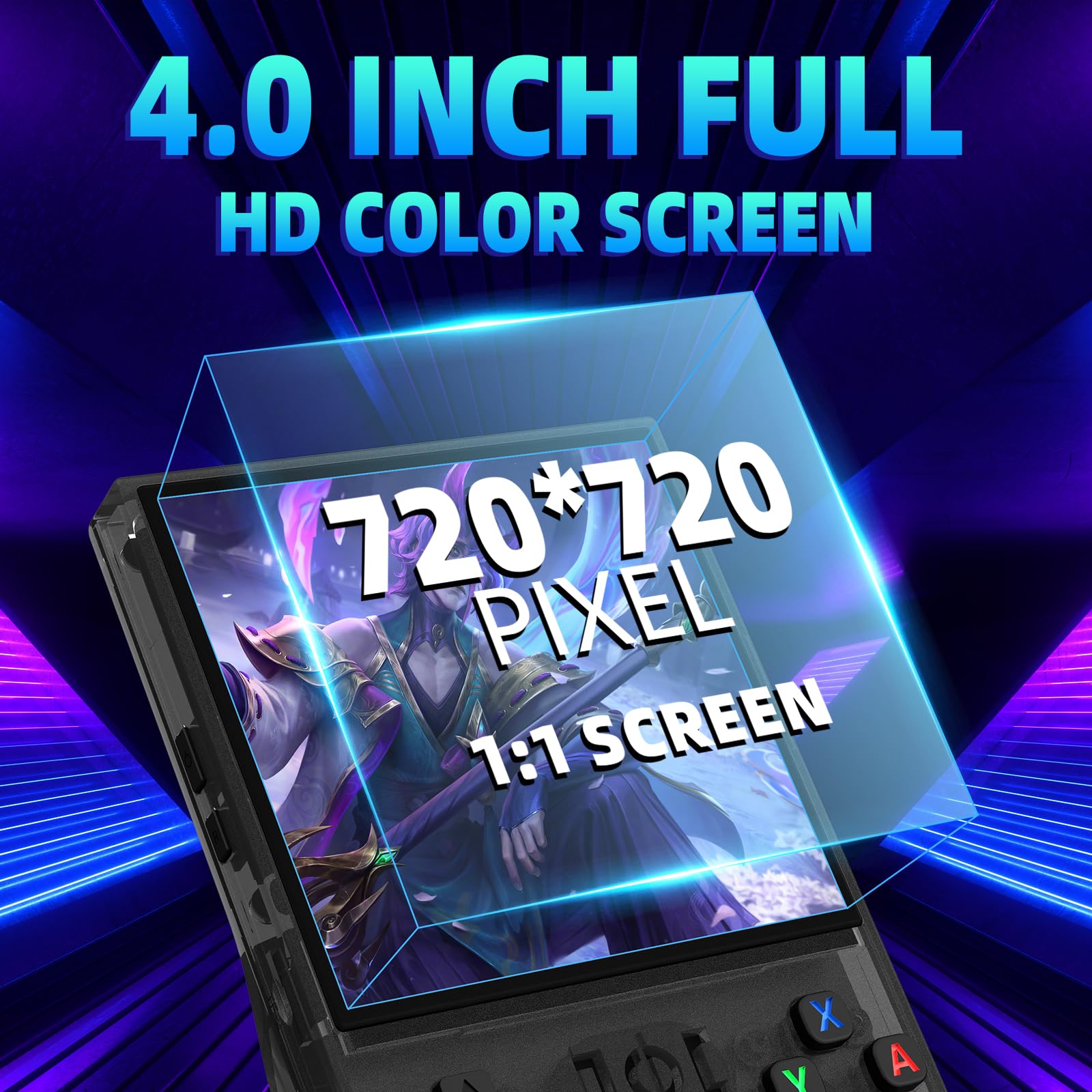
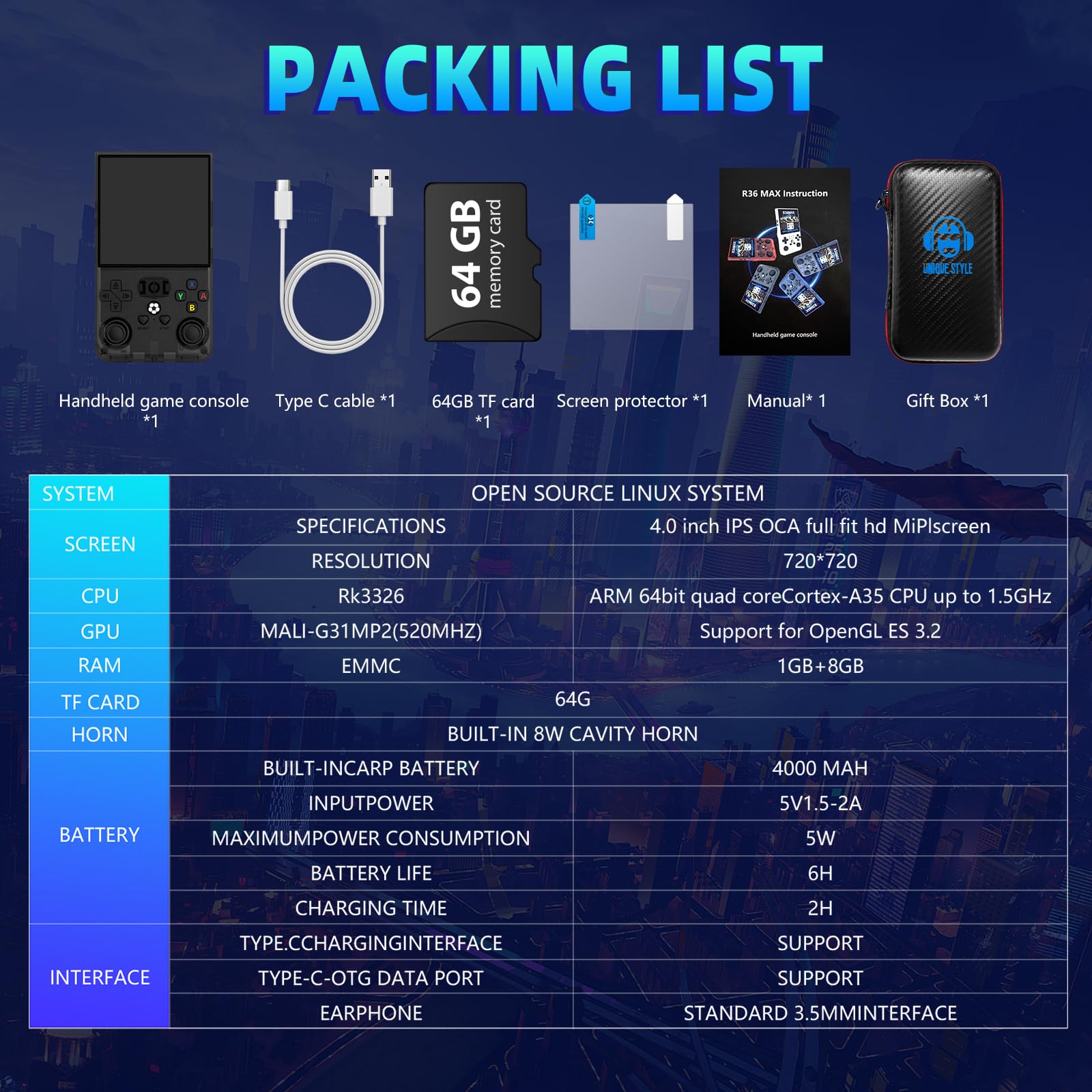
4.0-Inch IPS HD Display (720x720) for Immersive Visuals: The R36MAX’s 4.0-inch IPS HD screen is designed to make retro handheld games shine. Video game console delivers vibrant, true-to-original colors and sharp pixel details—so whether you’re navigating story-driven quests, weaving through obstacle courses, or competing in high-speed challenges, every frame stays clear and vivid. Unlike low-quality screens, the IPS panel also offers wide viewing angles, so you can share gameplay with friends without losing visual clarity.
Stable Linux System for Reliable, Uninterrupted Play: Powered by an open-source Linux system, this handheld gaming console prioritizes stability and efficiency—key for long gaming sessions. It handles complex gameplay with ease. The Linux framework also adds a layer of security, protecting your save data and usage info, so you can focus entirely on gaming without worrying about glitches disrupting your fun.
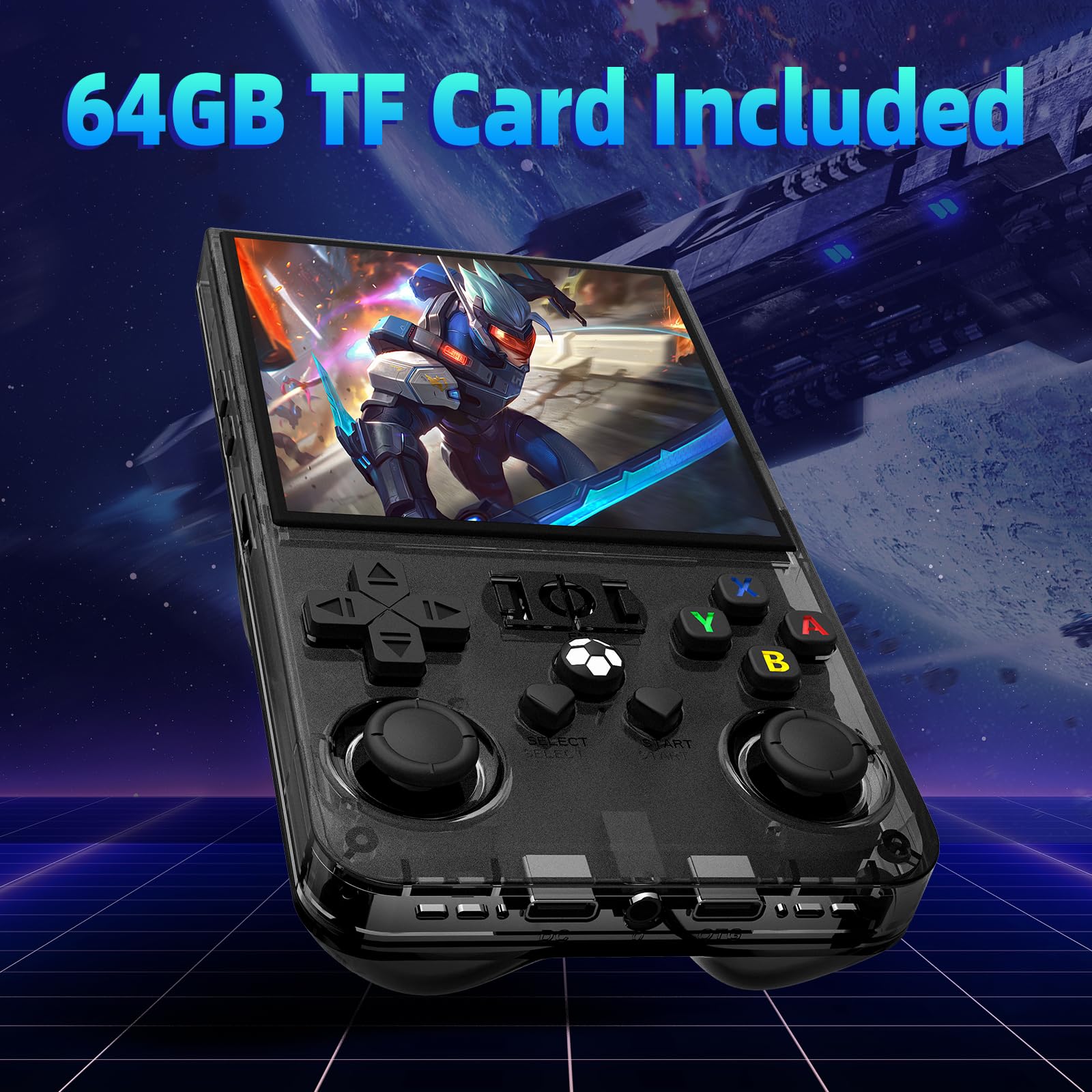
64GB Built-In Storage for Instant, Hassle-Free Gaming: With 64GB of built-in storage, the R36MAX portable game console has more than enough space to hold its entire library of preloaded games—no extra setup needed. Unbox it, turn it on, and dive straight into gameplay, no waiting to download or transfer files. The storage is also optimized for fast loading times, cutting down on the “wait screen” between levels or game launches, so you spend more time playing and less time waiting.
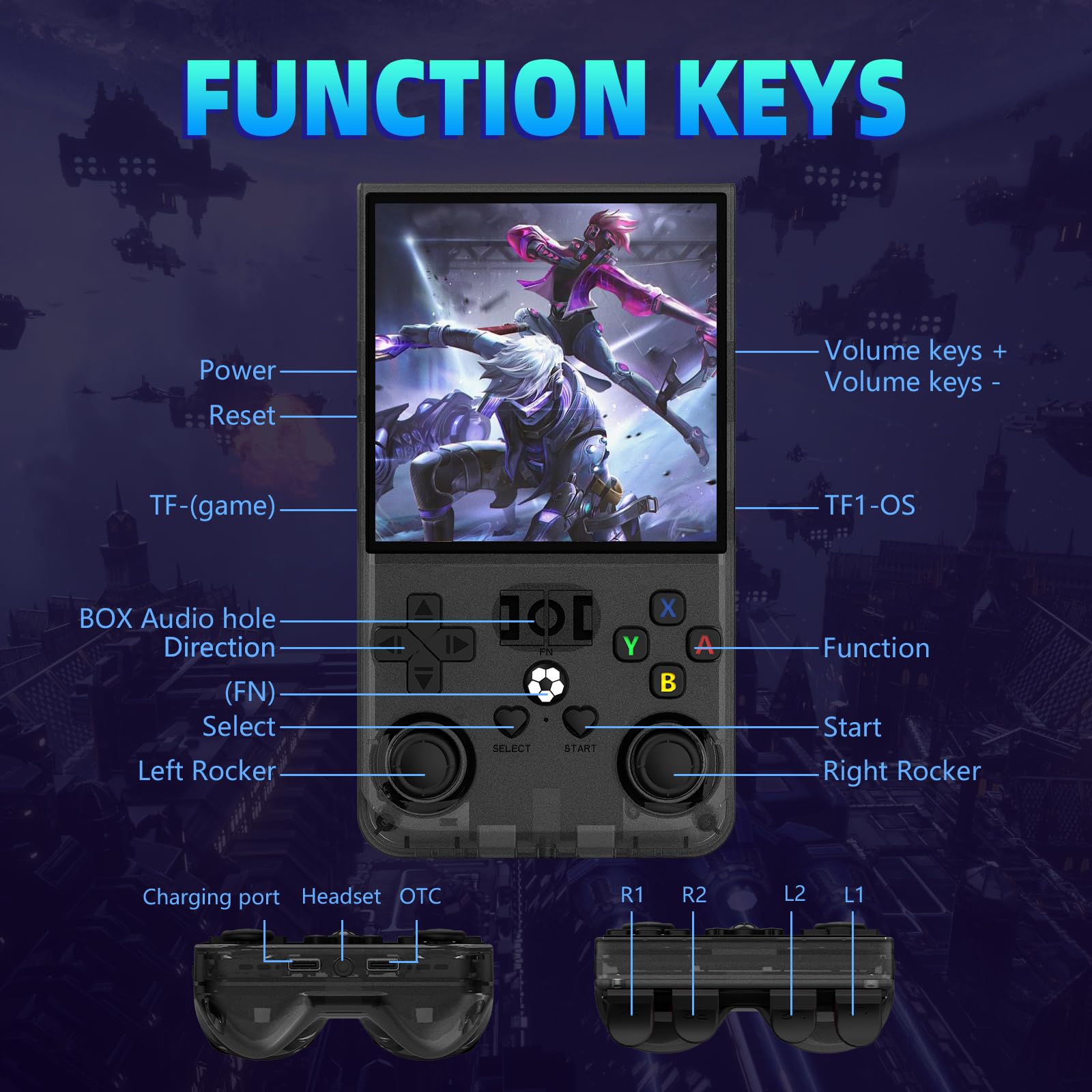
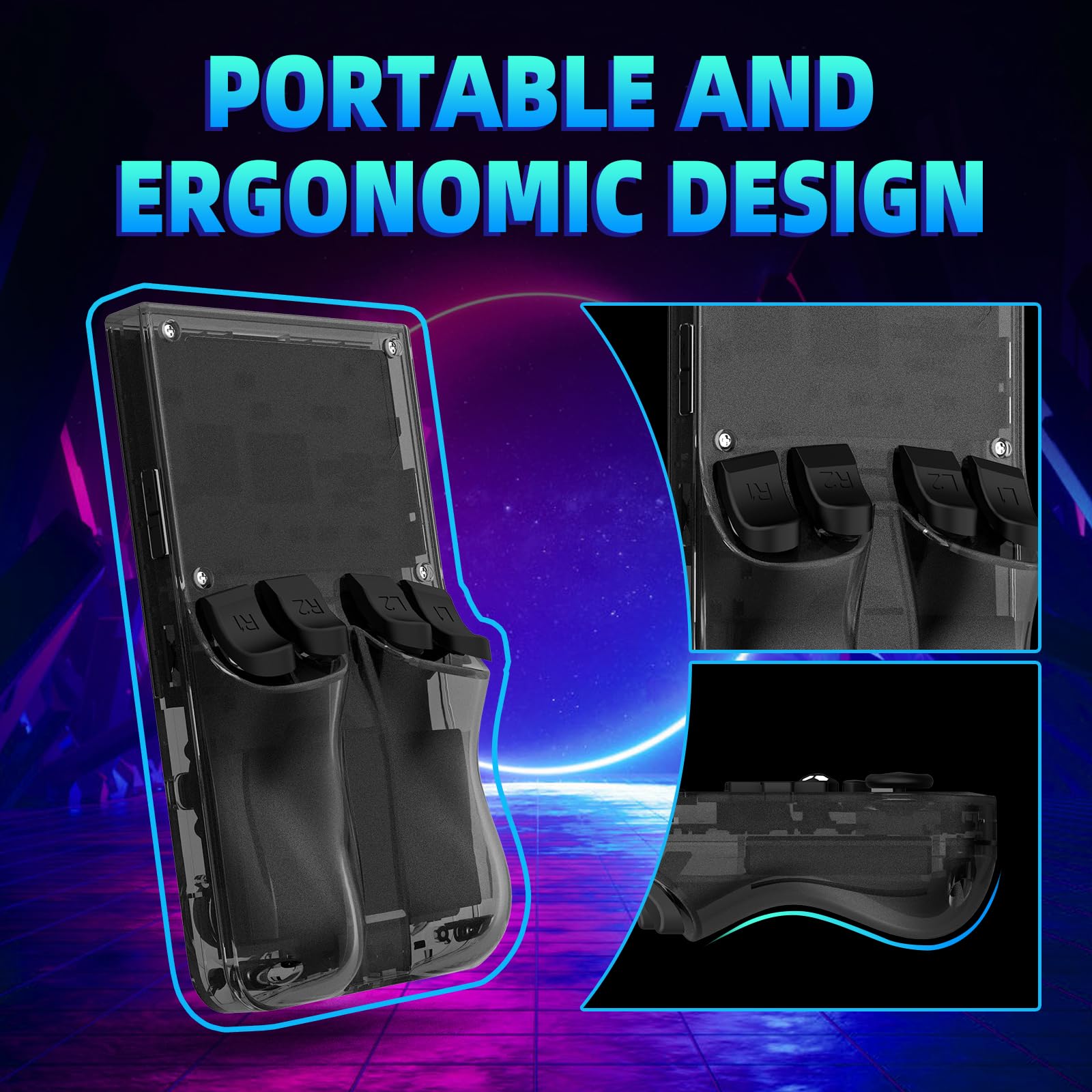
Portable Design + 6-Hour Battery for On-the-Go Nostalgia: The R36MAX hand held game console is built for mobility. It’s compactand lightweight, fits easily in your pocket, backpack, or purse. 4000mAh rechargeable battery delivers up to 6 hours of continuous play—enough for a full commute, road trip segment, or lazy weekend afternoon. For audio, it has built-in speakers (clear enough for casual play) and a 3.5mm headphone jack (perfect for private gaming in public), so you can enjoy retro games anywhere, anytime.
If you encounter a screen rotation issue in the game, please try the following steps : 1. Enter any game, Select + X, press "B" to return, you will enter the RetroArch menu, as shown in figure 1, enter the settings option, "A" is the confirmation key, "B" is the return key; 2.Go to Settings - Select "Video". 3. Select "Output". 4.Select "Video Rotation" 5. Select "Normal".

Buy products not available in the Philippines.