Galleon 2026Download our mobile shopping application for faster and easy transaction.

Product ID:
112265
Identifier:
B073Z9MKKH
Brand:
Rii
Model:
GP100
Shipping Weight:
0.49 lbs
Manufacturer:
Rii
Shipping Dimension:
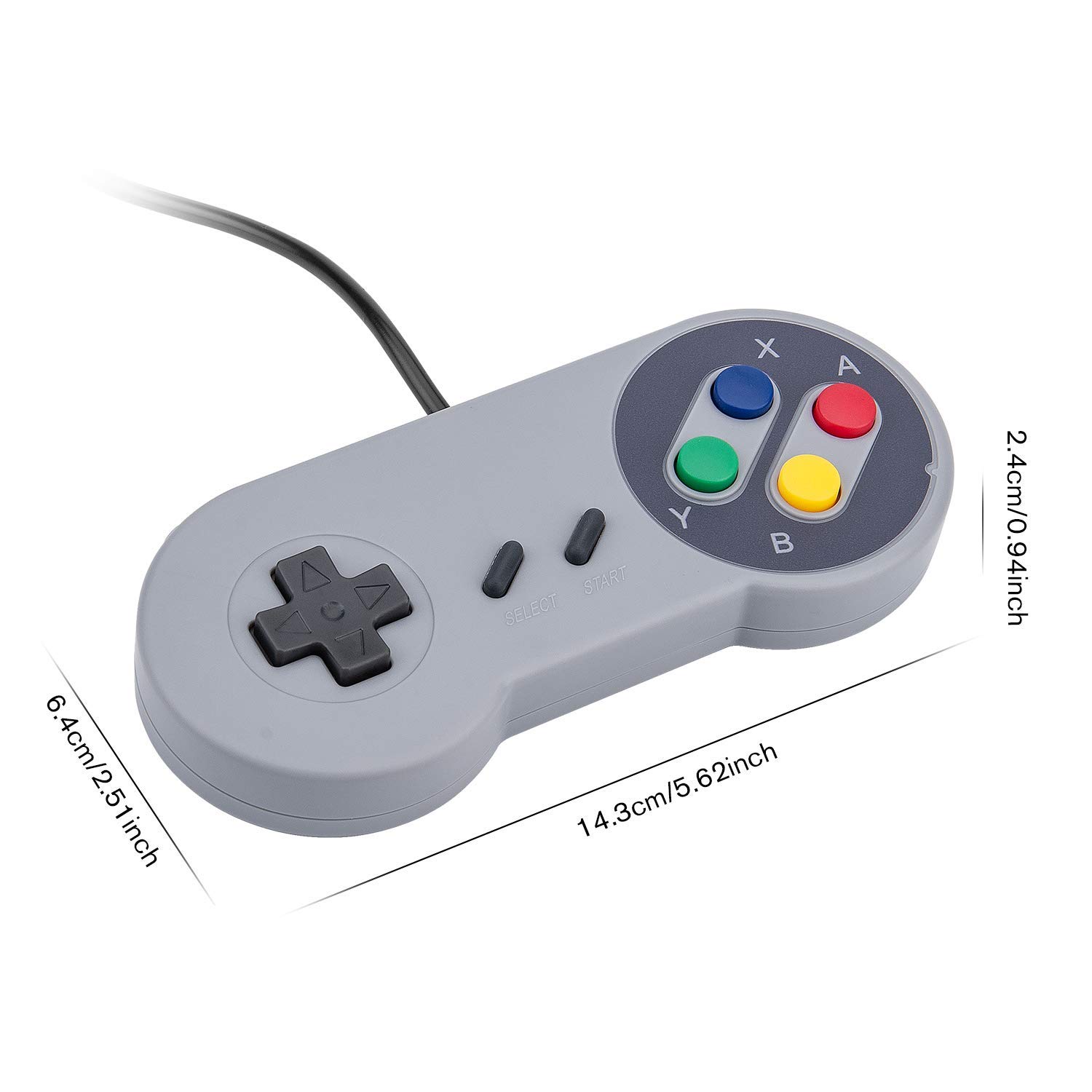
6.26 x 4.21 x 2.24 inches
₱1,027
+ ₱ 252
Shipping Cost from USA to Philippines inclusive of custom fees.
Cost too high? Check weight and dimension on product details and click "I think this is wrong?" link.
Get it between 2026-06-11 to 2026-06-18.
Additional 3 business days for provincial shipping.
- Price and Stocks may change without prior notice
- Packaging of actual item may differ from photo shown
Cash upon Pick-up - orders grand total must not exceed ₱5,000.00. Order will be pickup at Galleon's Office.
Cash on Delivery - orders grand total must not exceed of ₱10,000.00 and must not exceed ₱5,000.00 for provincial areas. See all payment methods
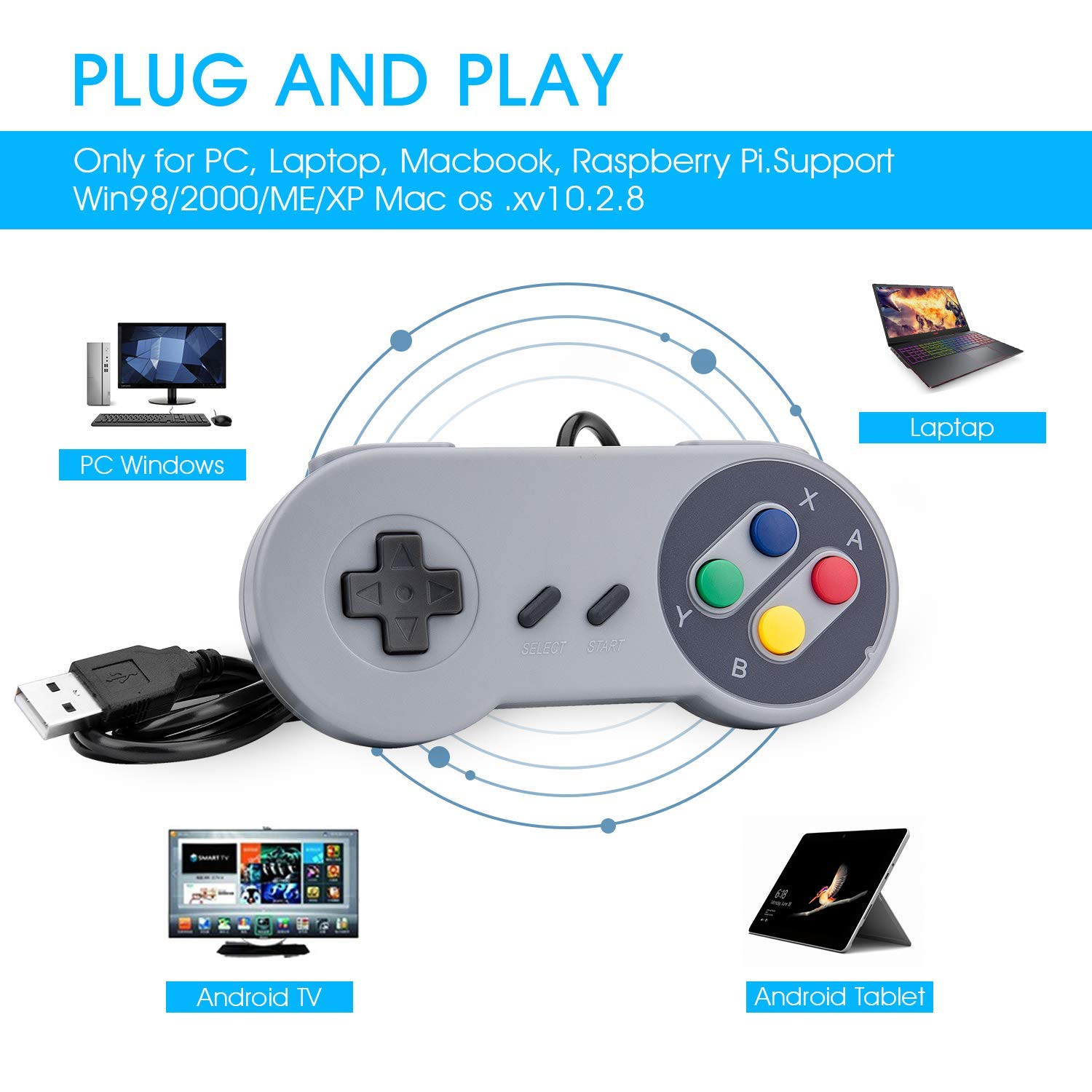
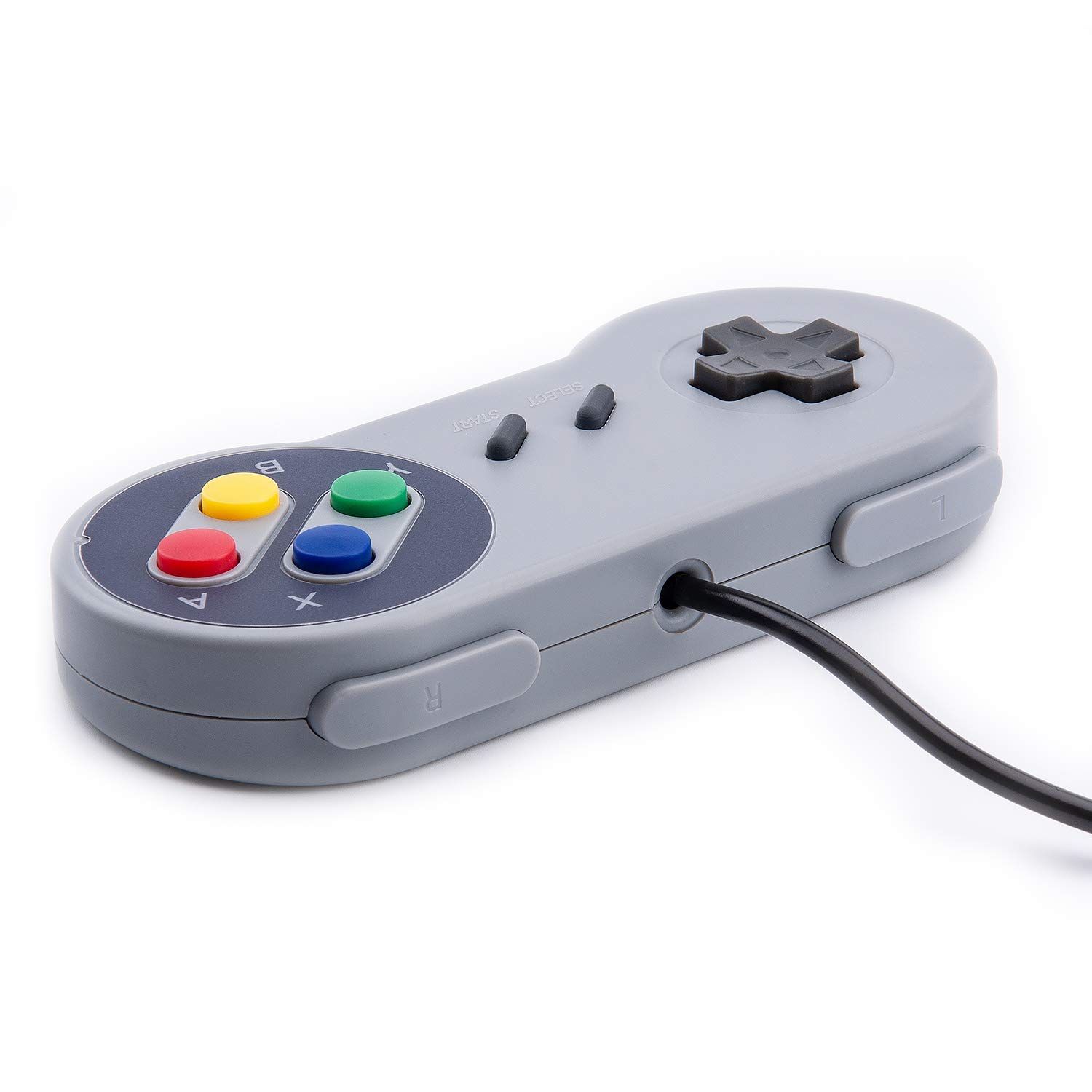
【Supported Operating System】The Game Controller is specifically designed for playing classic old school retro snes games on computer or laptop. Compatible with Windows 98 / ME / Vista / 2000/2003 / XP / 7 / 8 / 8.1 / 10/11, Mac OS X/ OS X 10.0 and beyond, Raspberry Pi, Raspberry PI 2 model B,Model A, Raspberry Pi 1 Model B+, Raspberry Pi 2,Raspberry Pi OS, Raspberry Pi 3 Model B+, Raspberry Pi 3, Raspberry Pi Zero.
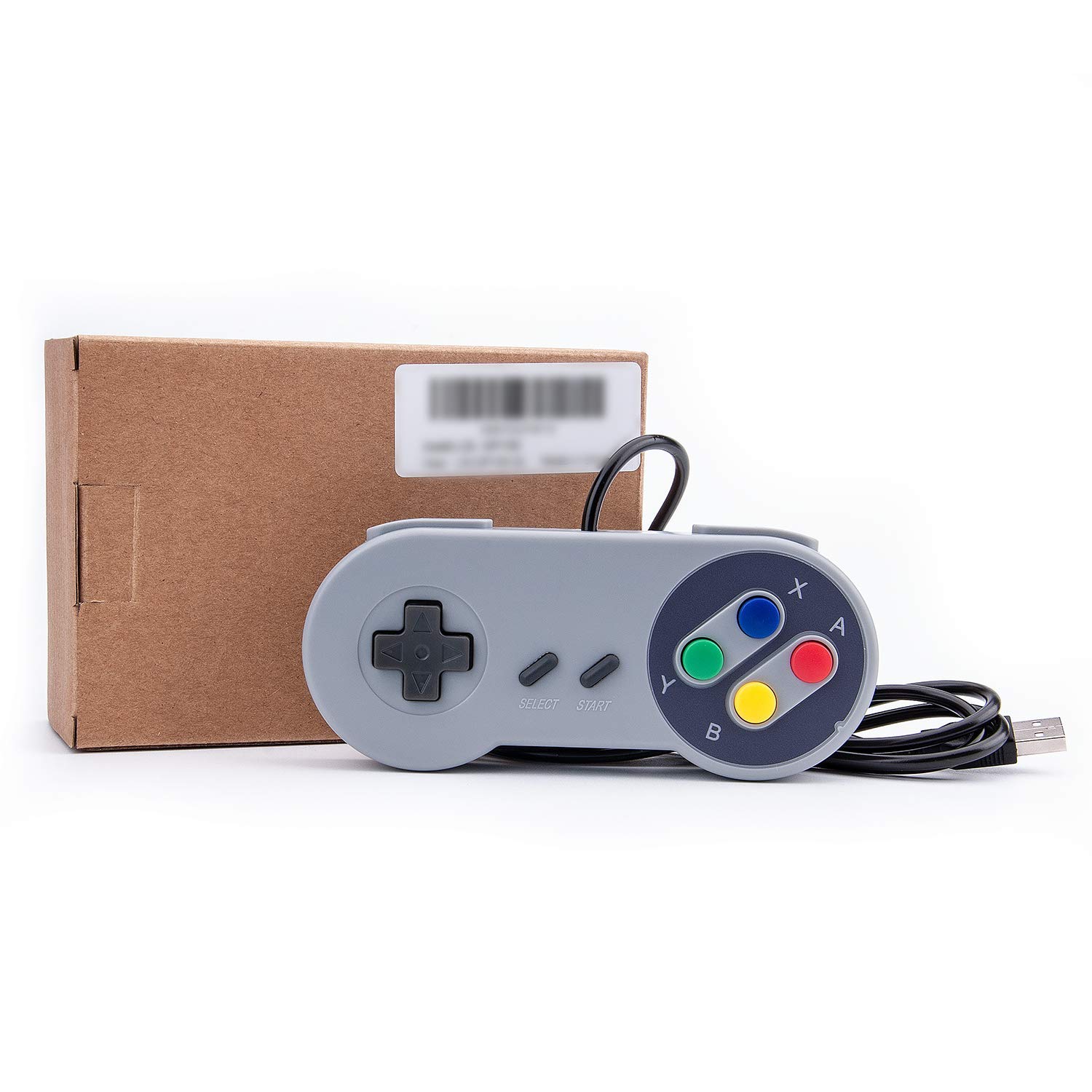
【Simple USB Plug and Play】If your program or application accepts USB controller input, this classic game controller do not need install drivers or patches. 1.5 meter external cable(approx. 5 ft. Long). Notice: Please download the game emulator first before start the games, and then you must manually set the buttons and directionals within the emulator you're using, and the controller not automatically assigns buttons/directional axes. If on the Steam platform, you need to first enable Steam's "Universal Controller Configuration Support" and then restart Steam. After entering the game, you also need to manually bind key positions in the game
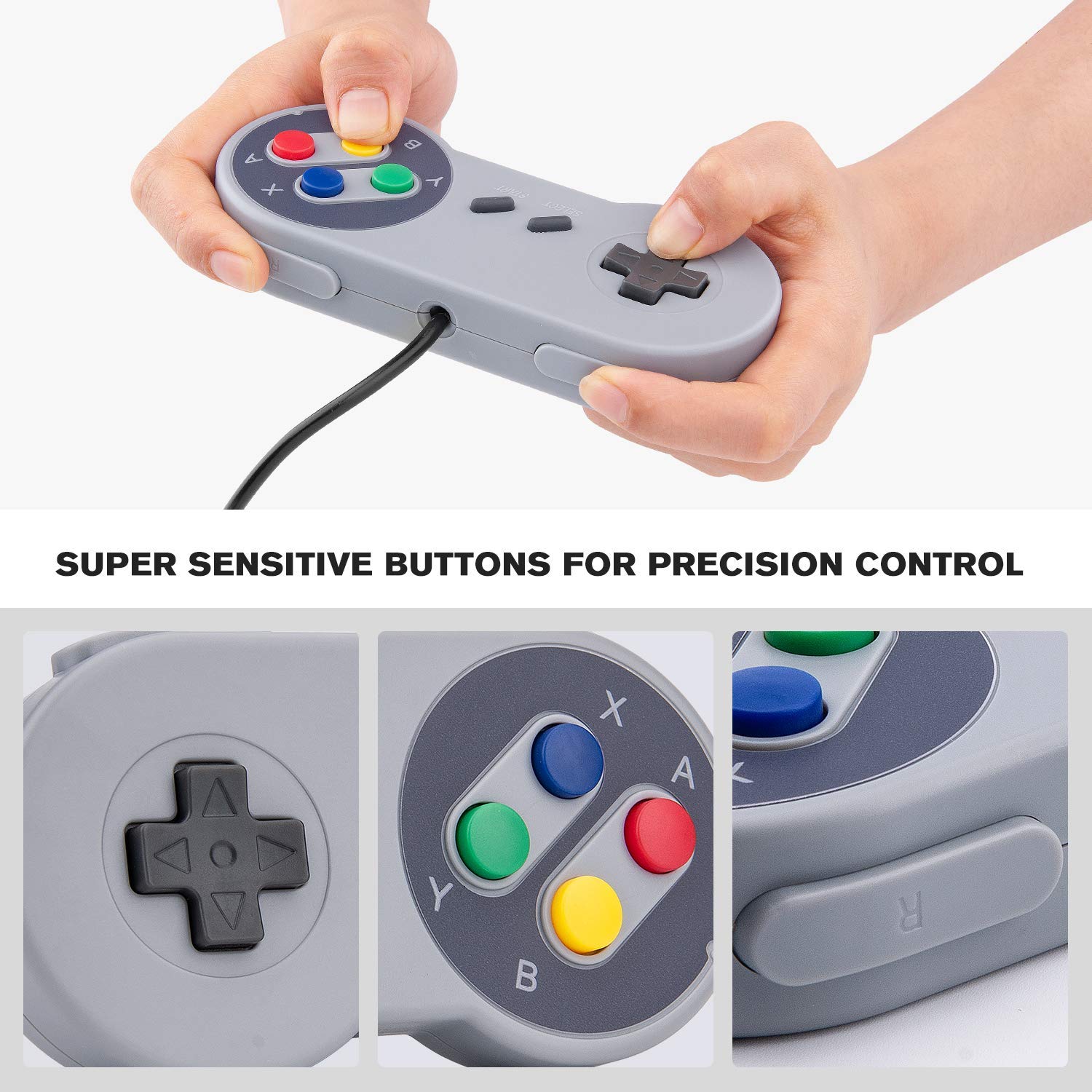
【High Sensitivity without Delay】Super sensitive buttons for precision control: 6 fire buttons, a 'Start' button and a 'Select' button, motion control cross. Play your favorite old school games with classic retro feel. Fits perfectly in the hand and also perfect for two player action.Note: Not applicable to Switch/PS games. Not Compatible with TV/ TV Box, third Mini Games Box and Tesla Model 3
【Supported Game Emulators】The game controller works with most emulators. Download any emulator you wish to download and use from Google and do the same with ROMS. Notice:Third party controller, not original controller. But it works phenomenal with the Raspberry Pi game emulation and so on
【Product Service】If you have any problem during use, send message to us and we will help you to solve the problem soon
2 Pack Classic Wired USB Game Controller Gamepad USB PC Super Classic Controller Joypad Gamestick Features: 1. Third party controller. Cable Length: 1.5 meter(approx. 5 ft. Long). 2. USB 2.0 port game controllers, just plug and play, no extra drivers needed. 3. Super sensitive buttons for precision control with authentic retro feel. 4. Great for playing retro games on emulators, etc. 5. Specifically designed for playing classic old school snes games and retro games on computer or laptop. How to use the controller and install an emulator on Mac 1.Download the emulator what you like, such as "OpenEmu". 2.Plug USB controller to connect with your computer, scan it and recognize controllers. 3.Redefine USB controller' buttons (D-pad、SELECT、START、B、A、X、Y、L、R button -- define)- confirm, please map the d-pad keys one by one 4.Open the emulator and play these Retro SNES games. Package: 2 x USB Controller Warm Tips: 1. If you have trouble with using the game controller, make sure it is plugged in before starting your emulator. Also go into input settings and you may have to map the buttons. 2. Third party controller, not original controller. But it works phenomenal with the Raspberry Pi game emulation and so on. Note: not compatible with classic mini 2017. 3. If there is an incompatibility on Raspberry Pi, you could contact the seller for a support. Notice: NOT Compatible with any android box, tesla vehicles. 4. If you have any problem, kindly please feel free to contact us, we will do our best to help you!

Buy products not available in the Philippines.