Galleon 2026Download our mobile shopping application for faster and easy transaction.
Product ID:
1516259
Identifier:
B0G5WBK1HT
Brand:
TRIFUNESS
Model:
TRIFUNESS
Shipping Weight:
0.11 lbs
Manufacturer:
TRIFUNESS
Shipping Dimension:
0.39 x 0.39 x 0.39 inches
₱11,142
+ ₱ 150
Shipping Cost from USA to Philippines inclusive of custom fees.
Cost too high? Check weight and dimension on product details and click "I think this is wrong?" link.
Get it between 2026-04-26 to 2026-05-03.
Additional 3 business days for provincial shipping.
- Price and Stocks may change without prior notice
- Packaging of actual item may differ from photo shown
Cash upon Pick-up - orders grand total must not exceed ₱5,000.00. Order will be pickup at Galleon's Office.
Cash on Delivery - orders grand total must not exceed of ₱10,000.00 and must not exceed ₱5,000.00 for provincial areas. See all payment methods
Product quality: selected materials, after strict quality inspection, sturdy and durable, safe and reliable, use at ease.
Good performance: easy and convenient operation, stable operation, strong compatibility.
Professional factory: advanced equipment to ensure compliance with quality standards.
Pre-purchase check: Before purchasing, please carefully check the product model, size and year to ensure that it meets your needs.
Attentive service: we have a professional after-sales team, if you have any questions, please contact us, we will make you have a pleasant shopping experience.
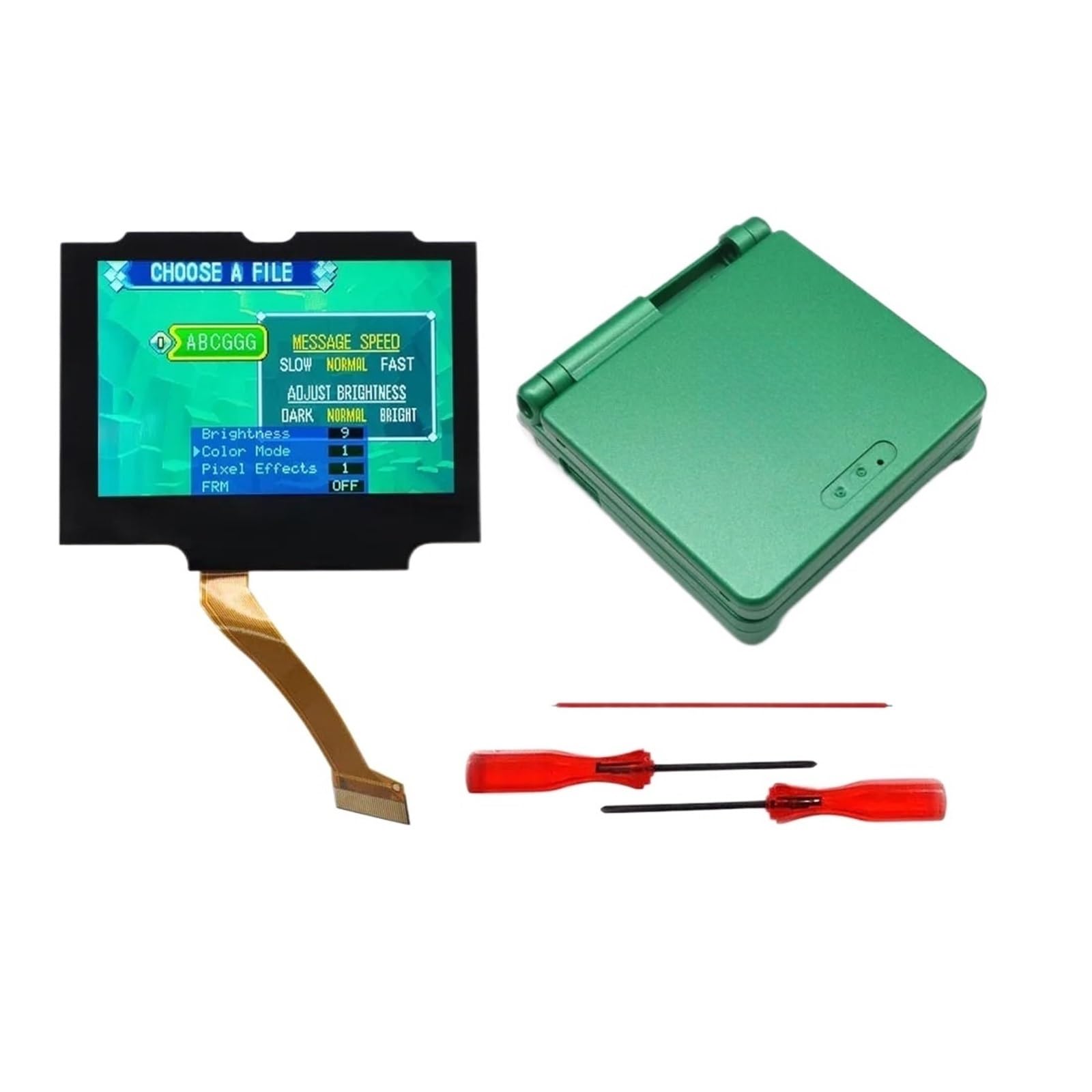
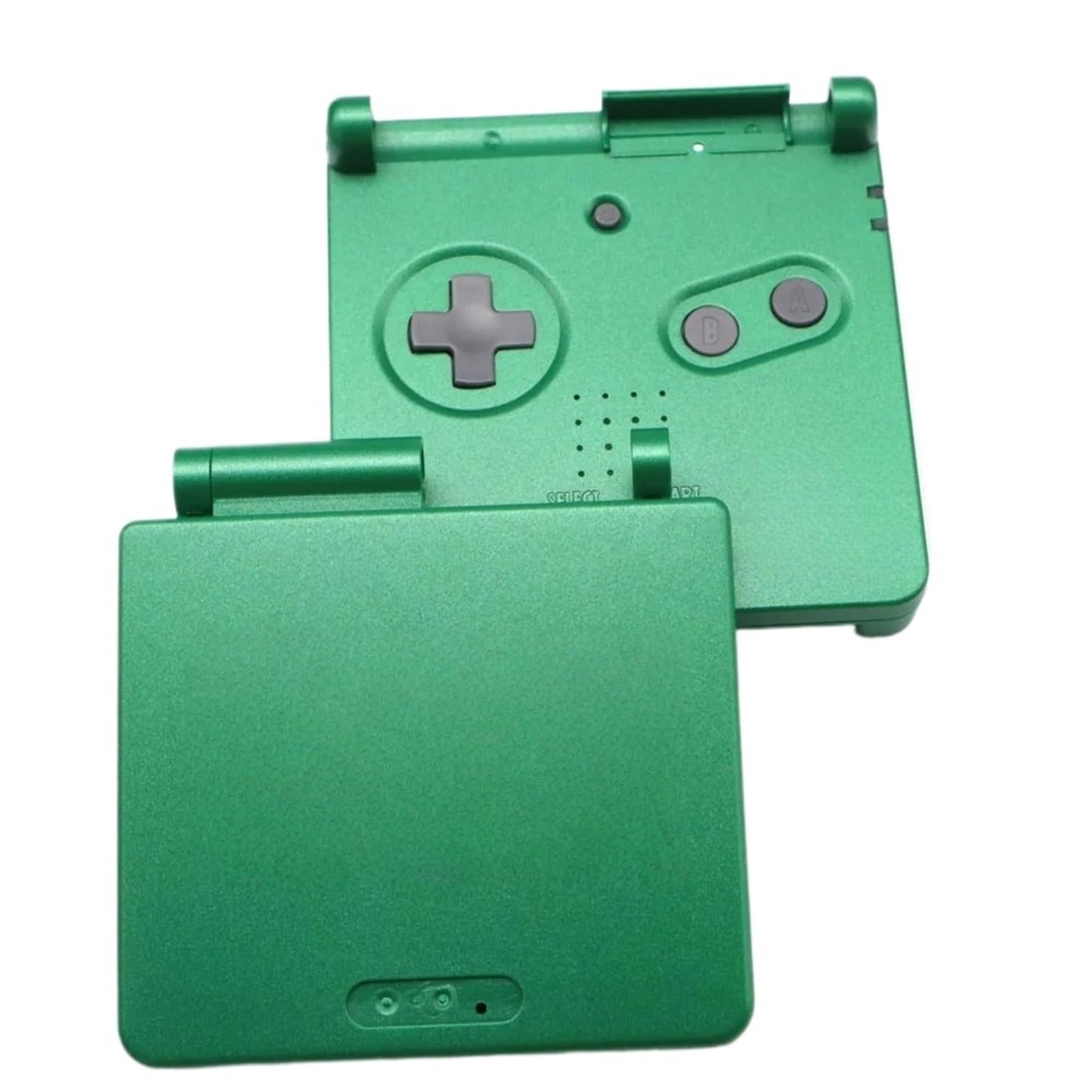
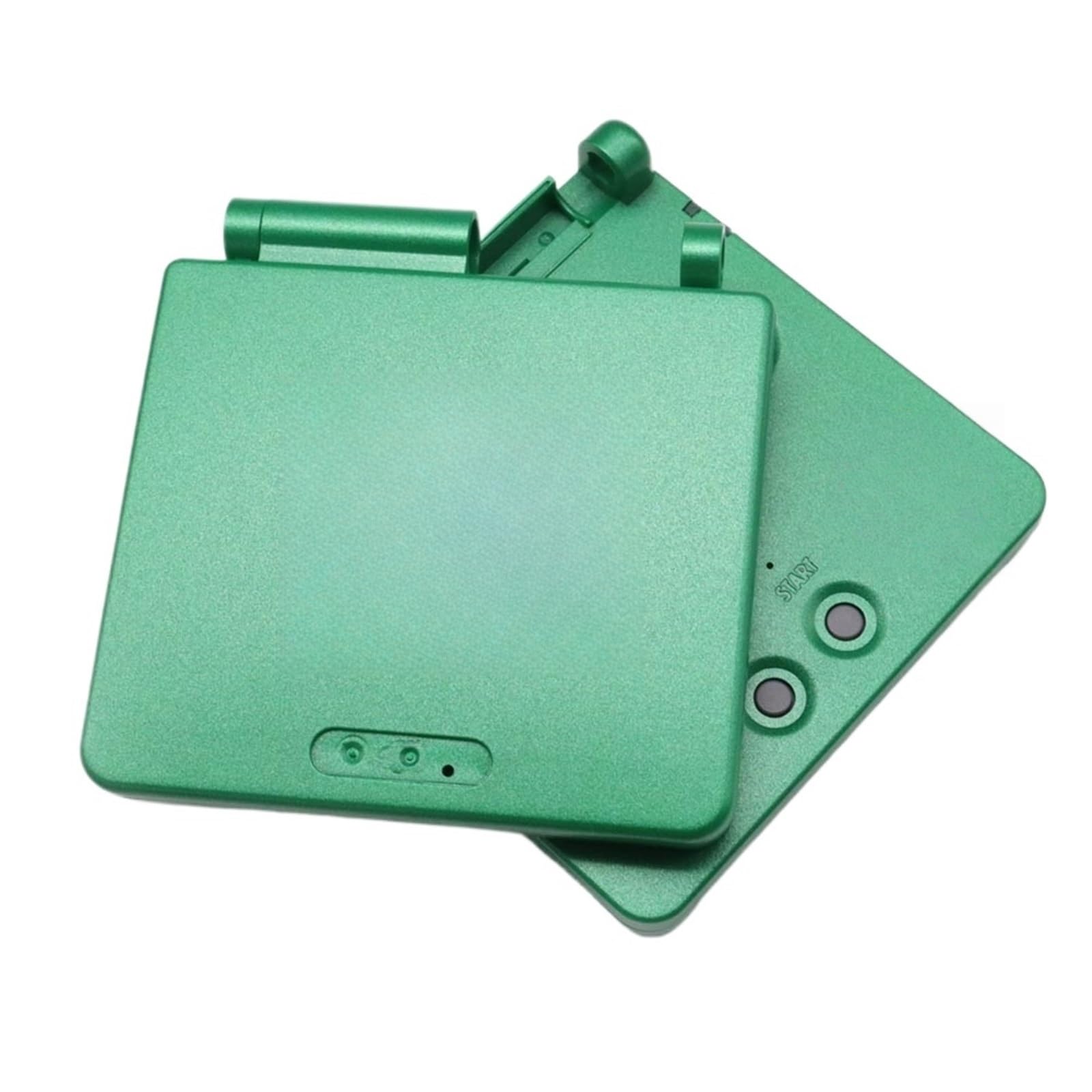
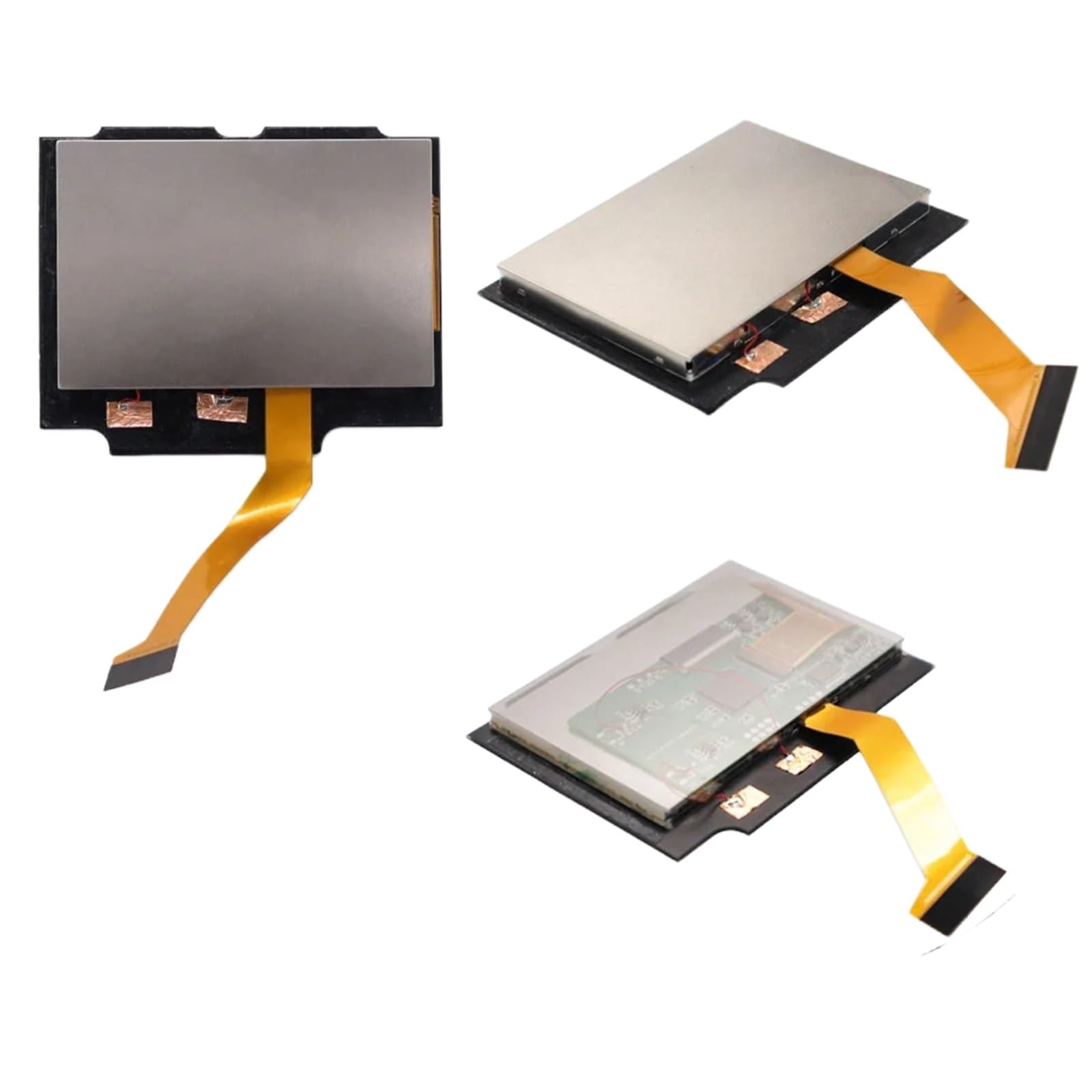
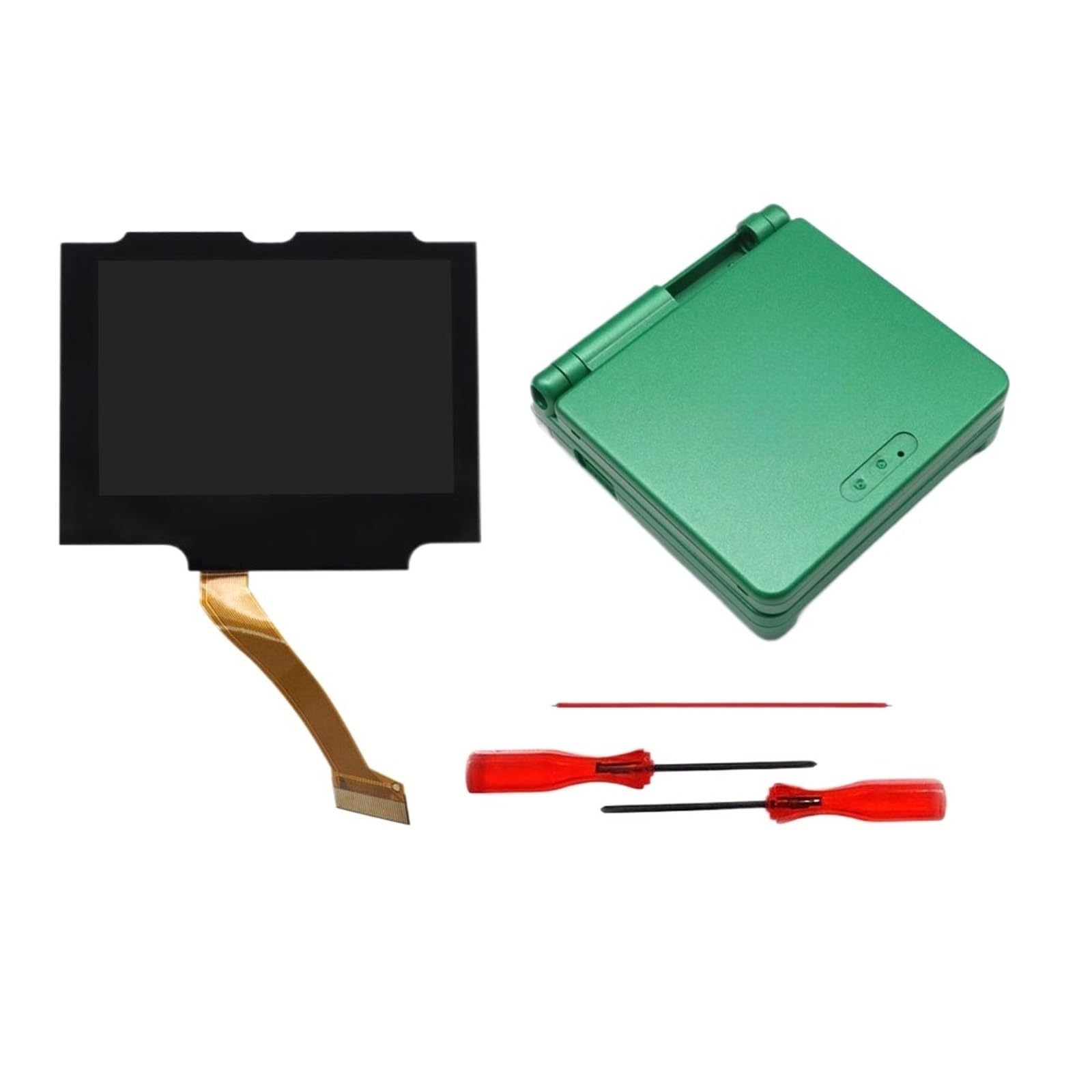
Description: 1. 720x480 display resolution. HD LCD. 9 pixels to 1 pixel. Integer scaling (The for GBA display resolution is 240x160). 2. Wide View angle up to 178 degree. 3. Real Drop in for IPS LCD for GBA for SP. No need to cutting the shell case. Easiest to install. 4. Pre Laminated Glass Screen 5. Same display size as the LCD screen. 6. Built-in OSD Menu! 7. Retro pixel Effects: Normal, Retro pixel (like for AGS-101 LCD), Scanline 1, Scanline 2. 8. 15 brightness levels. 9. 8 color modes. 10. Touch Screen to change the brightness and change the color modes. You need to welding 1 wire to control the OSD Menu The 'Brightness' button can activate the OSD Menu after welding 1 wire. Operation: Short press the 'Brightness' button to change the brightness. Press the 'Brightness' button 5 seconds to activate the OSD Menu. Long press the button to select the adjustment item when OSD Menu . Short press the button to adjust the item when OSD Menu . Packing including : 1x for IPS LCD, 2x Screwdrivers, 1x red wire.1x shell

Buy products not available in the Philippines.