Galleon 2026Download our mobile shopping application for faster and easy transaction.
₱1,913
₱1,730
+ ₱ 1,008
Shipping Cost from USA to Philippines inclusive of custom fees.
Cost too high? Check weight and dimension on product details and click "I think this is wrong?" link.
Get it between 2026-04-20 to 2026-04-27.
Additional 3 business days for provincial shipping.
- Price and Stocks may change without prior notice
- Packaging of actual item may differ from photo shown
Cash upon Pick-up - orders grand total must not exceed ₱5,000.00. Order will be pickup at Galleon's Office.
Cash on Delivery - orders grand total must not exceed of ₱10,000.00 and must not exceed ₱5,000.00 for provincial areas. See all payment methods
Product ID:
100846
Identifier:
B07RMXF81T
Brand:
JETTA
Model:
A103
Shipping Weight:
1.36 lbs
Manufacturer:
JETTA
Shipping Dimension:
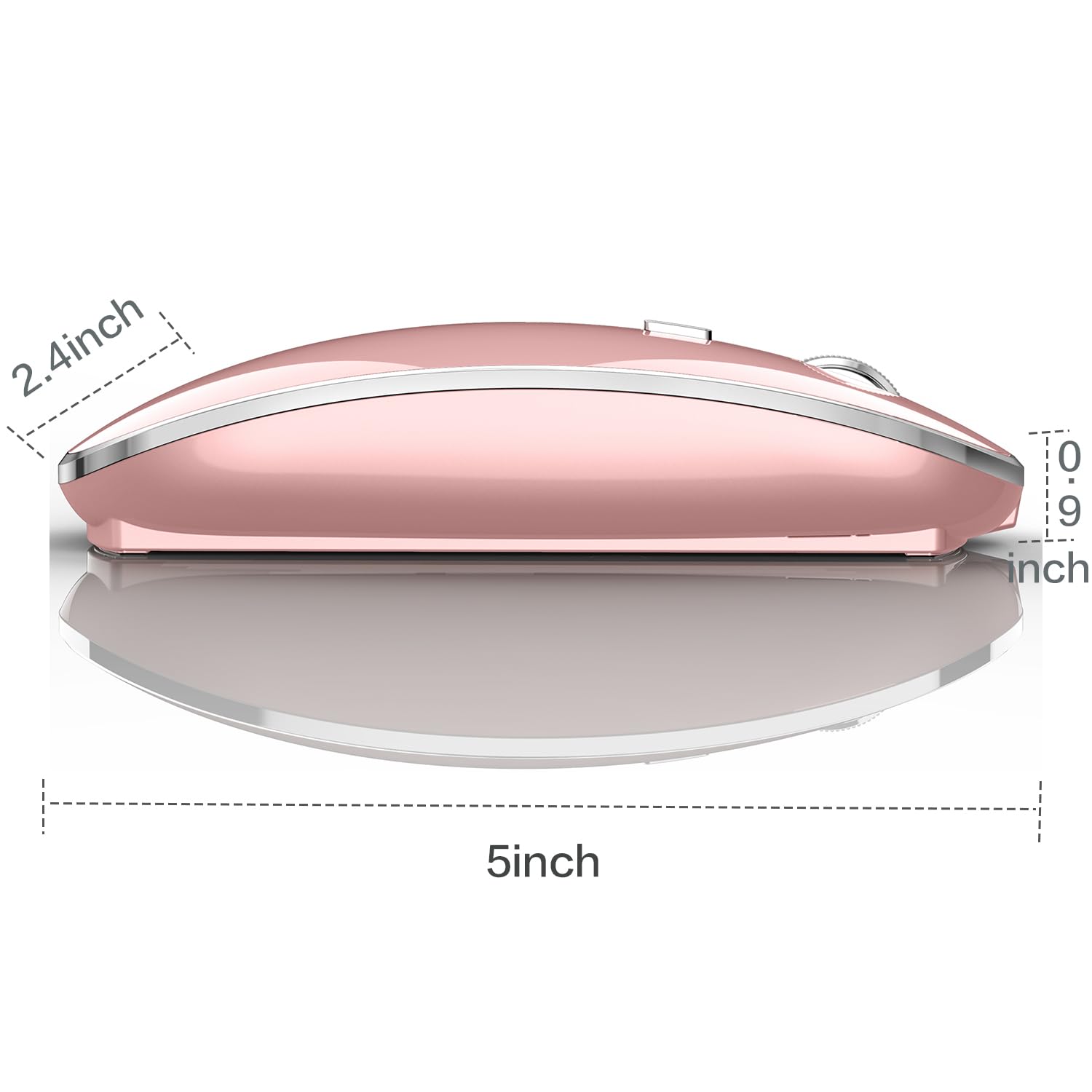
13.43 x 9.33 x 2.48 inches
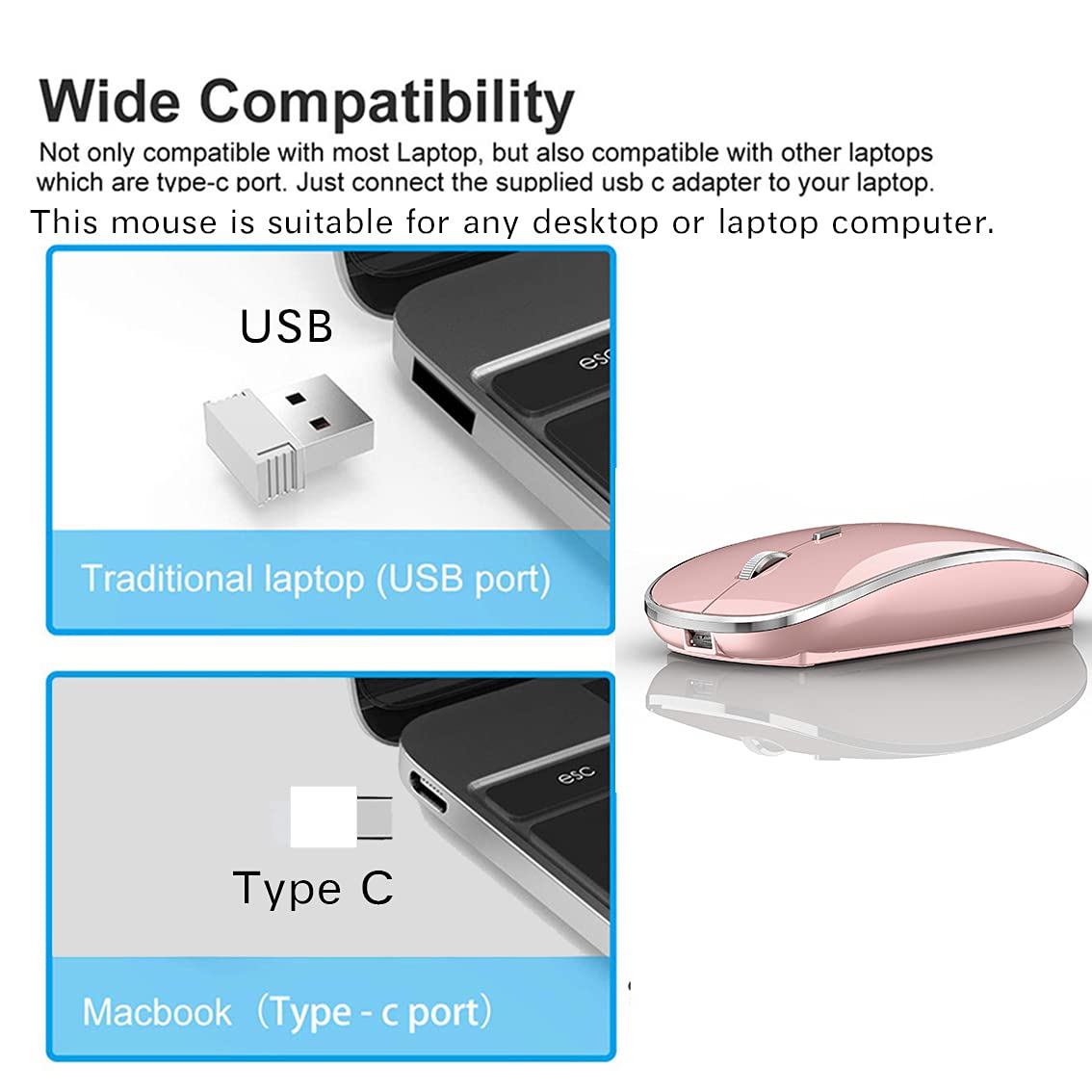
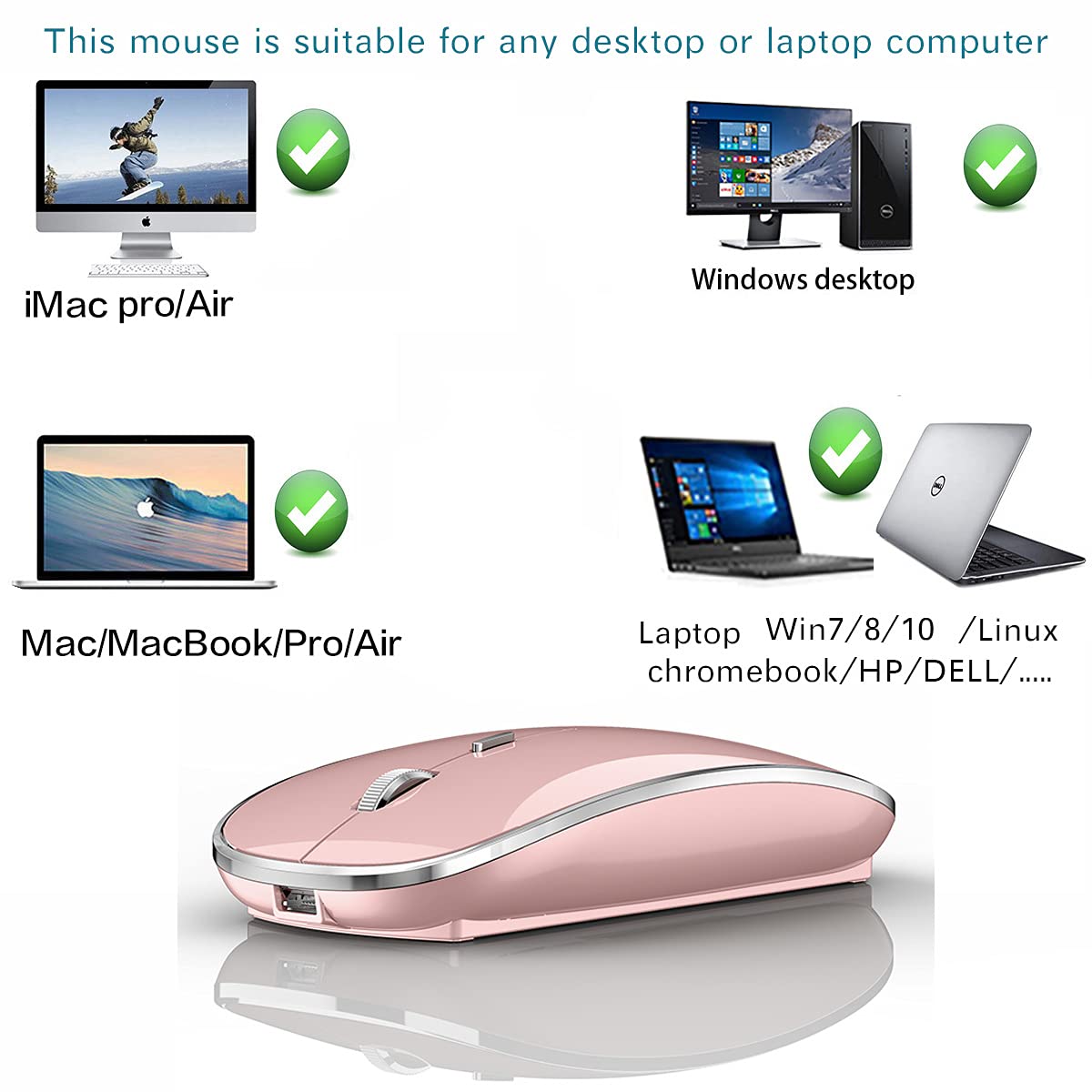
It is compatible with Mac iMac Macbook Pro Macbook Air 2012/2013/2014/2015/2016/2017/2018/2019/2020/2021/2022/2023/2024/2025 XP, Vista, Win 7, 8, 10,11 Windows and is suitable for desktop computer,laptop, notebook, PC, and other devices.
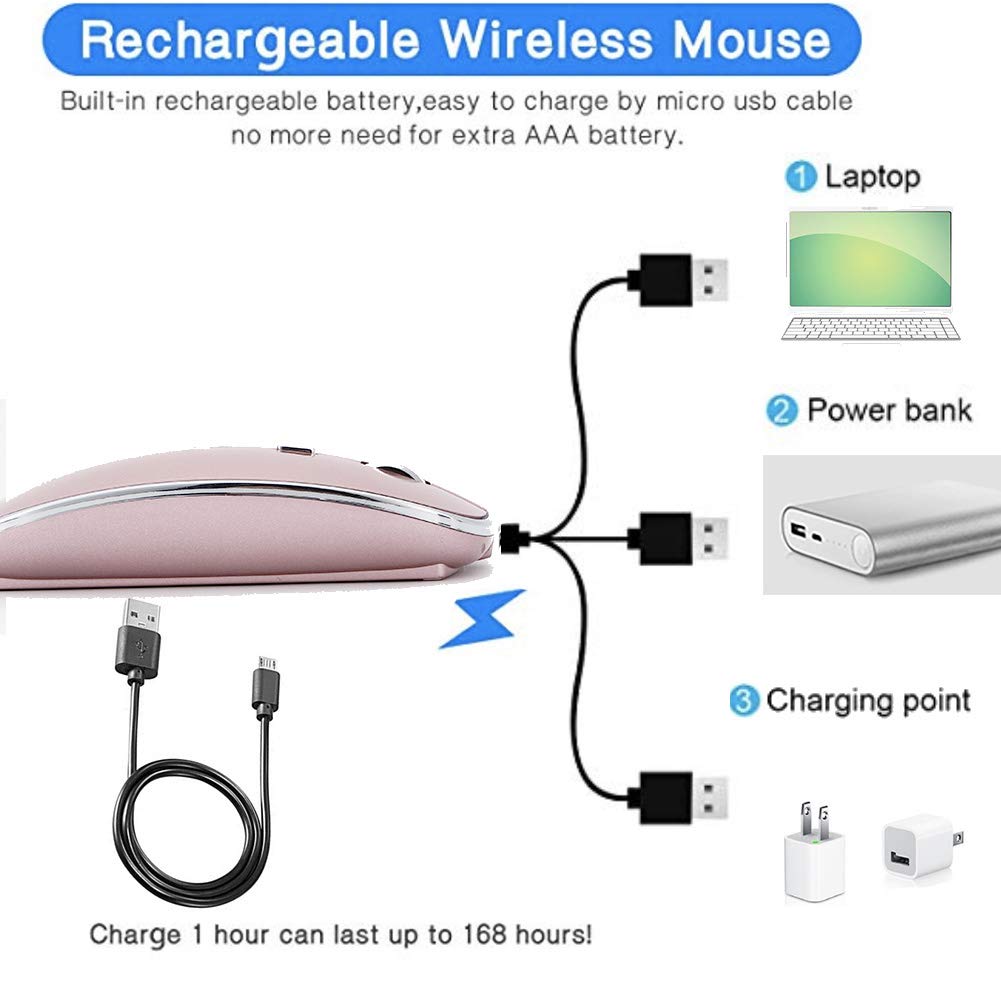
[Rechargeable Wireless Mouse] Built-in durable 450mAh lithium rechargeable battery can last up to 500 hours after fully charged, and standby time is super long with auto sleep and wake mode. Easily recharged through the included USB cable, no need to change the battery
【Wireless Mouse·1600 DPI】It can move freely within a range of up to 10 m through 2.4 GHz wireless transmission.You can use it easily without interference from cables, and enjoy more freedom than I thought.Adjustable with three levels precision (800/1200/1600 DPI), which can be tracked more precisely and correctly, the speed of the mouse can be controlled more freely and the operation can be more precise.
【Skin-Friendly for Comfort & Mute Click】Silent click Mouse with classic design with anti-fingerprint finish offers your hand maximum support and comfort. The sturdy anti-slip rubber scroll wheel ensures that your hand will not slip when scrolling.Quiet click sound when pressing buttons, which let you not worry about the mouse sound can disturbing others, especially at home or office, when other members having rest, you can focused on your work without worry.
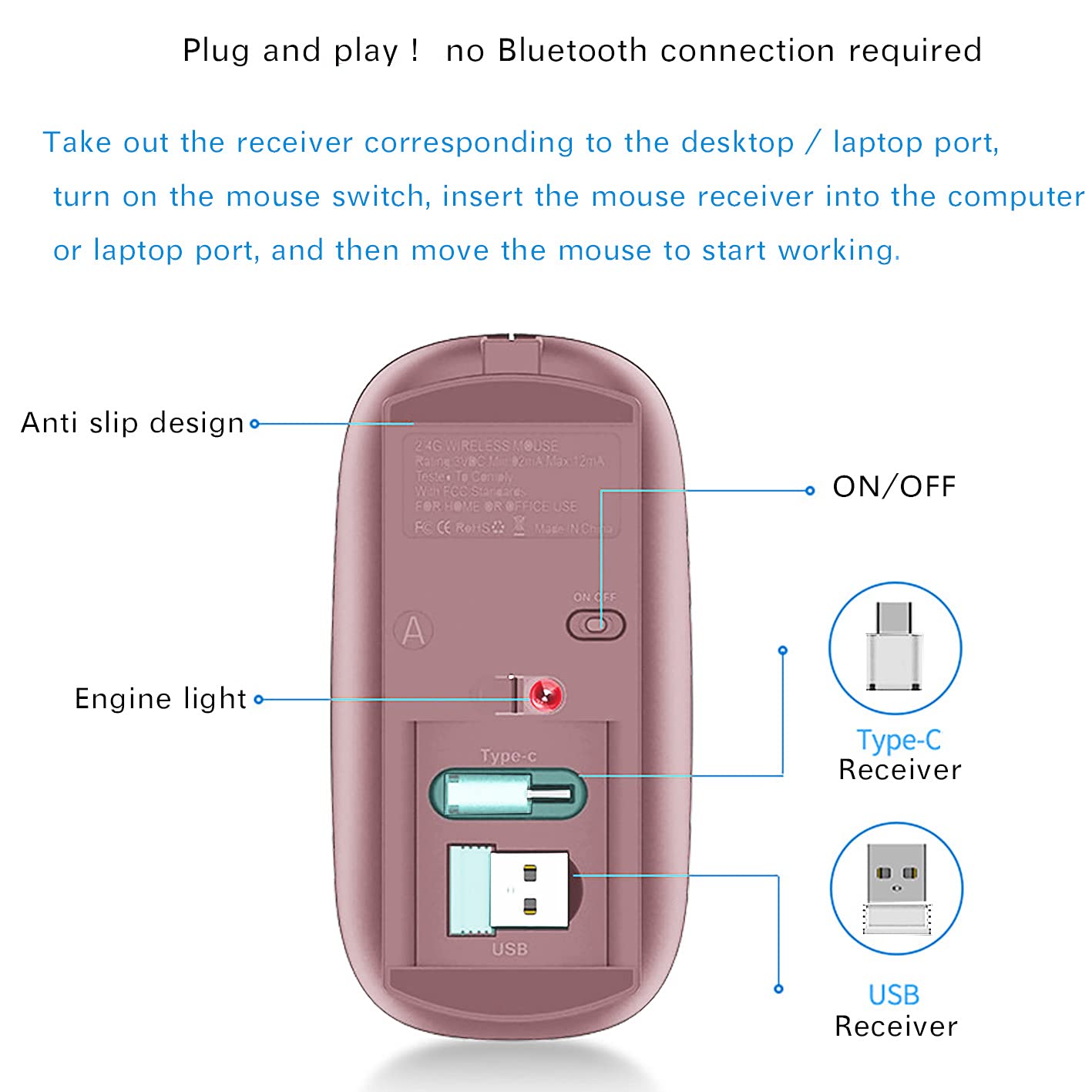
This wireless mouse plug and play, just two steps, is suitable for any desktop computer and laptop. The connection is 100% stable. It does not need to connect to the computer via Bluetooth, nor does it need to worry about Bluetooth disconnection and complex Bluetooth connection like a Bluetooth mouse
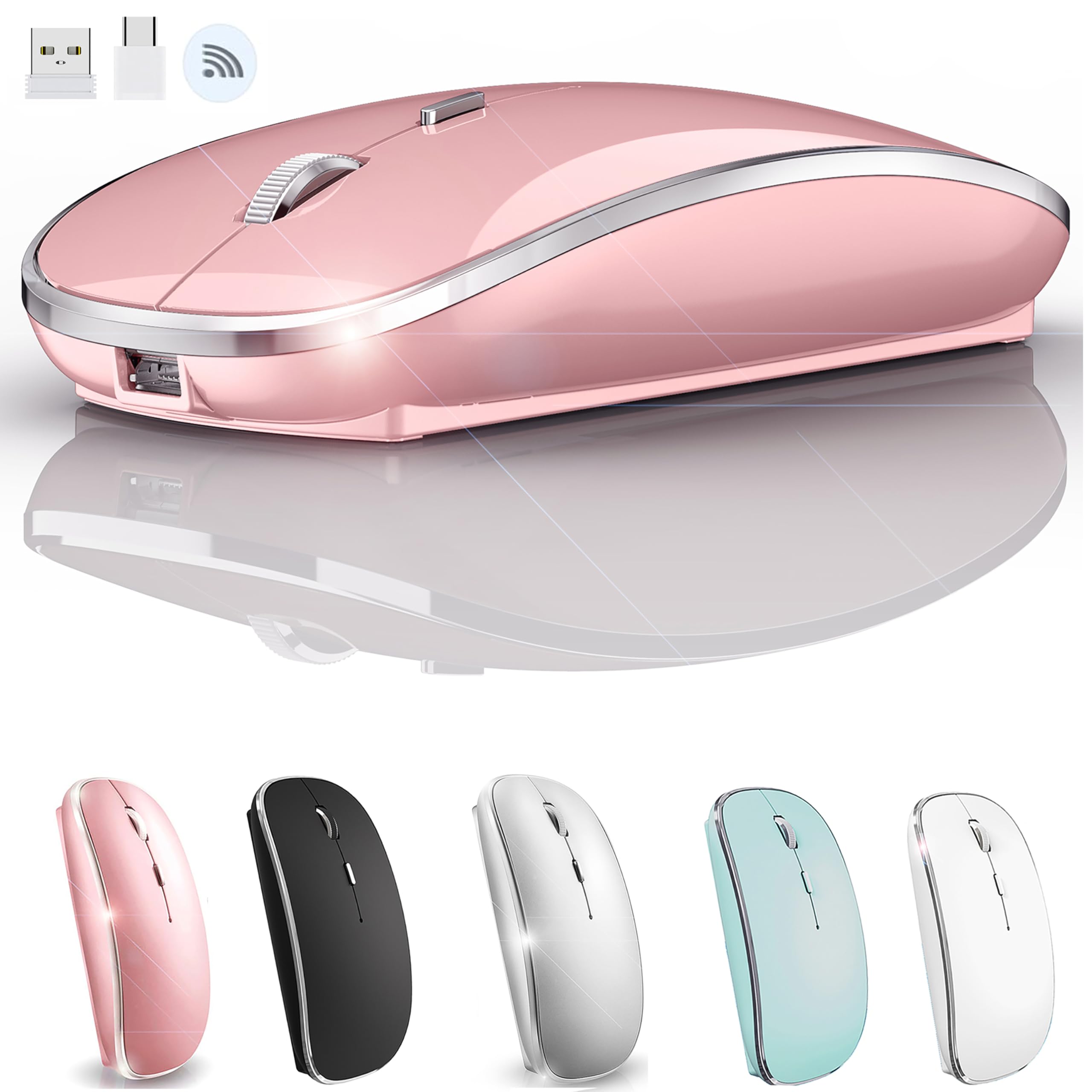
This wireless mouse plug and play, just two steps, is suitable for any desktop computer and laptop. The connection is 100% stable. It does not need to connect to the computer via Bluetooth, nor does it need to worry about Bluetooth disconnection and complex Bluetooth connection like a Bluetooth mouse Packing list: instruction *1, Rechargeable Wireless Mouse *1, USB wireless receiver *1 (taken out from the bottom of the mouse), type C receiver *1 (taken out from the bottom of the mouse), USB charging cable *1, packing carton *1. How do I use this wireless mouse on my laptop? 1: Remove the USB receiver or Type C receiver at the bottom of the mouse (remove the receiver suitable for your computer/laptop port) and plug the receiver into the port of your computer /laptop 2: Turn on the mouse switch, move the mouse or press the left and right mouse buttons, and the mouse will start working on your computer desktop,Plug and play, only need 2 steps to use. How do I charge this mouse? br>When the pointer of your mouse does not move or cannot be used, or suddenly disconnects continuously in use, you need to charge it for about 3 hours. Please use the USB port of your computer to charge it, or use an adapter with an output of no more than 5v to charge it This is a rechargeable mouse. It doesn't require you to buy any other batteries. It already has a built-in lithium battery. It can be charged like a mobile phone. There is a USB charging line in the box


Buy products not available in the Philippines.