Galleon 2025Download our mobile shopping application for faster and easy transaction.
Product ID:
610793
Identifier:
B08JF5CZ5B
Brand:
Independently Published
Model:
Shipping Weight:
0.55 lbs
Manufacturer:
Independently published
Shipping Dimension:
9.02 x 5.98 x 0.28 inches
₱1,154
+ ₱ 331
Shipping Cost from USA to Philippines inclusive of custom fees.
Cost too high? Check weight and dimension on product details and click "I think this is wrong?" link.
Get it between 2025-12-29 to 2026-01-05.
Additional 3 business days for provincial shipping.
- Price and Stocks may change without prior notice
- Packaging of actual item may differ from photo shown
Cash upon Pick-up - orders grand total must not exceed ₱5,000.00. Order will be pickup at Galleon's Office.
Cash on Delivery - orders grand total must not exceed of ₱10,000.00 and must not exceed ₱5,000.00 for provincial areas. See all payment methods
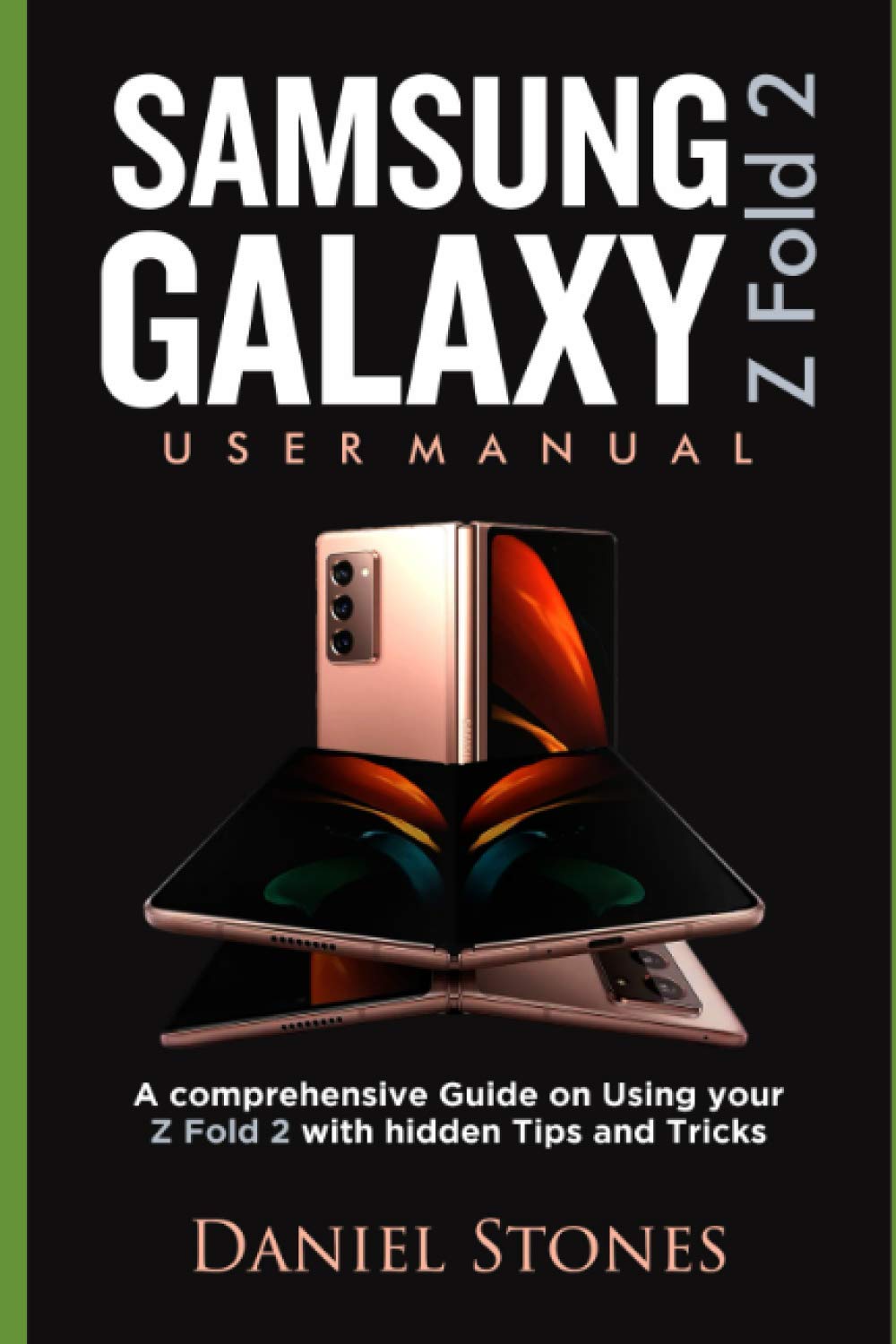
This is a guide that explains all the essential settings required to use your Samsung Z Fold2 device; from unboxing to judiciously using your device. The eBook talks about the main features of your device and how to use them. If you are looking for a guide that will help you get the full worth of your Z Fold2, then you are holding the right guide. There is a whole chapter dedicated to getting the most out of the camera and gallery feature. If you are a video creator who wants to go simple with camera, the Z Fold 2 will help you shoot cinematic videos. This guide explores the essential camera features with useful hints. The book has been divided into chapters for easy navigation. It contains icon descriptions just the same way they are on your device; this is to ensure that users find it easy to relate the book easily with their device. Follow the guide step by step and enjoy the full ride. You won’t be disappointed. Other crucial information in the guide include: How to add apps to both screens of the Samsung Galaxy Z Fold 2 How to Install SIM card on your Samsung Galaxy Z Fold 2 How to use Wireless PowerShare on your Samsung Galaxy Z fold 2 How to transfer your files seamlessly from an old Samsung or Android device to your Fold 2. How to transfer contents wirelessly from your Android device to your Samsung Galaxy Z Fold 2 How to transfer your files from your iPhone to your new Samsung Z Fold 2 How to transfer your contents/files with a USB cable that came with your Samsung Galaxy Z Fold 2 How to transfer your files with external SD card/Flash drive How to use the Side key on the Samsung Galaxy Z Fold 2 How to add a Samsung account to the Samsung Galaxy Z Fold 2 How to customize Widgets on the Samsung Galaxy Z Fold 2 How to customize the home and application screen settings on the Samsung Galaxy Z Fold 2 How to set up Face recognition on Samsung Galaxy Z Fold 2 How to setup App mirroring on Samsung Galaxy Z Fold 2 How to Link your Samsung Galaxy Z Fold 2 to your computer How to set up Samsung DeX on your Samsung Galaxy Z Fold 2 How to Connect Samsung Galaxy Z Fold 2 to a TV wirelessly How to Use multiple applications at the same time on Samsung Galaxy Z Fold 2 How to set up Edge Screen on Samsung Galaxy Z Fold 2 How to activate Edge lighting on Samsung Galaxy Z Fold 2 How to configure keyboard on Samsung Galaxy Z Fold 2 How to Activate Emergency mode on Samsung Galaxy Z Fold 2 How to take stunning images with Samsung Galaxy Z Fold 2 Camera How to utilize Augmented Reality features (AR) on Samsung Galaxy Z Fold 2 How to use Scene optimizer on Samsung Galaxy Z Fold 2 Camera How to shoot cinematic videos on Samsung Galaxy Z Fold 2 Camera How to use Zoom-in mic on Samsung Galaxy Z Fold 2 And Lots More Get this book by clicking on the BUY NOW WITH 1-CLICK BUTTON AT THE TOP

Buy products not available in the Philippines.