Galleon 2026Download our mobile shopping application for faster and easy transaction.
Product ID:
1318874
Identifier:
1967625212
Brand:
Model:
Shipping Weight:
2.81 lbs
Manufacturer:
Ascent, Center for Technical Knowledge
Shipping Dimension:
9.25 x 7.52 x 1.38 inches
₱9,359
+ ₱ 1,512
Shipping Cost from USA to Philippines inclusive of custom fees.
Cost too high? Check weight and dimension on product details and click "I think this is wrong?" link.
Get it between 2026-05-01 to 2026-05-08.
Additional 3 business days for provincial shipping.
- Price and Stocks may change without prior notice
- Packaging of actual item may differ from photo shown
Cash upon Pick-up - orders grand total must not exceed ₱5,000.00. Order will be pickup at Galleon's Office.
Cash on Delivery - orders grand total must not exceed of ₱10,000.00 and must not exceed ₱5,000.00 for provincial areas. See all payment methods
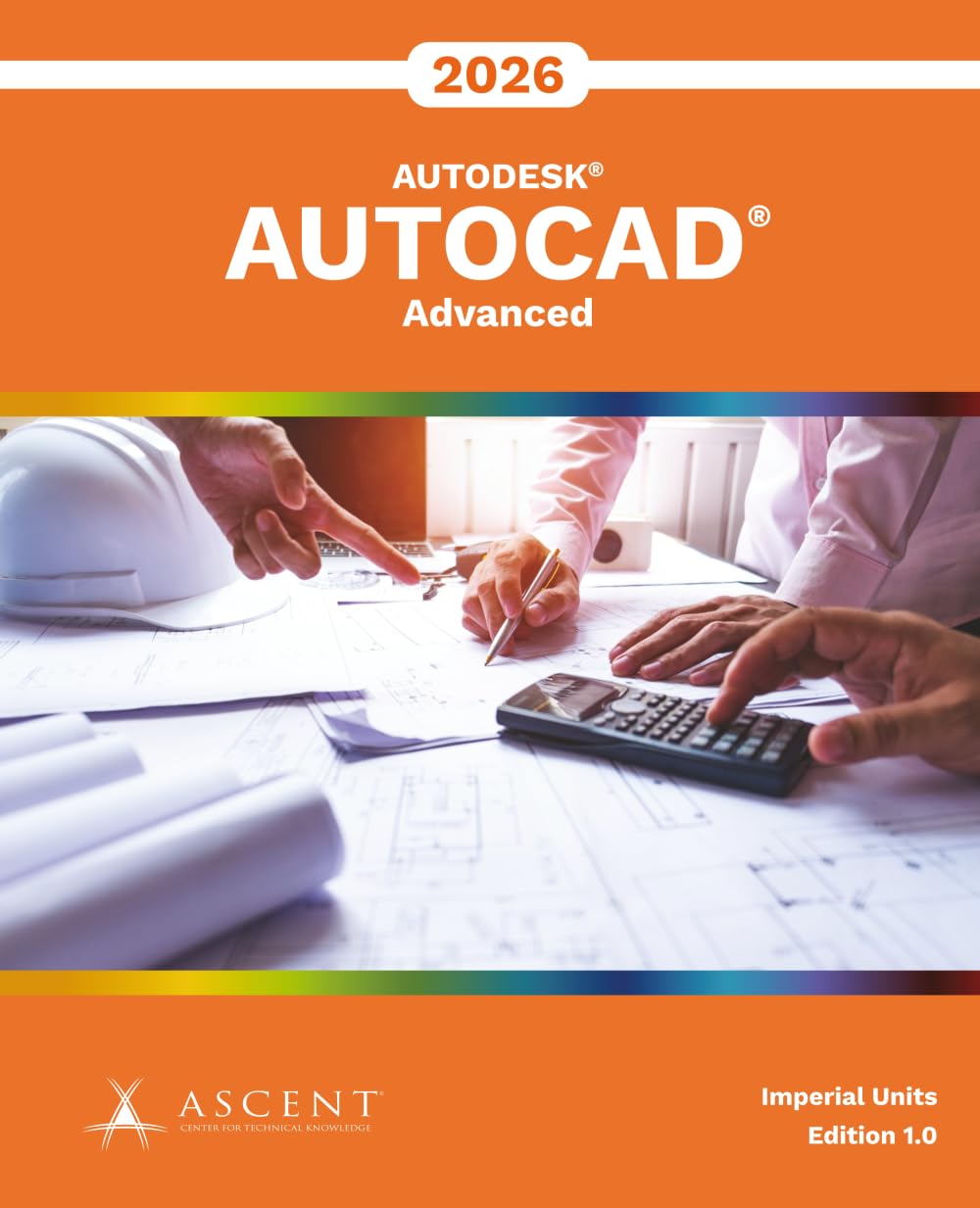
AutoCAD® 2026: Advanced is designed for AutoCAD® 2026 with a Windows operating system. It does not cover the use of AutoCAD for Mac. The AutoCAD 2026: Advanced guide introduces advanced techniques to help users operate the AutoCAD software efficiently. It explores how to employ tools effectively, integrate document management for a project, and customize tools to improve task performance. Topics Covered Advanced text objects Working with tables Defining dynamic blocks and attributes Outputting and publishing files for review Collaboration and automation tools Creating, publishing, and customizing sheet sets Managing layers CAD management and system setup Enhancing productivity by customizing the AutoCAD interface Using macros and custom routines Prerequisites Access to the 2026.0 version of the software, to ensure compatibility with this guide. Future software updates that are released by Autodesk may include changes that are not reflected in this guide. The practices and files included with this guide might not be compatible with prior versions (e.g., 2025). Completion of the AutoCAD® 2026: Essentials and AutoCAD® 2026: Beyond the Basics guides, or equivalent experience using the AutoCAD software.

Buy products not available in the Philippines.