Galleon 2026Download our mobile shopping application for faster and easy transaction.
Product ID:
82025
Identifier:
B0FKBGDC8K
Brand:
Model:
Shipping Weight:
0.84 lbs
Manufacturer:
Independently published
Shipping Dimension:
10.98 x 8.5 x 0.28 inches
₱1,453
+ ₱ 434
Shipping Cost from USA to Philippines inclusive of custom fees.
Cost too high? Check weight and dimension on product details and click "I think this is wrong?" link.
Get it between 2026-06-07 to 2026-06-14.
Additional 3 business days for provincial shipping.
- Price and Stocks may change without prior notice
- Packaging of actual item may differ from photo shown
Cash upon Pick-up - orders grand total must not exceed ₱5,000.00. Order will be pickup at Galleon's Office.
Cash on Delivery - orders grand total must not exceed of ₱10,000.00 and must not exceed ₱5,000.00 for provincial areas. See all payment methods
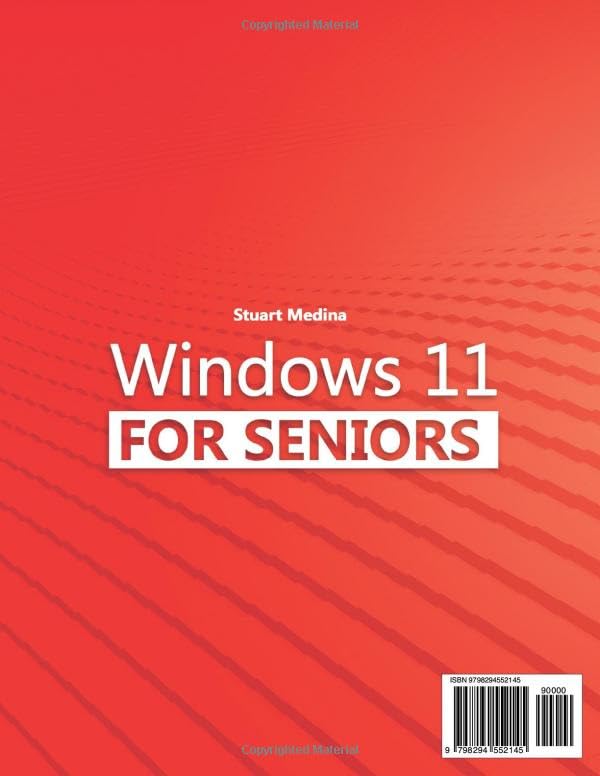
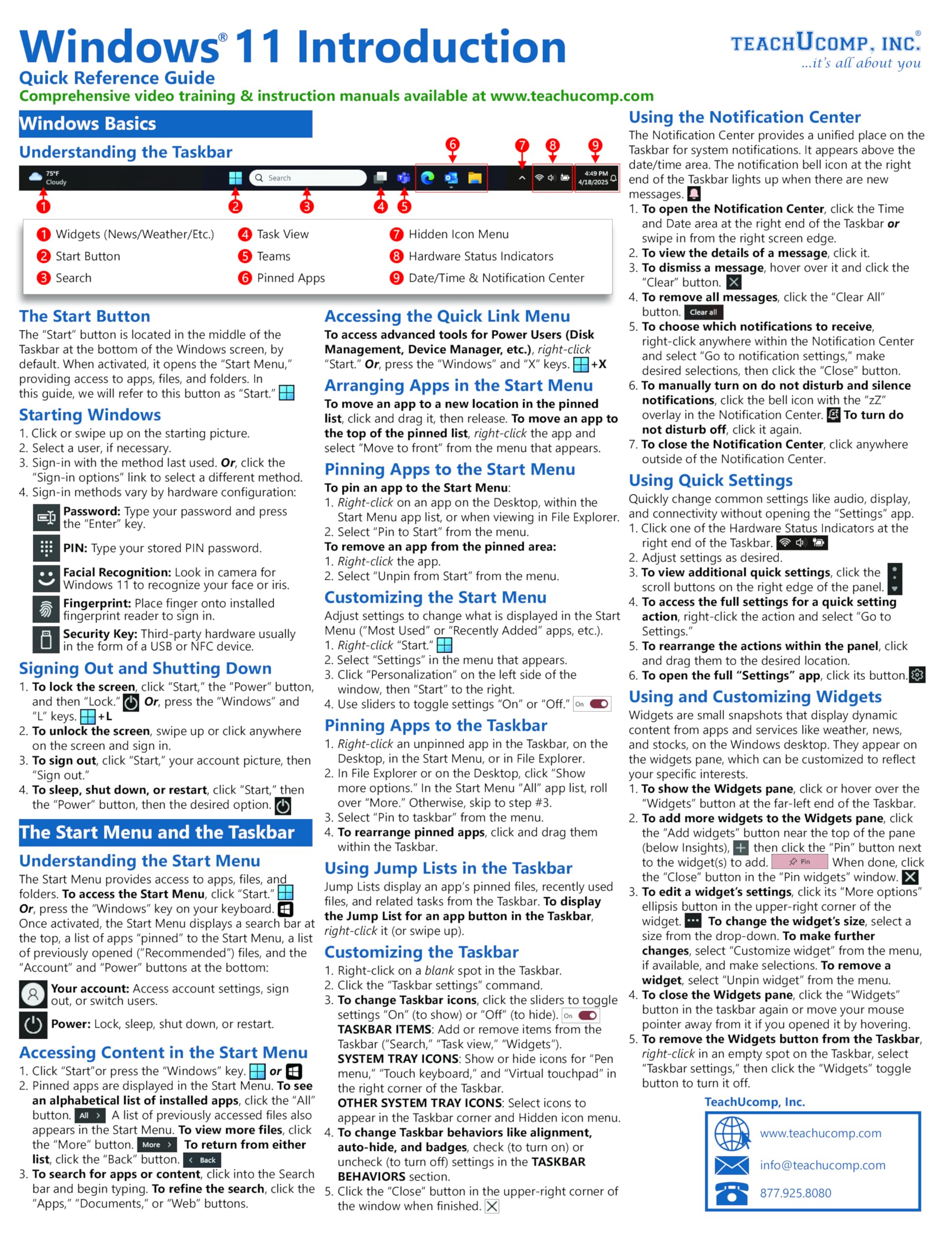
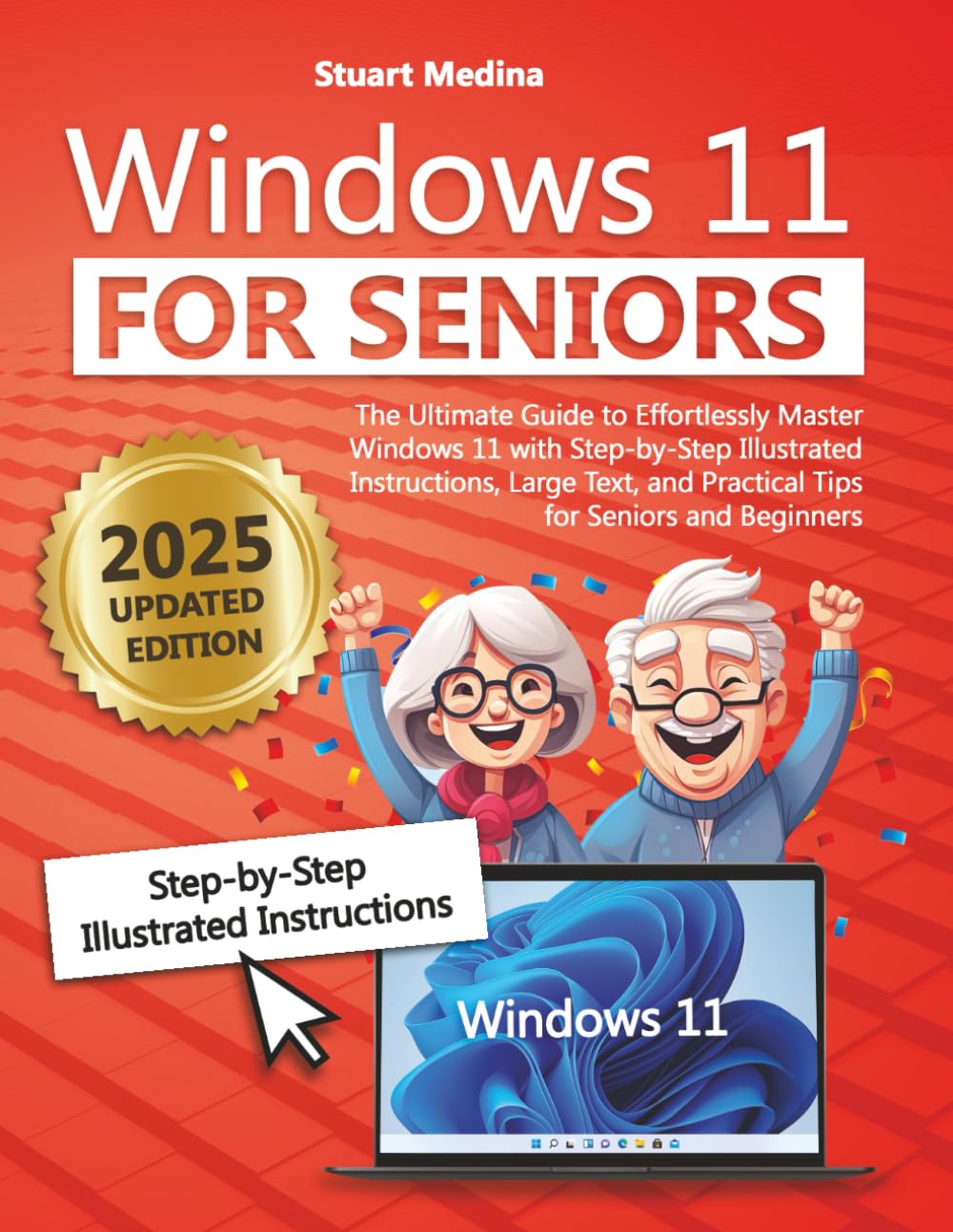
Curious to finally feel at ease using Windows 11 for everyday tasks like email, browsing, and video calls? Frustrated with unclear tech instructions and complicated jargon that make everything feel like a chore? Or maybe you're just hoping for a straightforward guide that explains it all with simple steps and large, readable text? Then this book is made for you! Windows 11 can feel like a maze, especially if you’re used to an earlier version. But with this easy-to-follow guide tailored for seniors and beginners alike, you’ll discover how to make Windows 11 work for you – confidently and comfortably. Packed with step-by-step instructions, large text, and tons of visuals, it’s like having a patient tech expert by your side, every step of the way. Here’s what you’ll find inside: Getting Started Made Simple: A friendly introduction to Windows 11 that covers the essentials without overwhelming details Start Menu, Desktop, and Apps Explained: Uncover Windows 11’s interface with clear explanations on icons, shortcuts, and practical functions Navigating the Internet and Staying Connected: Master the web, email, and video calls with tips on safe browsing, sharing photos, and keeping up with family Customizing and Securing Your Experience: Personalize your Windows setup with security tips, customizations, and privacy settings Everyday Tools at Your Fingertips: Explore built-in apps for daily tasks, like the calculator, maps, notes, and entertainment options No More Tech Jargon: A helpful glossary that explains confusing terms in plain language, so you feel empowered, not overwhelmed Imagine the confidence you’ll feel knowing you can safely navigate the internet, chat with loved ones, organize your photos, and more – all with ease and peace of mind. Whether you’re troubleshooting an issue or just want a smooth experience with your new PC, this guide has everything you need. Ready to take control and enjoy your Windows 11 experience? Scroll up and grab your copy today to get started!

Buy products not available in the Philippines.