Galleon 2026Download our mobile shopping application for faster and easy transaction.
Product ID:
516076
Identifier:
1944684778
Brand:
Beezix
Model:
Shipping Weight:
0.06 lbs
Manufacturer:
Beezix Inc
Shipping Dimension:
10.91 x 8.5 x 0.04 inches
₱548
+ ₱ 150
Shipping Cost from USA to Philippines inclusive of custom fees.
Cost too high? Check weight and dimension on product details and click "I think this is wrong?" link.
Get it between 2026-06-11 to 2026-06-18.
Additional 3 business days for provincial shipping.
- Price and Stocks may change without prior notice
- Packaging of actual item may differ from photo shown
Cash upon Pick-up - orders grand total must not exceed ₱5,000.00. Order will be pickup at Galleon's Office.
Cash on Delivery - orders grand total must not exceed of ₱10,000.00 and must not exceed ₱5,000.00 for provincial areas. See all payment methods
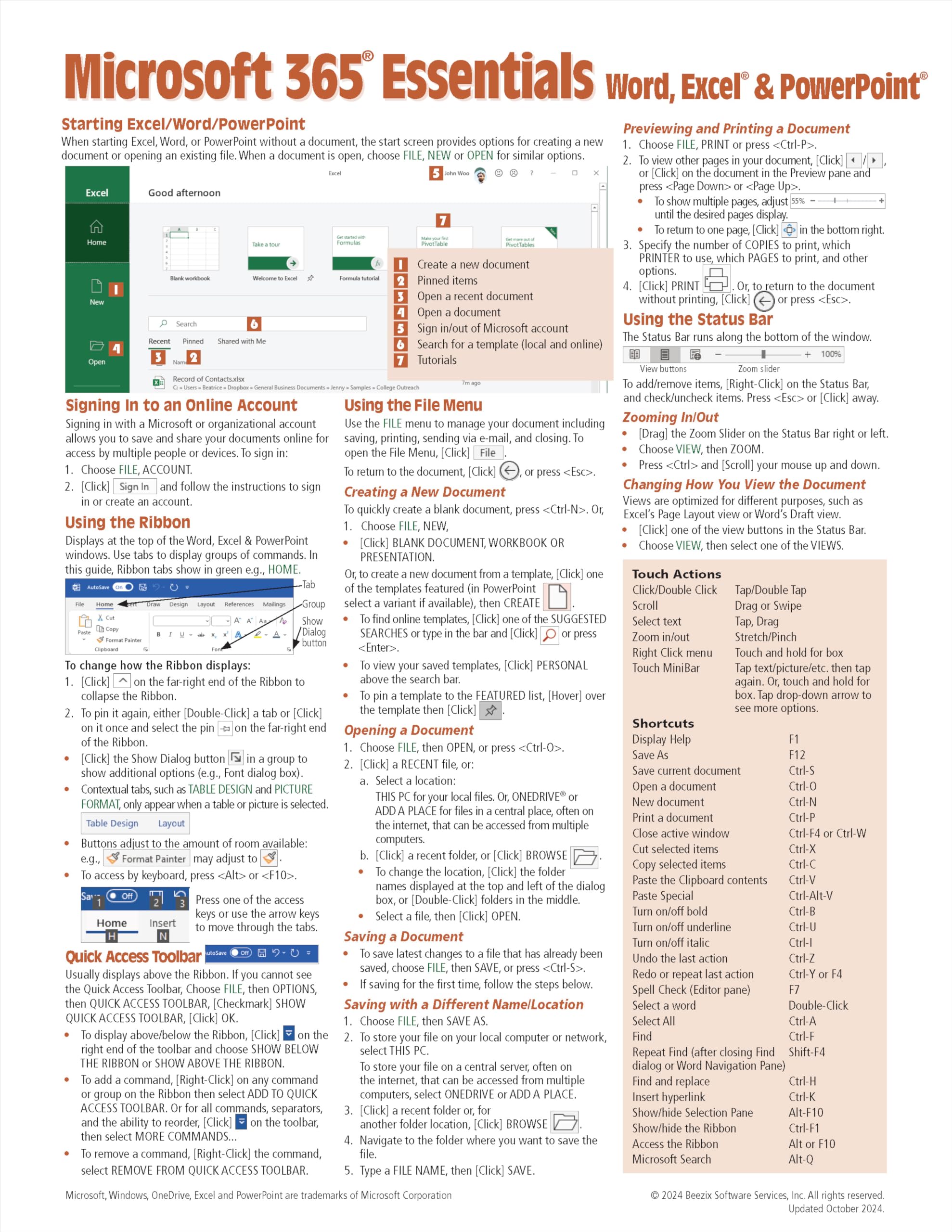
This 2-page laminated quick reference card provides step-by-step instructions and shortcuts for using essential features of the Windows version of Microsoft 365 (formerly Office 365), covering Word, Excel, and PowerPoint 365. Designed with a focus on clarity, accuracy, and ease of use, this guide is a practical resource to help you master key tasks and improve productivity. Whether you're a beginner or an experienced user, this guide serves as both a convenient training handout and an everyday reference tool. Compatible Companion Products: This guide pairs perfectly with Word 365 (ISBN 9781944684792), Excel 365 (ISBN 9781944684785), and PowerPoint 365 (ISBN 9781944684808) Introduction Guides. Topics Covered: Getting Started: The Excel, Word, and PowerPoint Start Screen; Signing in to an Online Account. Interface Basics: Using the Ribbon; Quick Access Toolbar; Status Bar for Zoom and View Changes; Shortcut Menu. File Management: Creating, Opening, Saving, and Printing Documents; Saving as PDF; Sending Documents via Email (as Attachments, PDFs, or Links); File Formats; Compatibility with Previous Versions. Text and Formatting Tools: Inserting and Deleting Text; Selecting Text, Shapes, or Cells; Changing Fonts, Sizes, and Styles (Bold, Italic); Formatting with the Mini Toolbar; Adjusting AutoCorrect Settings. Copying and Moving Content: Cut, Copy, Paste; Drag & Drop. Visual Enhancements: Adding Pictures; Inserting SmartArt. Window Management: Switching Between Open Windows; Arranging Multiple Windows. Built-In Assistance: Using Search and Smart Lookup for Help and Insights. Optimizing for Touch Devices: Navigating and adjusting settings for touchscreens. Also Included: A comprehensive list of keyboard shortcuts common to Word, Excel, and PowerPoint for faster navigation and task execution. This guide is your go-to resource for maximizing efficiency in Microsoft 365!

Buy products not available in the Philippines.