Galleon 2025Download our mobile shopping application for faster and easy transaction.
Product ID:
82006
Identifier:
1423248368
Brand:
Model:
Shipping Weight:
0.15 lbs
Manufacturer:
QuickStudy Reference Guides
Shipping Dimension:
11.1 x 8.5 x 0.12 inches
₱794
+ ₱ 150
Shipping Cost from USA to Philippines inclusive of custom fees.
Cost too high? Check weight and dimension on product details and click "I think this is wrong?" link.
Get it between 2025-12-20 to 2025-12-27.
Additional 3 business days for provincial shipping.
- Price and Stocks may change without prior notice
- Packaging of actual item may differ from photo shown
Cash upon Pick-up - orders grand total must not exceed ₱5,000.00. Order will be pickup at Galleon's Office.
Cash on Delivery - orders grand total must not exceed of ₱10,000.00 and must not exceed ₱5,000.00 for provincial areas. See all payment methods
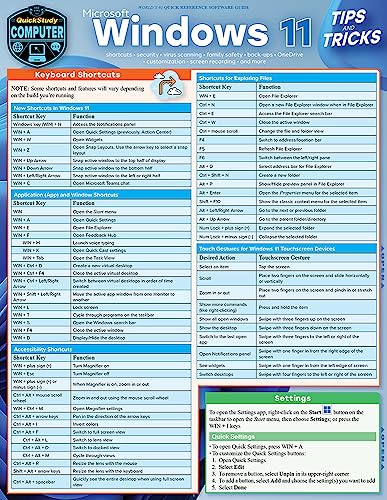
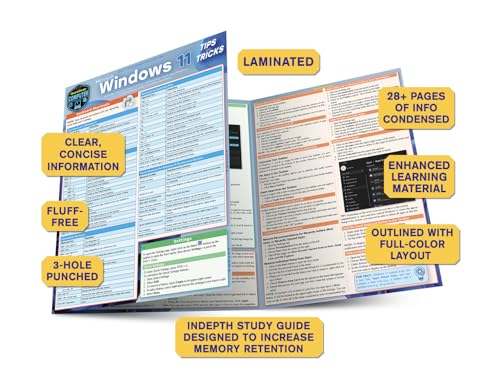
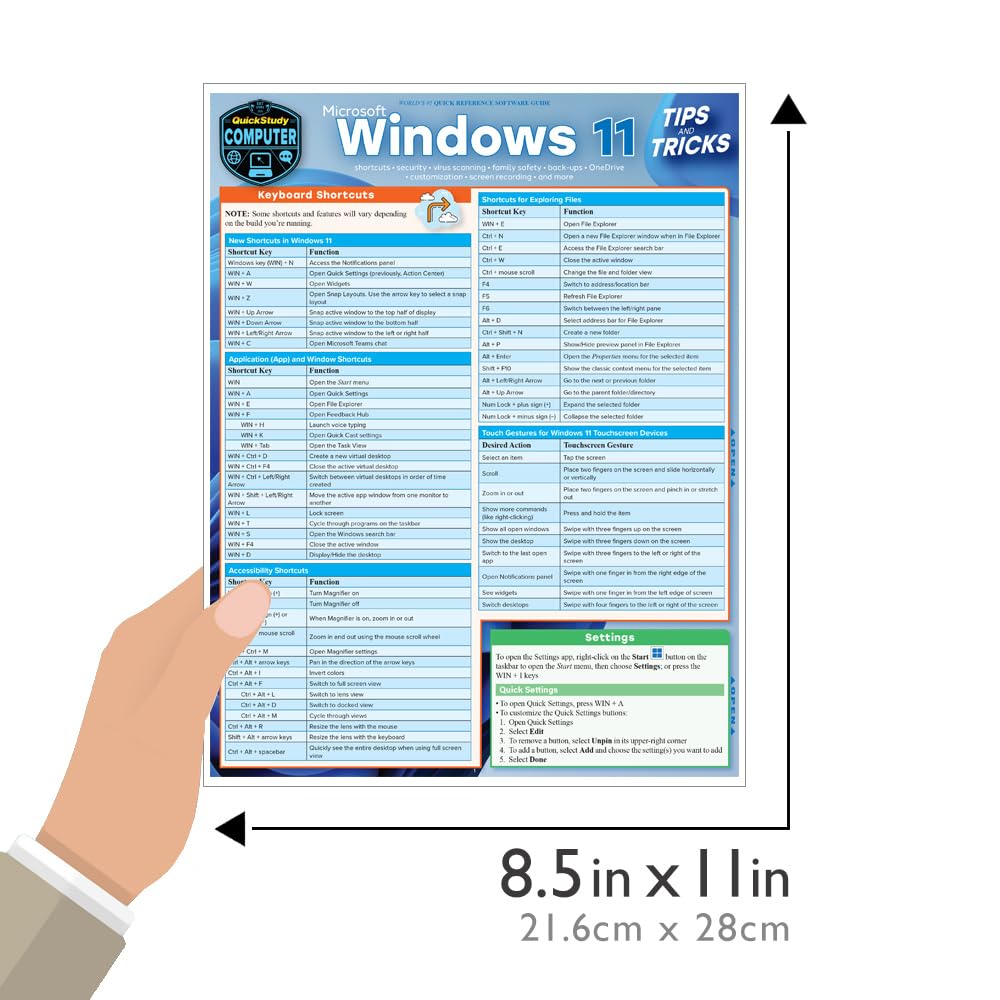
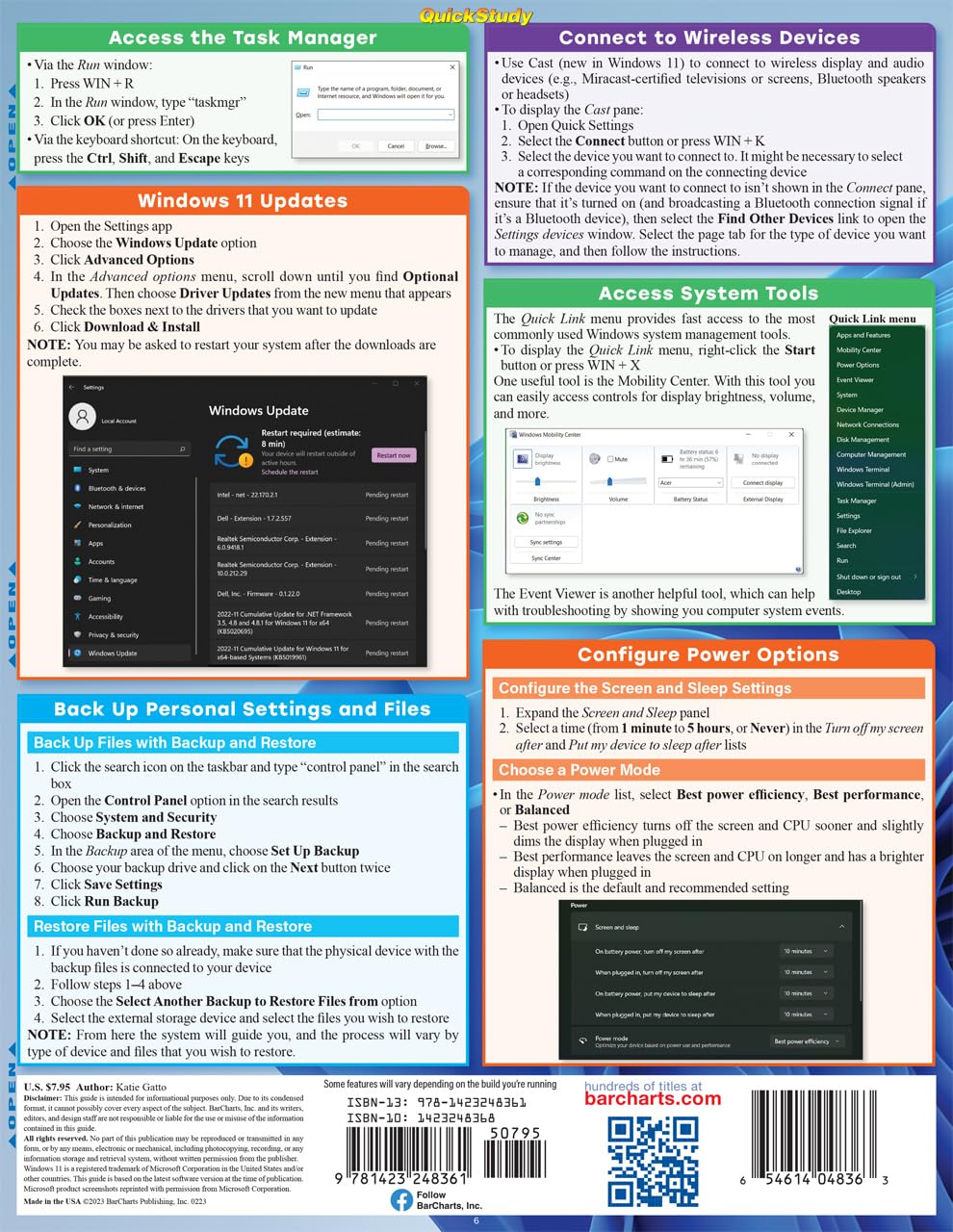
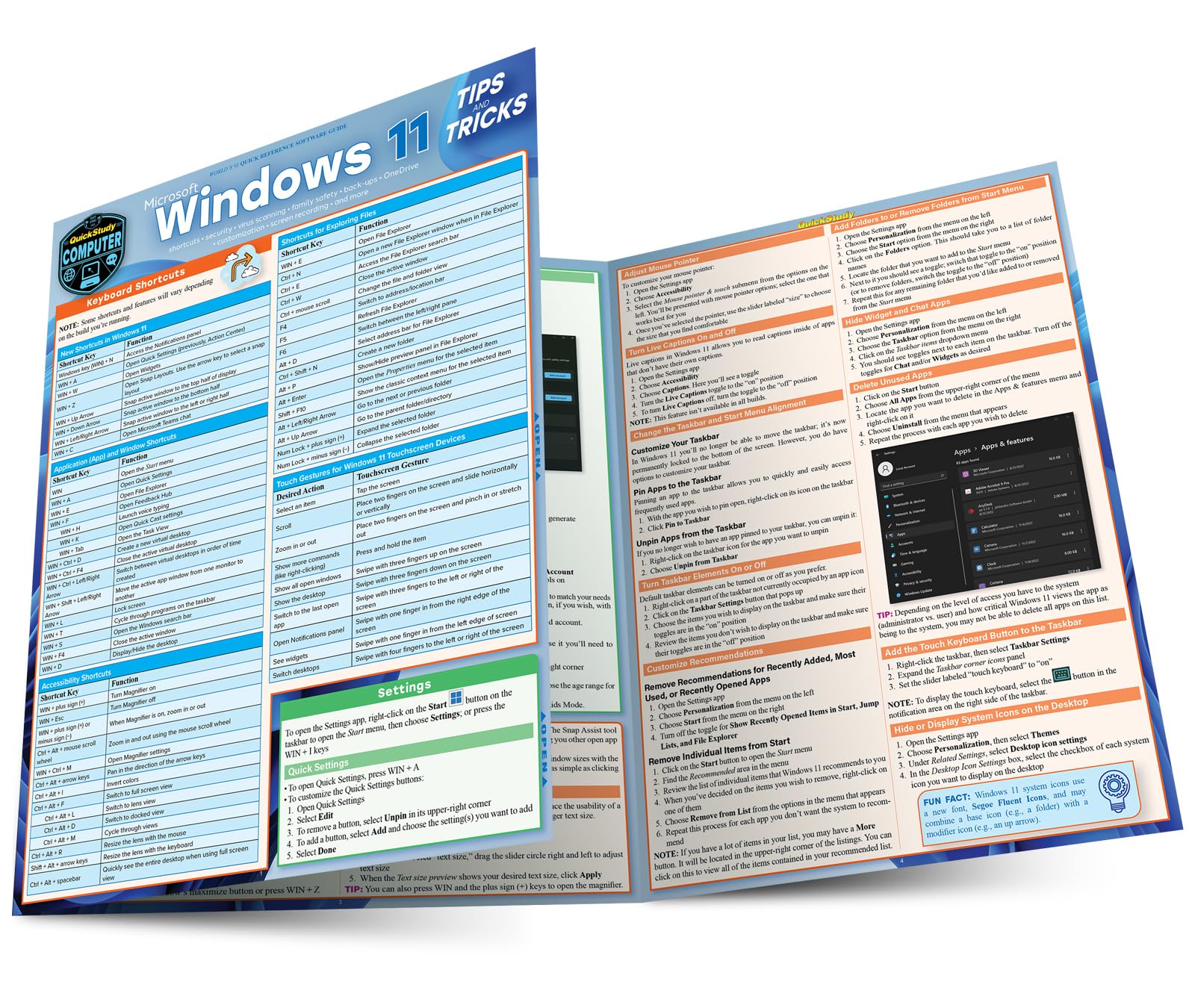
Essential features and settings for Windows 11 that will optimize your system, with guidance for managing and securing your computer for business as well as family. In this colorfully organized and succinct six page laminated guide, whether you are a beginner or experienced user, learn about new features or discover and use functions for the first time to get the most out of your computer and your time. Author, professor and expert in computer science Katie Gatto teaches advanced courses in software and programming including operating system development. Her succinct coverage within the famous QuickStudy format covers more actions to improve your Windows workspace per page than any book or website. Add this handy desktop tool for home, school or business. 6 page laminated guide includes: Keyboard Shortcuts New Shortcuts in Windows 11 Application (App) and Window Shortcuts Accessibility Shortcuts Shortcuts for Exploring Files Touch Gestures for Windows 11 Touchscreen Devices Settings & Quick Settings Sign-in Options Set Up or Remove PIN Logon Set Up or Remove Fingerprint Recognition Logon Set Up or Remove Facial Recognition Logon Security Key Security Device Locking and Unlocking Dynamic Lock Password Management in Microsoft Edge Virus Scanning Family Safety Customization Snap Layouts Adjust Text Size Adjust Mouse Pointer Turn Live Captions On and Off Change the Taskbar and Start Menu Alignment Turn Taskbar Elements On or Off Customize Recommendations Add Folders to or Remove Folders from Start Menu Hide Widget and Chat Apps Delete Unused Apps Add the Touch Keyboard Button to the Taskbar Hide or Display System Icons on the Desktop OneDrive Cloud Storage Access OneDrive Cloud Storage Back Up Files to OneDrive Cloud Storage Windows 11 and Screenshots Use the Snipping Tool to Take a Screenshot Take a Screenshot with the Keyboard Shortcut Record Your Screen using the Xbox Game Bar Screen Recording with Microsoft PowerPoint Gaming with the Xbox Game Bar Access the Task Manager Windows 11 Updates Back Up Personal Settings and Files Back Up Files with Backup and Restore Restore Files with Backup and Restore Connect to Wireless Devices Access System Tools Configure Power Options

Buy products not available in the Philippines.