Galleon 2026Download our mobile shopping application for faster and easy transaction.
Product ID:
1479060
Identifier:
B07NSHPN6M
Brand:
Elekpia
Model:
Elekpia URMT34JHG001
Shipping Weight:
0.15 lbs
Manufacturer:
Elekpia Factory
Shipping Dimension:
7.28 x 2.09 x 1.1 inches
₱789
+ ₱ 150
Shipping Cost from USA to Philippines inclusive of custom fees.
Cost too high? Check weight and dimension on product details and click "I think this is wrong?" link.
Get it between 2026-04-22 to 2026-04-29.
Additional 3 business days for provincial shipping.
- Price and Stocks may change without prior notice
- Packaging of actual item may differ from photo shown
Cash upon Pick-up - orders grand total must not exceed ₱5,000.00. Order will be pickup at Galleon's Office.
Cash on Delivery - orders grand total must not exceed of ₱10,000.00 and must not exceed ₱5,000.00 for provincial areas. See all payment methods
Compatible with Philips TV Models: 15MF227B/27, 15MF227B/27B, 15MF227B27, 15MF227B27B, 15MF227B27E, 15MF237S, 15MF237S27B, 15MF237S27E, 19MF337B, 19MF337B/27, 19MF337B/27B, 19MF337B/27E, 19MF337B27, 19MF337B27B, 19MF337B27E, 19PFL3504D, 19PFL3504D/F7, 19PFL3504DF7, 19PFL3505D/F7, 19PFL3505DF7, 19PFL3505DF7DS1, 19PFL3505DF7DS4, 19PFL4505D, 19PFL4505D/F7, 19PFL4505DF7, 19PFL5402D/27, 22PFL3504D, 22PFL3504D/F7, 22PFL3504DF7, 22PFL3505D/F7, 22PFL3505DF7, 22PFL4505D, 22PFL4505D/F7, 22PFL4505DF7, 22PFL45405D
26PFL4507/F7, 26PFL5302D, 32HFL2082D/F7, 32HFL2082DF7, 32HFL3663S/F7, 32PFL3000/F8, 32PFL3000F8, 32PFL3504D, 32PFL3504D/F7, 32PFL3504DF7, 32PFL3505D, 32PFL3505D/F7, 32PFL3505DF7, 32PFL3505DF7DS4, 32PFL3506/F7, 32PFL3506F7DS2, 32PFL3514D, 32PFL3514D/F7, 32PFL3514DF7, 32PFL3515D/F7, 32PFL4505D/F7, 32PFL4505DF7, 32PFL5322D/37E, 32PFL5332/45, 32PFL5332D37B, 37MF437B/37E, 37PFL5332D, 37PFL5332D/37B, 40HFL2082D/F7, 40HFL2082DF7, 40HFL3683S/F7, 40PFL3000/F8, 40PFL3505D/F7, 40PFL3505DF7
40PFL3705D, 40PFL3705D/F7, 40PFL3705DF7, 40PFL3705DF7YA1, 40PFL3706/F7, 40PFL3706F7, 42PFL3704D, 42PFL3704D/F7, 42PFL3704DF7, 42PFL3704F7, 42PFL5332D, 42PFL5332D/37, 42PFL5403D85, 42PFL7422D37B, 42PFP5332D, 46HFL3683S/F7, 46HFL3683SF7, 46PFL3505D/F7, 46PFL3505DF7, 46PFL3705, 46PFL3705D/F7, 46PFL3705DF7, 46PFL3706/F7, 46PFL3706F7, 46PFL3706F7VM1, 50PFL3707F7DS1, 50PFP5332D, 50PFP5342D
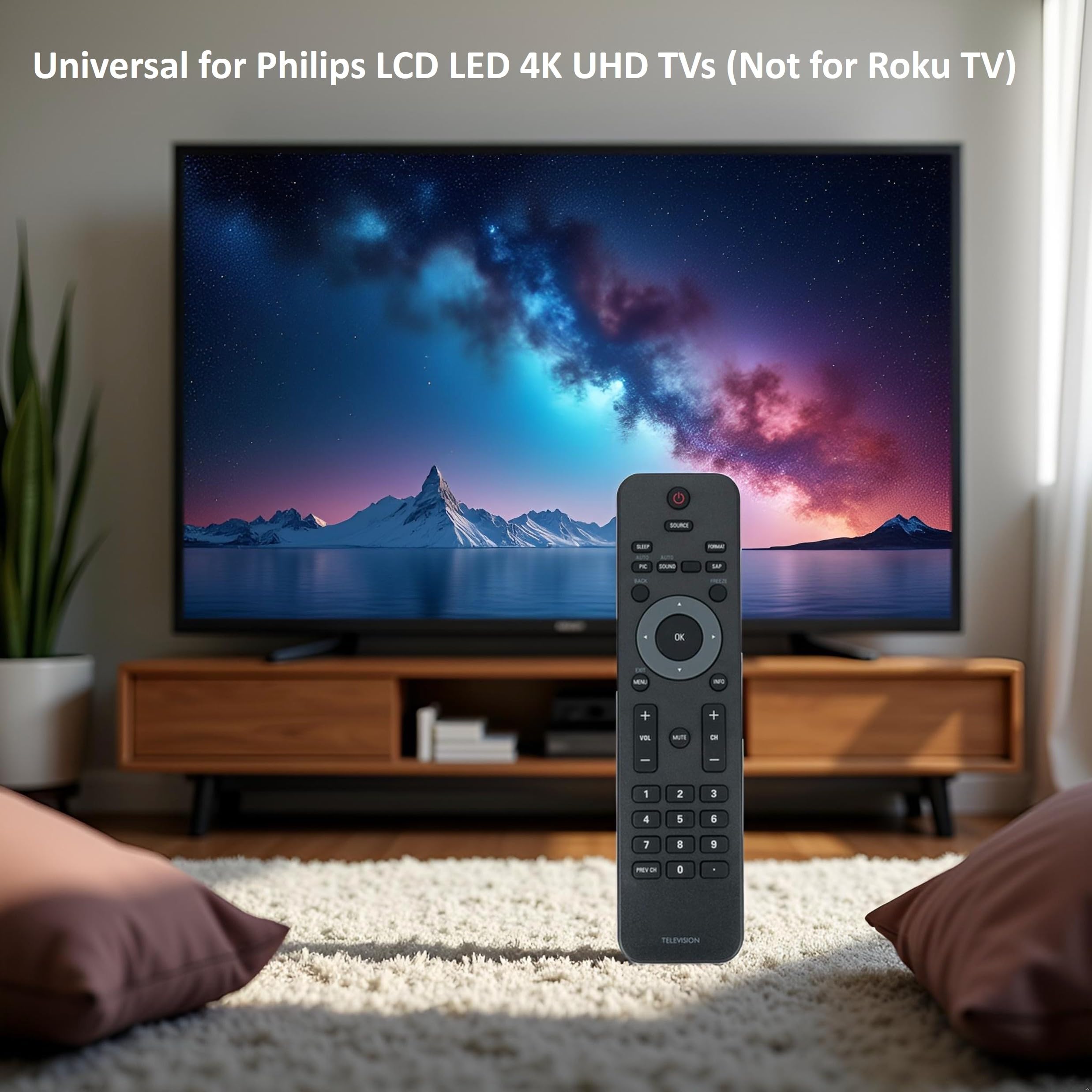
The remote works for almost all Philips TV, but it does not work with Philips Roku TVs.
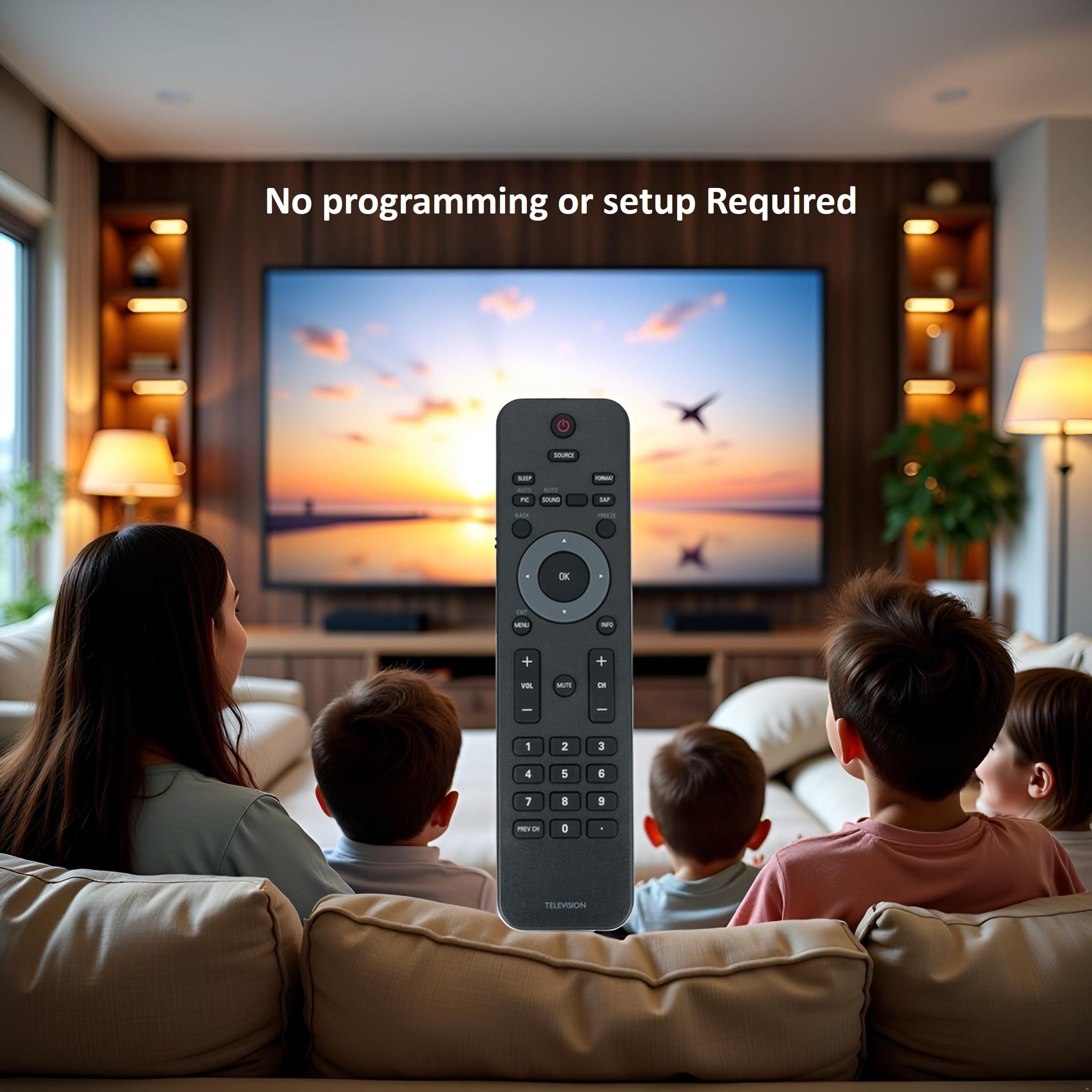
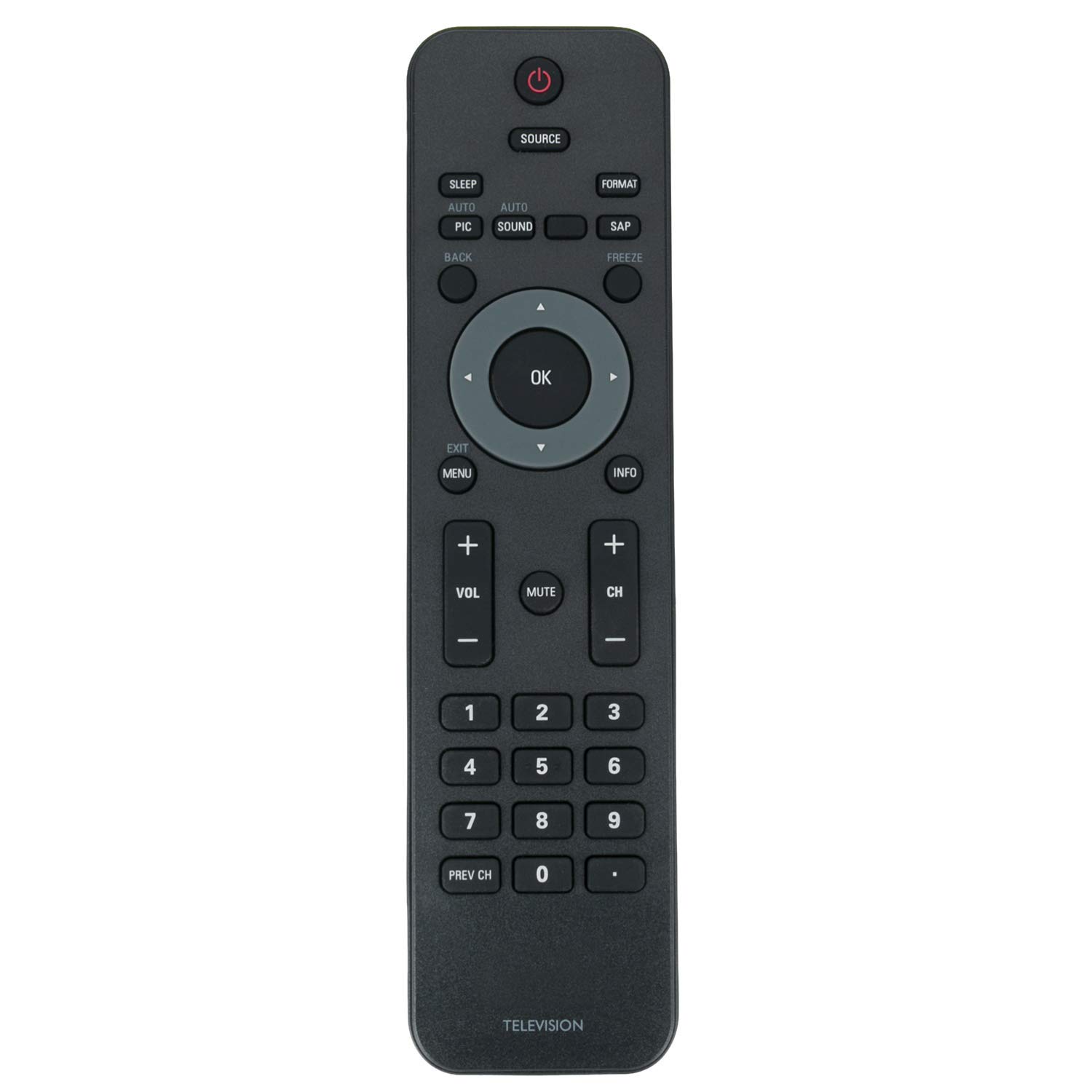
No programming required. Simply insert 2 x AAA batteries (not included) and it is ready to use. Instructions not included or required.
This replacement remote uses infrared (IR), so make sure to point it at the TV’s IR sensor for it to work properly.
NEW TV REMOTE CONTROL Compatible for Philip TV. It works for almost all Philips Brand TV. Some knowing model as below: 32PFL3504D/F7 19PFL3504D/F7 42PFL3704D/F7 22PFL3504D/F7 32PFL3514D/F7 42PFL7603 42PFL7603D/27 47PFL7603 42PFL7603, 42PFL7603D/27, 42PFL7603D/F7, 42PFL7603D27, 42PFL7603DF7, 47PFL7603, 47PFL7603D/27, 47PFL7603D/F7, 47PFL7603D27, 47PFL7603DF7 PHILIPS 19PFL3504D/F7 19PFL3505D/F7 19PFL4505D/F7 22PFL3504D/F7 22PFL3505D/F7 22PFL4505D/F7 32HFL2082D/F7 32HFL3663S/F7 32PFL3504D/F7 32PFL3505D/F7 32PFL3506/F7 32PFL3506F7 32PFL3514D/F7 32PFL3515D/F7 32PFL4505D/F7 40HFL2082D/F7 40HFL3683S/F7 40PFL3505D/F7 40PFL3705D/F7 40PFL3706/F7 42PFL3704D/F7 46HFL3683S/F7 46PFL3505D/F7 46PFL3705D/F7 46PFL3706/F7 How to Reset Your TV Remote if It's Not Working: (1) Reset the Remote: Take out the batteries. Press every button on the remote for about 3 seconds to drain leftover power and check for any stuck buttons. Put in brand-new batteries. (2) Reset the TV: Unplug the TV from the wall. Press and hold the power button on the TV (not the remote) for 15 seconds to clear any residual power. Plug the TV back in and turn it on. Now try the remote again to see if it works.

Buy products not available in the Philippines.