Galleon 2026Download our mobile shopping application for faster and easy transaction.
Product ID:
1540923
Identifier:
B0GVB6P4W1
Brand:
Model:
Shipping Weight:
0.46 lbs
Manufacturer:
Independently published
Shipping Dimension:
9.02 x 5.98 x 0.24 inches
₱1,575
+ ₱ 252
Shipping Cost from USA to Philippines inclusive of custom fees.
Cost too high? Check weight and dimension on product details and click "I think this is wrong?" link.
Get it between 2026-04-30 to 2026-05-07.
Additional 3 business days for provincial shipping.
- Price and Stocks may change without prior notice
- Packaging of actual item may differ from photo shown
Cash upon Pick-up - orders grand total must not exceed ₱5,000.00. Order will be pickup at Galleon's Office.
Cash on Delivery - orders grand total must not exceed of ₱10,000.00 and must not exceed ₱5,000.00 for provincial areas. See all payment methods
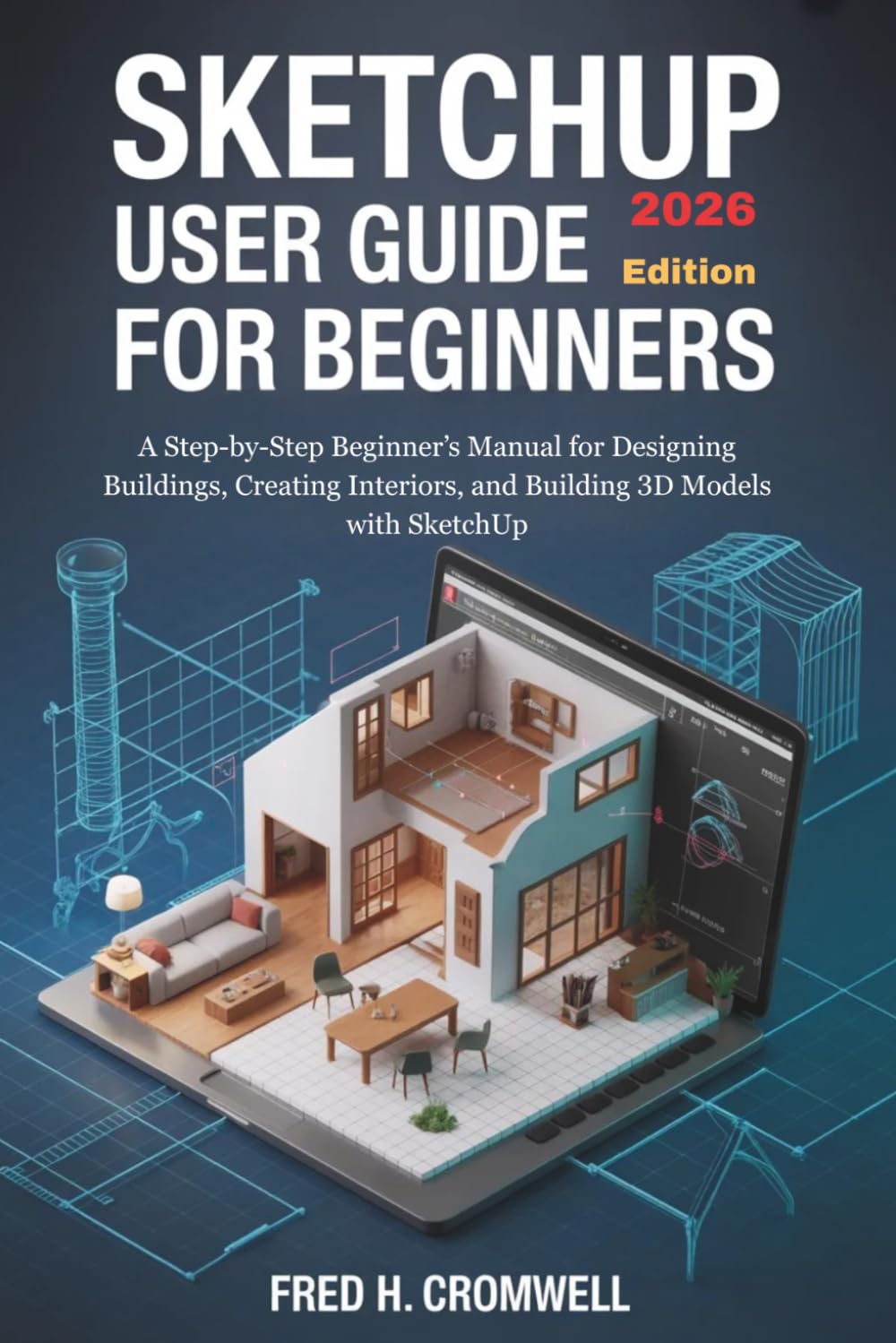
James, a retired teacher, sat in front of his computer staring at a blank screen. He had always dreamed of designing his own house and arranging his living space exactly how he wanted. He installed SketchUp, excited to begin… but within minutes, confusion took over. Lines didn’t connect, shapes looked wrong, and every tool felt unfamiliar. After weeks of trying and failing, he almost gave up… until he found a guide written in simple, clear language. Within days, he was creating rooms, placing furniture, and building designs he once thought were impossible. His confidence grew. His ideas came to life. And for the first time, he felt in control of his creativity. This book is written for people just like James—beginners, everyday users, and anyone who wants to learn SketchUp without confusion or stress. SketchUp User Guide for Beginners (2026 Edition) is designed to be the simplest, most practical, and confidence-building guide available today. WHAT THIS BOOK WILL HELP YOU DO Understand the SketchUp workspace without confusion Draw shapes and turn them into 3D models step by step Create buildings, rooms, and simple designs with ease Use tools like Push/Pull, Move, Rotate, and Scale confidently Add furniture and objects using the 3D Warehouse Apply materials, colors, and textures to improve your designs Organize your work using groups, components, and tags Navigate models smoothly using camera and view tools Export your designs as images or 3D files Work faster using simple shortcuts and practical tips Follow clear steps with beginner-friendly explanations Build real projects even with zero experience WHAT YOU’LL MISS IF YOU DON’T GET THIS GUIDE • You may continue struggling with confusing tools and menus • You may waste time trying to figure out how shapes and models work • You may feel frustrated when your designs don’t look right • You may give up before learning how powerful SketchUp really is • You may miss simple methods that make modeling easy and enjoyable • You may never fully understand how to create clean and organized designs HOW TO USE THIS BOOK EFFECTIVELY • Start from the basics and move forward step by step • Follow each instruction carefully—no guessing required • Use the examples to practice as you learn • Repeat simple exercises to build confidence • Apply what you learn to your own design ideas • Return to any chapter anytime for quick reference WHY THIS GUIDE IS A MUST-HAVE (QUALITY & TRUST) Written specifically for beginners and non-technical users Uses simple English with clear explanations Designed to remove confusion and build confidence Based on real SketchUp tools and practical use Updated for the 2026 edition Includes step-by-step instructions, examples, and shortcuts Focuses on doing, not just explaining Helps you learn faster without feeling overwhelmed This is more than just a guide—it is a simple learning companion that helps you move from confusion to confidence, one step at a time. READY TO START DESIGNING IN 3D? If you want to stop guessing, avoid frustration, and finally understand how to use SketchUp with ease, this book is your starting point. Take control of your ideas, bring your designs to life, and enjoy learning without stress. Scroll up and get your copy now—your first 3D design is waiting.

Buy products not available in the Philippines.