Galleon 2026Download our mobile shopping application for faster and easy transaction.
Product ID:
116931
Identifier:
B0DNTF3YM6
Brand:
TATTMUSE
Model:
A285M
Shipping Weight:
2.27 lbs
Manufacturer:
TATTMUSE
Shipping Dimension:
12.2 x 4.69 x 3.7 inches
₱9,816
₱6,527
+ ₱ 1,512
Shipping Cost from USA to Philippines inclusive of custom fees.
Cost too high? Check weight and dimension on product details and click "I think this is wrong?" link.
Get it between 2026-04-18 to 2026-04-25.
Additional 3 business days for provincial shipping.
- Price and Stocks may change without prior notice
- Packaging of actual item may differ from photo shown
Cash upon Pick-up - orders grand total must not exceed ₱5,000.00. Order will be pickup at Galleon's Office.
Cash on Delivery - orders grand total must not exceed of ₱10,000.00 and must not exceed ₱5,000.00 for provincial areas. See all payment methods
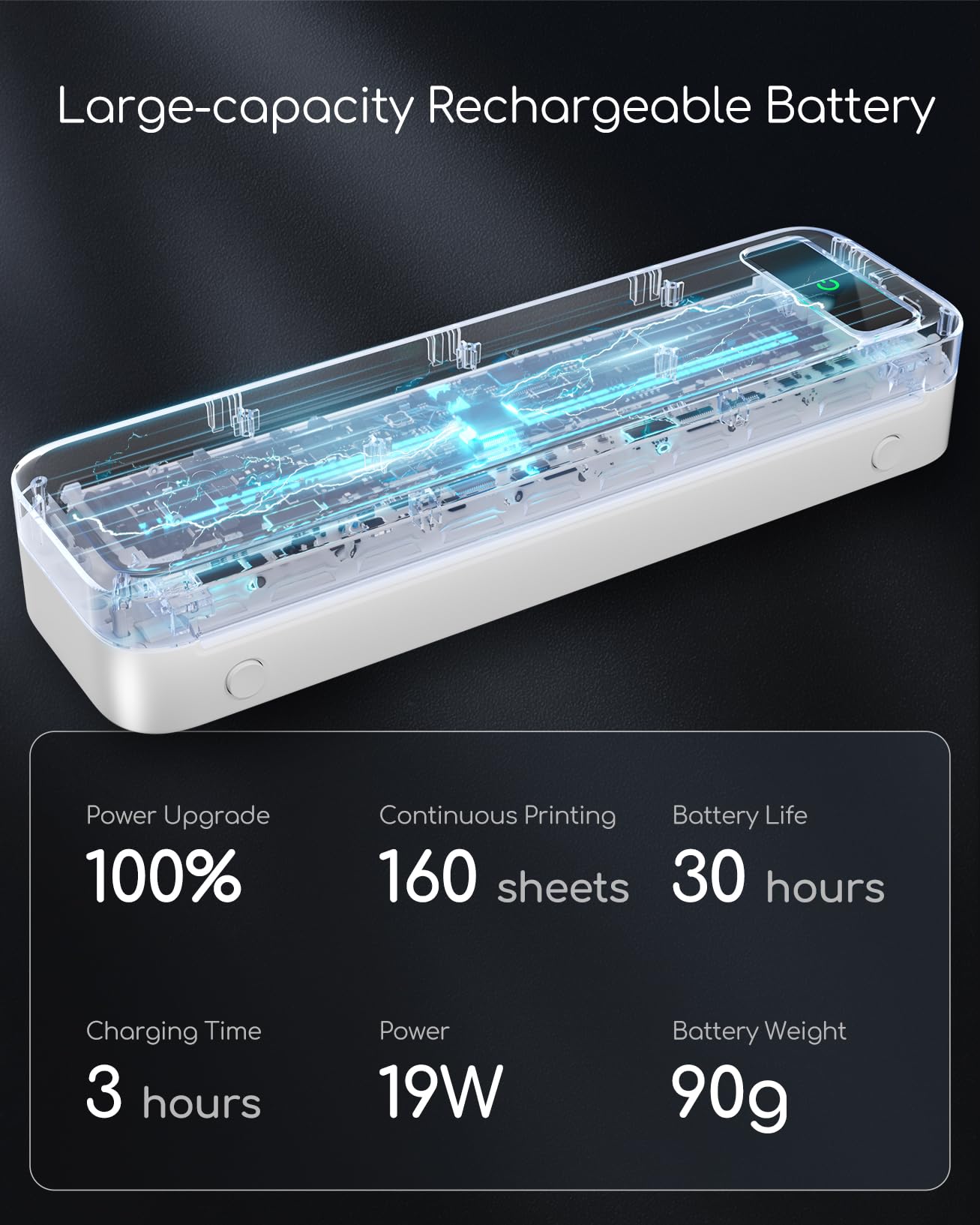
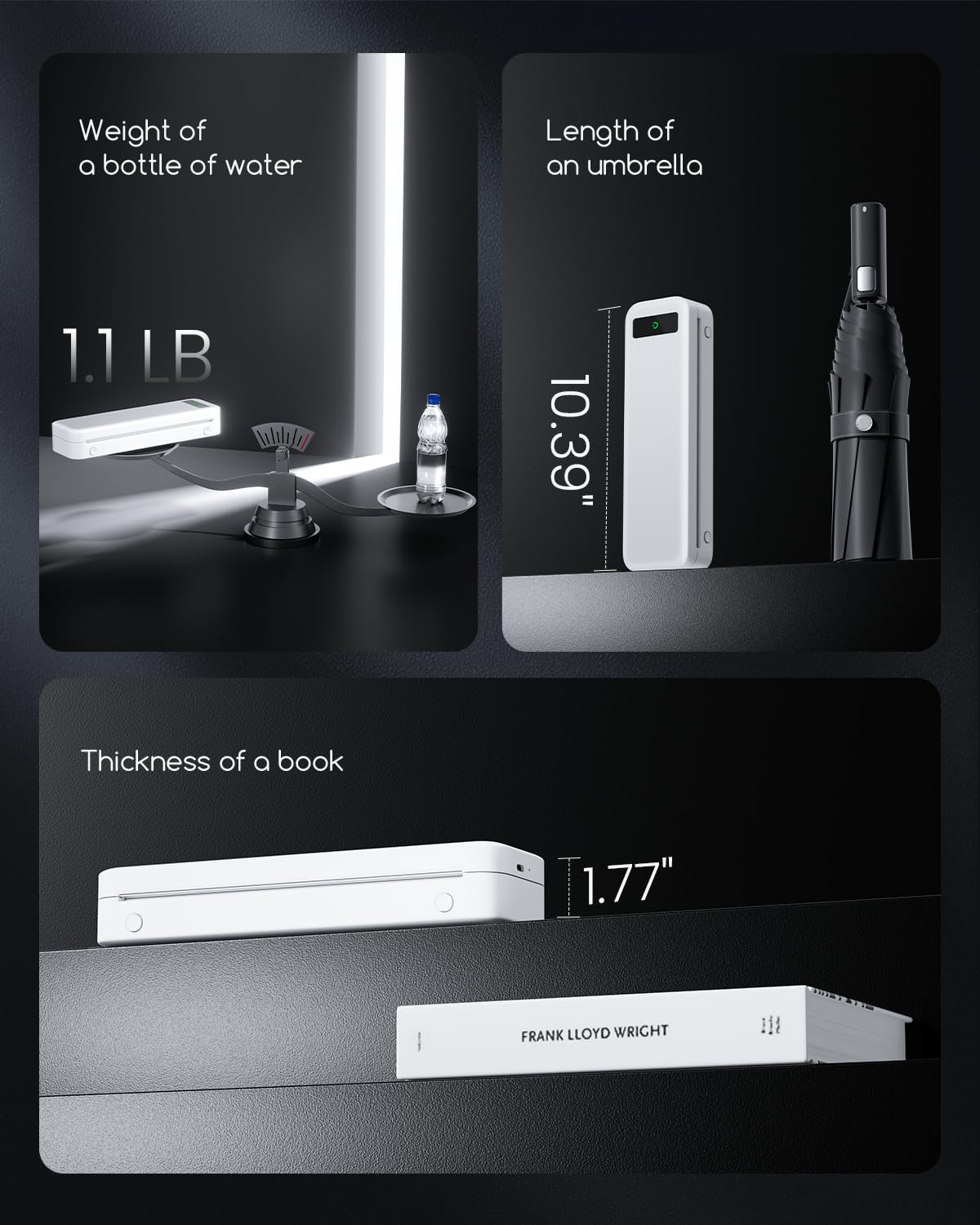
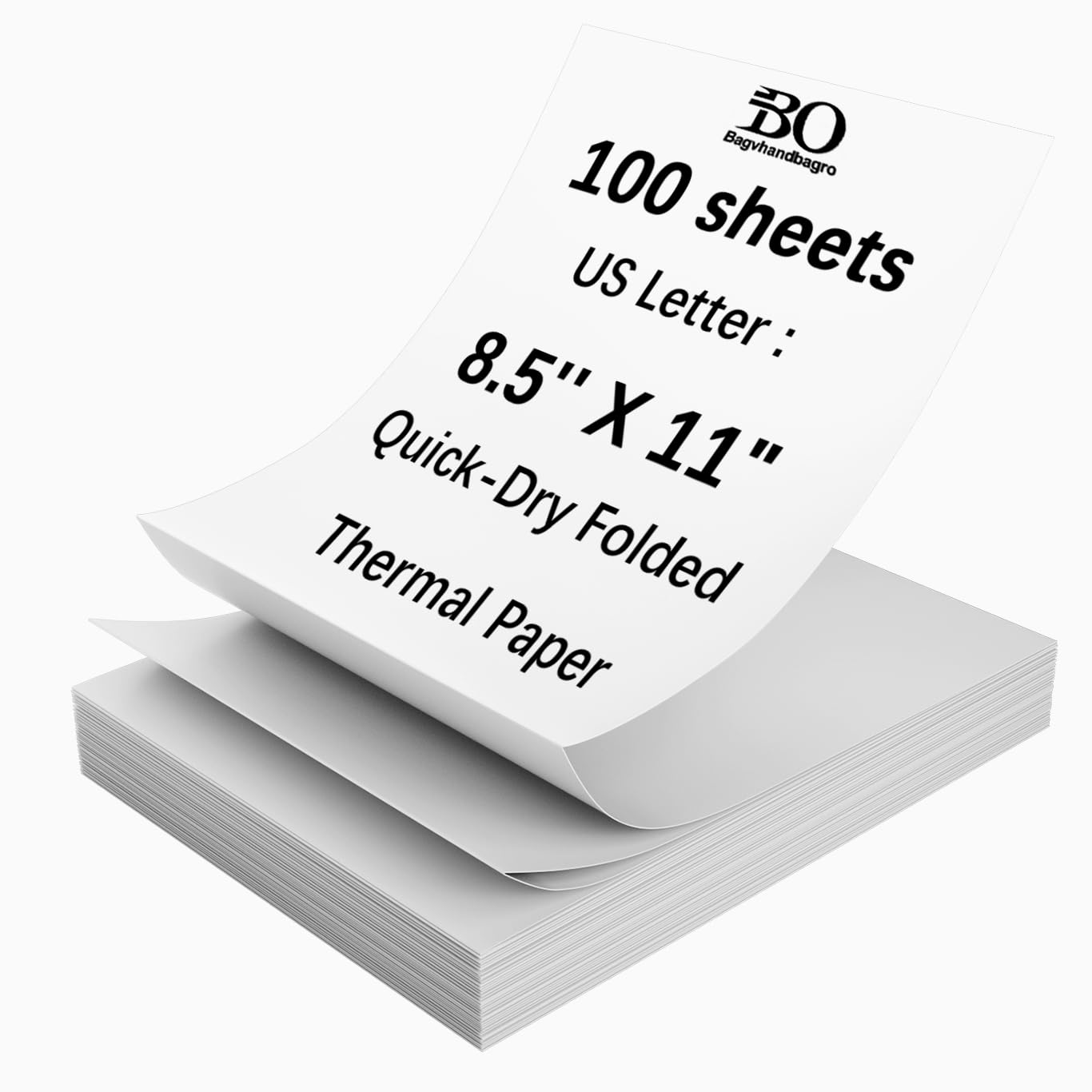
Portable Printers Wireless for Travel [Compact & Space-saving]: Portable printer built-in high-capacity rechargeable battery, print 160 sheets of 8.5'' x 11'' thermal paper per charge. Weighs only 1.5lb and is small in size. This inkless portable printer fits easily into a backpack or briefcase! Ideal for on-the-go printing during business travel, in car or truck, small office, construction site, school and home use. You can print documents, contracts, invoices, receipts and boarding passes anytime, anywhere
Inkless Printer [Cost-Effective & Inkless Printing]: The Bluetooth mobile printer adopt advanced thermal technology, no ink, toner, or ribbon required during printing, no clogging and cleaning problems! (Note: Only support the thermal paper, Not support regular copy paper. The print side of the thermal paper should be facing up. Only support black and white printing.)
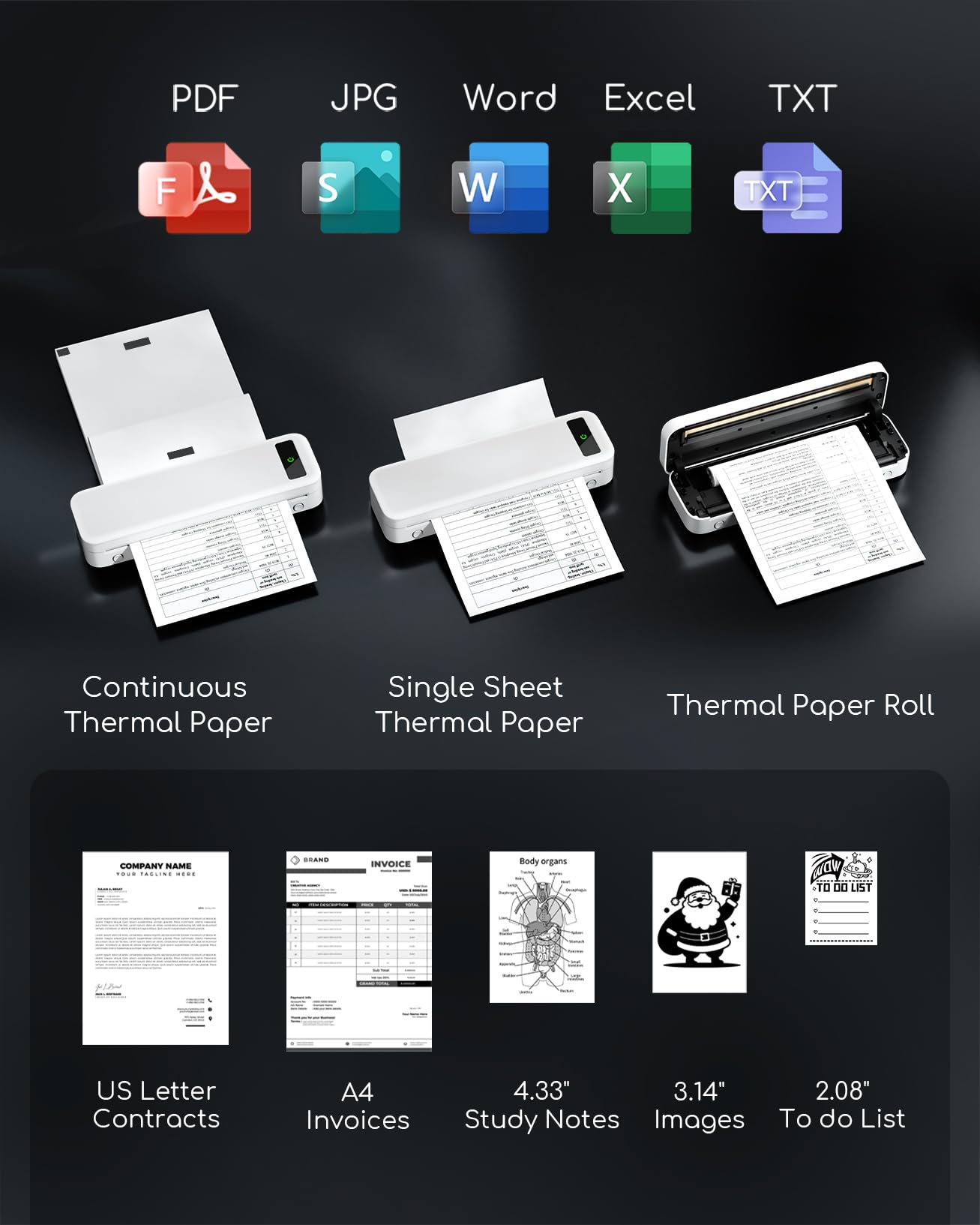
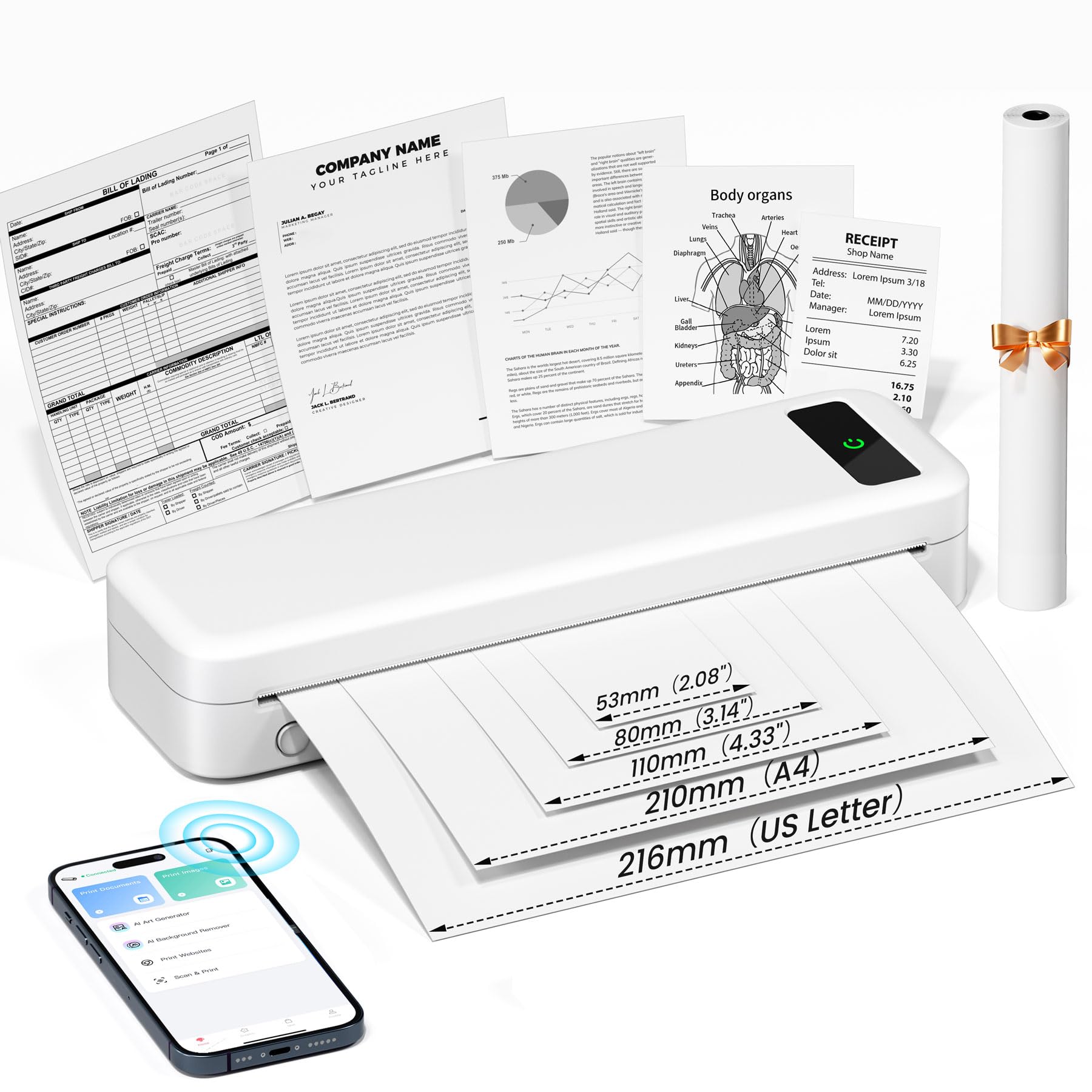
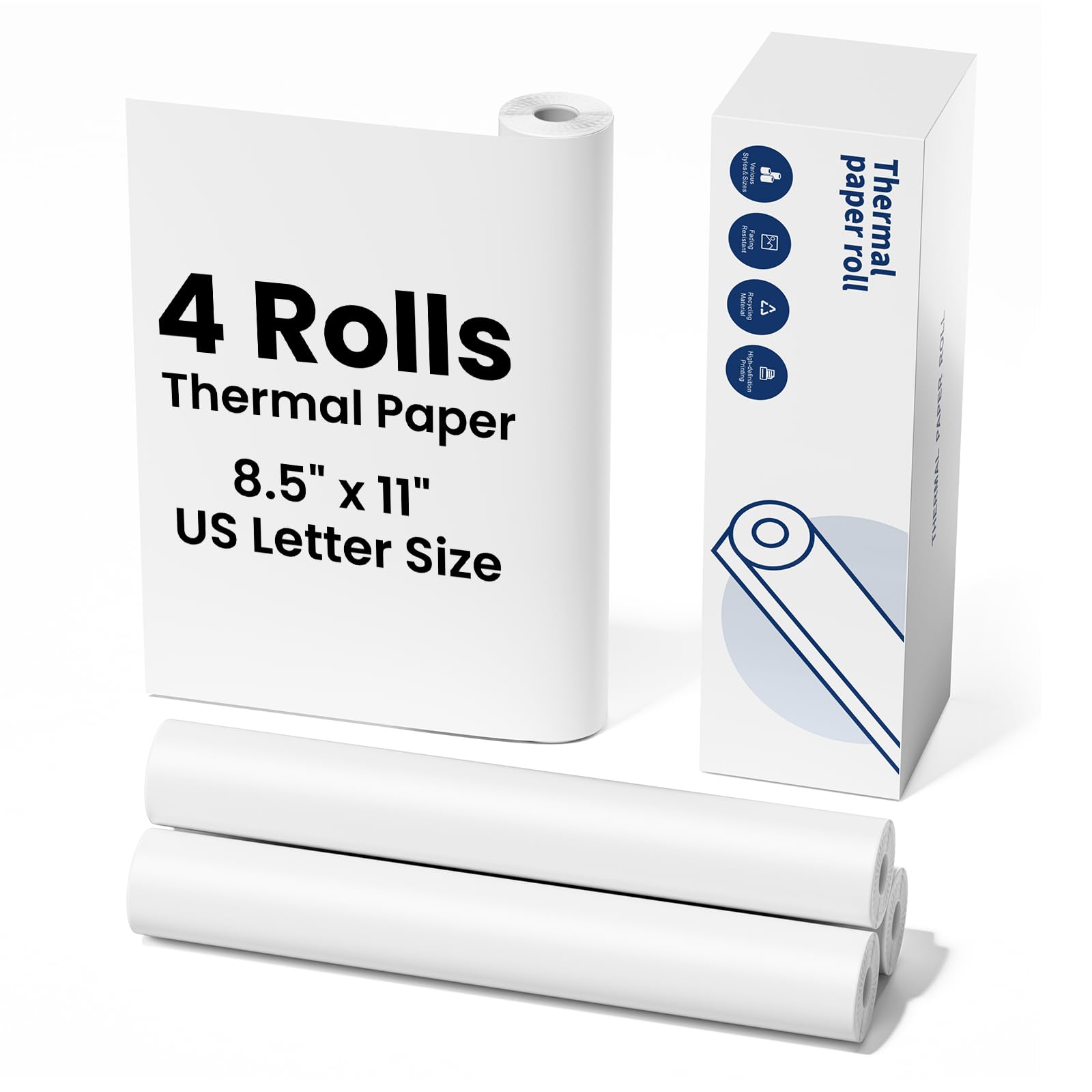
Thermal Printer [Multi-Size Printing]: The wireless portable printer with built-in paper bin, support thermal roll paper, continuous and single sheet thermal paper. This small wireless printer also supports 5 sizes of thermal paper: 8.5“ X 11” US Letter, A4, 4.33'' (110mm), 3.14'' (80mm), 2.08'' (53mm) width thermal paper, can meet most of your needs
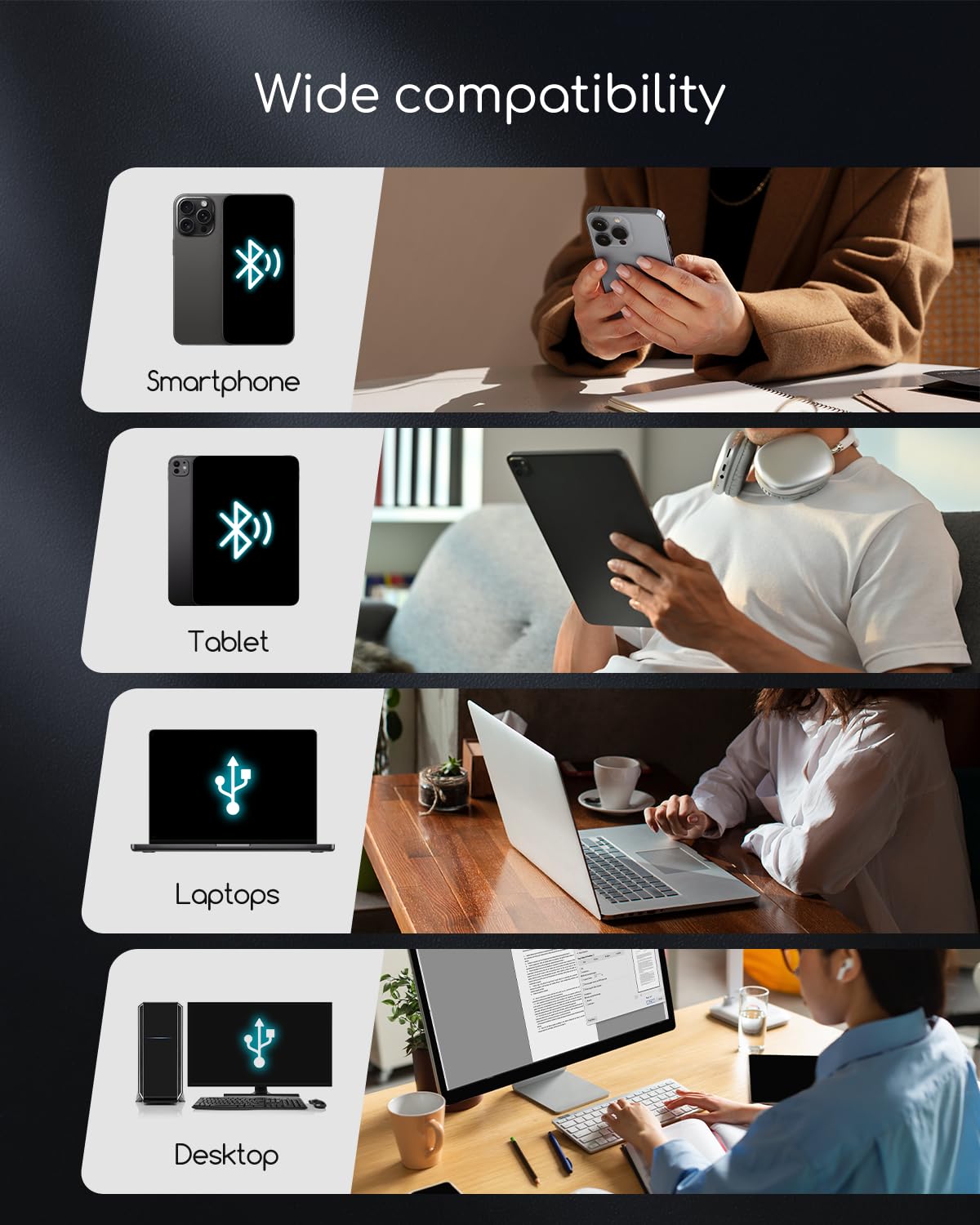
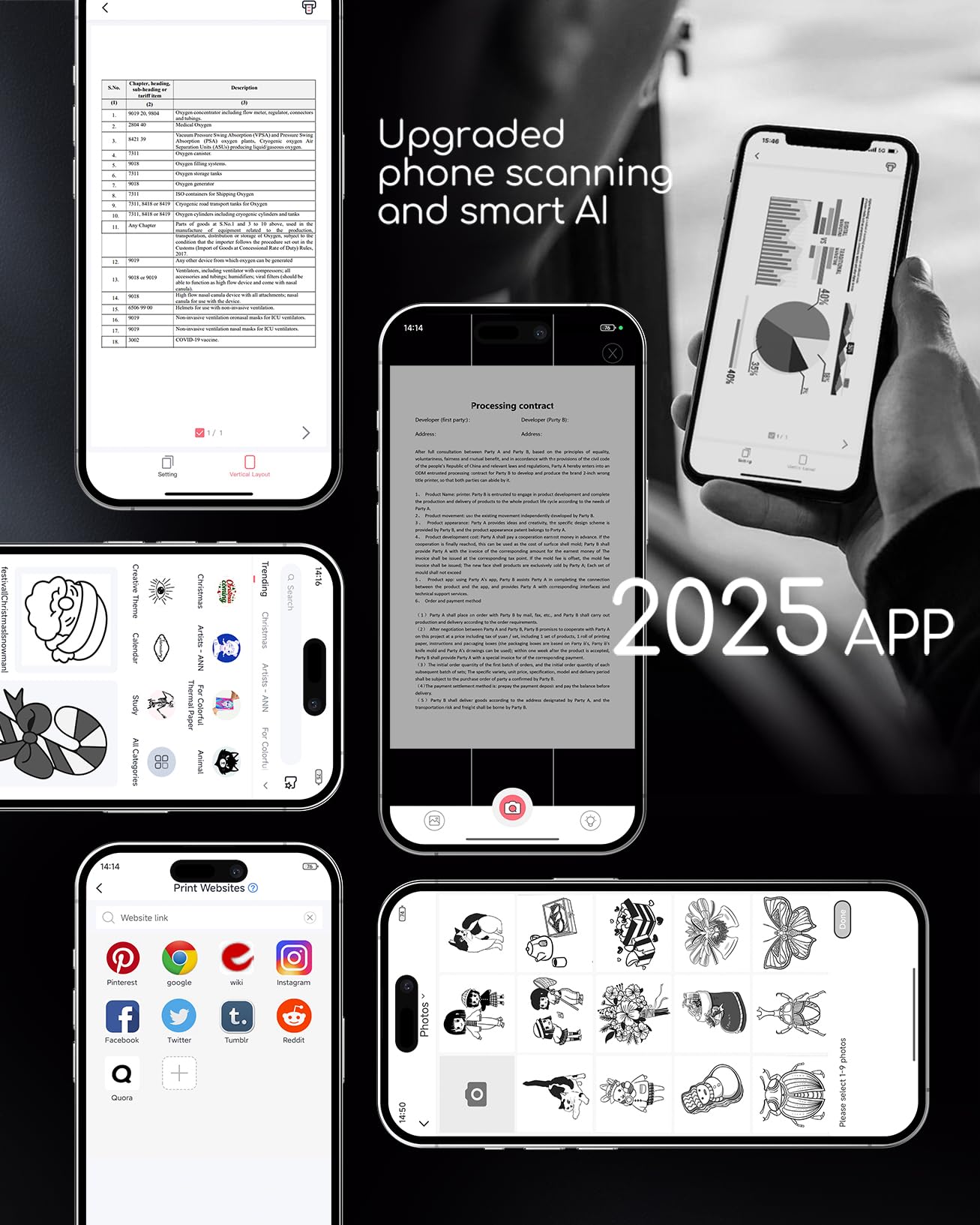
Wireless Bluetooth Printer [Strong Compatibility]: The portable thermal printer compatible with iPhone, Android Phone, iPad, Tablet via Bluetooth. Print documents, photo, web pages from your phone anytime, anywhere. You can also use the USB-C cable to connect your laptop and computer for printing. (Note: Laptop and computer only work with USB connection, need to download the driver first)
Mobile Printer [High Quality Printing]: The compact printer designed for people who work outside. A wireless inkless portable printer good for mobile notaries, truck drivers, business travelers, office workers, teachers and students. Note: Charging with 5V 2A. Don't use the charger that output above 5V
How to Connect Phone or Tablet to Print: 1) Download the APP according to the user manual. 2) Turn on the printer and enable Bluetooth on your phone. 3) Click the "Printer" icon in the App to search for the A285M printer, connect printer via Bluetooth in the App, and select the thermal paper size and file type to start printing
How to Connect Laptop or Computer to Print: 1) Download and Install the drive for your computer system according to the user manual. 2) Turn on the printer and connect the printer to your laptop with USB-C Cable. 3) Open the document and select the A285M printer to print
How to Clean Print Head: Use alcohol wipes to clean the cutting parts of the printer, especially where there are black lines, to make sure there is no adhesive residue or foreign objects on the print head

Buy products not available in the Philippines.