Galleon 2026Download our mobile shopping application for faster and easy transaction.
Product ID:
82021
Identifier:
B0DTH4M7HT
Brand:
Model:
Shipping Weight:
1.04 lbs
Manufacturer:
Independently published
Shipping Dimension:
10.98 x 8.43 x 0.63 inches
₱2,310
+ ₱ 543
Shipping Cost from USA to Philippines inclusive of custom fees.
Cost too high? Check weight and dimension on product details and click "I think this is wrong?" link.
Get it between 2026-06-12 to 2026-06-19.
Additional 3 business days for provincial shipping.
- Price and Stocks may change without prior notice
- Packaging of actual item may differ from photo shown
Cash upon Pick-up - orders grand total must not exceed ₱5,000.00. Order will be pickup at Galleon's Office.
Cash on Delivery - orders grand total must not exceed of ₱10,000.00 and must not exceed ₱5,000.00 for provincial areas. See all payment methods
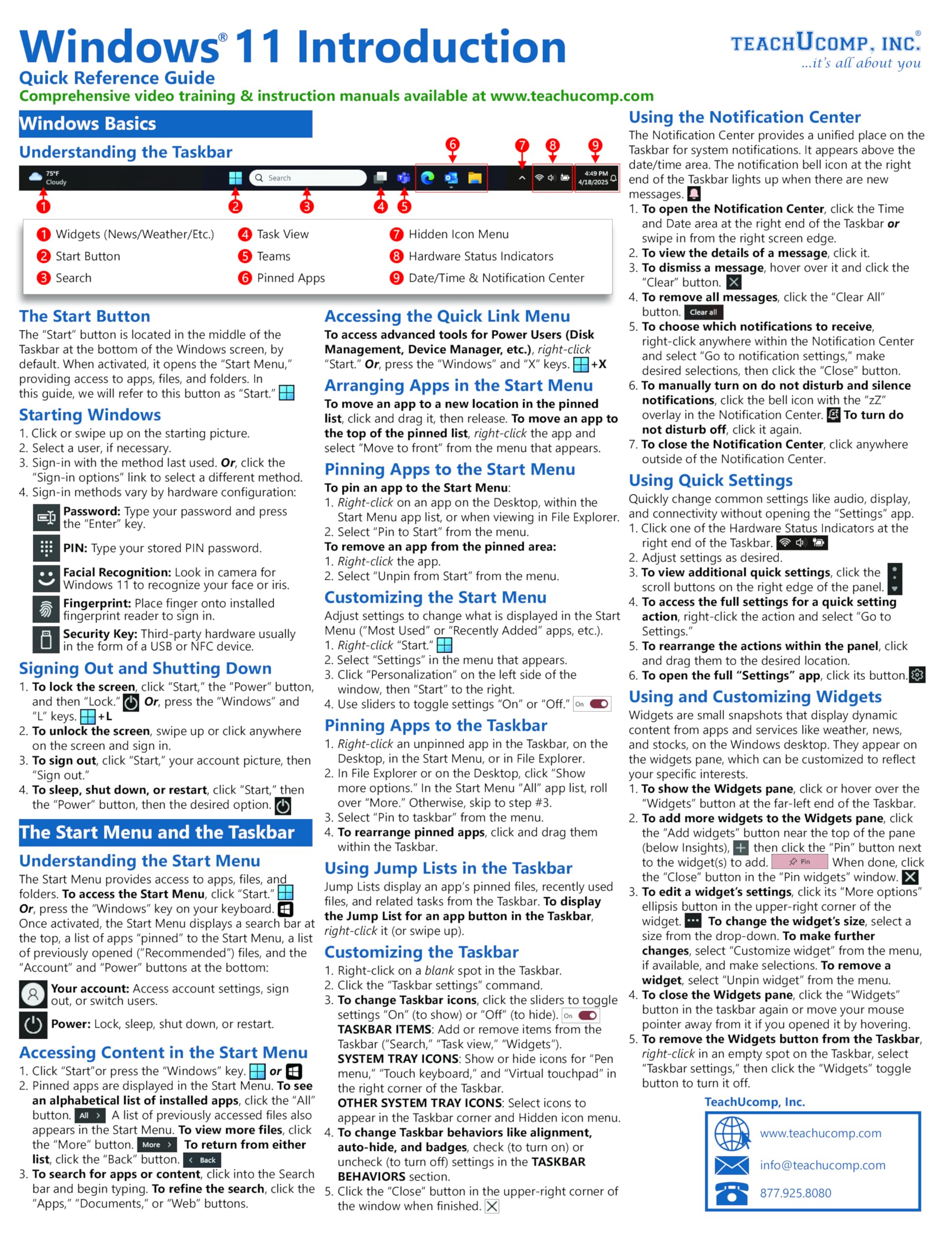
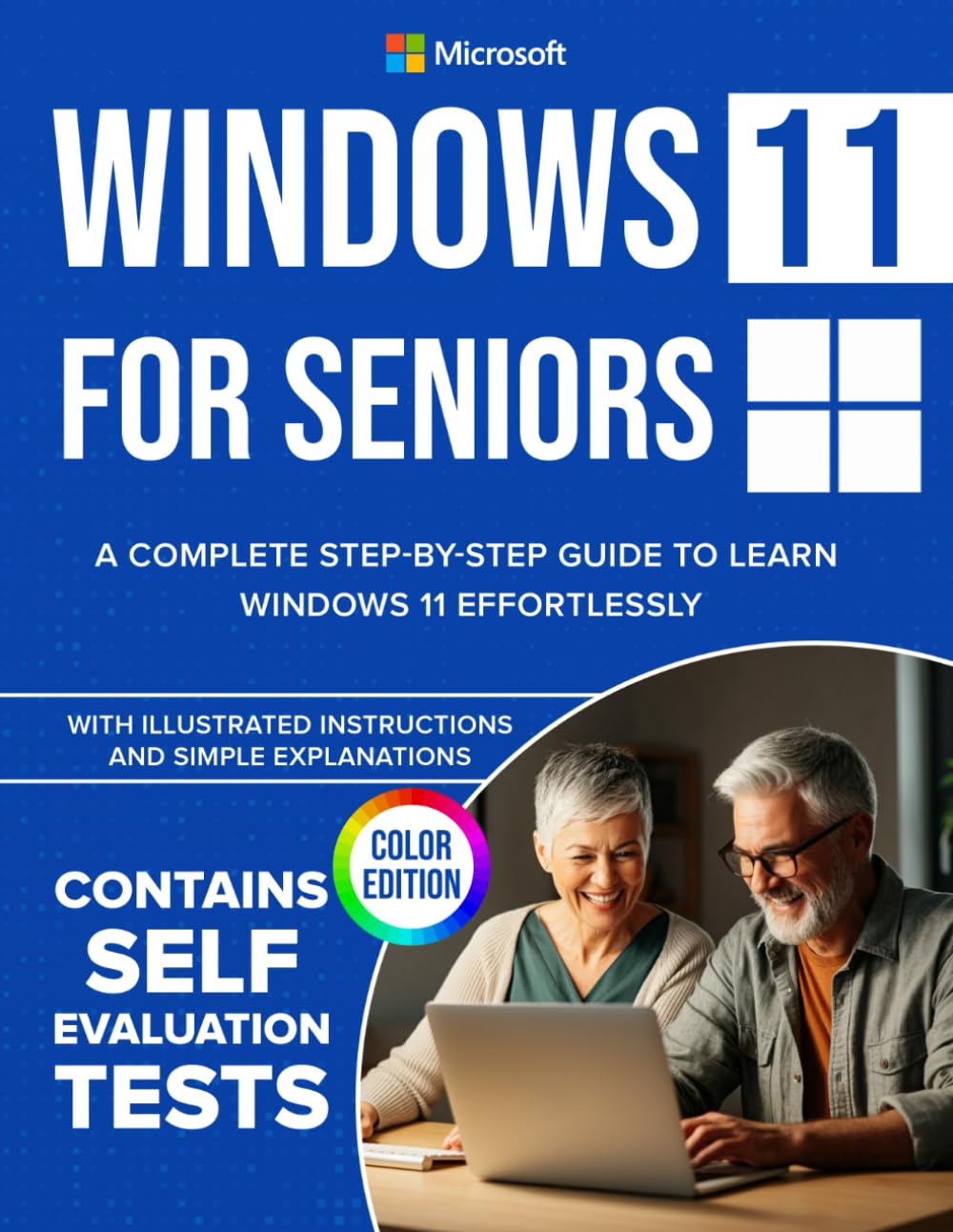
Ready to go from Tech Novice to Tech Savvy? Look no further! Unlock the power of Windows 11 with this comprehensive, step-by-step guide, designed specifically for seniors, beginners, and anyone who wants to master their computer with ease. Now in Full Color 🌈 — this edition uses vibrant illustrations to bring every instruction to life, making it even easier to follow along. ⭐ Thousands of copies sold worldwide — now updated and easier than ever to use! ✅ Changelog for Your Tech Skills: Upgrading from Windows 10? This guide walks you through every step of the process, ensuring a smooth transition to Windows 11 with clear instructions and troubleshooting tips from an expert. Navigate Windows 11 Effortlessly: Master the desktop, Start Menu, Taskbar, and other essential tools. Outlook and Other Built-In Apps: Manage your email, schedule, and tasks using Microsoft Outlook, plus explore apps like Edge and Media Player. Master OneDrive: Back up, sync, and share your files with ease. Explore Copilot: Simplify tasks and boost productivity with Windows 11’s AI-powered assistant. Enhance Security and Maintenance: Learn to protect your system with Windows Defender, Firewall, and regular updates while keeping your PC running smoothly. Troubleshoot Like a Pro: Step-by-step guidance to resolve common Windows issues. Customize Your Experience: Personalize your desktop, Taskbar, and accessibility settings to suit your needs. Connect External Devices: Work seamlessly with printers, scanners, USB drives, and external monitors. With its simple explanations and illustrated instructions, Windows 11 for Seniors covers everything from getting started to troubleshooting — all while focusing on making technology accessible and enjoyable. 🚀 Empower yourself with the knowledge to make Windows 11 work for you – click BUY NOW to get started!

Buy products not available in the Philippines.