Galleon 2026Download our mobile shopping application for faster and easy transaction.
Product ID:
1589988
Identifier:
B0DGKXMR2S
Brand:
YTXXDEUS
Model:
Shipping Weight:
0.11 lbs
Manufacturer:
YTXXDEUS
Shipping Dimension:
4.72 x 1.18 x 1.18 inches
₱2,991
+ ₱ 150
Shipping Cost from USA to Philippines inclusive of custom fees.
Cost too high? Check weight and dimension on product details and click "I think this is wrong?" link.
Get it between 2026-06-03 to 2026-06-10.
Additional 3 business days for provincial shipping.
- Price and Stocks may change without prior notice
- Packaging of actual item may differ from photo shown
Cash upon Pick-up - orders grand total must not exceed ₱5,000.00. Order will be pickup at Galleon's Office.
Cash on Delivery - orders grand total must not exceed of ₱10,000.00 and must not exceed ₱5,000.00 for provincial areas. See all payment methods
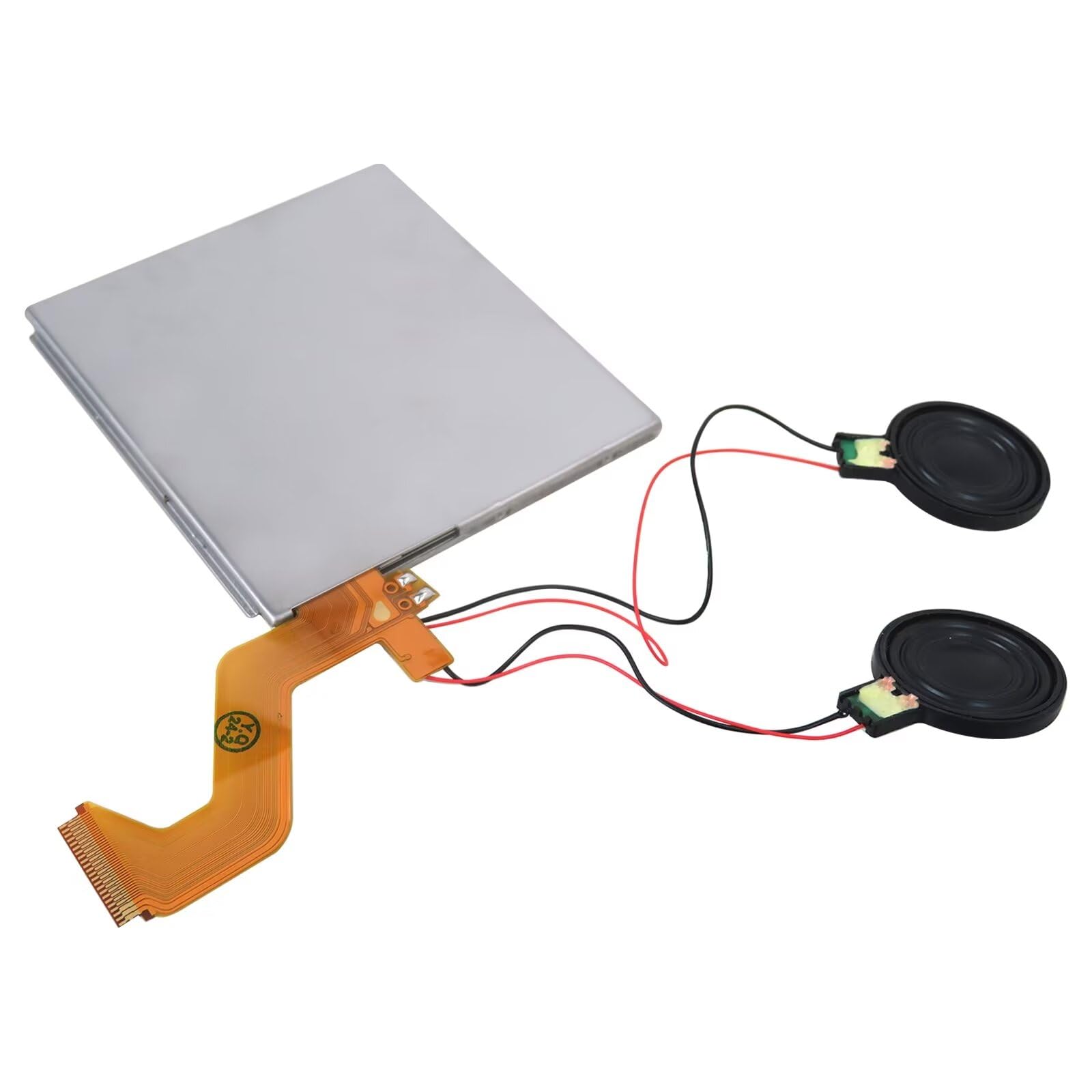
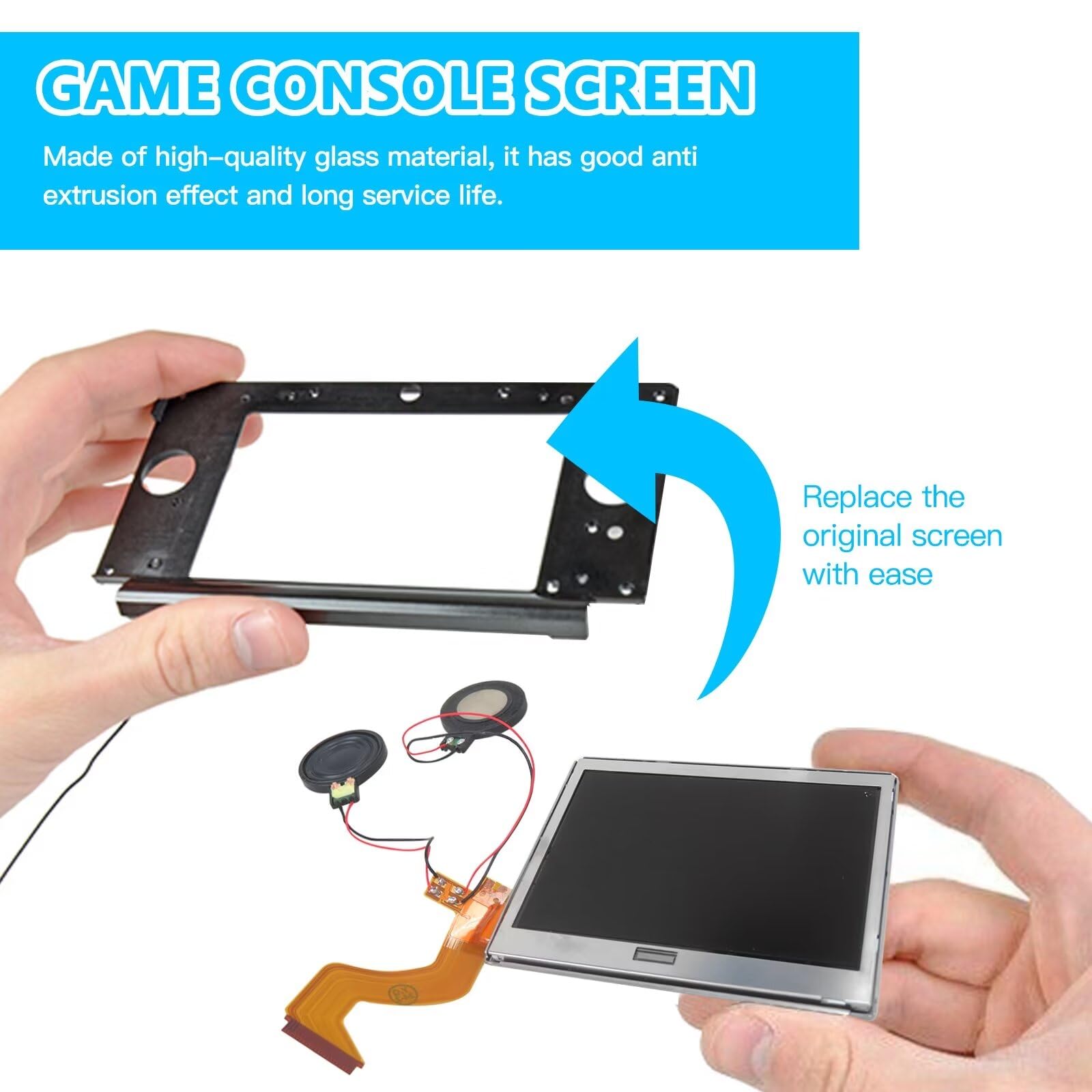
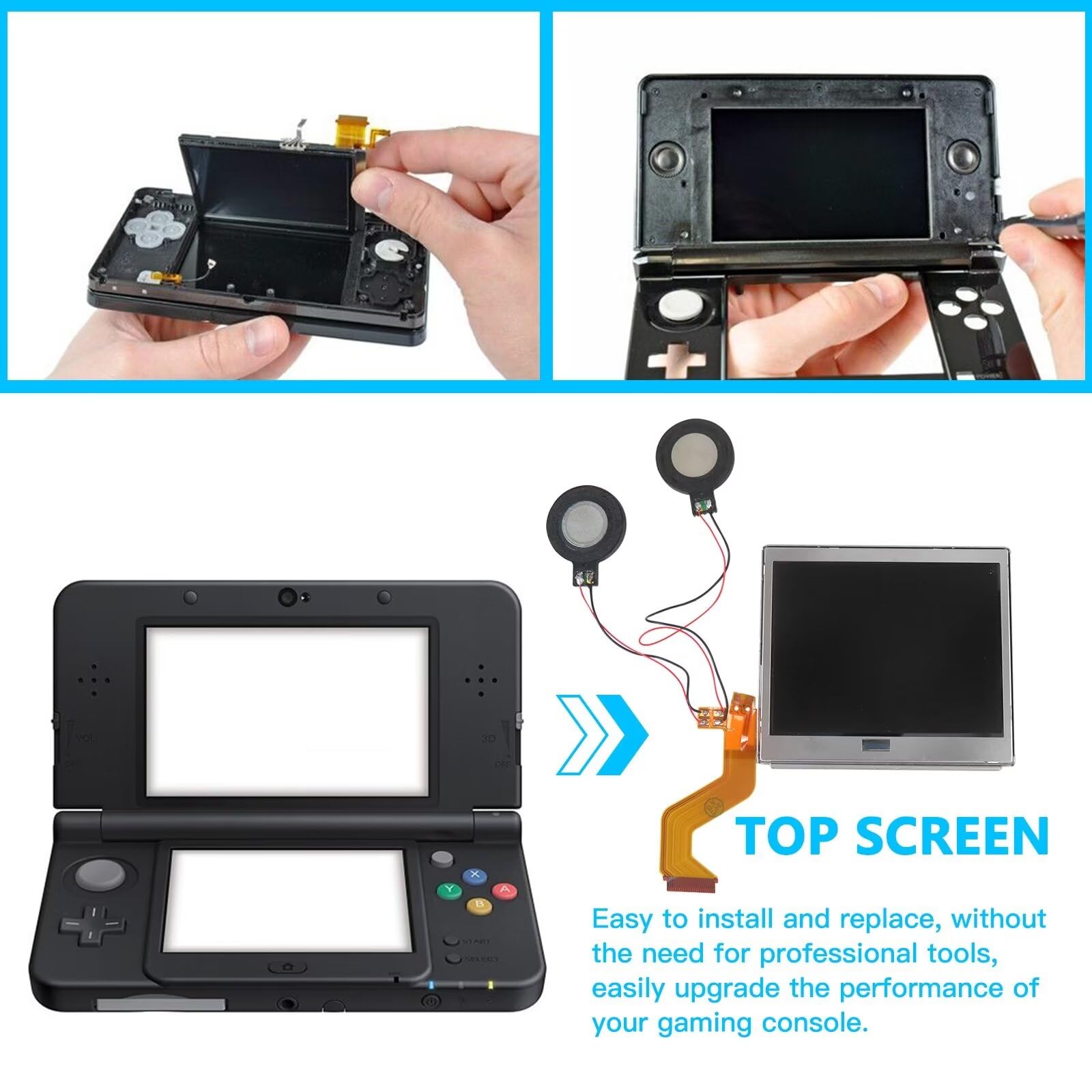
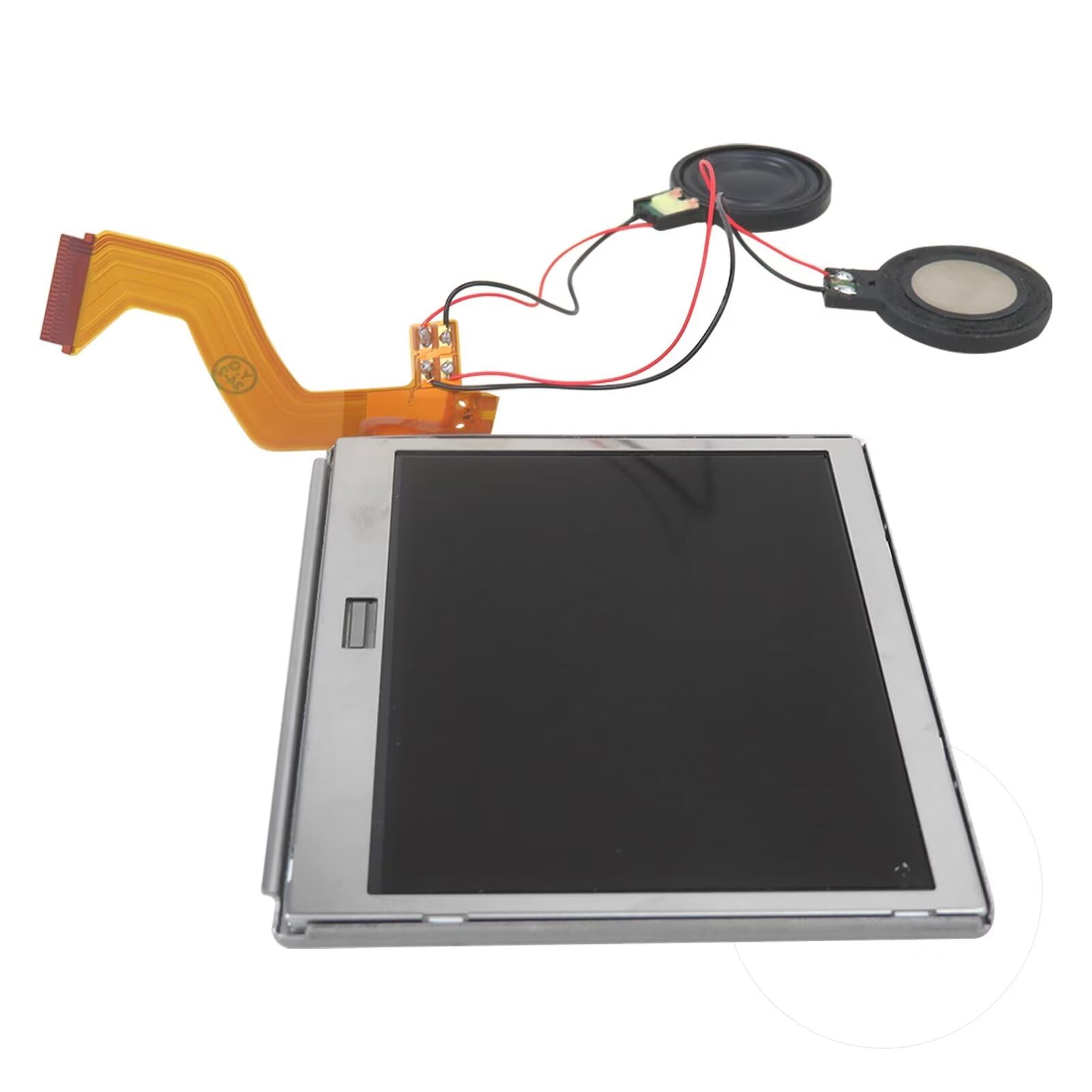
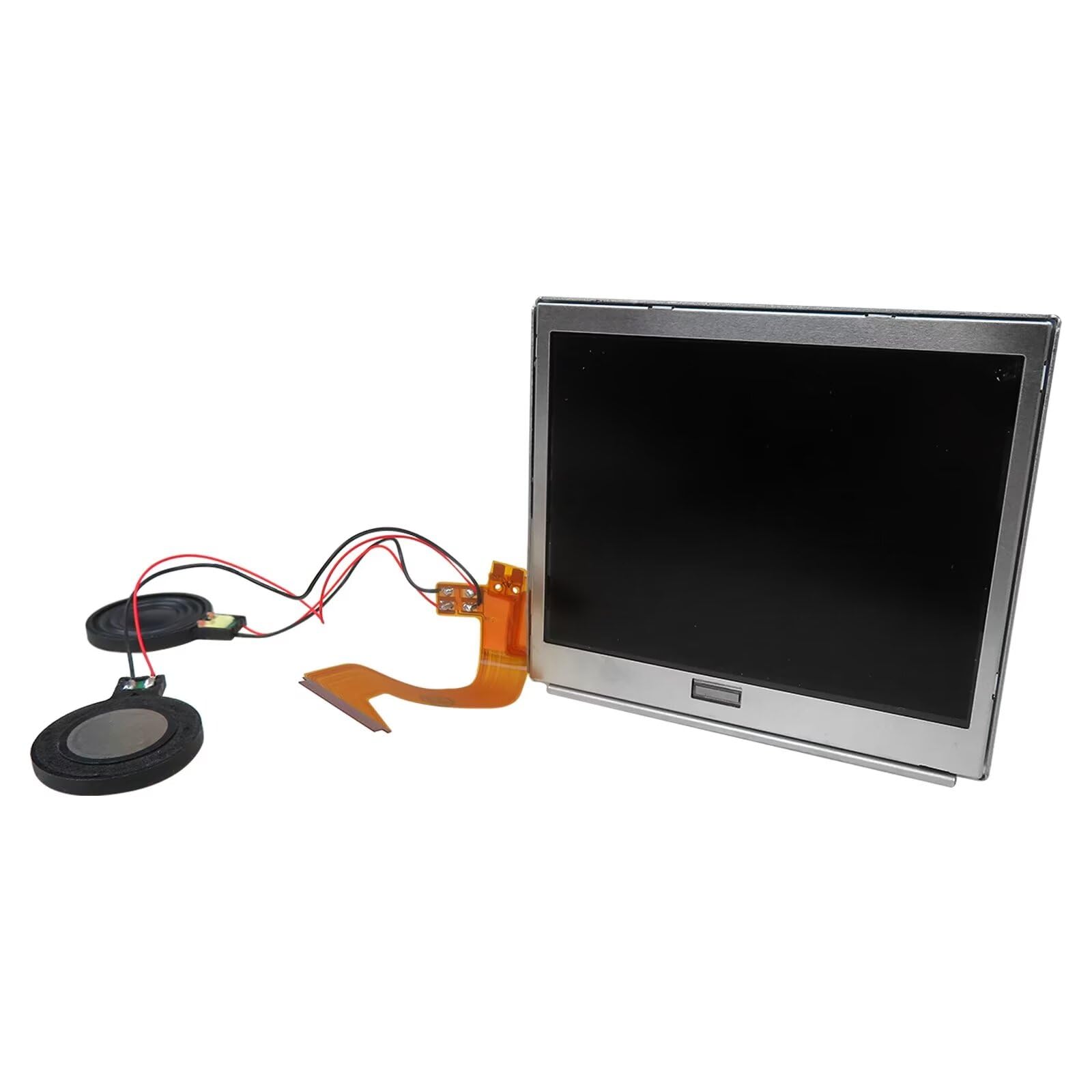
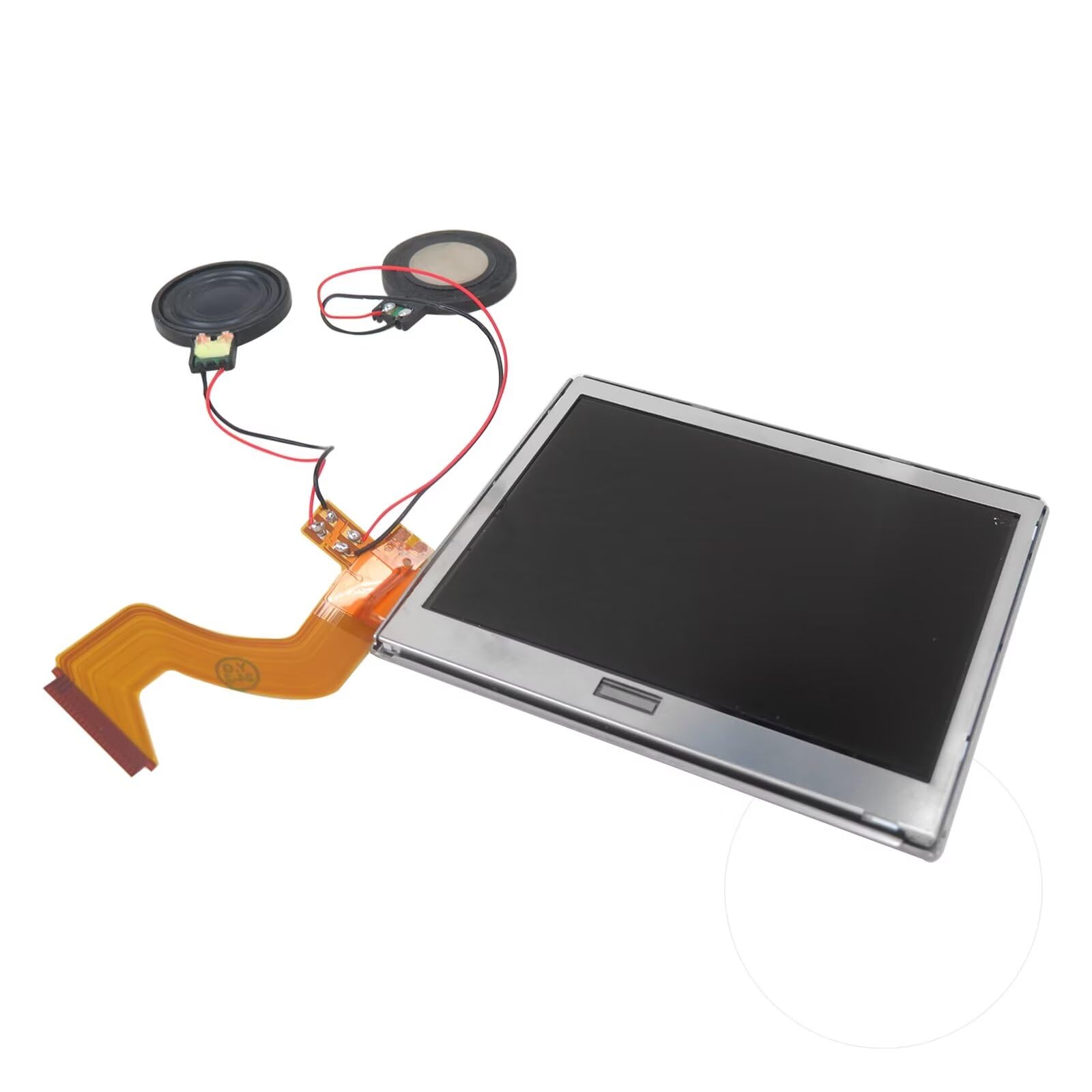
FITMENT: This is a replacement screen for Nintendo DS Lite that has the speakers already soldered. Each screen is tested immediately before shipping
How to Install: You'll need to transfer the colored bezel over from your old screen. Do this by pinching the adhesive on the bottom right corner of the screen and carefully pulling up; the bezel should come up with the adhesive in a single piece. Use the top shell piece as a guide for reassembly
Please be aware: the speaker wire connections are fragile, and if not handled gently, the speakers can rip off. !!!Defective returns are ONLY considered for screens that have not been installed. Please test the screen before installing. Non-working screens returned after install will not receive a refund due to the risk of damage while installing
To test the screen before Installing: plugin the top screen, bottom screen, and wifi card. Then, hold the battery to the terminals with the logo facing outward. The console will be able to power on. Be mindful to have the battery oriented correctly or it will destroy the fuse on the motherboard
AFTER-SALE SUPPORT: If you have any questions or concerns, please do not hesitate to contact us. We will do our best to provide you with a satisfactory shopping experience
Common Screen Issues: Touchscreen registers touch erratically (or not at all), and/or has dead zones: You'll need to align the digitizer with you bottom screen.Carefully drop the digitizer (sticky side up) into the housing. then your bottom screen on top. Console powers on, top screen flashes, then shuts off: I've applied the touch digitizer to the LCD and put some tape on the bottom of the screen to insulate it from your console's motherboard. This is an easy drop-in repair! bottom screen flashes,Speakers are blown or produce distorted audio: If there's no audio at all, you may have a bigger issue,but usually this is caused by debris being stuck in the head phone jack, or the ribbon cable to the top screen being ripped, which is easily fixed by replacing the screen. How to Install You'll need to transfer the colored bezel over from your old screen. Do this by pinching the adhesive on the bottom right corner of the screen and carefully pulling up; the bezel should come up with the adhesive in a single piece. Use the top shell piece as a guide for reassembly. NOTE!!! All screens are tested to be functional before shipping. Defective returns are only considered for screens that have not been installed. Please test the screen before installing. Non-working screens returned after install will not receive a refund due to the risk of damage while installing. To test the screen before installing, plugin the top screen, bottom screen, and wifi card. Then, hold the battery to the terminals with the logo facing outward. The console will be able to power on. Be mindful to have the battery oriented correctly or it will destroy the fuse on the motherboard. __________________________________________Shopping at the "name" - YTXXDEUS, be sure of the qua-lity and service.

Buy products not available in the Philippines.