Galleon 2026Download our mobile shopping application for faster and easy transaction.
Product ID:
1318857
Identifier:
B0FCDPBXFK
Brand:
Majosta
Model:
Shipping Weight:
2.7 lbs
Manufacturer:
Independently published
Shipping Dimension:
10.98 x 8.5 x 0.98 inches
₱3,311
+ ₱ 1,512
Shipping Cost from USA to Philippines inclusive of custom fees.
Cost too high? Check weight and dimension on product details and click "I think this is wrong?" link.
Get it between 2026-06-04 to 2026-06-11.
Additional 3 business days for provincial shipping.
- Price and Stocks may change without prior notice
- Packaging of actual item may differ from photo shown
Cash upon Pick-up - orders grand total must not exceed ₱5,000.00. Order will be pickup at Galleon's Office.
Cash on Delivery - orders grand total must not exceed of ₱10,000.00 and must not exceed ₱5,000.00 for provincial areas. See all payment methods
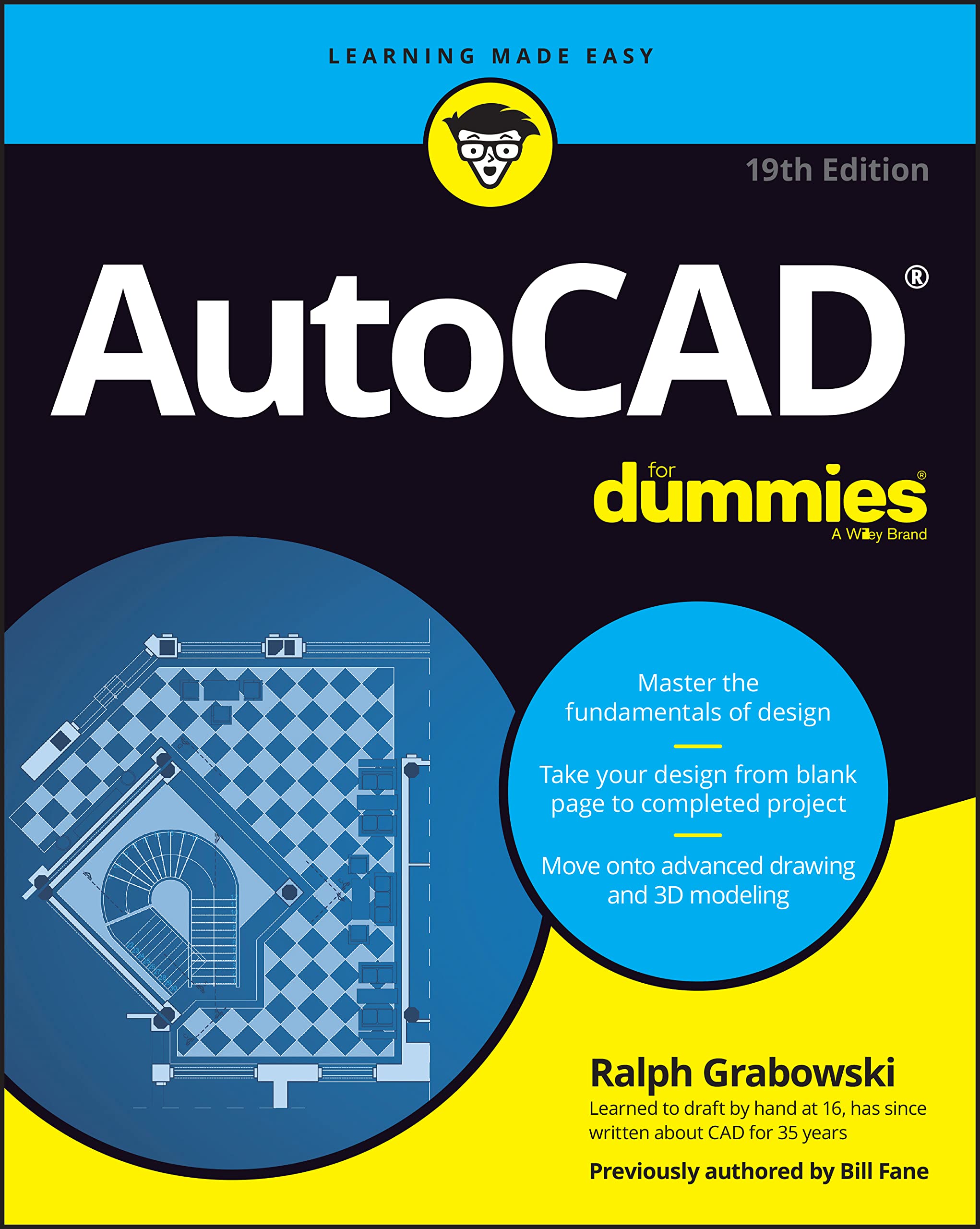
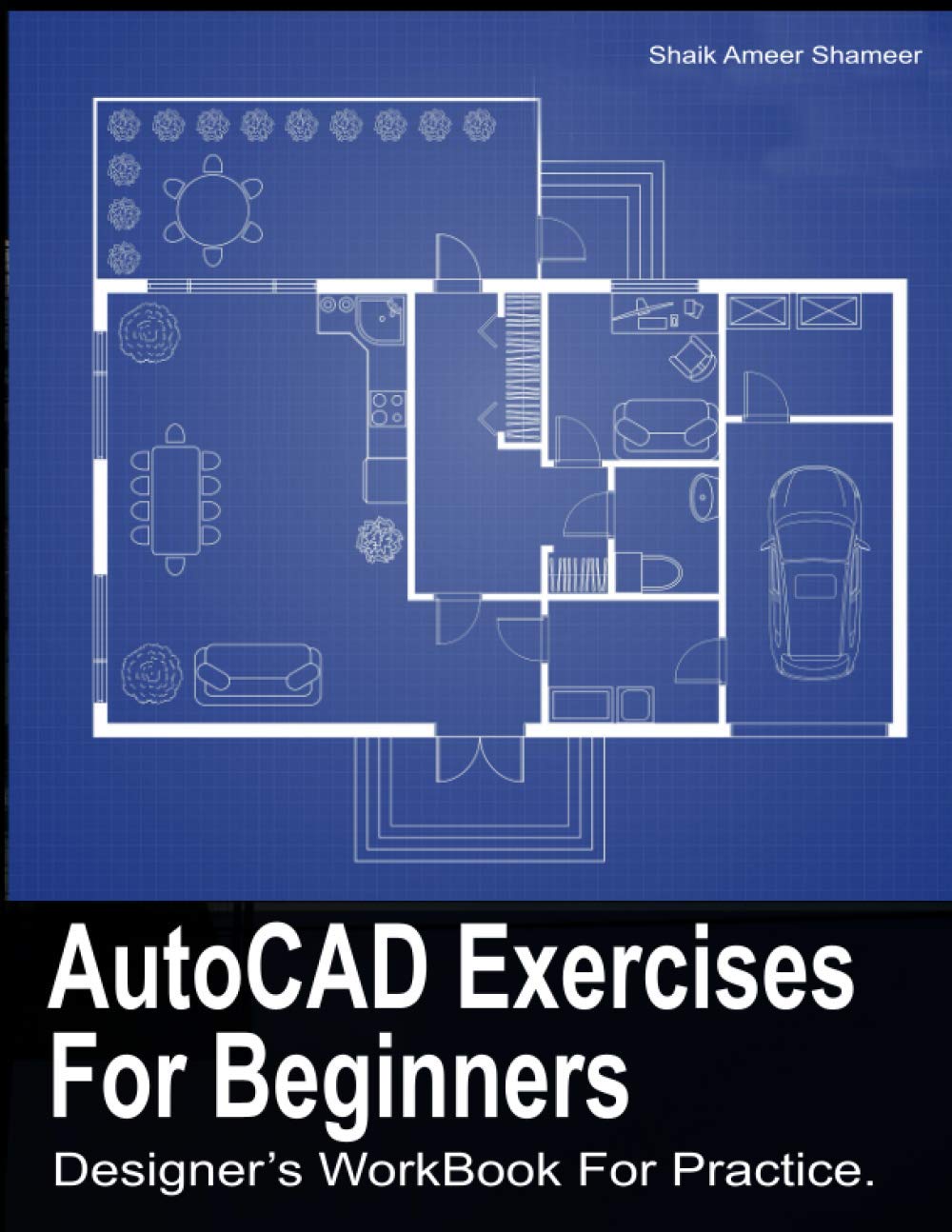
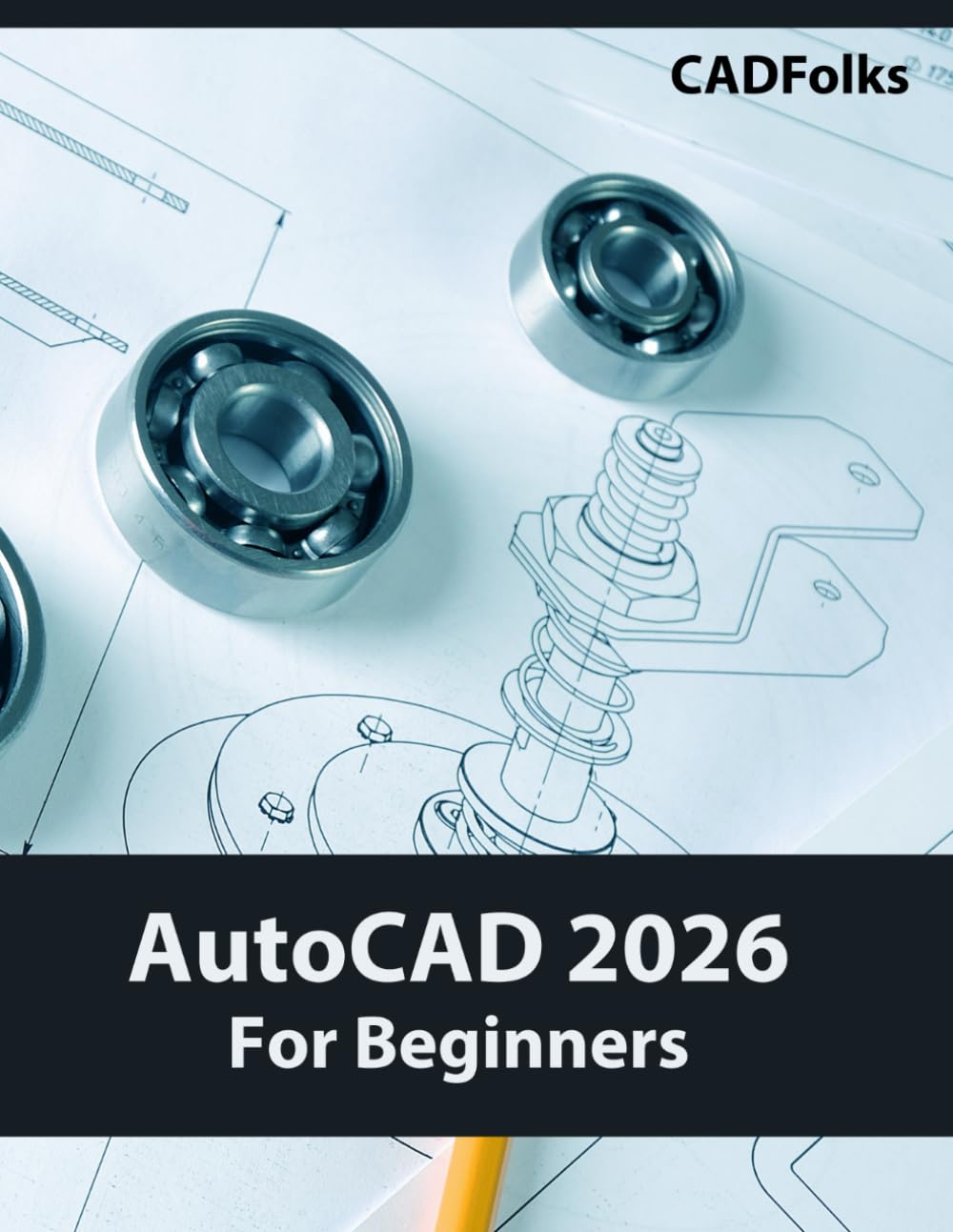
Learn AutoCAD 2026 fundamentals with this practical guide for students, hobbyists, and professionals new to CAD software. Why AutoCAD 2026 AutoCAD remains the industry standard across architecture, engineering, and manufacturing. This manual transforms beginners into confident users through project-based learning that mirrors workplace applications. Skills You'll Master Foundation: Navigate the interface, create geometric shapes, and complete technical drawings. Intermediate: Use editing tools, dimensioning, and annotations for multi-view mechanical drawings and floor plans. Advanced: Design staircases, roof structures, building layouts using blocks, templates, and parametric tools. Professional: Create 3D models, section views, prepare drawing sets for plotting. Learning Structure 14 progressive chapters with hands-on exercises and industry projects. Complete 25+ real-world drawings covering drawing templates, architectural elements, and professional presentation techniques. Target Audience Career changers seeking CAD certification, engineering and architecture students, professionals updating skills, and hobbyists designing personal projects. Method Step-by-step instructions, accompanied by visual examples, ensure success regardless of your background. Create portfolio-worthy work while building AutoCAD expertise for career advancement.

Buy products not available in the Philippines.