Galleon 2026Download our mobile shopping application for faster and easy transaction.
Product ID:
832076
Identifier:
B0CP894TXJ
Brand:
suckoo
Model:
ZN-B5ZV-UNL5
Shipping Weight:
0.04 lbs
Manufacturer:
suckoo
Shipping Dimension:
3.82 x 2.28 x 0.28 inches
₱1,219
₱973
+ ₱ 150
Shipping Cost from USA to Philippines inclusive of custom fees.
Cost too high? Check weight and dimension on product details and click "I think this is wrong?" link.
Get it between 2026-06-10 to 2026-06-17.
Additional 3 business days for provincial shipping.
- Price and Stocks may change without prior notice
- Packaging of actual item may differ from photo shown
Cash upon Pick-up - orders grand total must not exceed ₱5,000.00. Order will be pickup at Galleon's Office.
Cash on Delivery - orders grand total must not exceed of ₱10,000.00 and must not exceed ₱5,000.00 for provincial areas. See all payment methods
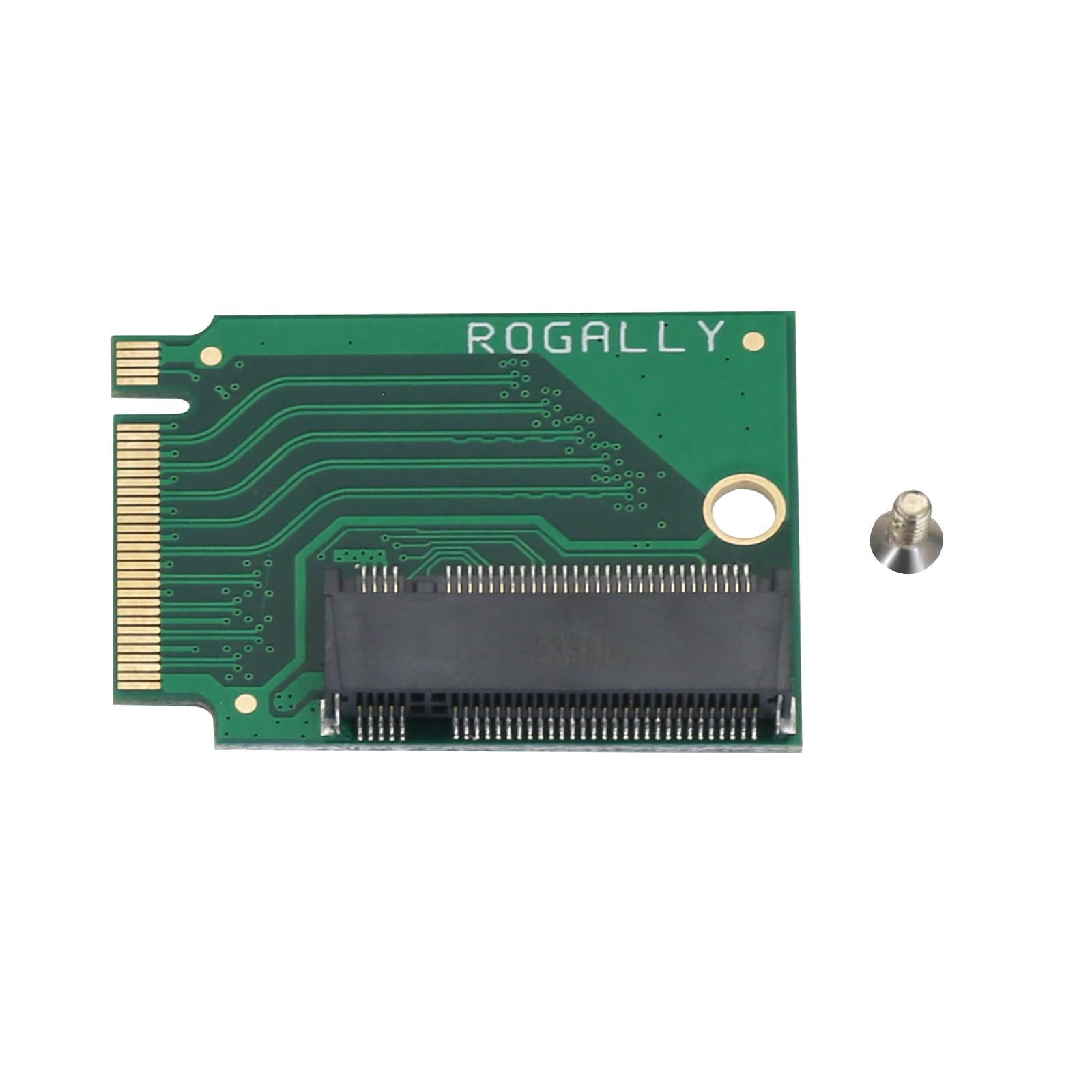
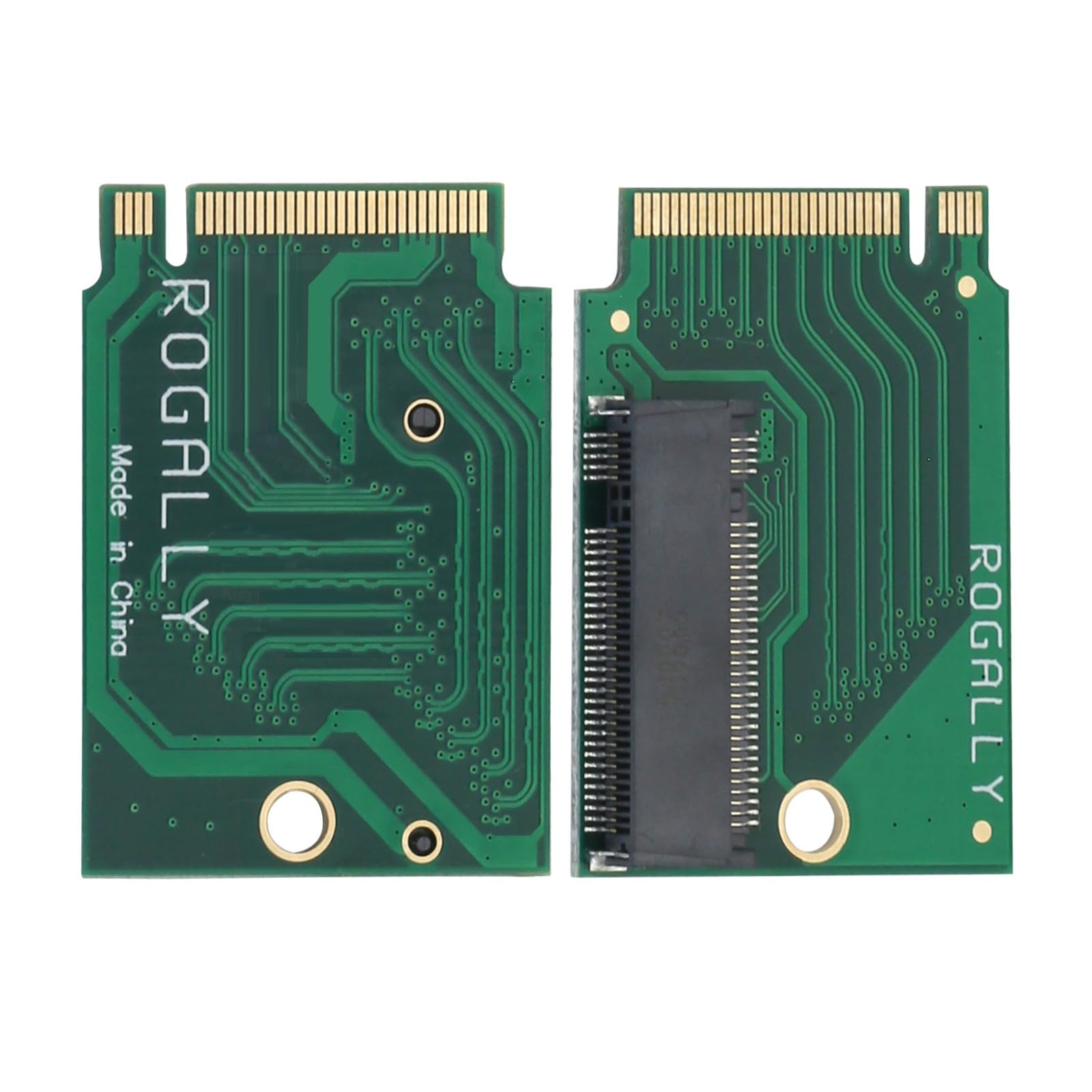
Brands Suckoo for ROG ALLY Smart Handheld 2230 to 2280 SSD Hard Drive Expansion Board NVME M-Key NGFF M.2 PCIE 4.0 3.0 Goldfinger High Capacity Adapter 90 Degree Upgrade Converter Expansion Board Green
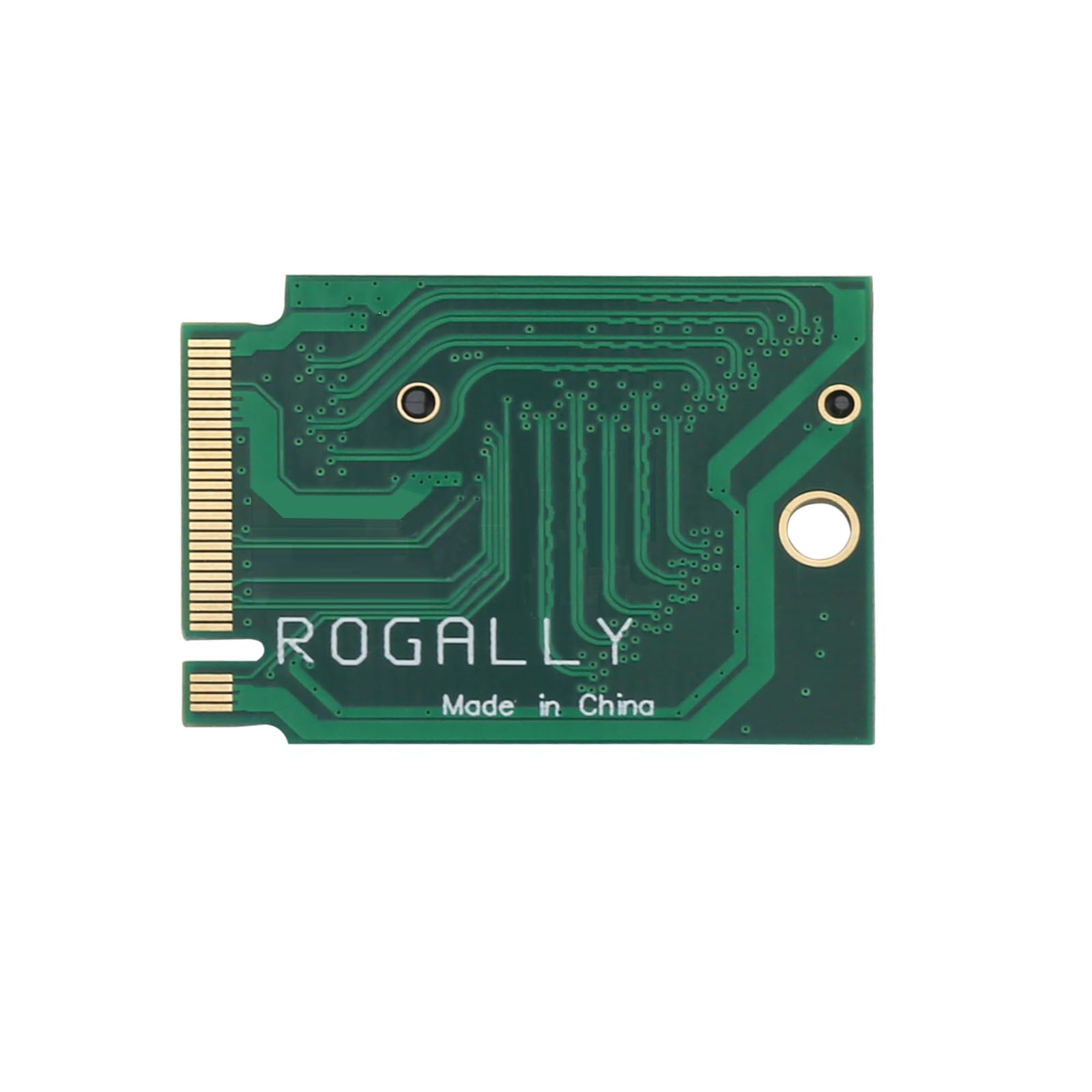
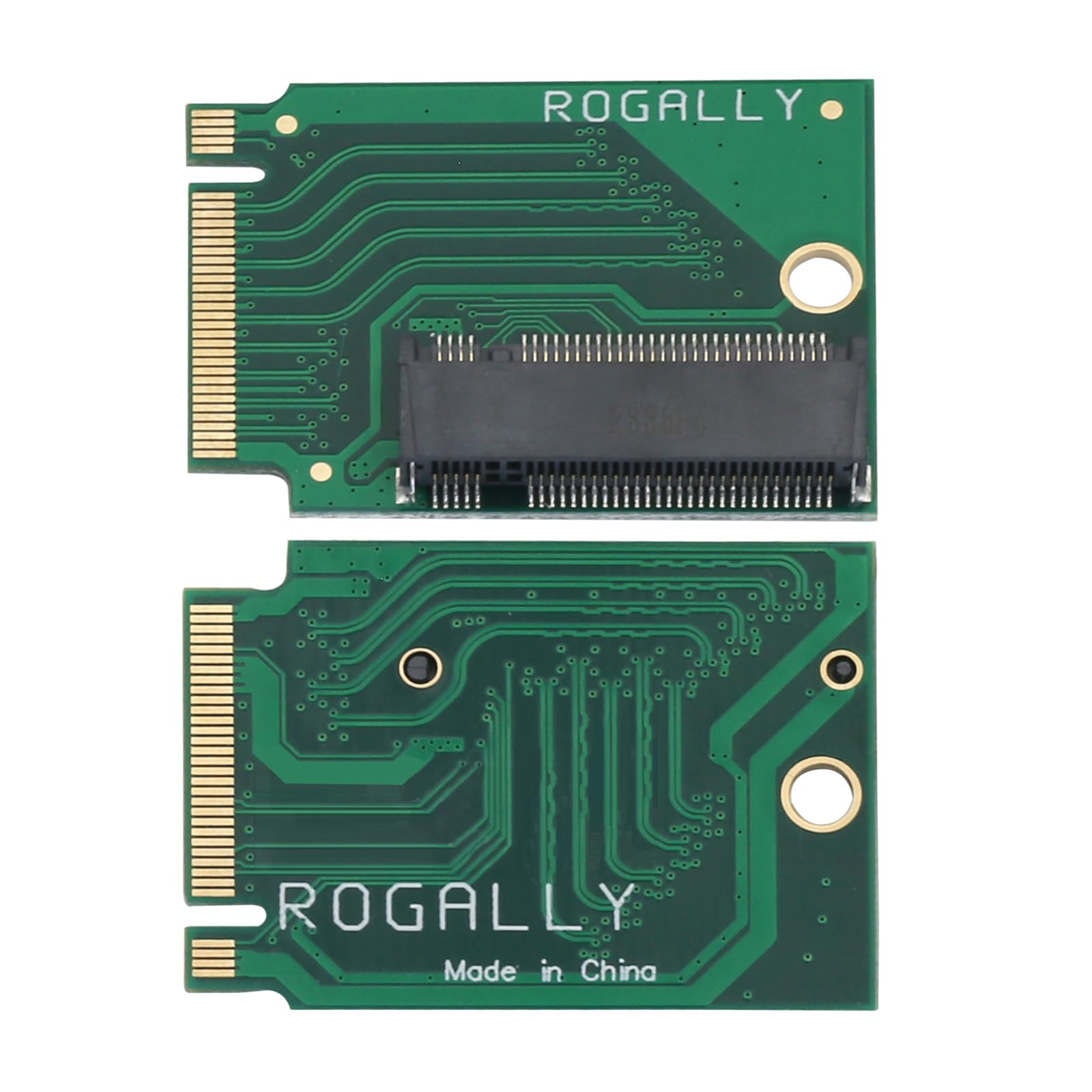
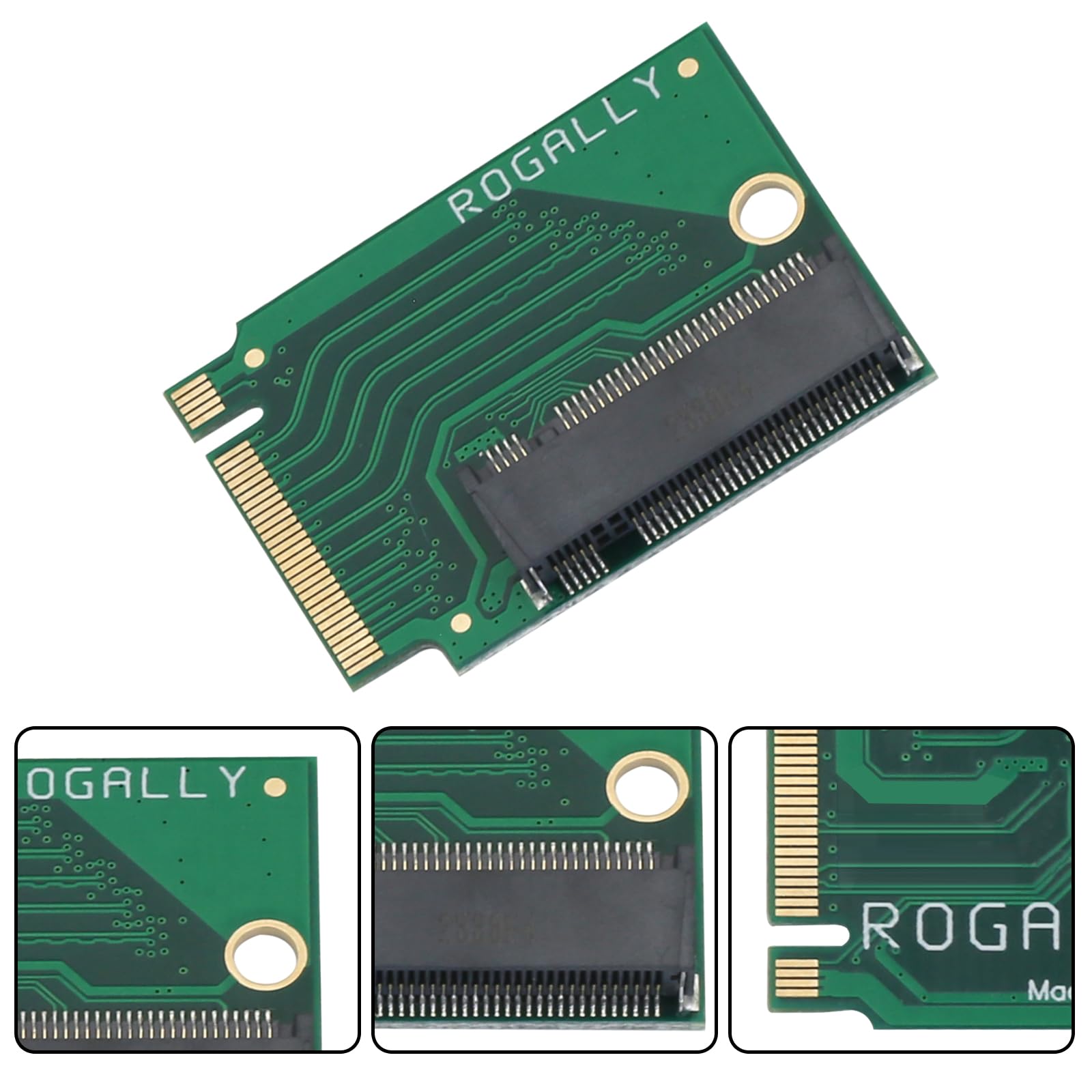
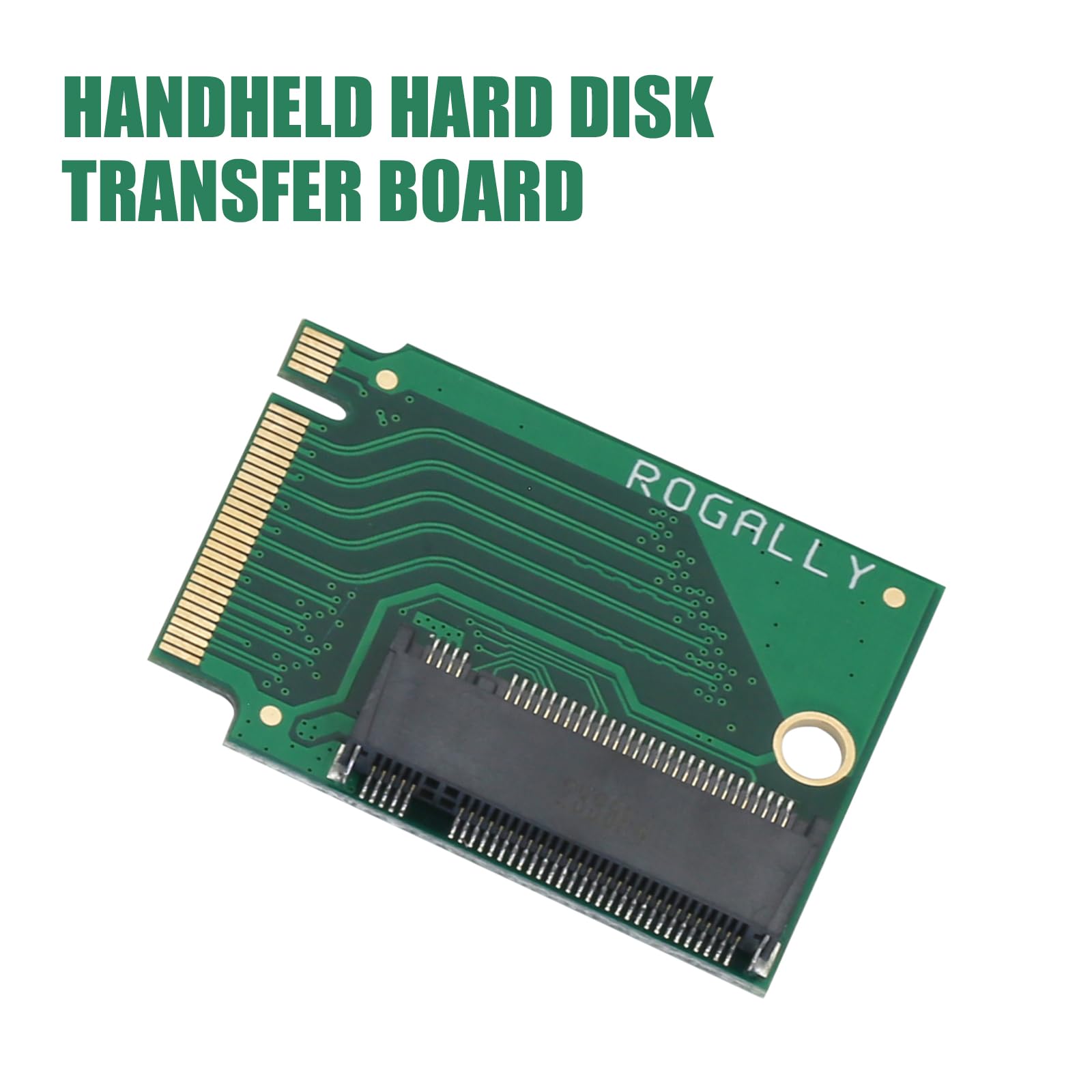
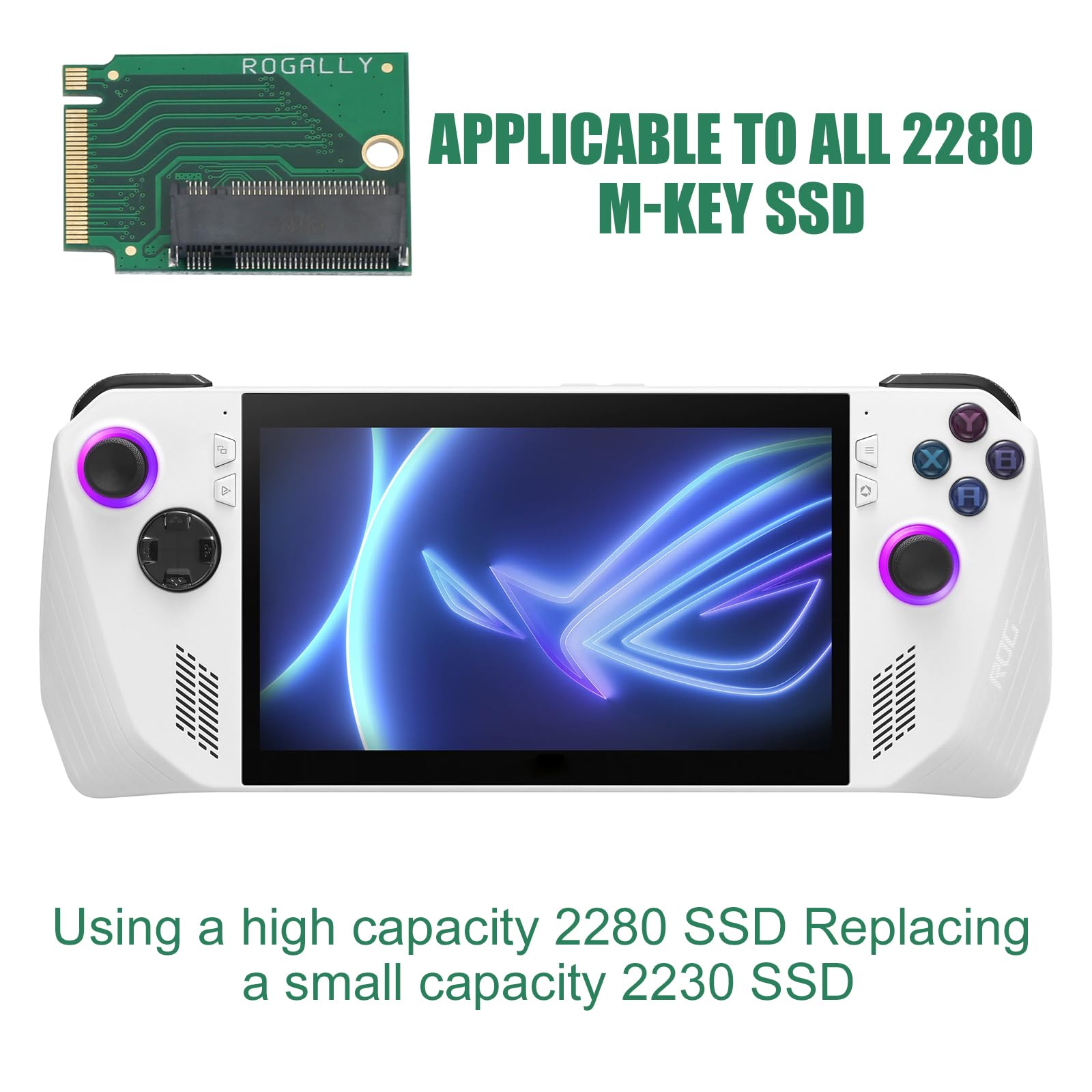
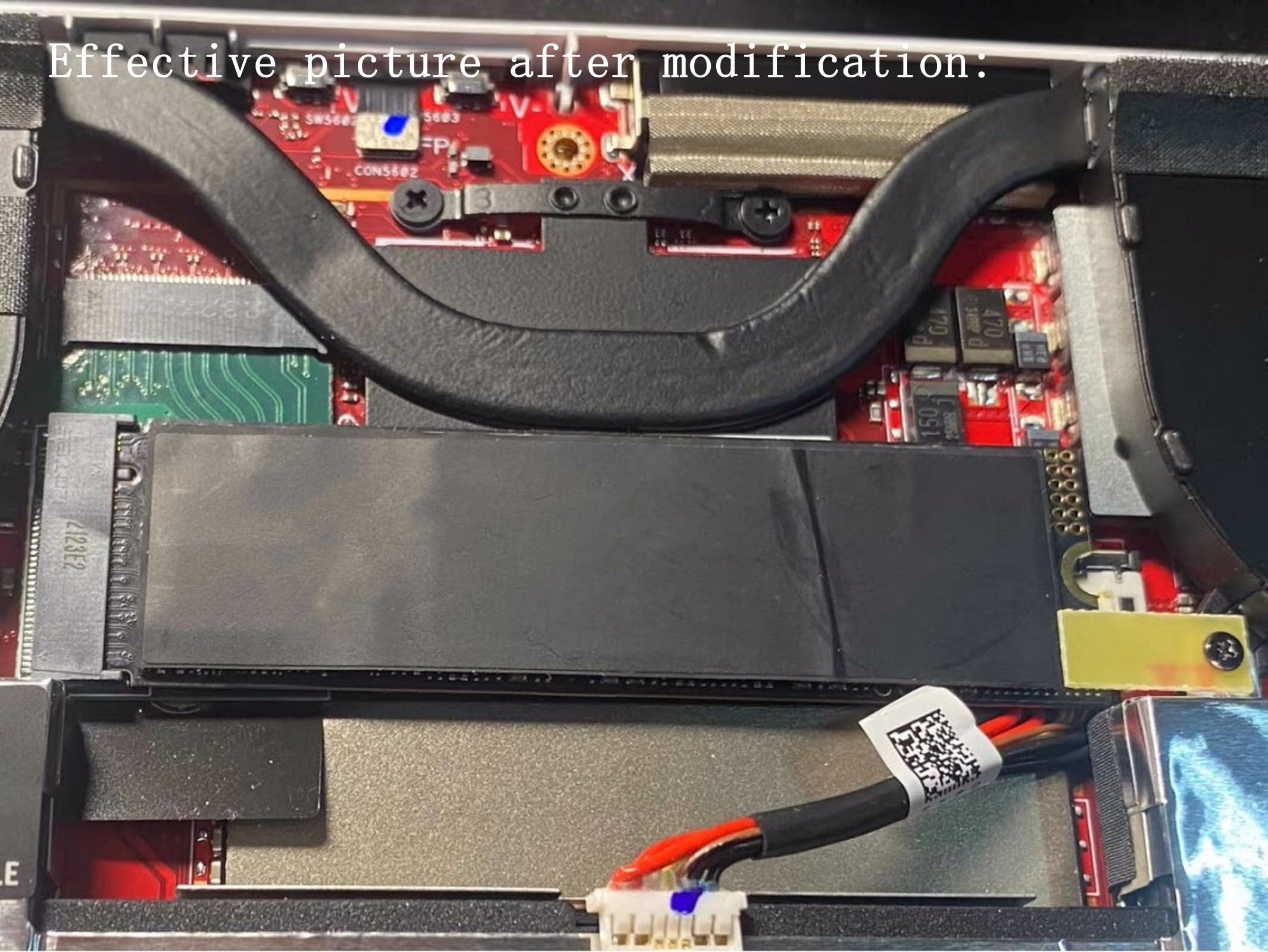
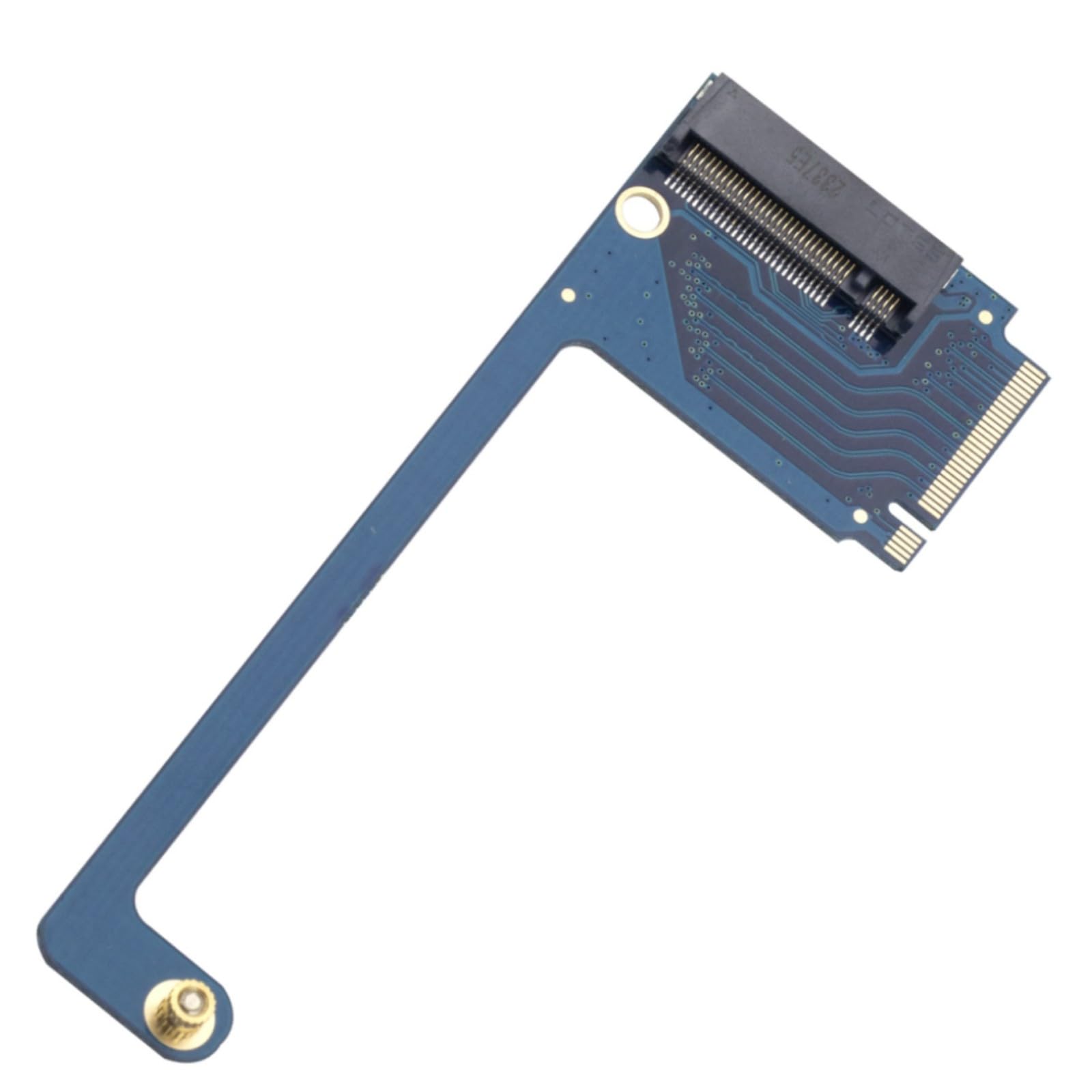
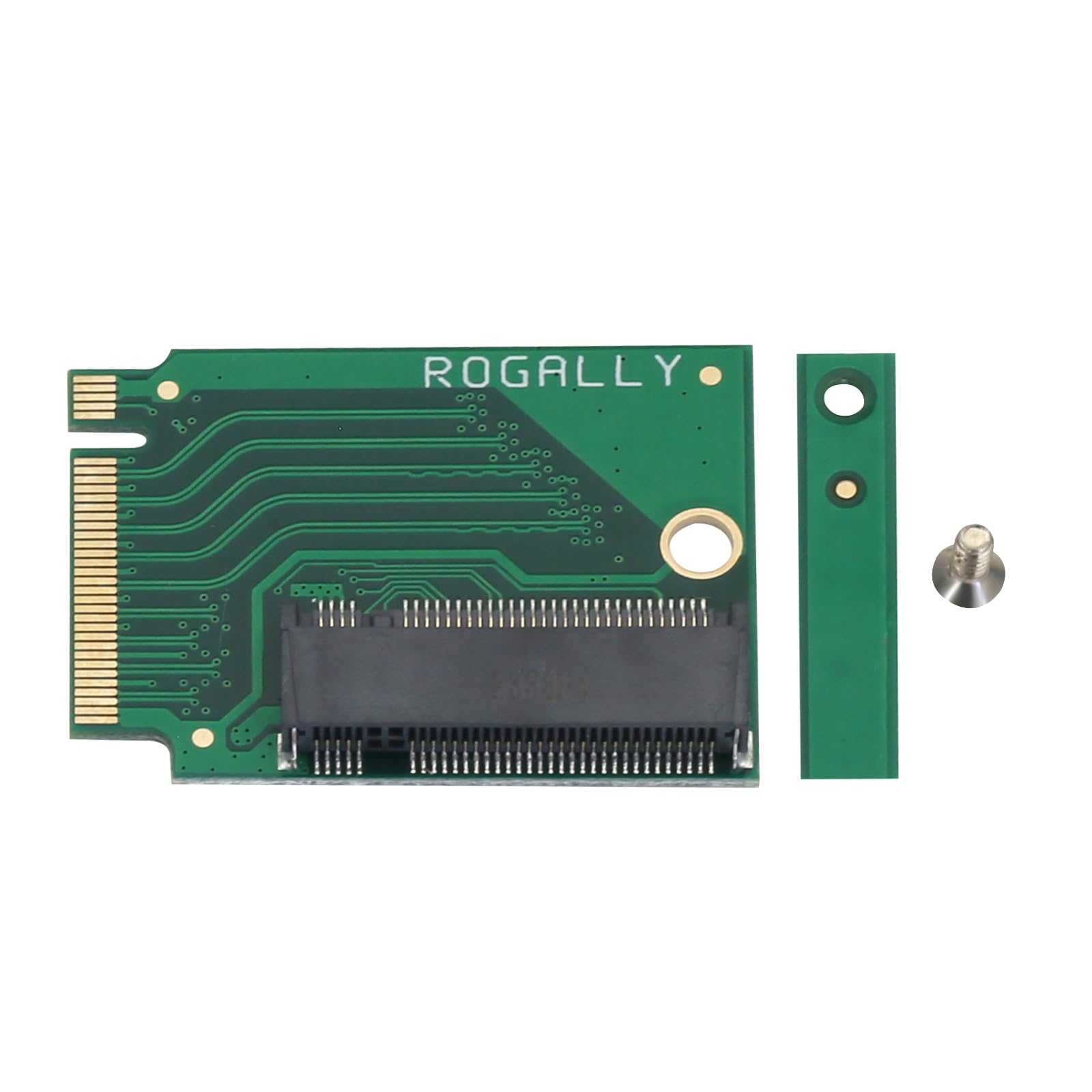
This is an expansion board for the ROG ALLY Smart Pocket PC to upgrade a 2230 size M.2 SSD drive to a 2280 size NVME M-Key 5Pin M.2 PCIE 4.0 3.0 SSD drive. The expansion board features a 90 degree green design that better fits the body of the ROG ALLY Smart Pocket PC, while providing higher transfer speeds and larger storage capacity to meet users' needs for high speed, high capacity storage.
The expansion board also utilizes high-quality 4 layer resistive board material and manufacturing process, which can provide stable and reliable performance and bring users a better using experience. Color: Green 90 degree short board,Product Size: 3.3x2.4x0.4 cm,Accessories: 1pc of this product + 1pc of small spacer + 1pc of screw.
It should be noted that the use of this expansion board requires a certain degree of technical and operational skills, and it is recommended that it be installed and used under the guidance of professionals.
1, first of all, replace the 2280 SSD hard disk to the gold finger adapter board, ready for the operation of cloning the system. 2, boot into the system, connect the hard disk, and open DiskGenius, use the "System Migration" function to clone the system disk of the original hard disk to the new hard disk.
Brands Suckoo for ROG ALLY Smart Handheld 2230 to 2280 SSD Hard Drive Expansion Board NVME M-Key NGFF M.2 PCIE 4.0 3.0 Goldfinger High Capacity Adapter 90 Degree Upgrade Converter Expansion Board Green This is an expansion board for the ROG ALLY Smart Pocket PC to upgrade a 2230 size M.2 SSD drive to a 2280 size NVME M-Key 5Pin M.2 PCIE 4.0 3.0 SSD drive. The expansion board features a 90 degree green design that better fits the body of the ROG ALLY Smart Pocket PC, while providing higher transfer speeds and larger storage capacity to meet users' needs for high speed, high capacity storage. The expansion board also utilizes high-quality 4 layer resistive board material and manufacturing process, which can provide stable and reliable performance and bring users a better using experience. Color: Green 90 degree short board,Product Size: 3.3x2.4x0.4 cm,Accessories: 1pc of this product + 1pc of small spacer + 1pc of screw. It should be noted that the use of this expansion board requires a certain degree of technical and operational skills, and it is recommended that it be installed and used under the guidance of professionals. 1, first of all, replace the 2280 SSD hard disk to the gold finger adapter board, ready for the operation of cloning the system. 2, boot into the system, connect the hard disk, and open DiskGenius, use the "System Migration" function to clone the system disk of the original hard disk to the new hard disk.

Buy products not available in the Philippines.